Zed editor v0.233.5 brings parallel agents and a major layout shift
Zed editor v0.233.5 arrives with a heavy focus on agentic workflows, introducing parallel agent execution and a complete overhaul of the default interface layout. The update also ships Claude Opus 4.7 support, scroll wheel font scaling, and a few practical editor toggles that developers have been waiting for. Users who stick with complex multi-repo setups will notice the most significant changes, while the interface adjustments demand a quick adjustment period before things feel comfortable again.
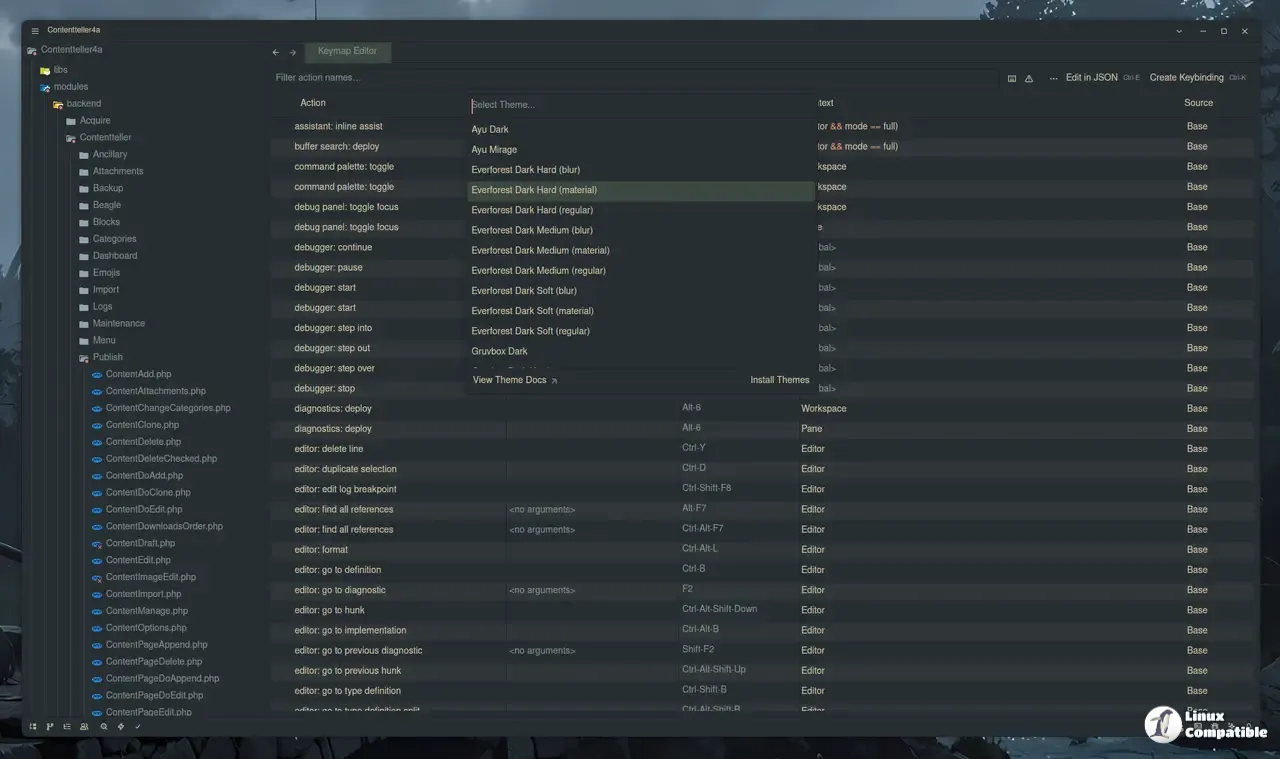
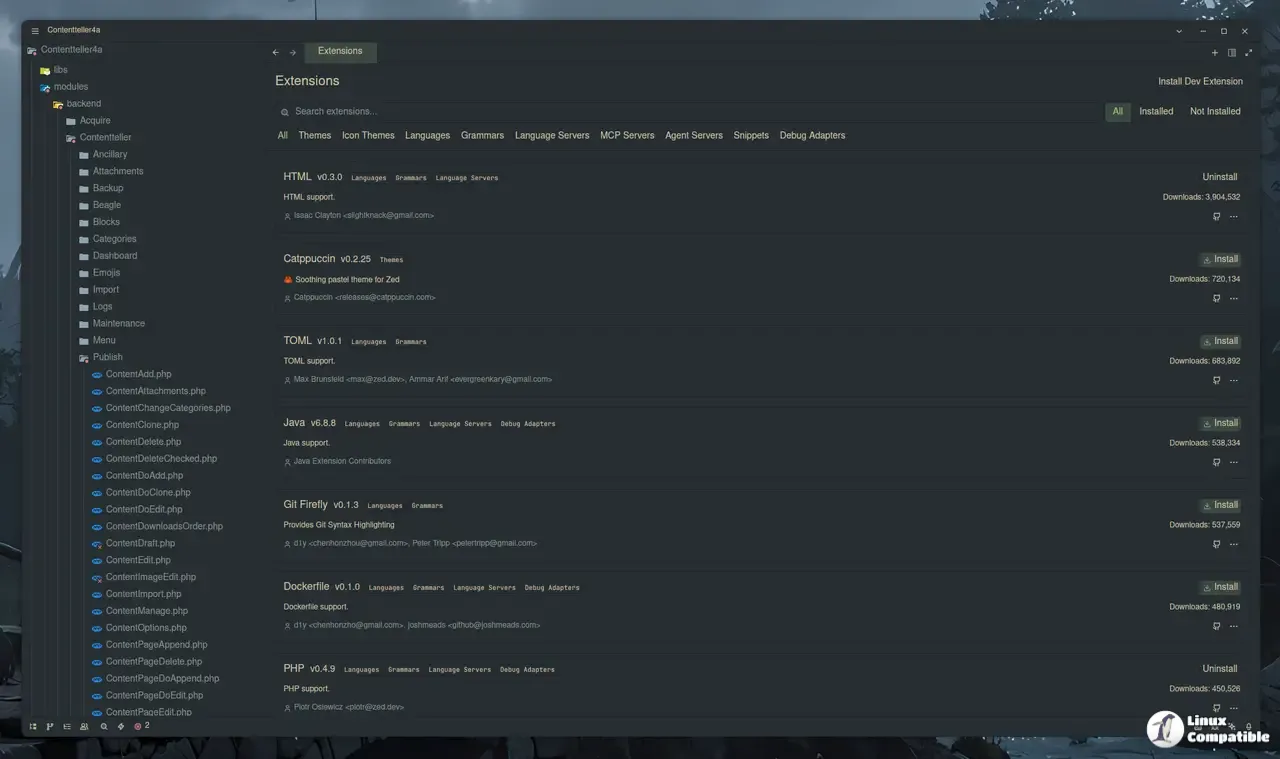
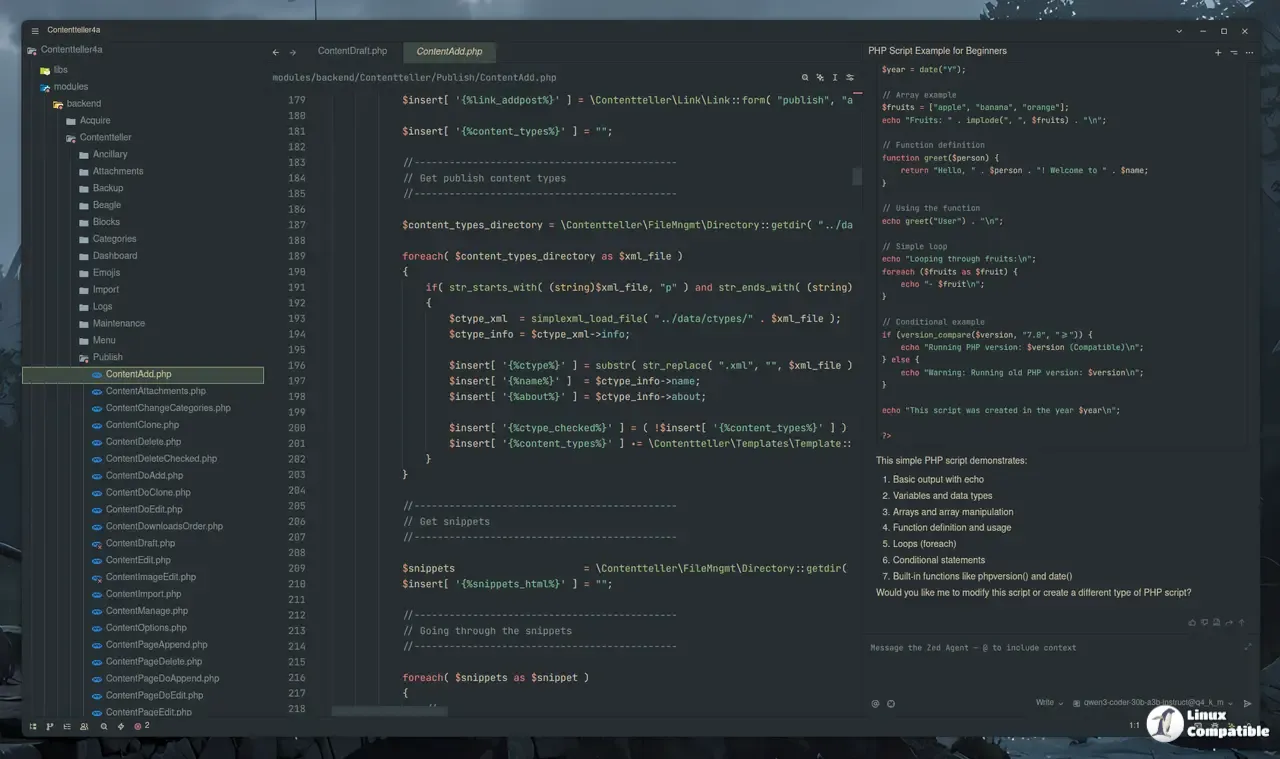
Zed editor v0.233.5 parallel agents and the Threads Sidebar
The headline feature revolves around running multiple AI agents simultaneously within a single window. A new Threads Sidebar groups these active sessions by project, giving users a clear overview of what each agent is working on and exactly which folders they are allowed to touch. Watching multi-agent workflows turn into a tangled mess of overlapping tabs and forgotten context is common until this sidebar arrives. The sidebar keeps those threads isolated yet accessible, allowing developers to pause, archive, or restart specific sessions without losing track of the work. Multi-agent orchestration is not a new concept in the broader software world, but Zed handles it by keeping the interface tightly coupled with the active coding window. The editor maintains its usual rendering performance even when dozens of threads are churning in the background, which prevents the typical lag that plagues heavier IDEs trying to do the same thing.
Default layout changes and panel docking
The interface has been reorganized to put the new Threads Sidebar and Agent Panel on the left side by default. The Project Panel and Git Panel have moved to the right, creating a workflow that keeps agent interactions front and center while code remains the primary focus. Longtime users will notice this shift immediately, and the old layout is available as an opt-in choice for those who need time to adjust. Docking positions can be changed directly from the bottom bar or through the settings editor, so the new arrangement is not permanent for everyone. The redesign makes sense for anyone who spends hours managing AI threads, but developers who rarely use the agent features might find the extra panel taking up valuable horizontal space. Right-clicking any panel icon allows quick repositioning, which softens the blow of the forced layout change.
Editor tweaks, model support, and breaking changes
Beyond the agentic overhaul, the release adds practical quality-of-life improvements that address long-standing requests. Claude Opus 4.7 is now available for bring-your-own-key setups, and users can toggle block comments directly from the keyboard without hunting through menus. Scroll wheel font zooming is disabled by default but can be enabled through the settings editor for those who prefer mouse-driven scaling. Markdown Preview gains anchor links for headings and proper footnote support, which helps writers and documentation maintainers avoid broken internal links. The CLI also receives a first-run prompt that asks whether to open paths in an existing window or a new one, with the choice saved to settings for future sessions. On the breaking changes side, the Fix with Assistant code action for diagnostics has been removed entirely. The inline assistant remains available through its dedicated action, but developers relying on the old diagnostic popup will need to adjust their workflow immediately. A handful of agent panel bugs regarding Ollama context length, Anthropic thinking modes, and session state have also been patched to prevent confusing error messages during active coding sessions.
Release Zed v0.233.5
Today, we are excited to announce parallel agents in Zed. Read the blog post for more information. This week's release also includes Claude Opus 4.7 support (for BYOK), an editor: toggle block comm...
The update pushes Zed further into the agentic editor space while quietly fixing the rough edges that usually show up after heavy feature additions. Users can grab the release through the built-in updater or the official download page.


