Fedora 44 RC-1.7 testing is live and here is how to help catch bugs before release
Another Fedora Linux 44 release candidate has been released today. Fedora 44 RC-1.7 testing is now open for anyone willing to stress test the candidate build before it goes stable. The release team needs volunteers to run validation checks across desktop, server, cloud, and security lab environments. Getting involved now means catching regressions while they are still easy to fix rather than hunting them down after the final release.
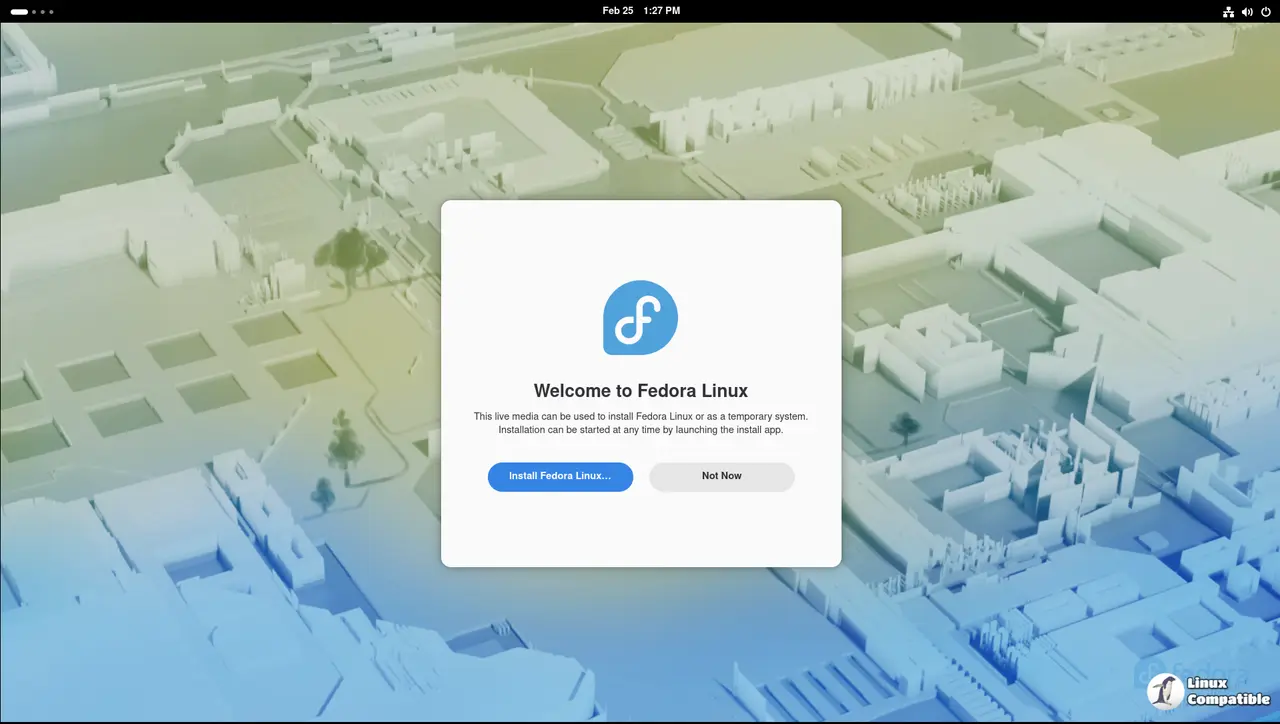
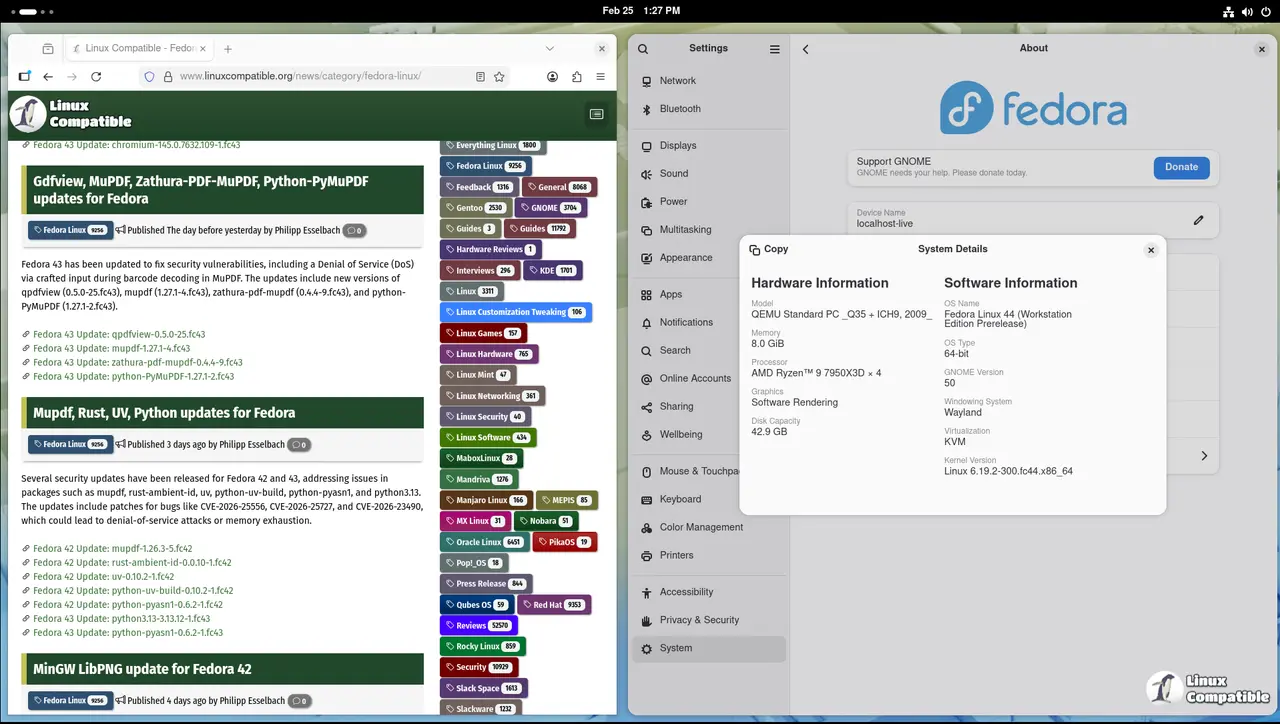
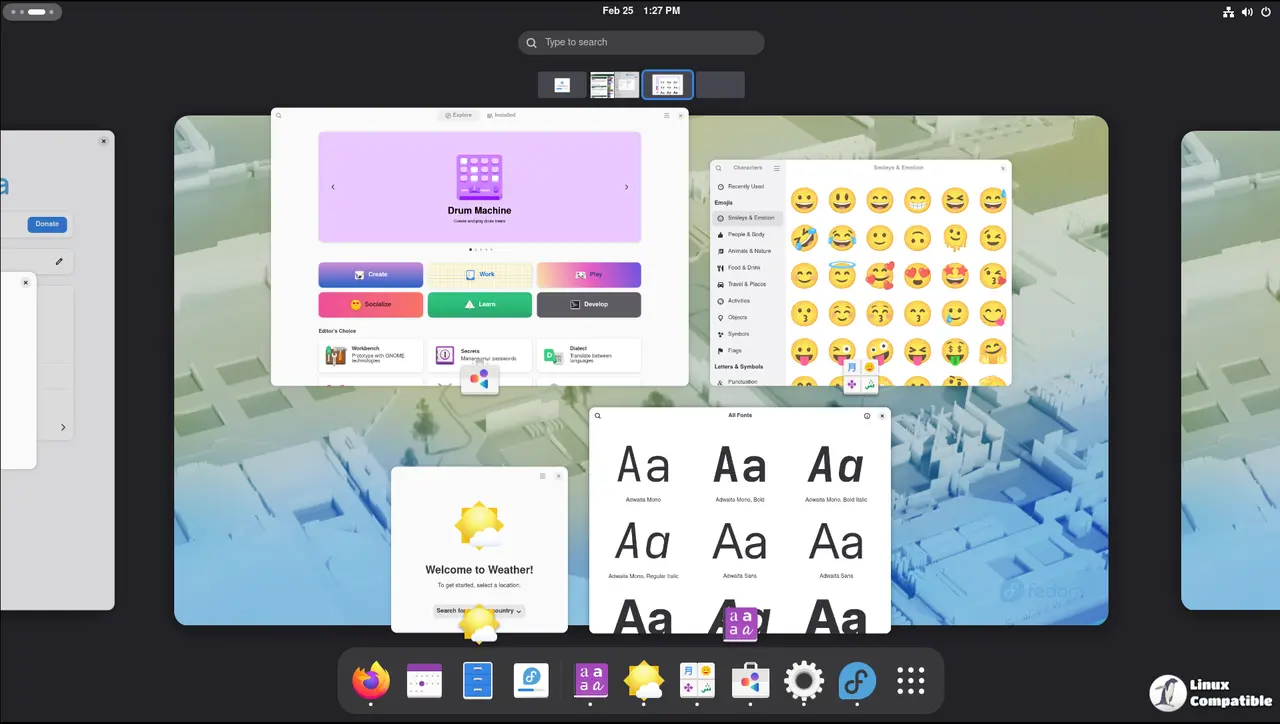
Fedora 44 RC-1.7 testing requirements and where to start
The Fedora quality team has laid out a strict set of criteria that every candidate must pass. Developers and testers must verify installation flows, base system stability, server workloads, cloud images, desktop environments, and security lab configurations. Each environment carries its own set of blocker test cases that must pass without failure. The official test coverage dashboard tracks progress in real time and shows exactly where the build is falling short. Users who download the images should focus on the desktop and base system pages first since those areas see the most daily usage and tend to expose hardware compatibility issues quickly. Fedora builds often break on obscure hardware because developers test on reference machines that do not match real world desks.
How to run the validation tests properly
Downloading the candidate ISO is only the starting point. Testers should boot the image in a clean virtual machine or on bare metal hardware that matches typical user setups. Running the full validation plan means checking package managers, network stacks, desktop sessions, and storage drivers rather than just verifying that the system boots. Testers should verify system integrity by running sudo dnf update --refresh and monitoring the transaction log for dependency conflicts. This step matters because Fedora 44 shifts package repositories and metadata formats, and a silent rollback during boot often points to a broken rpmdb or missing kernel module. Checking journalctl -b -1 | grep -i error after a reboot also reveals hardware initialization failures that the graphical installer silently ignores. Automated test runners are great until they miss a thermal throttle event that bricks a workstation during a kernel upgrade. Users should report results directly on the Fedora wiki summary pages and attach logs whenever a test case fails. Skipping these terminal checks defeats the purpose of a release candidate and just pushes bugs into the hands of early adopters.
Where to find support and blocker bug updates
The Fedora quality channels host active discussions about current blocker bugs and freeze exceptions. Testers can jump into the quality chat on Matrix or browse the Discourse forum for context on specific test failures. The blocker bug tracker lists every known issue that could derail the release timeline and shows exactly which test cases it impacts. Developers working on freeze exceptions provide updates directly in the tracker so testers know which fixes are already merged and which still need validation. Following the test mailing list keeps users informed about schedule changes and last minute build updates.
Grab a fresh ISO and start testing. The release team appreciates the extra eyes and the extra coffee.


