PixiEditor 2.1.0.22 brings brush opacity and canvas fixes to the free 2D editor
PixiEditor 2.1.0.22 lands today with a handful of practical tweaks that actually improve the daily workflow for sprite artists and casual image editors. The update focuses on brush control, canvas handling, and clipboard behavior rather than overhauling the entire interface. Users who have wrestled with oversized pastes or inconsistent snapping will find the new fixes worth the download.
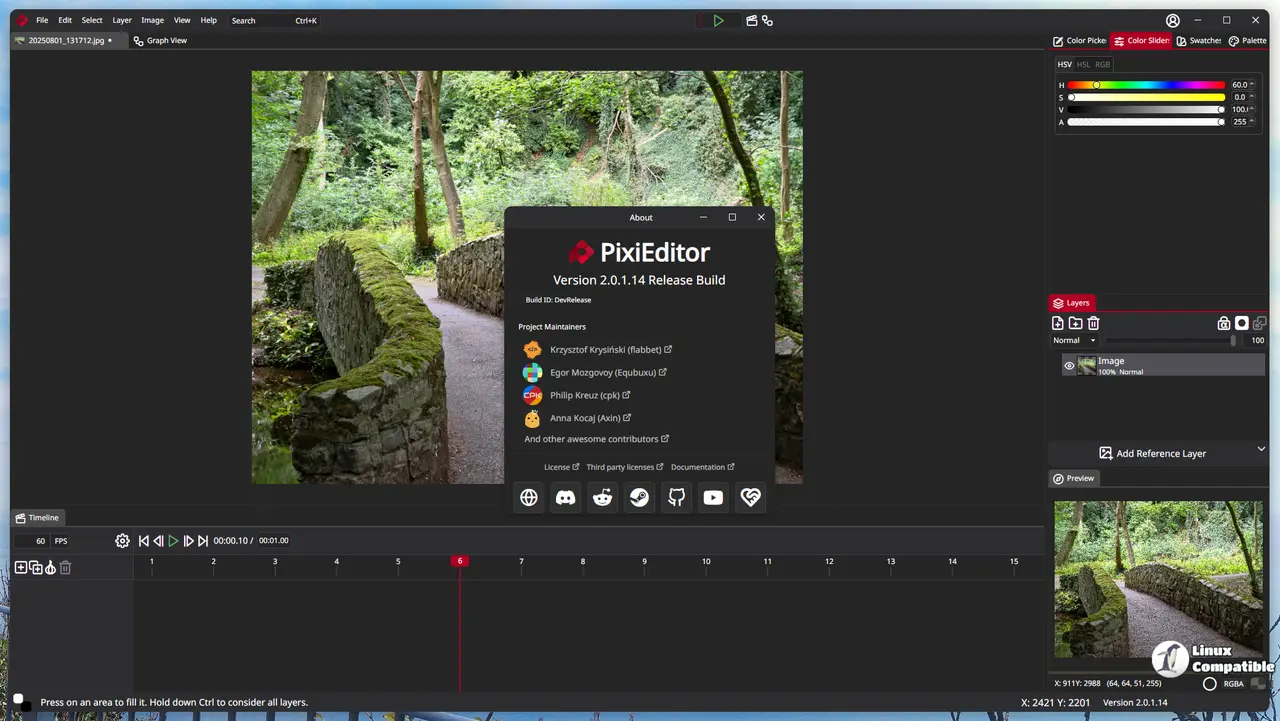
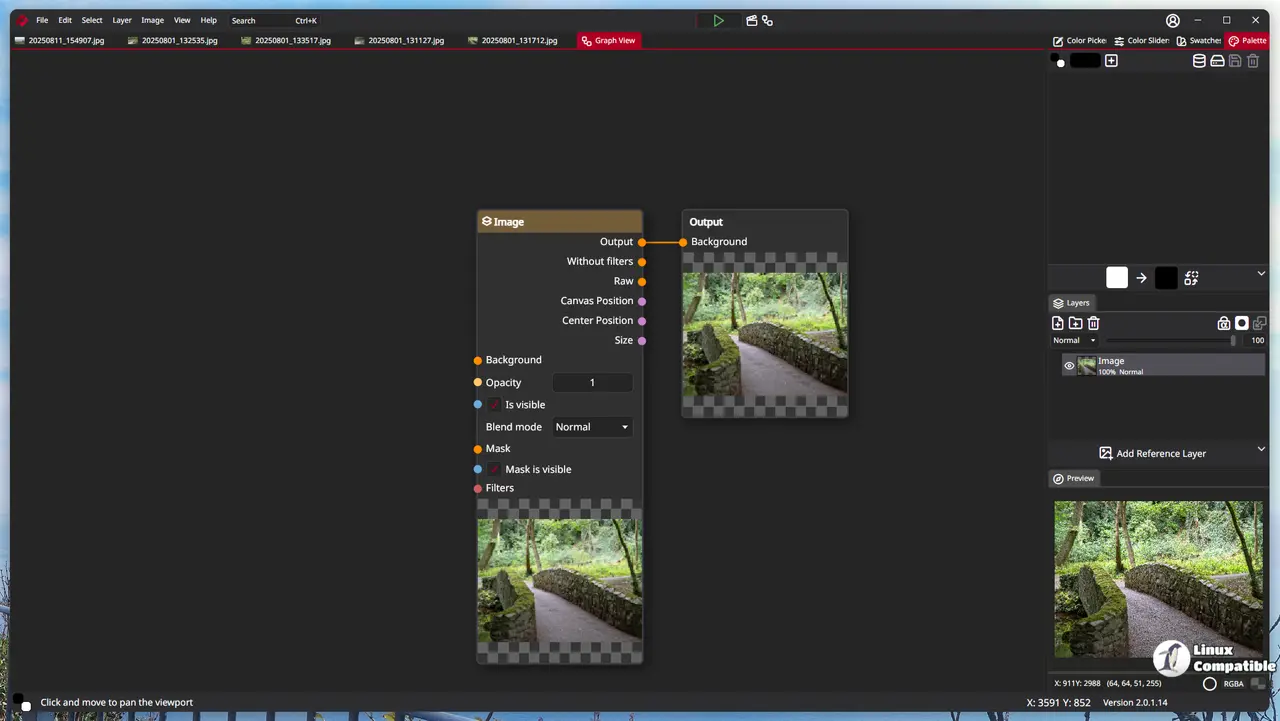
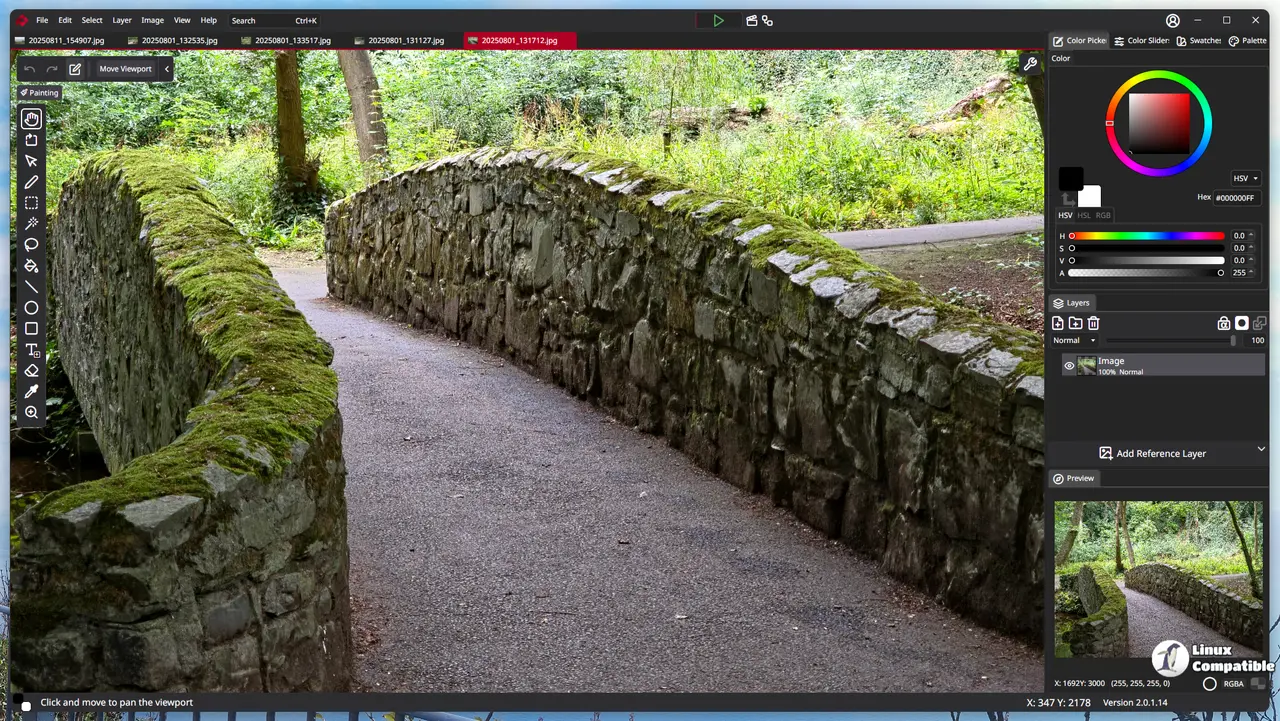
PixiEditor 2.1.0.22 targets brush and canvas friction
The basic brush finally supports opacity adjustments in this release. Years of 2D editors have made transparency control a standard expectation, so it is refreshing to see the project catch up on a feature that should have shipped years ago. The improved brush engine also runs smoother under the hood, which means fewer stuttering strokes when working on pixel art or clean vector lines. The update also ships with refreshed language files, which helps non-English users navigate the menus without guessing button locations.
Pasting large images used to trigger confusing behavior in previous versions. The new version adds a dialog that asks whether to resize the canvas when an oversized insertion occurs. This prevents the workspace from suddenly expanding into unusable white space. The fix for self snapping during paste operations also resolves a common annoyance where layers would lock to the wrong grid points. Those who have spent time manually realigning pasted sprites will appreciate the correction. The Drawie component receives a quiet update underneath, likely smoothing out rendering loops without changing the visual output.
Whether to upgrade depends on the workflow
PixiEditor remains a solid choice for lightweight sprite work and quick image edits, but it still lacks some of the advanced layer management features found in heavier alternatives. While some editors treat every minor tweak like a platform revolution, this update quietly fixes the actual friction points that slow down daily sessions. Users who mostly work with small canvases and basic brushes will get immediate value. Those who rely on complex animations or heavy file formats might want to stick with established suites until the editor catches up on those specific features. The update installs cleanly over existing installations and does not require account creation or subscription prompts.
Release PixiEditor 2.1.0.22
Changes: 32ba456 Merge branch 'master' into release 03910b7 2.1.0.22 7a01f0b Update language files (#1459) ccbeacf Merge pull request #1458 from PixiEditor/fixes/22.04.2026 2b2f6c2
Grab the latest build when the download finishes. The fixes target real workflow friction, and the interface stays exactly as familiar as before.


