Liquorix Kernel 6.19 Delivers Lower Latency for Gaming and Audio Production
The Liquorix Kernel 6.19 release brings a focused set of tuning changes aimed at cutting frame time spikes and improving system responsiveness under heavy workloads. Users running Debian or Ubuntu can swap out their default distro kernel with a single script to test whether the aggressive scheduling tweaks actually move the needle for their specific setup. The update ships with kernel 6.19.14 at its core and includes a handful of memory, CPU frequency, and I/O scheduler adjustments that target interactive performance rather than raw throughput.
Liquorix Kernel 6.19 Scheduler and Memory Tweaks
The new Zen Interactive Tuning profile shifts the kernel philosophy toward instant responsiveness, which means background tasks and memory reclamation get pushed to the back burner. This approach trades a bit of energy efficiency and sustained throughput for tighter control over task scheduling. The background hugepage reclaim switch flips to yes while the watermark boost factor drops to zero, allowing the memory allocator to focus on active processes without constantly waking up the disk. Users who have watched their frame rates dip during long gaming sessions or audio plugin chain rendering will notice the difference in how quickly the system allocates resources to foreground applications.
The PDS process scheduler timeslice shrinks from four milliseconds down to two, which tightens the window the kernel gives each task before handing control to the next one. This change combined with the reduced CPU frequency sampling down factor of five and a lowered default up threshold of fifty five percent keeps the processor closer to active states without constantly jumping between power levels. The split lock detection feature turns off completely, removing a safety net that sometimes causes unnecessary stalls on older hardware. Systems running high resolution scheduling at a fixed one thousand hertz tick rate will see more precise task timing, which reduces jitter in real time audio processing and interactive desktop workloads.
Installing Liquorix Kernel 6.19 on Debian, Ubuntu, and Arch Linux
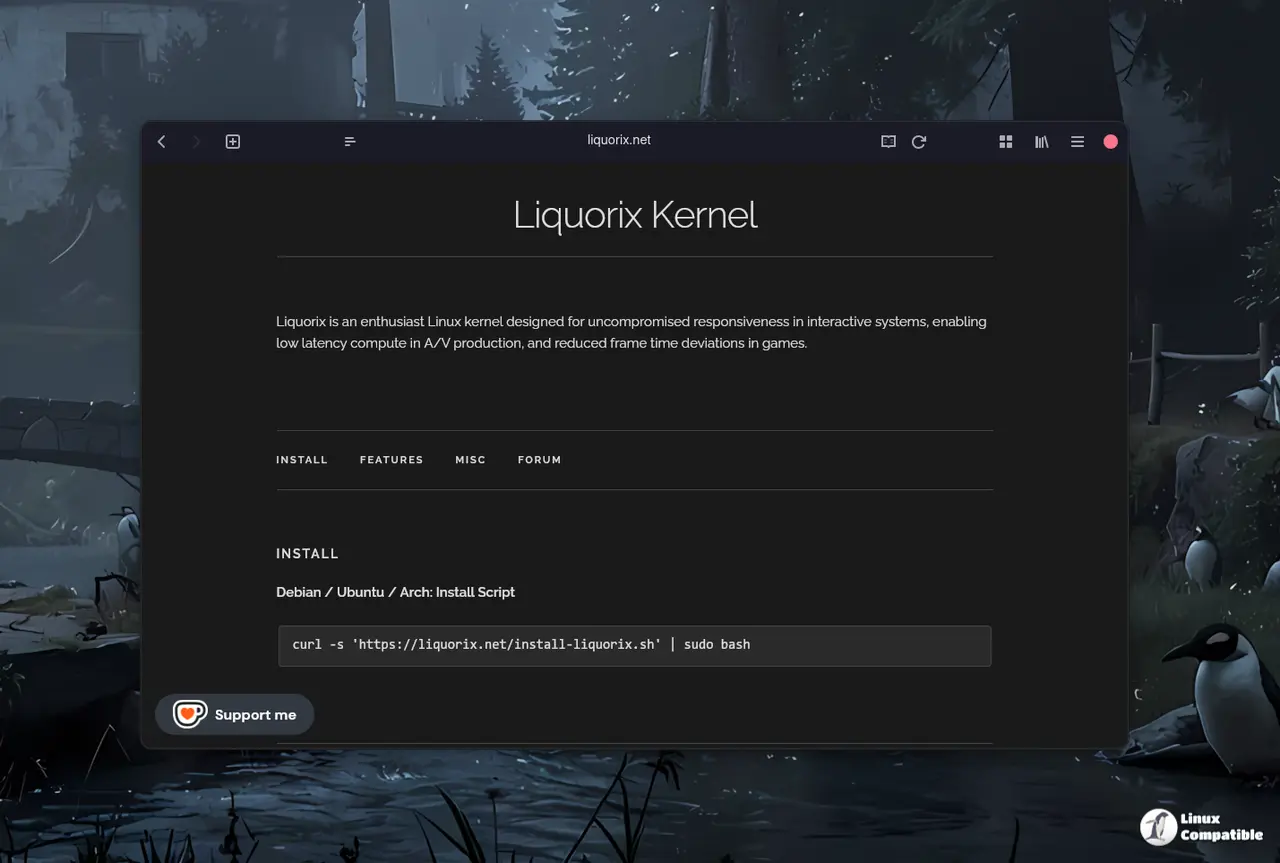
The official installation script handles package downloads and repository configuration without requiring manual dpkg or apt commands. Running the curl command pipes the script directly to bash, which detects the current Debian or Ubuntu release and pulls the matching kernel headers and modules from the Liquorix servers. The script automatically configures the bootloader to prioritize the new kernel on the next boot while keeping the default distro kernel as a fallback. Users should verify the bootloader configuration after the first reboot since some custom UEFI setups occasionally default to the fallback entry during initial kernel swaps. The command itself is straightforward, but verifying the active kernel version after reboot prevents confusion if the system boots into the old distro kernel by accident.
curl -s 'https://liquorix.net/install-liquorix.sh' | sudo bash
The command fetches configuration files from the public server and updates the local package sources automatically without requiring manual file editing in system directories. A reboot is necessary for the new kernel options to take effect across all system processes including drivers and background services that run at boot time. Users should expect slightly higher power consumption as a result of the aggressive tuning designed to minimize input lag during gaming or audio production tasks on battery power.
When to Skip This Kernel
The aggressive tuning profile does not suit servers or machines that prioritize battery life and thermal management over instant response times. Systems running heavy batch processing, virtualization hosts, or older hardware with fragile microcode may experience instability when the kernel disables split lock mitigation and tightens memory watermarks. The Kyber and BFQ I/O schedulers still provide solid disk performance, but the overall tuning assumes a desktop or workstation environment where foreground tasks demand immediate CPU attention. Users who rely on strict stability over responsiveness should stick with the distribution default kernel and only test this update on a spare machine first.


