Debian has released live images of its seventh point update for the Trixie stable branch, delivering a massive security sweep across 70+ packages that includes critical fixes for QEMU, glibc, and OpenSSL. The amd64 live images comes with GNOME 48, KDE Plasma 6.3, and traditional desktops like Xfce 4.20, Cinnamon 6.4.10, and MATE 1.27 alongside Firefox ESR 140 and PipeWire 1.4.2. These bootable ISOs run entirely from RAM without modifying your hard drive, making them perfect for testing new environments or performing forensics before committing to an installation. You can download the 1.9 GB to 4.2 GB variants directly from the official cdimage mirrors and verify them with the provided SHA-512 checksums before flashing a USB stick.
Debian 13.7 Trixie Live Images Ship With a Massive Security Sweep
Debian's seventh point release lands with dozens of CVE fixes, updated desktop environments, and a fully rebuilt glibc.
Debian GNU/Linux 13.7 Trixie live images are officially available for amd64 systems. The Debian Images team dropped the seventh point update on September 12, 2026. These live images boot from removable media and run entirely from RAM without modifying your host machine's hard drive. You can test out Debian Linux without the need to install it first. That makes them ideal for forensics, safe exploration, or just seeing if a new desktop environment suits your workflow before committing.
The Trixie release will stay under full support until August 9, 2028, with Long Term Support stretching out to June 30, 2030. That five-year window gives enterprises plenty of runway, though it does mean you are working with a codebase that is already more than a year old.

The Security Sweep
This is the kind of point release that quietly keeps your servers from getting pwned. Debian has patched vulnerabilities across more than 70 packages. The most alarming fixes target QEMU, which needed 20+ CVEs squashed including a secure boot bypass. glibc got a full rebuild against updated headers, and OpenSSL jumped to a new upstream release. You will also see Python 3.13, Perl 5.40, and the Linux kernel bumped to ABI 6.12.107+deb13.
Other notable fixes land on Firefox ESR 140, ImageMagick, dnsmasq, and the kernel itself. If you run containers, Docker got patched too. Debian did not hold back on the advisory list. You can find the full breakdown on their security tracker, but the short version is that this update quietly covers the basics every sysadmin prays they have to deal with. Images are assembled using live-build commit 3067ec33, authored by Roland Clobus, which means the build artifacts are fully reproducible if you want to audit them yourself.
What Is New Under the Hood
GNOME 48 takes the throne for the flagship image. The desktop has always been opinionated, and Debian's flavor leans hard into a distraction-free workflow. You get gnome-shell 48.7 running alongside mutter 48.7, with the display manager sitting at 48.0. The real story here is the housekeeping. Nautilus got a visual refresh, controls now sit at the top of windows for faster access, and custom column preferences finally persist across sessions instead of resetting every time you close a folder. It ships with GTK 4 4.18.6, Adwaita icons at 48.1, and gnome-software 48.3 for flatpak and deb management. Keep in mind that you need at least 4 GiB of RAM to run this comfortably. The live image pulls everything into memory, and 4 GiB is the floor, not the ceiling.
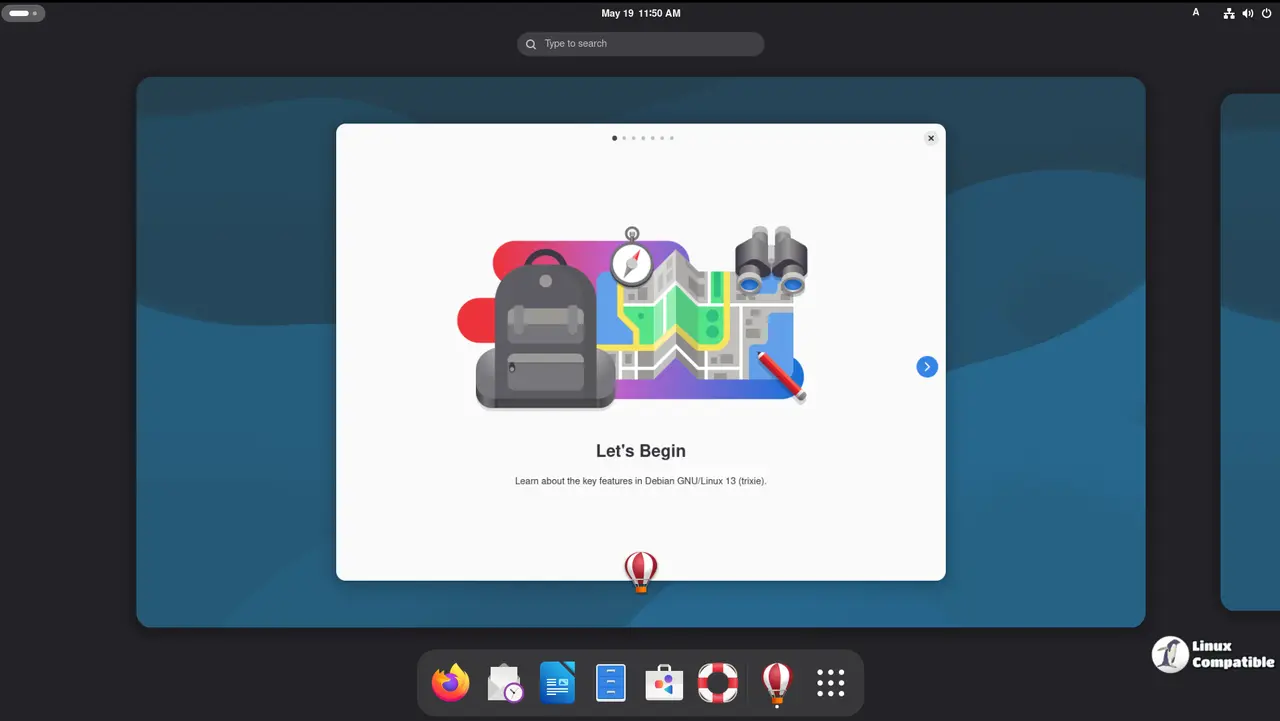
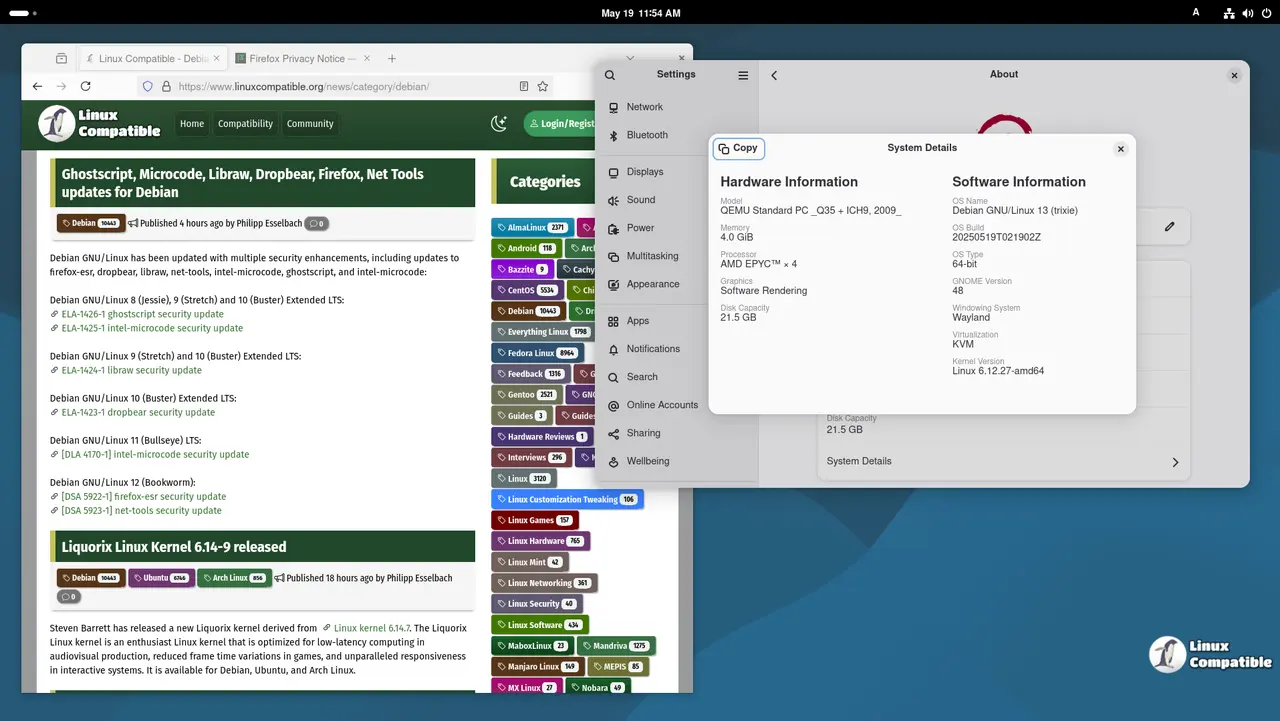
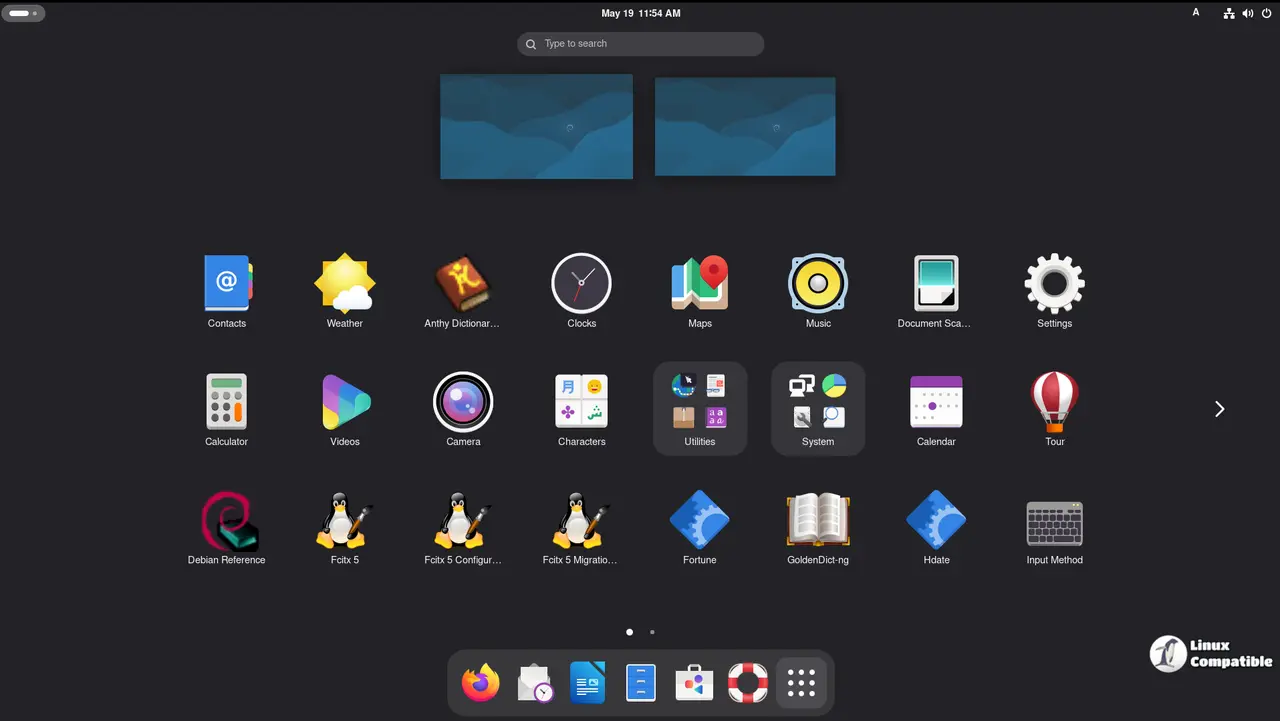
Download Debian 13.7 Trixie GNOME
KDE Plasma 6.3 arrives with a fully modernized stack under the hood. The desktop migrated to Qt6 and Frameworks 6.13 long ago, but this point release tightens the screws. kwin sits at 6.3.6 for both Wayland and X11, and the Breeze theme updates to 6.3.5. Dolphin 25.04.3 brings enhanced filtering and search, alongside a VCS plugin for version control without leaving your file manager. You also get KDE Connect 25.04.2 for phone integration and Spectacle 6.3.5 for screenshots. Performance gains are noted across the board, with reduced application lag and a more responsive task manager. Like GNOME, KDE demands a minimum of 4 GiB of RAM.
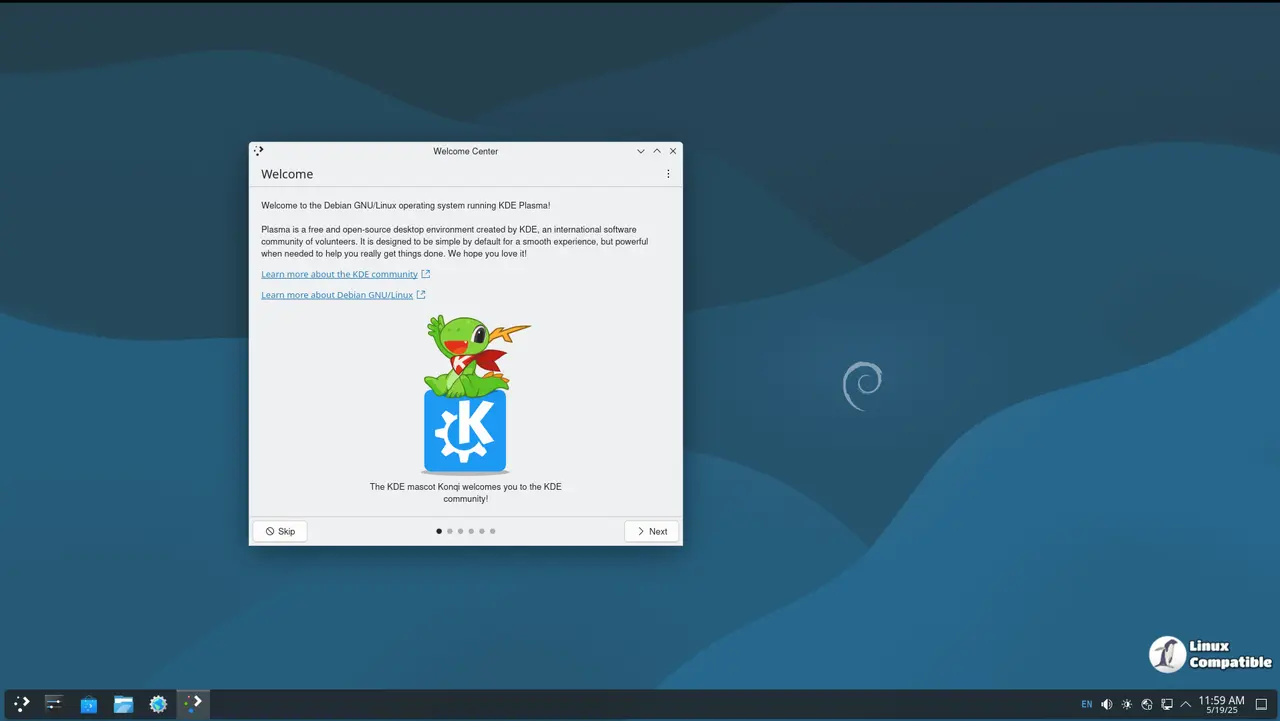
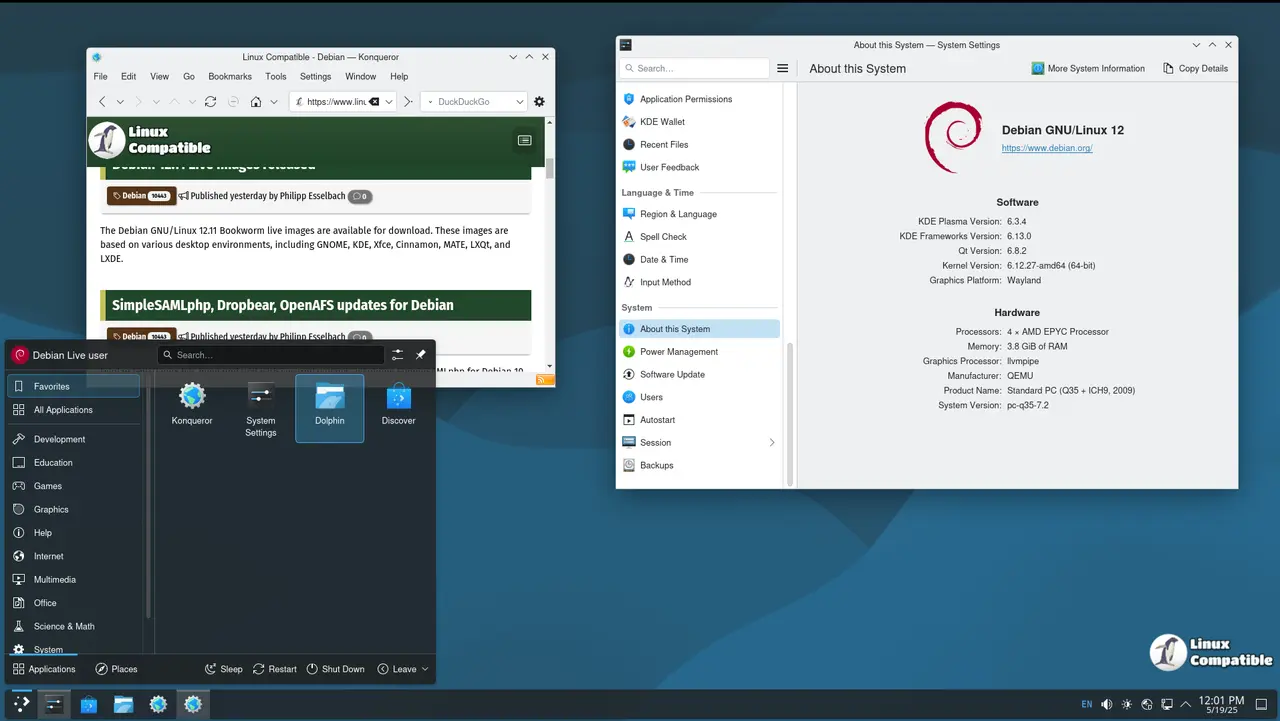
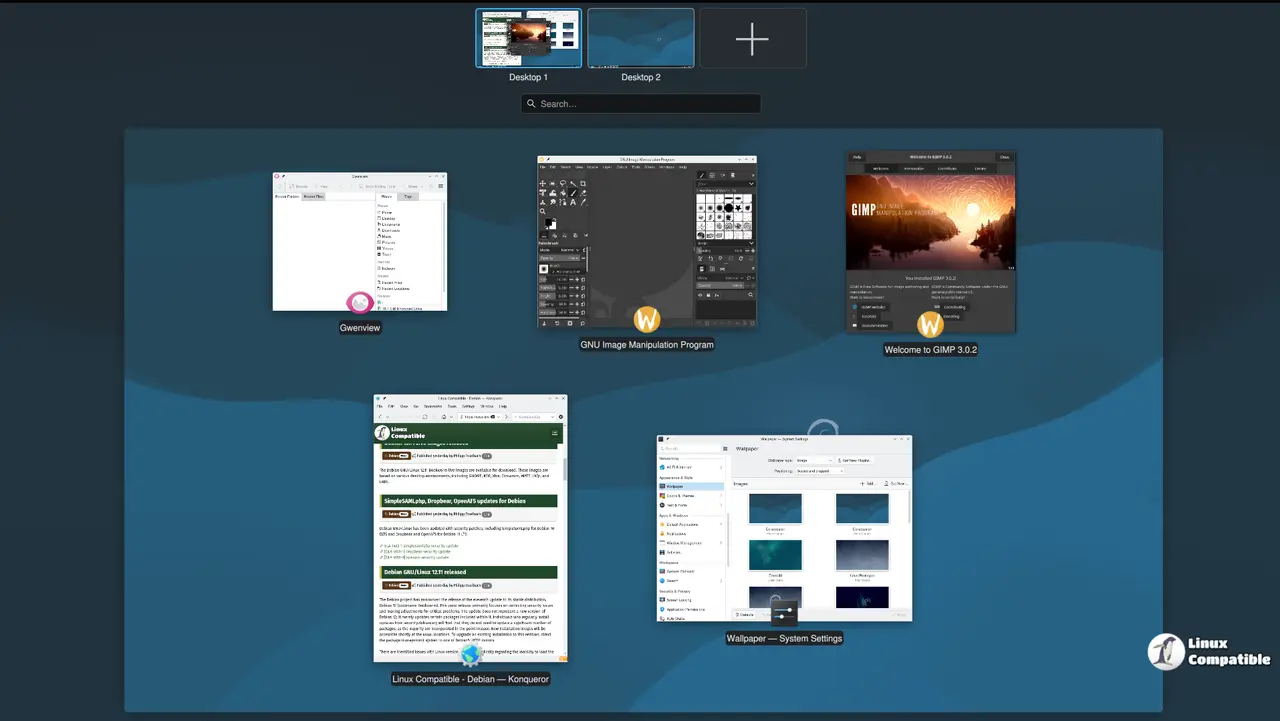
Download Debian 13.7 Trixie KDE
Xfce 4.20 caters to users who want productivity without the performance tax. The desktop follows the traditional UNIX metaphor: panels at the top and bottom, a start menu, and a file manager that actually works. Thunar 4.20.2 adds custom column views and custom actions support, while the panel tools now feature a more intuitive settings dialog. xfwm4 4.20.0 handles window management, and a Wayland backend is in development for future rounds. Lightweight core apps round out the experience: Leafpad or Mousepad for text, Geany for coding, and Ristretto for images. It strikes a balance between customization and raw speed.
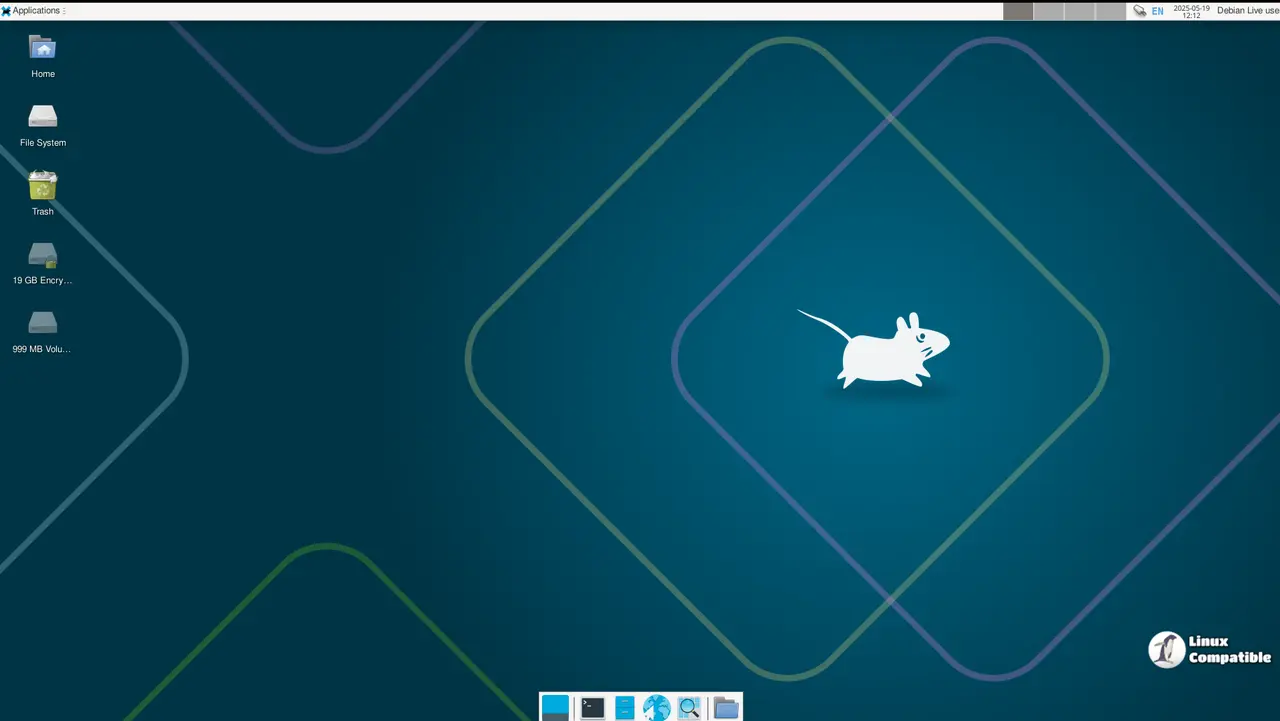
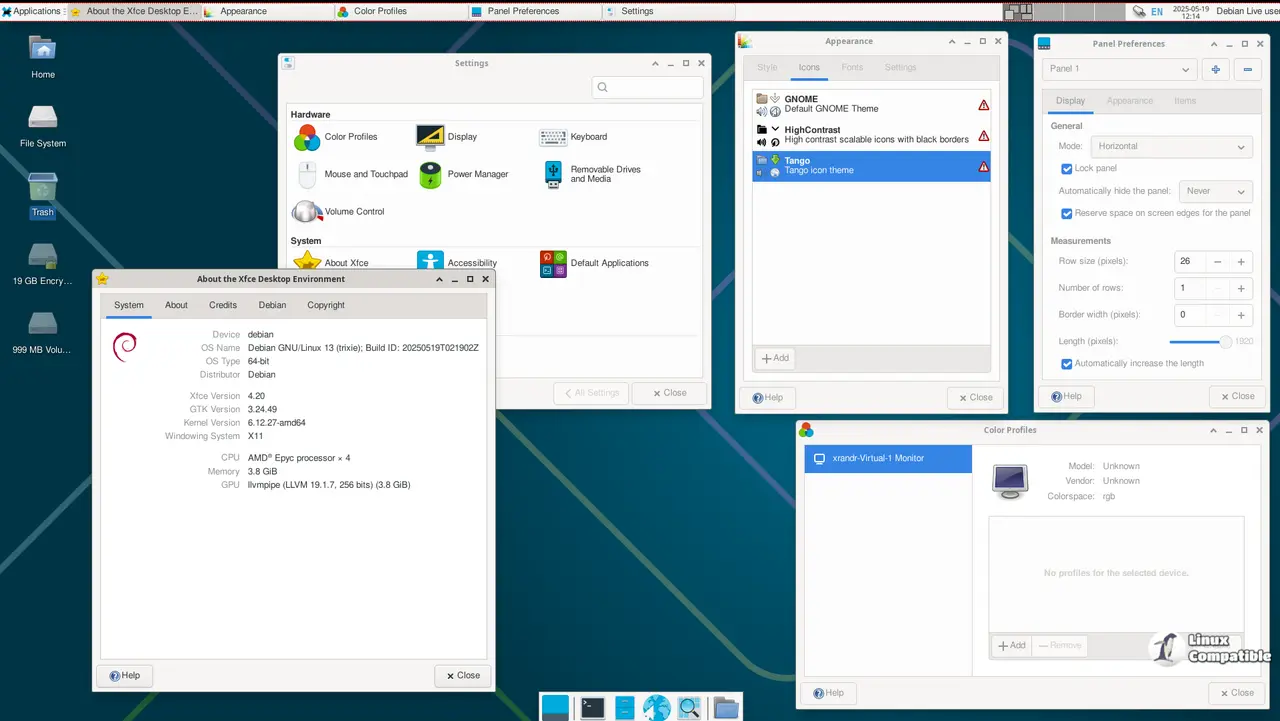
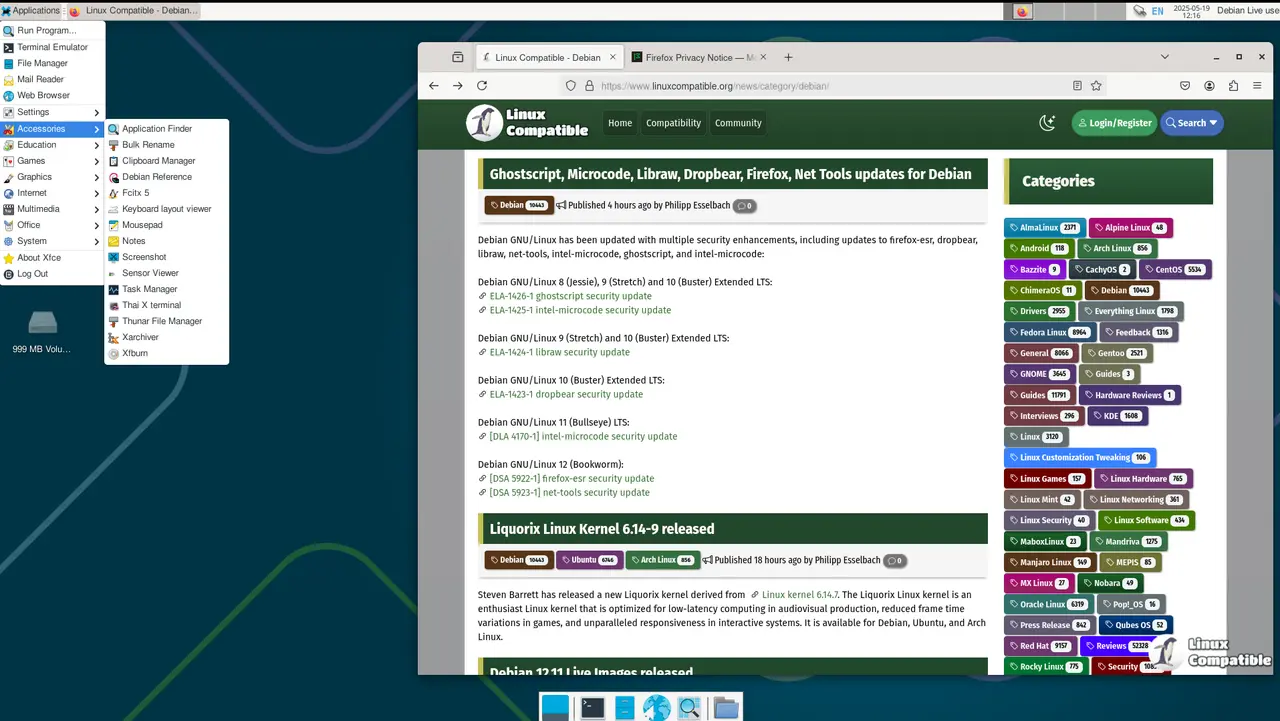
Download Debian 13.7 Trixie Xfce
Cinnamon 6.4.10 targets users who prefer a conventional layout over GNOME's shell-style workflow. It keeps the taskbar at the bottom and the system tray intact, but adds modern polish under the surface. Nemo is the default file manager now, complete with tag and bookmark support. The panel editor makes rearranging items straightforward, and the expanded settings daemon 6.4.3 brings Ayatana indicator support for third-party system tray applets. Theming relies on Adwaita 48.1 for modern apps and a legacy GNOME icon theme for older GTK 2 software. If you want a desktop that just works without forcing a new paradigm on you, this is the build.
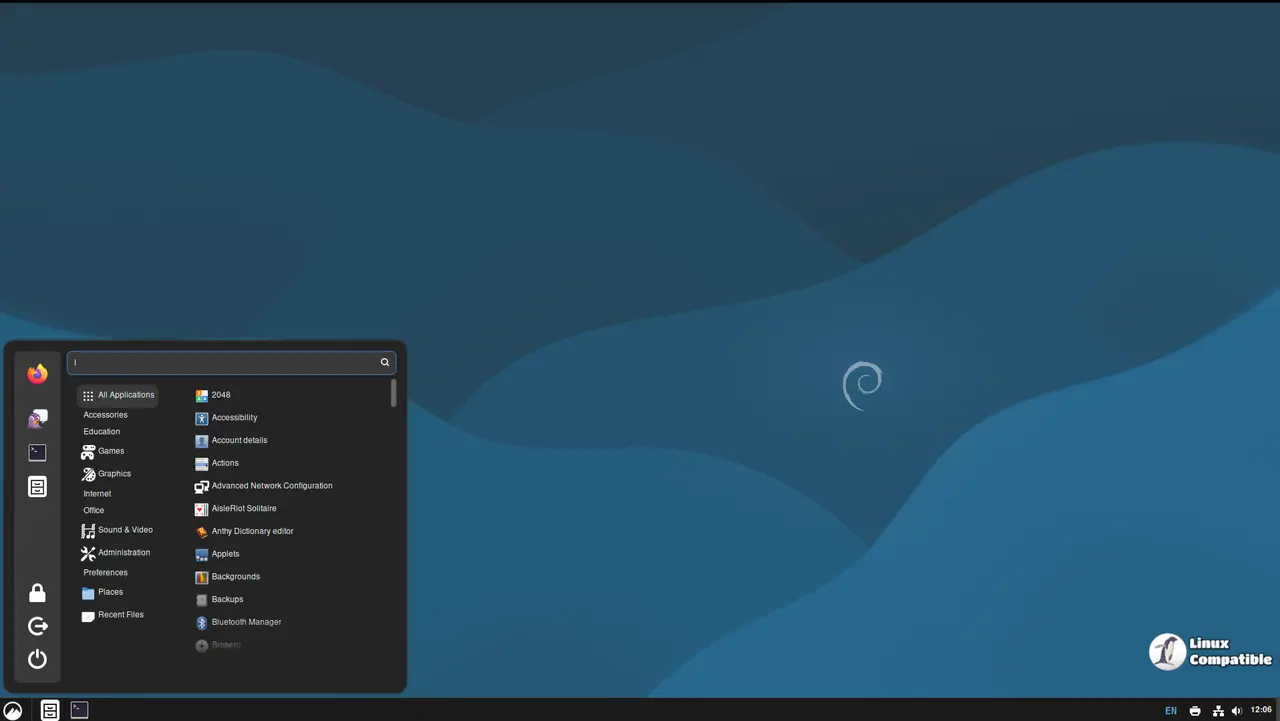
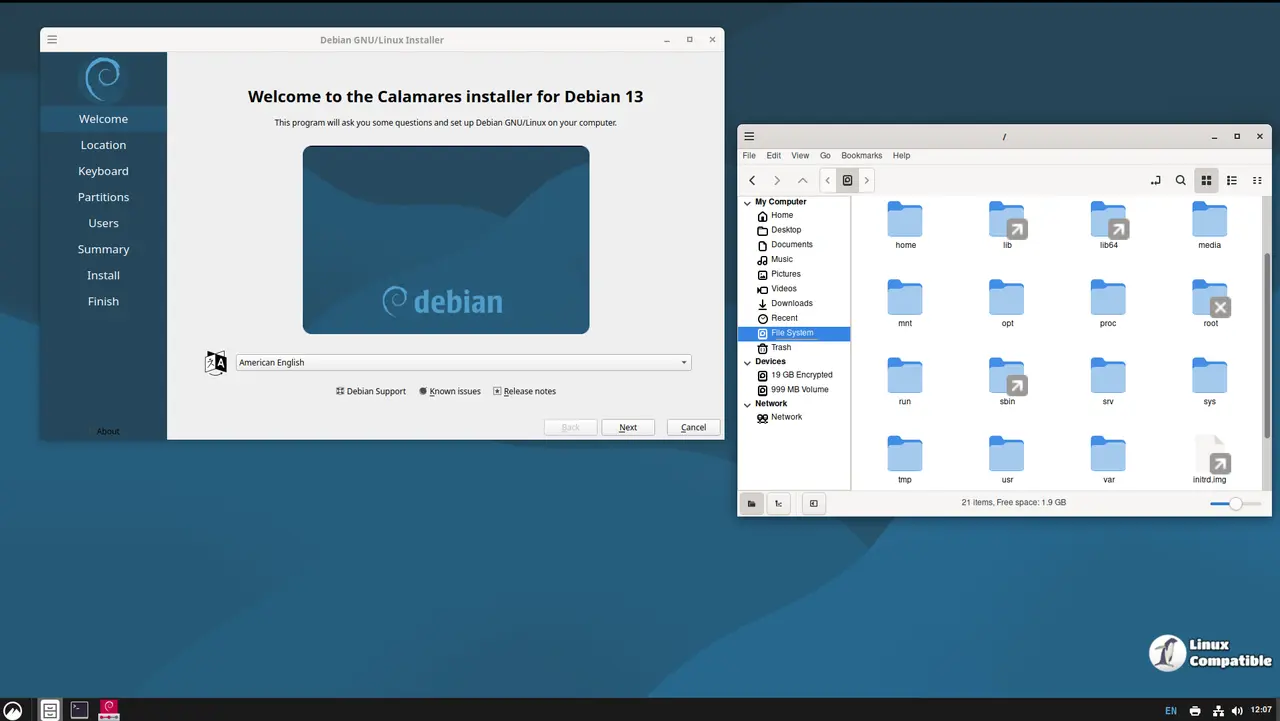
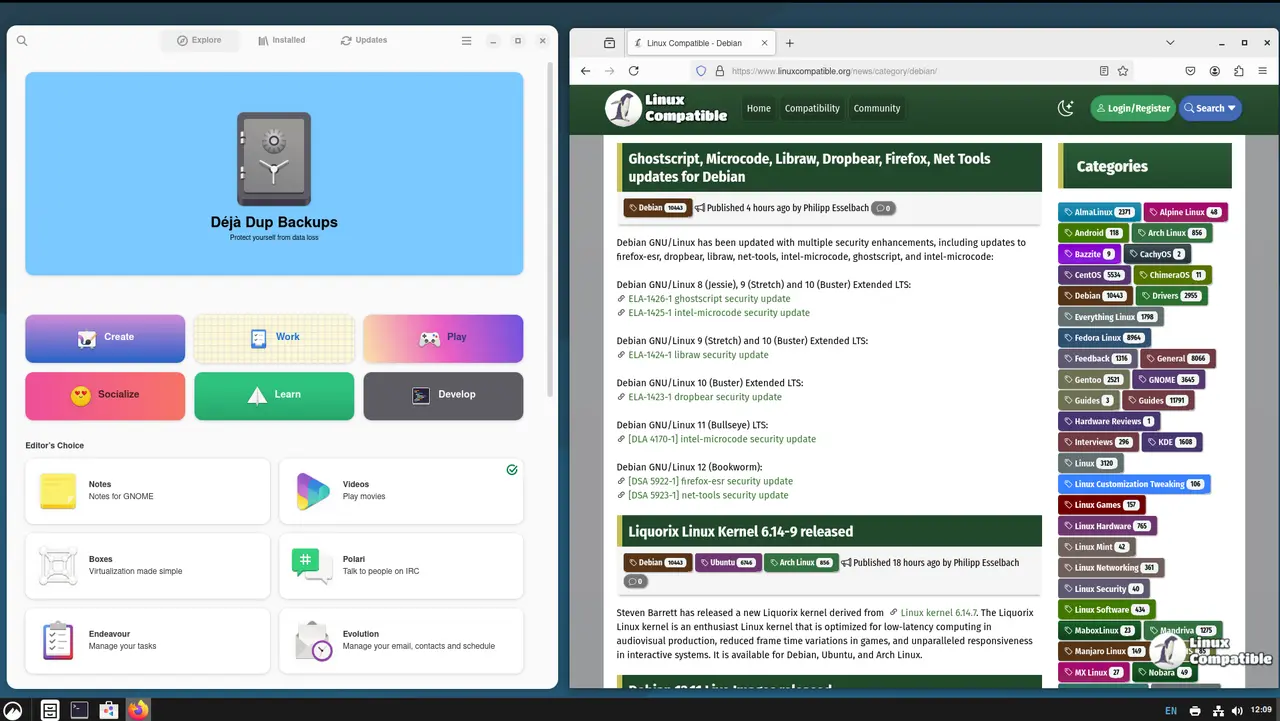
Download Debian 13.7 Trixie Cinnamon
MATE 1.27 is the fork that never quite grew up, and that is exactly why people love it. It preserves the GNOME 2 layout while quietly modernizing its internals. Caja 1.26.4 handles files with tag, bookmark, and archive support, while Pluma 1.26.1 serves as the default text editor. Gedit is available if you need plugin syntax highlighting. The MATE Tweak Tool and Panel Editor let you fine-tune the status bar and desktop layout without touching config files. Maratis provides a lightweight web browser for quick tasks. It runs on GTK 3 and 4, targets both older hardware and modern systems, and integrates orca-mate for accessibility.
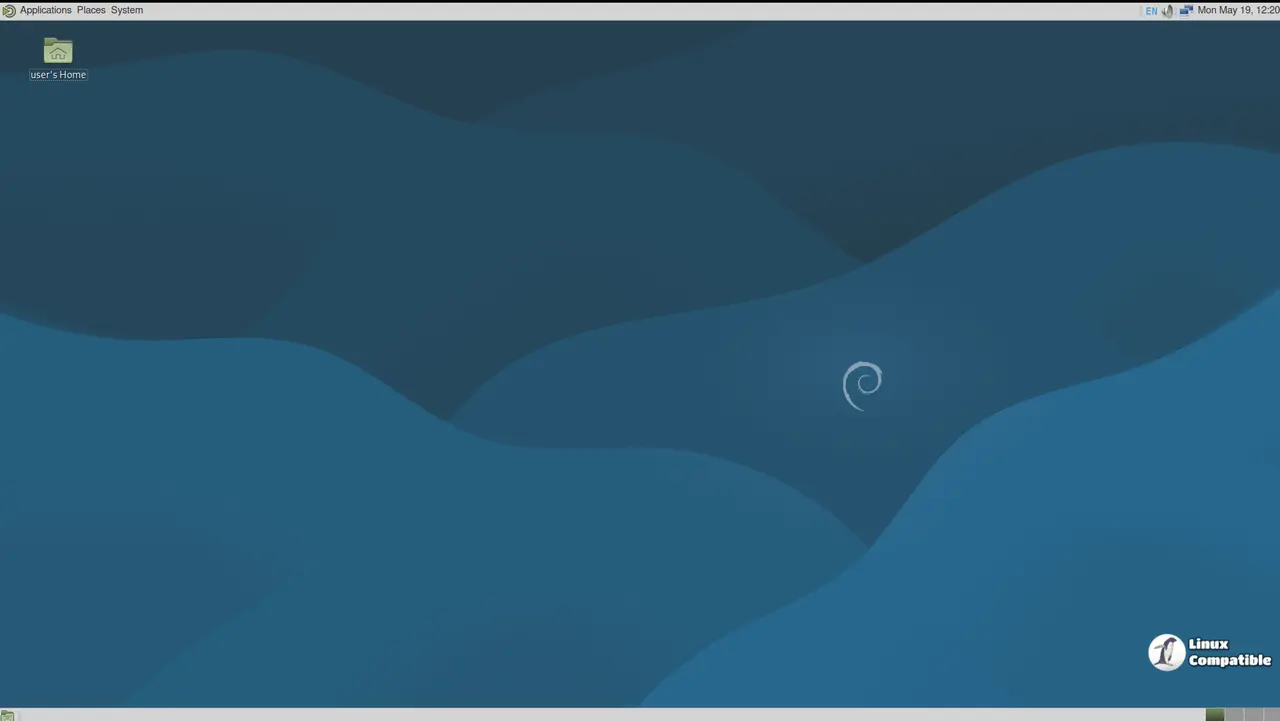
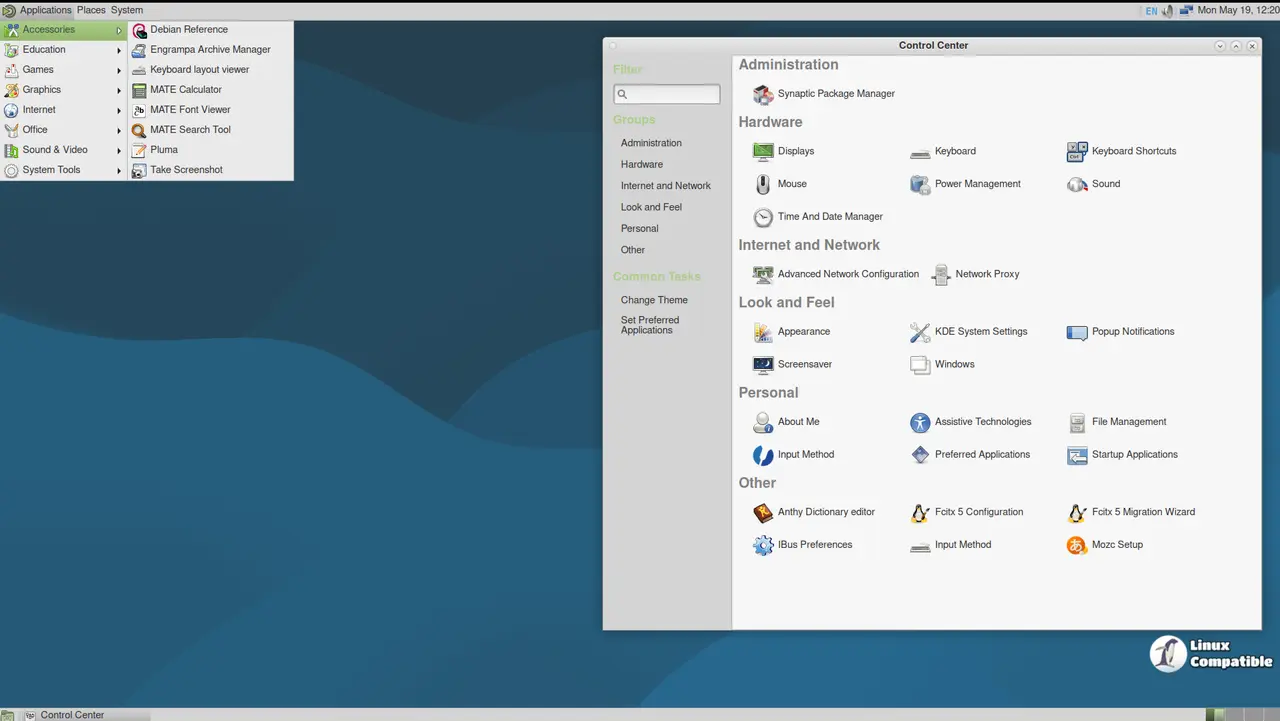
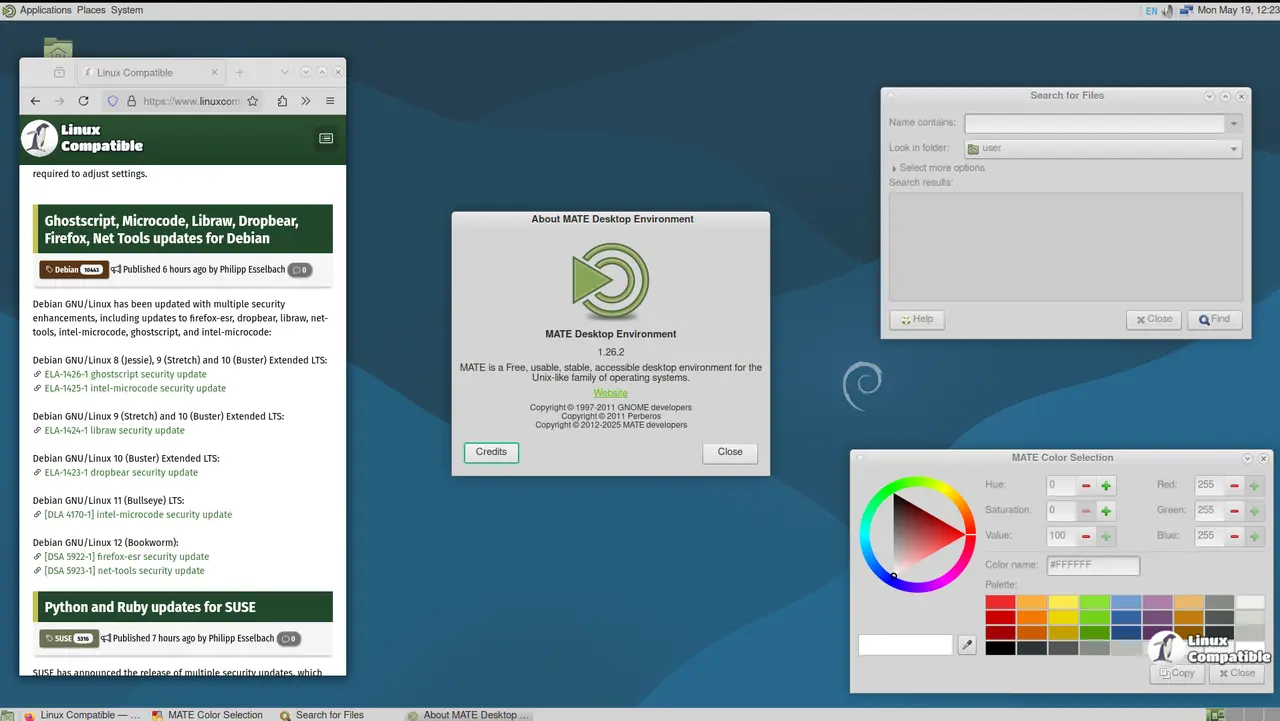
Download Debian 13.7 Trixie MATE
LXQt 2.1 is the Qt6-based successor to LXDE, and it shares the same design philosophy. It targets netbooks, older hardware, and virtual machines that need a graphical interface without the resource consumption of modern desktops. lxqt-panel 2.1.4 handles widgets and task management, while pcmanfm-qt 2.1.0 manages files. QTerminal uses Qt6 for a lightweight command prompt, and the lxqt-config 2.1.1 settings control center covers desktop-wide configuration. Debian package manager integration via apturl keeps installations straightforward. It strips away the bells and whistles to focus on stability and low memory usage.
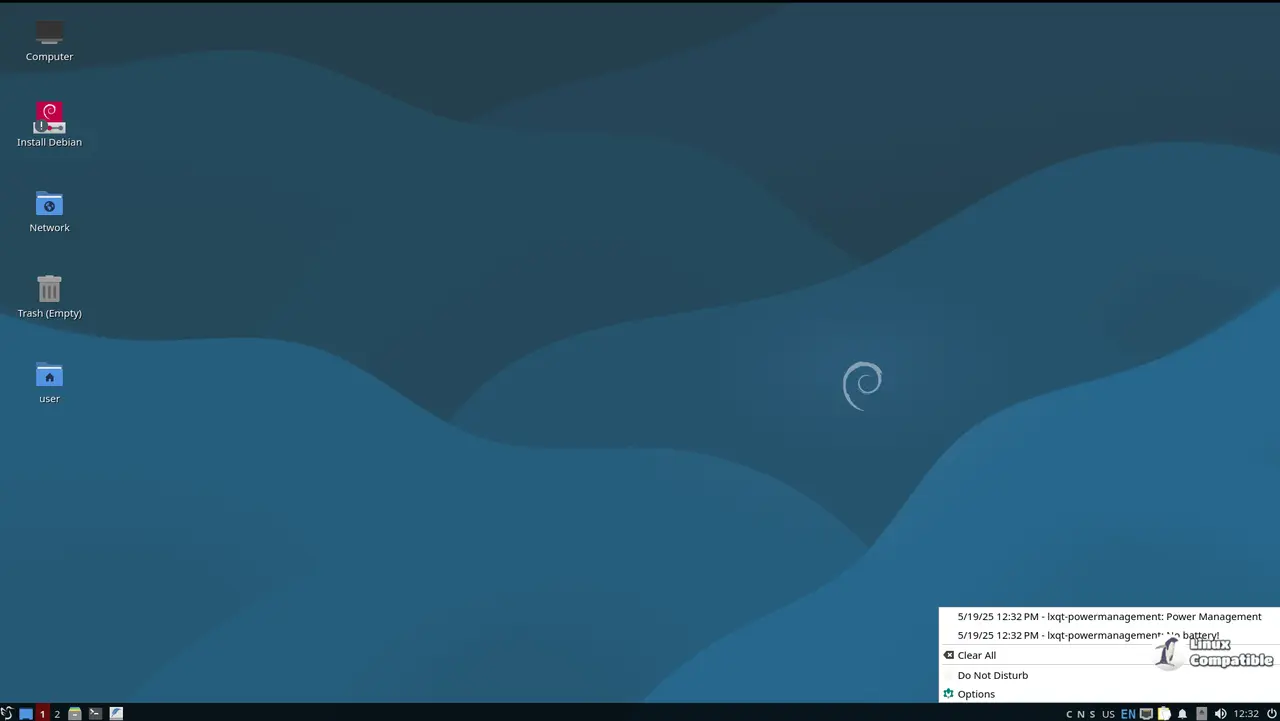
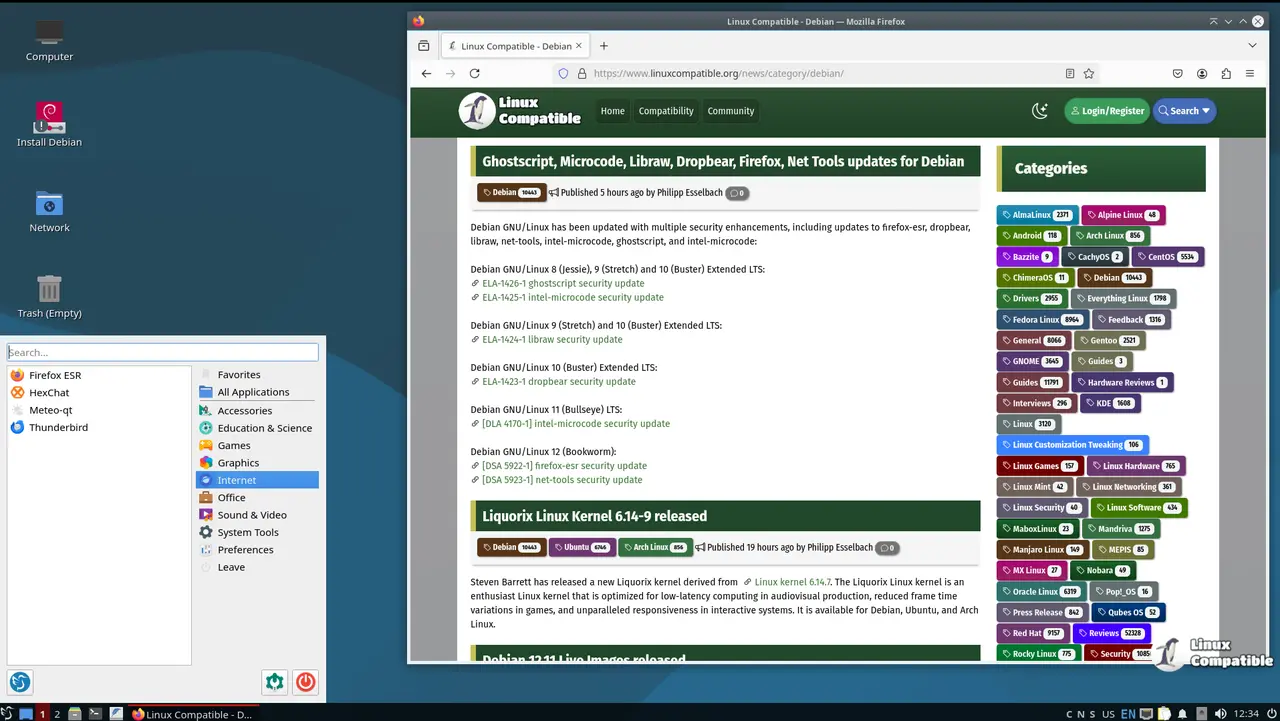
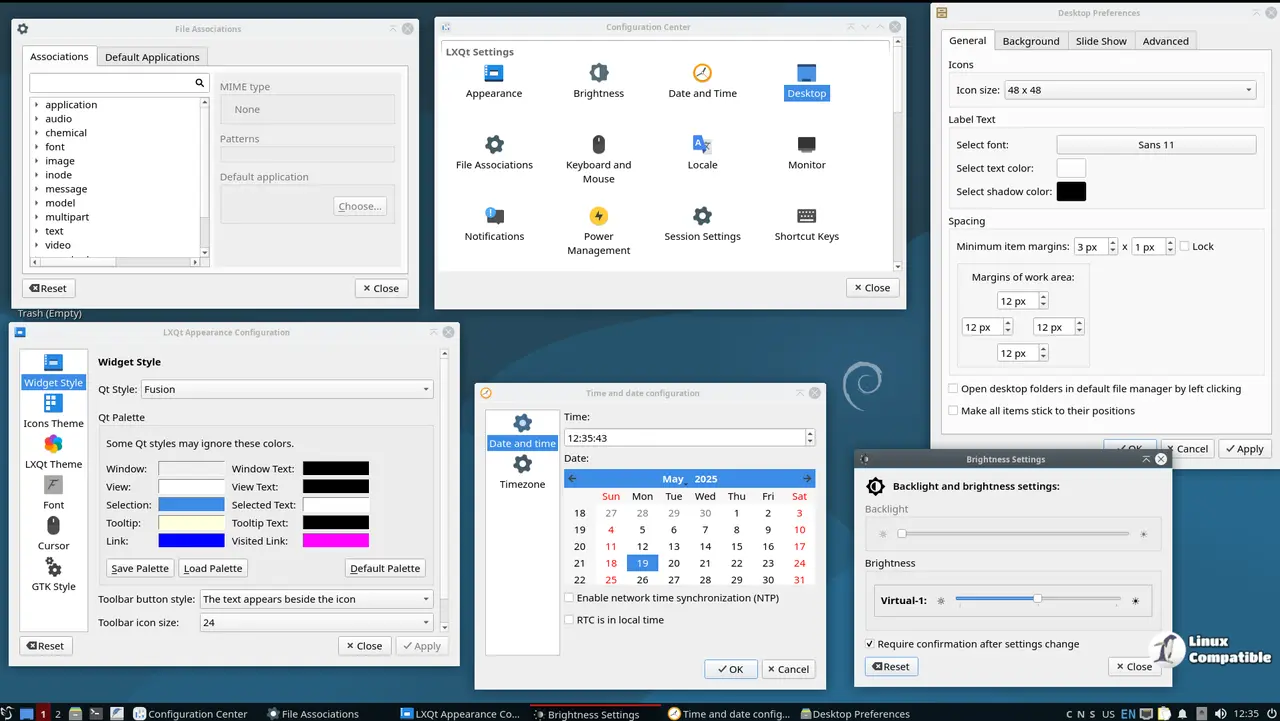
Download Debian 13.7 Trixie LXQt
LXDE 0.99.3 is the legacy option for systems that barely qualify as computers. Built on GTK2/3 and Openbox 3.6.1, it prioritizes speed and a minimal memory footprint over visual flash. Openbox acts as the sole window manager, and obconf lets you tweak themes and focus behavior. PCManFM handles files and wallpaper settings, while lxappearance-obconf 0.2.4 handles visual customization. The project targets systems with as little as 256 MB of RAM, making it ideal for embedded devices or Pentium III-era machines that should have been recycled years ago. It is not pretty, but it boots fast and stays out of your way.
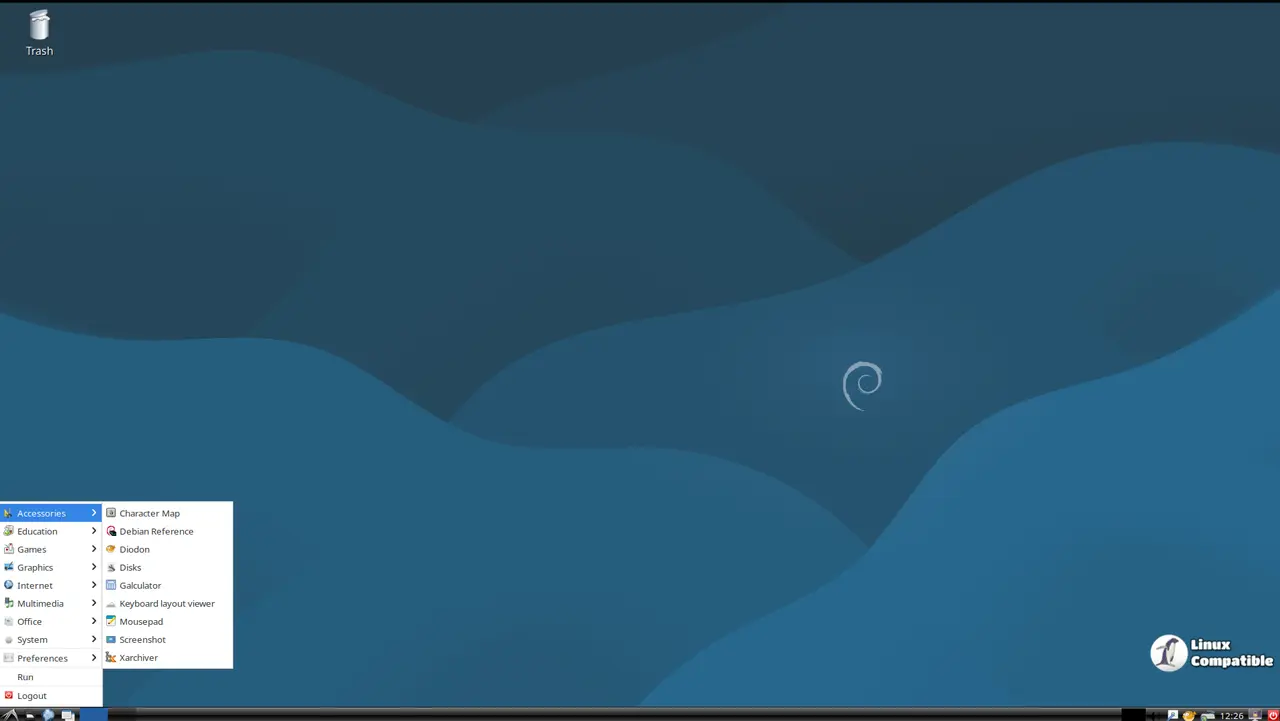
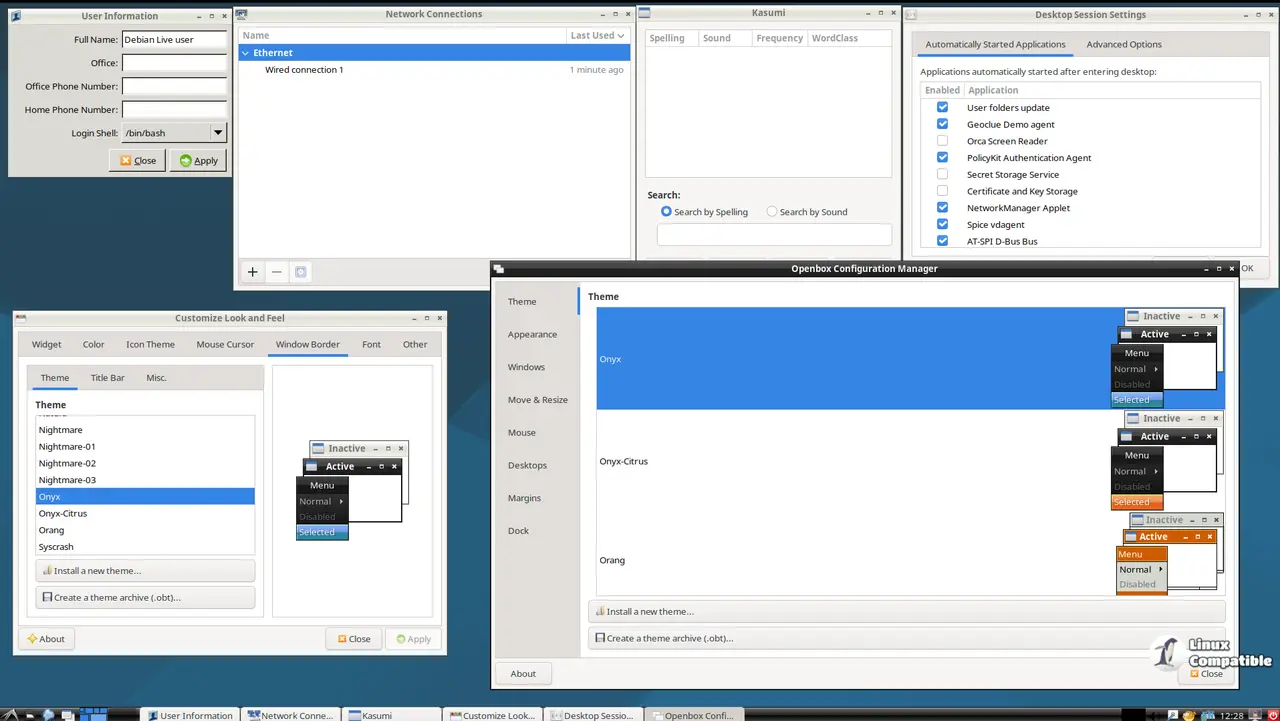
Download Debian 13.7 Trixie LXDE
The Bottom Line
The live images are a solid fallback if you need to do forensic work, test a new desktop environment, or just boot something clean without touching your hard drive. The massive security patchset means you should not skip it if you are still running an older Trixie ISO. You can verify the downloads with the provided SHA-512 checksums and GPG signatures before you flash anything to a stick. Head to the Debian mirror list if the primary server is slow. Keep in mind that this point release is purely an update package bundle. If you want the full Debian 13 experience, just run apt update && apt full-upgrade.


