Ex-Microsoft Engineer Ships AnduinOS 2.0, a Windows-11-Like Linux Distro Rebuilt from the Ground Up
The new release runs Ubuntu 26.04 and Kernel 7, swaps snap for Flatpak, and keeps the ISO under 2.5GB.
AnduinOS 2.0 is out. Former Microsoft engineer Anduin Xue, now operating through Hong Kong-based AIURSOFT LIMITED, has published the stable release of the Ubuntu-based Linux distro designed to mimic Windows 11. The project has evolved rapidly, going from a solo effort to a full v2.0 in just under two years.
The changelog for this release is less about new features and more about structural integrity. The team stripped out the complex Bash scripts that held together the previous iterations. Instead, AnduinOS 2.0 is assembled via debootstrap and chroot, driven by a custom declarative toolchain called aosproj and apkg. "The OS core has been meticulously modularized into 56 standard .deb packages," the team writes. "Our entire source code and packaging pipelines are fully open." This isn't a remaster. It's a complete rebuild.
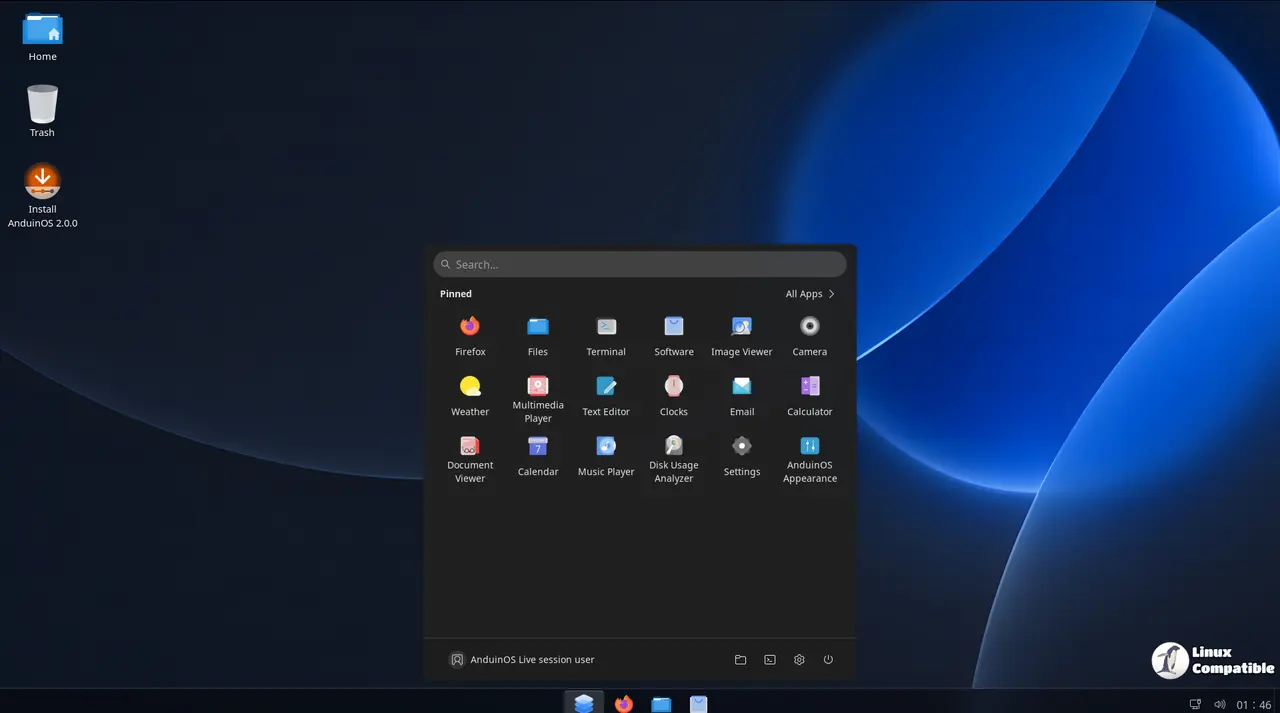
Specs and Under the Hood
Under the hood, AnduinOS 2.0 rides Ubuntu 26.04 LTS (Resolute). That gives you a solid LTS base without the upstream telemetry or snapd bloat. Linux Kernel 7 ships by default, tuned with a desktop-optimized profile that includes BBR congestion control, vm.swappiness=10, and raised fs.inotify limits.
The desktop layer is GNOME 50.1, though you'd be forgiven for not noticing. The shell is heavily customized with centered taskbar icons, a weather widget, and a quick settings panel that mirrors the Windows 11 experience. Fluent theming is baked in, backed by @vinceliuice's Fluent GTK and icon themes.
System maintenance has been simplified too. Custom update scripts are retired. You now just run apt update && apt upgrade. The APT repositories are served through a global CDN at packages.anduinos.com, load-balanced across US, Europe, and Asia nodes via Cloudflare.
A Desktop That Feels Familiar
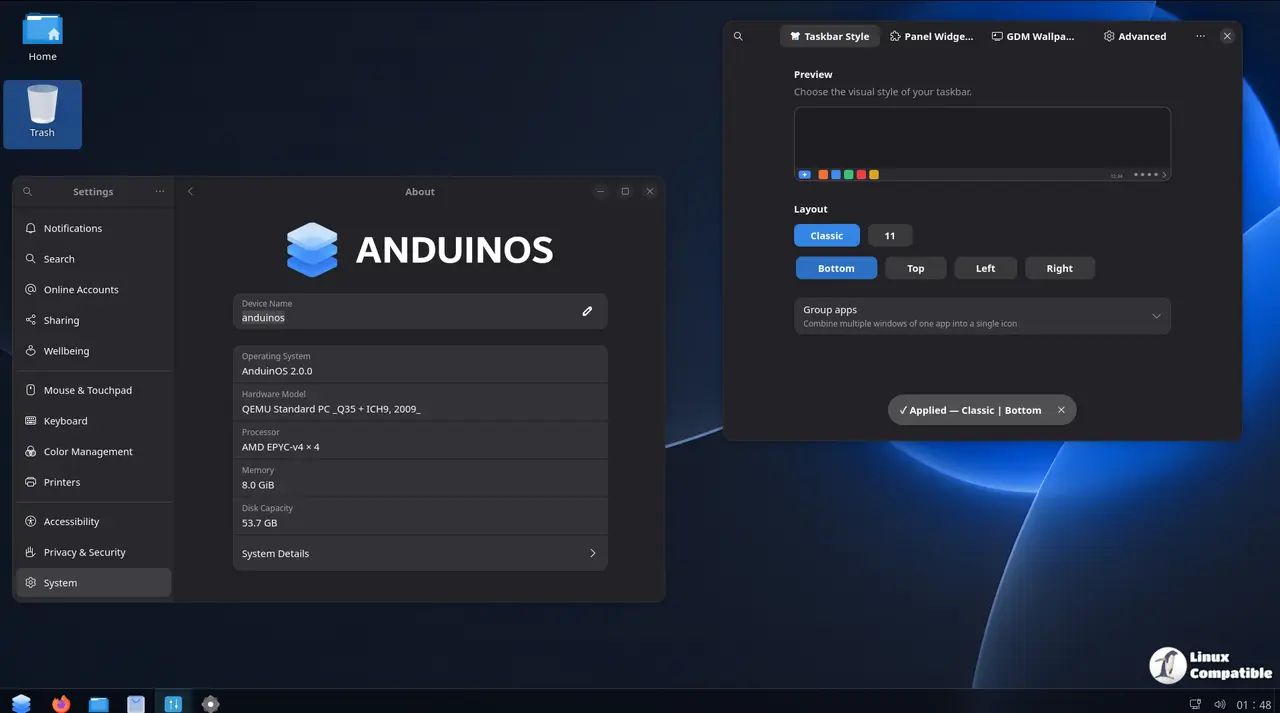
AnduinOS doesn't hide its ambitions. GNOME is pushed hard toward a Windows-like workflow. You get 11-style centered taskbar icons, classic left-aligned layouts, and the taskbar can be repositioned to any screen edge.
The login screen gets the same treatment. A built-in GDM wallpaper picker ships with Fluent CSS and SVG assets injected directly. Keyboard layouts adapt dynamically based on your selected language, and the GRUB boot menu is fully Unicode-aware.
All 28 supported languages now ship in a single ISO. Danish, Ukrainian, Indonesian, Finnish, Hindi, and Greek are newly added. Chinese users get a clean input experience via anduinos-rime, routed through dpkg-divert to avoid pulling in 20+ legacy input method packages.
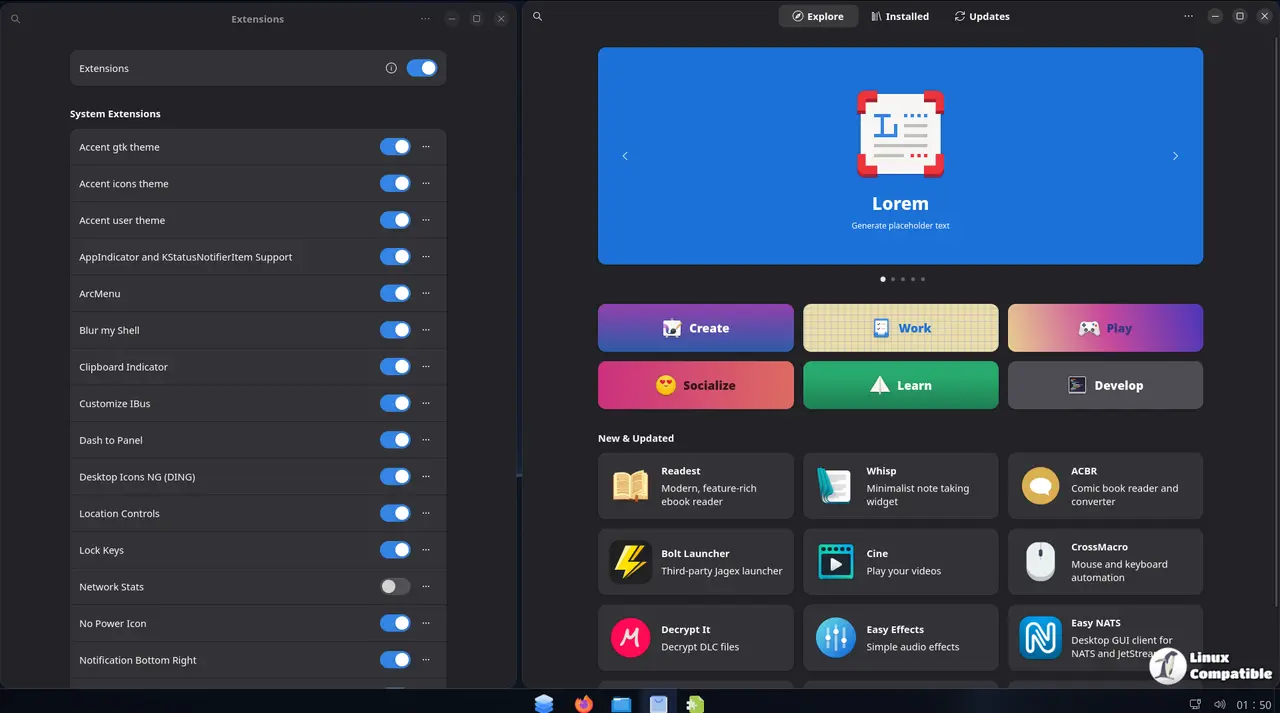
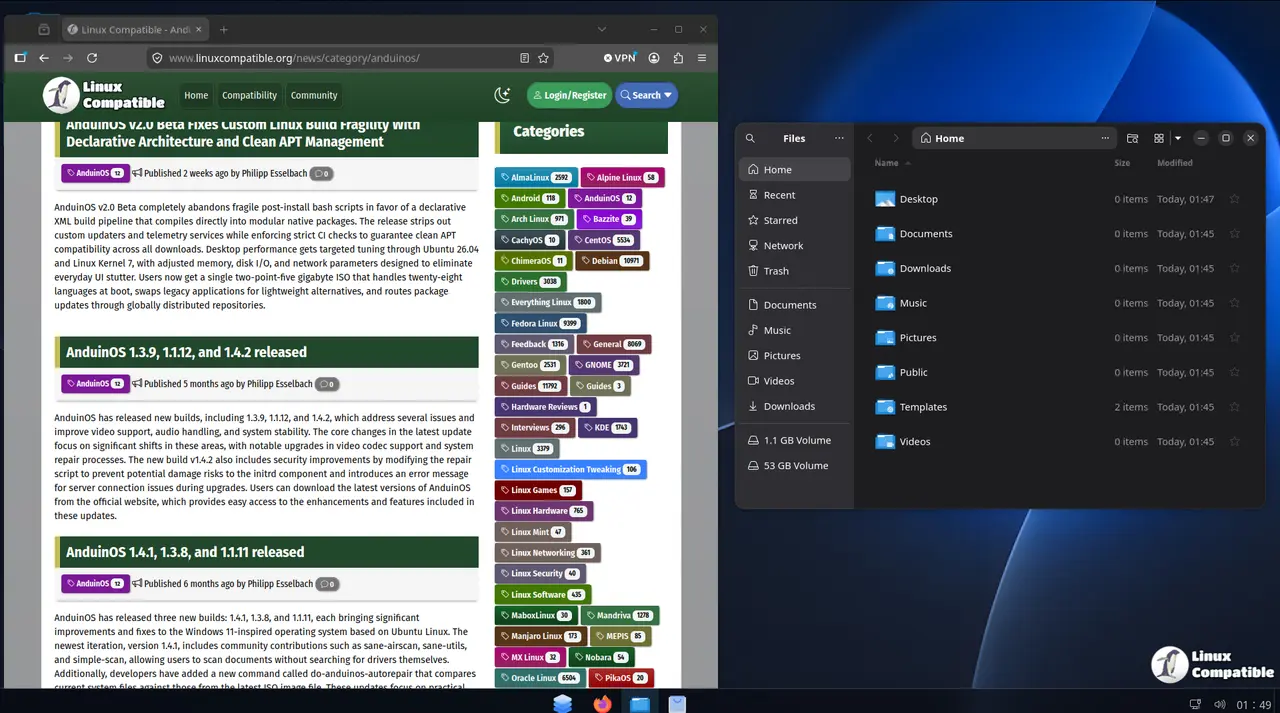
Bloat-Free by Design
The ISO sits at roughly 2.5GB. To keep it lean, legacy apps are swapped for modern GTK4/libadwaita counterparts. Celluloid handles video, Loupe handles images, Amberol handles audio, Resources replaces GNOME System Monitor, and Geary serves as the default email client. Intel SOF audio firmware is preloaded for the latest hardware. Secure Boot remains supported. Dracut is available if you prefer it over the default initramfs.
The project is strict on what makes it in. The CI pipeline hard-fails if snapd or upstream telemetry services are detected during the build. No Snap packages. Ever.
Missing Pieces and Caveats
It's a focused experience, though that focus has tradeoffs. LibreOffice isn't pre-installed. Nor is Slack or Spotify. If you need a full productivity suite out of the box, you'll need to grab apps via Flatpak, which is shipped by default.
Head here to explore the source code if you want to dig into the build process.
The missing productivity defaults might frustrate users switching from Windows. Several reviewers noted that shipping without a word processor makes AnduinOS less "ready out of the box" than Zorin OS or Linux Mint for the average user.
There's also the sustainability question. AnduinOS started as a one-person project. Xue is a former Microsoft engineer who worked on this in their spare time. AIURSOFT LIMITED suggests the project now has international backing, but the long-term maintenance of a niche distro is always an open risk.
Availability
You can grab the ISO from here. The project is free and open source, licensed under the standard open-source terms.
The project timeline has been aggressive. v1.0 dropped in September 2024. Beta 2 of v2.0 shipped just six months later in mid-June. The stable release lands at the end of the month, riding the wave of Windows 10 users looking for a migration path as Microsoft's support clock continues to tick.
For those curious about the technical details, the build documentation is available at docs.anduinos.com. The GitHub repository and official website remain the primary hubs for downloads and community discussion.


