How to Upgrade to Ubuntu 26.04 LTS Without Breaking Your Workflow
Ubuntu Linux 26.04 LTS arrives with TPM-backed encryption, Linux Kernel 7.0, GNOME 50 on Wayland, and expanded Livepatch support for Arm systems, giving administrators a chance to lock down servers while developers get a cleaner desktop environment. This guide covers what actually changed in the Resolute Raccoon release, how to safely migrate existing setups, and where to find official flavor updates without wasting hours on broken package dependencies.
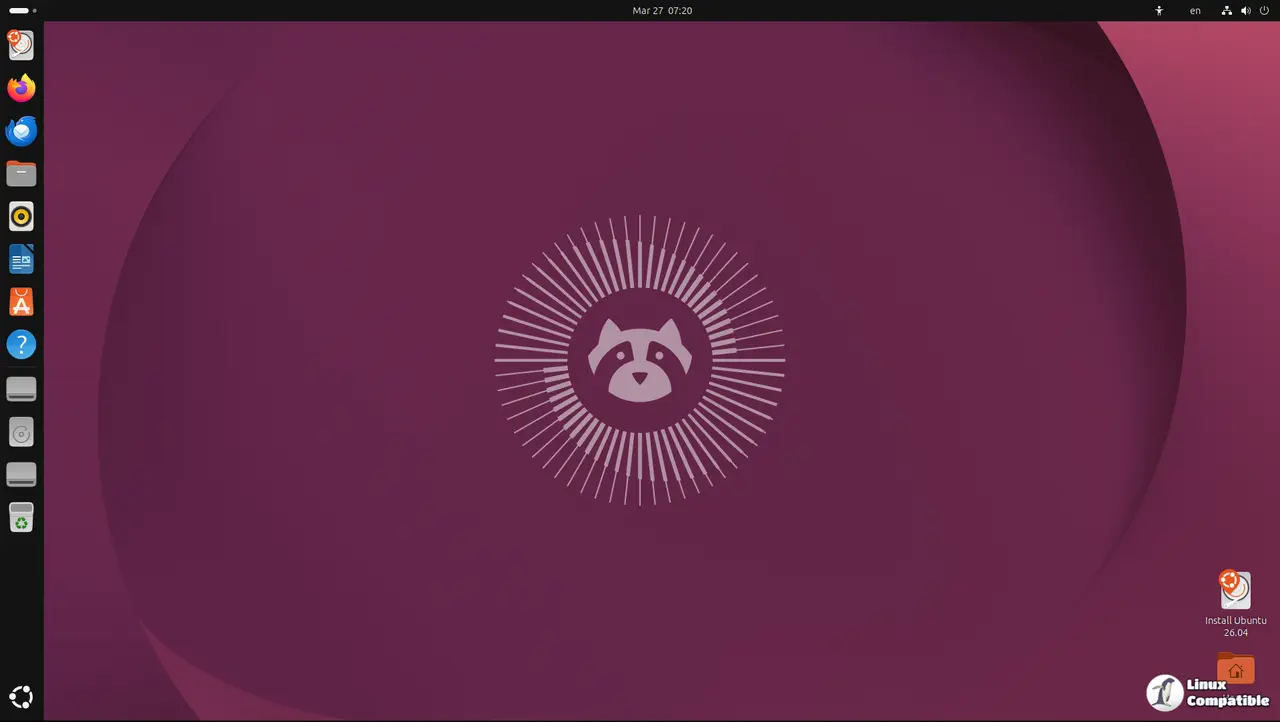
What Actually Changed in Ubuntu 26.04 LTS
The release swaps older desktop stacks for GNOME 50 running natively on Wayland, which finally forces compositing issues out into the open instead of hiding them behind legacy X11 fallbacks. Server and cloud deployments get TPM-backed full-disk encryption and expanded memory-safe components that catch buffer overflows before they become remote execution vulnerabilities. Livepatch now covers Arm architectures alongside x86 systems, meaning kernel updates no longer require scheduled reboots for most hardware configurations. Developers will notice native toolkits for modern AI workloads and high-performance computing libraries baked directly into the base repositories. The desktop environment also tightens application permission controls so sandboxed apps actually stay sandboxed instead of asking for blanket system access every time they launch.
Upgrading Existing Systems Safely
Users running Ubuntu 25.10 will see an automatic upgrade prompt appear in the update manager, while those on the current 24.04 LTS release must wait until the first point release drops on August fourth before the system offers the transition. Running the distribution shift without checking third-party repositories first routinely breaks custom software stacks because proprietary drivers and older PPA packages refuse to compile against the new compiler toolchains. Administrators should snapshot virtual machines or back up configuration directories before triggering any upgrade, since package conflicts during dependency resolution often leave systems in a half-configured state that requires manual intervention. The official documentation provides detailed caveats for known issues, so reading through those pages prevents hours of troubleshooting broken display servers or misconfigured network managers after rebooting into the new release.
Official Flavors and Support Windows
Canonical ships nine distinct desktop variants alongside the main server and cloud images, each maintaining separate development cycles and package sets for specific hardware profiles. Desktop editions receive five years of maintenance updates while most flavor builds stick to a three year support window unless organizations purchase Extended Security Maintenance contracts. The Edubuntu, Kubuntu, Lubuntu, Ubuntu Budgie, Cinnamon, Kylin, Studio, Unity, and Xubuntu releases all drop simultaneously but require separate upgrade paths since their package repositories diverge from the main desktop build. Community channels and official discourse forums handle bug reports faster than mailing lists, so posting detailed reproduction steps alongside kernel versions helps developers patch regressions before they spread across production fleets.
Grab a fresh ISO or trigger the in-place upgrade when ready, test your critical workloads in a sandbox first, and report any weird behavior to the official trackers. The stable release will wait while you verify everything still boots correctly.


