AM 10.3 Adds AppImage Integrity Checks, Interactive Catalog, and a Head's-Up From Its Lead Maintainer
AM, the community-driven package manager built exclusively for Linux AppImages and portable formats, just shipped version 10.3. The release leads with a security patch that verifies downloaded packages are actually AppImages before extraction, followed by a long-overdue facelift to the web catalog and a personal note from the project's lead maintainer.
If you've ever handed an AppImage to your terminal and hoped it wasn't a renamed shell script, this update is for you. AM doesn't host binaries itself. The database is essentially a collection of install scripts that reach out to upstream sources. That model scales well, but it historically left room for mishandling, especially when older runtimes struggle on musl systems or when a download redirects to the wrong executable.
Starting with 10.3, those install scripts patch themselves on the fly. They now verify that a downloaded file is genuinely an AppImage, confirm it supports --appimage-extract, and fall back to 7z or 7zz if that flag isn't available. The safety cut is deliberate: if any check trips, the app still installs to disk, but it skips the icon and launcher extraction step. That blocks potentially malicious executables from masquerading as safe desktop entries.
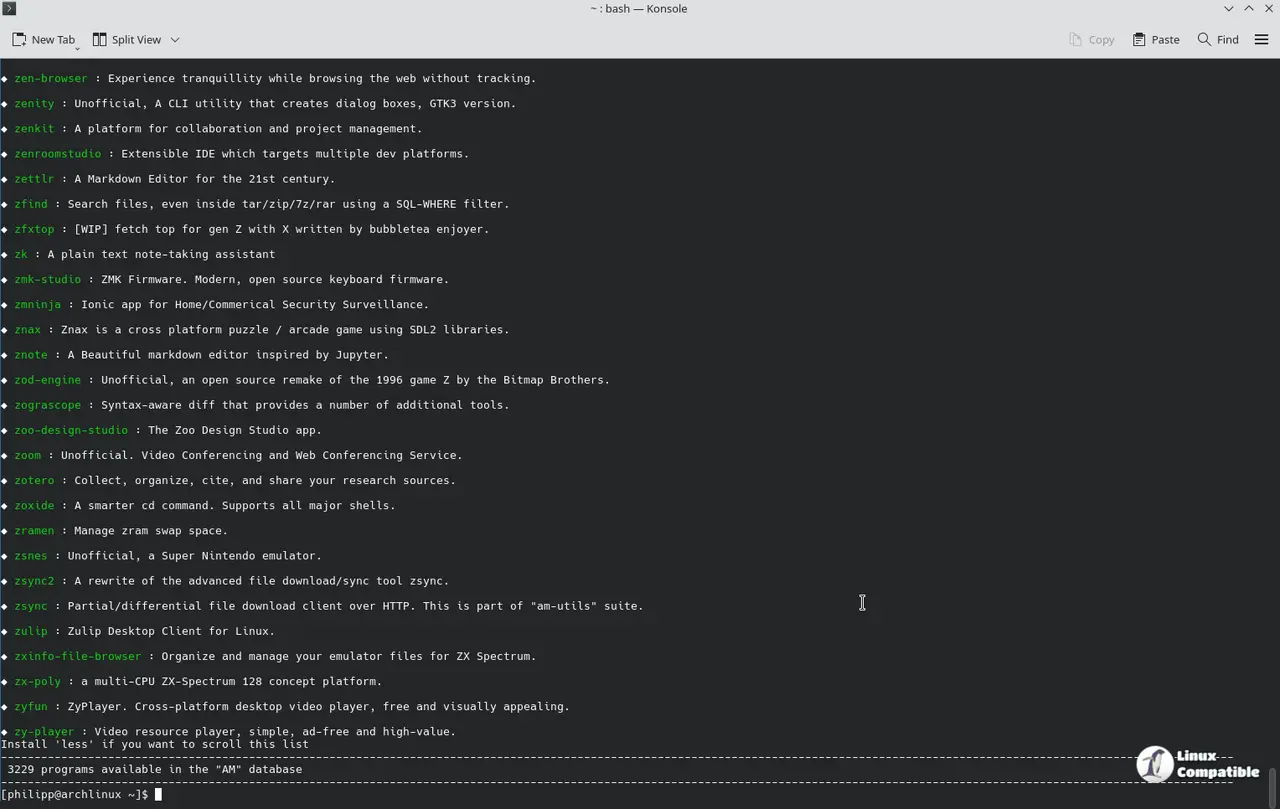
A New Catalog Face
The portable-linux-apps catalog finally has an interactive search bar and architecture-filtered menus. Contributor @andy5995 built most of it, and the new layout splits portable CLI apps from desktop ones, highlights on-the-fly AppImages, and carves out a dedicated metapackages section.
Metapackage handling got consolidated, too. Instead of duplicating installation scripts across dozens of app entries, AM now keeps one script per metapackage. That covers 75 programs right now, including kdegames, kdeutils, node, and platform-tools. Type the program name you want and the manager routes you straight to the parent metapackage. If an app exists both standalone and inside a metapackage, you'll see two launchers in the menu. Easy enough to tell apart once you look at the parentheses in the name.
Under the hood, the project just shrank. The sandbox.am module folded into install.am (we're down to four modules now), hide and unhide toggles migrated to management.am, automatic locale detection kicks in on first run, and Firefox WebApp profiles are gone for good since Firefox handles them natively. That's over 200 commits since the last release.
Maintenance Shifts Ahead
The release notes carry a personal aside worth flagging. Lead maintainer @ivan-hc says personal circumstances will limit their GitHub availability starting in early July. They're actively looking for bots or contributors to keep workflow dependencies and package updates rolling, especially if upstream developers ever decide to ship official AppImages themselves. The project isn't going dark. Bug fixes and PR merges will continue as needed, but the pace of major pushes will slow.
It's a solid, security-focused bump. The integrity checks aren't revolutionary, but they're exactly the kind of guardrail a script-database model needs. The catalog overhaul finally gives the project a modern face after years of playing catch-up with UI expectations. The maintainer's note does leave a question mark over long-term update cadence, even with community help. For what it's worth, the architecture is clean enough that handoffs shouldn't break things.
You can grab AM 10.3 via the interactive installer or clone the repo directly. The updated catalog is live at portable-linux-apps.github.io.


