VirtualBox 7.2.8 lands as a straightforward maintenance update that finally tackles the bugs actually breaking daily virtual machine workflows. The release patches stubborn Wayland clipboard glitches, stops Windows 11 guests from crashing with stack buffer overruns, and fixes FreeBSD shutdown failures tied to SAS controllers. Oracle also added early support for Linux kernels 6.19 and 7.0 while officially retiring the outdated vboxvideo graphics module in favor of modern VMSVGA drivers. Anyone running mixed host and guest environments should install this build immediately to avoid unnecessary downtime during routine updates.
VirtualBox 7.2.8 Release Brings Critical Fixes for Wayland, Windows 11, and Linux Kernels
Oracle just dropped VirtualBox 7.2.8 as a maintenance update that actually targets the bugs people complain about most. This release patches a few stubborn crashes, cleans up clipboard behavior on modern desktop environments, and adds early support for newer Linux kernels. Anyone running virtual machines daily should grab this build before pushing their systems further.
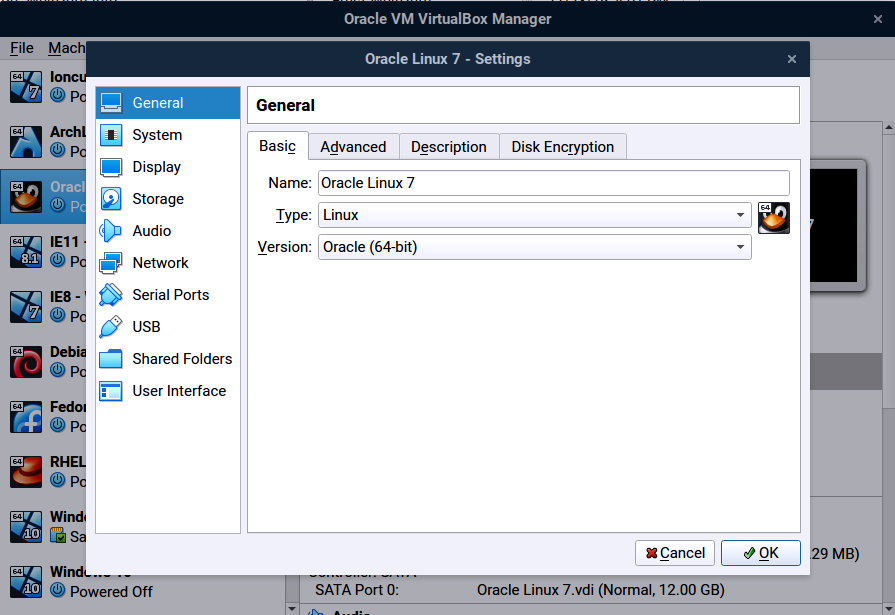
VirtualBox 7.2.8 Fixes for Wayland Display Issues
The mouse cursor shape problem in Ubuntu 25.10 finally gets addressed, which matters because a stuck pointer makes navigating virtual desktops feel like wrestling with a frozen trackpad. Oracle also repaired the clipboard sharing failure when running a Wayland guest alongside a Windows host. That last fix is actually important since pasting text across virtual machines has been notoriously unreliable on modern Linux displays. The update ensures the full string transfers without dropping the final character, which saves time when copying configuration snippets or error logs between environments.
Stability Patches for Windows and FreeBSD Guests
Windows 11 guests will stop hitting that DRIVER_OVERRAN_STACK_BUFFER blue screen after applying this update. That particular crash usually happens when a virtual driver writes past its allocated memory, so the fix likely tightens how the hypervisor handles stack boundaries during heavy operations. FreeBSD users who attach multiple devices to an LSI Logic SAS controller can also expect clean shutdowns instead of sudden crashes. The DMI registry issue gets resolved too, since Windows relies on proper BIOS version numbers to populate hardware keys under HKLM\HARDWARE\System\BIOS. Missing those values breaks certain management tools and telemetry scripts that depend on accurate firmware reporting.
Linux Host Support and Guest Additions Changes
The host side now includes initial support for Linux kernels 6.19 and 7.0, along with guest time accounting features that improve performance tracking inside virtual machines. Oracle also sped up the rcvboxdrv setup process, which matters because waiting through lengthy module compilation steps gets old fast during repeated installations or kernel updates. RHEL 10.1 and 10.2 kernels receive additional fixes, while UEK9 support lands on Oracle Linux 9. Guest Additions users should note that the vboxvideo module is officially deprecated for kernels 7.0 and newer. Switching to VMSVGA graphics or a distribution provided driver prevents compatibility headaches down the road. The internal DNS server in NAT networks also gets repaired, which stops virtual machines from failing when they try to resolve hostnames through the built-in resolver.
UEFI and Core Hypervisor Adjustments
Secure boot certificate updates no longer break Windows 11 guests during installation or verification steps. That fix matters because modern Microsoft builds strictly enforce firmware signature validation, so a broken certificate chain leaves machines completely unbootable. The VMM layer also corrects how wrong hypercall instructions get handled by injecting an undefined exception instead of triggering a Guru Meditation crash. IPRT developers cleaned up an infinite loop in the vsscanf whitespace parser, which prevents host processes from hanging when parsing malformed configuration strings. Unattended installation routines received general improvements that streamline automated deployments without adding unnecessary bloat to the core hypervisor.
Grab the update through the official download page and run a quick test on your most active virtual machines before rolling it out everywhere. The fixes target real workflow blockers, so keeping this version current saves time when things inevitably break during routine updates.


