The latest Nobara Linux NVIDIA build ships preconfigured drivers to get you to the desktop faster, though first boot will pause while DKMS compiles kernel modules on your hardware. This release draws a hard line at older graphics cards since Nvidia’s shift to open source kernel modules completely drops support for Pascal architecture and anything before Turing. X11 has been stripped from the distribution entirely, forcing all users onto Wayland while offering four distinct desktop environments to match different workflows. Anyone still running a GTX 10 series or older will need to stick with legacy distributions since Nobara refuses to maintain outdated driver branches.
Nobara Linux NVIDIA ISO Drops Prebuilt Drivers and X11 Support for Modern GPUs
The latest Nobara Linux NVIDIA release targets gamers and desktop users who want to skip the driver headache, but it draws a hard line at older hardware. This build ships with proprietary graphics drivers baked in so you reach the desktop faster, though first boot will pause while DKMS compiles kernel modules on your machine. If you are running anything before Nvidia Turing, this update is not for you.

Why the Nobara Linux NVIDIA Driver Version Matters More Than Ever
Nobara tracks Nvidia x86_64 Linux drivers across production, new feature, and beta branches, but the latest jump forces a strict compatibility cutoff. Starting with driver version 565.77, the distribution requires the open source kernel module to handle Wayland compositing, VKD3D, DXVK, OBS capture, and Gamescope without breaking rendering pipelines. Nvidia made that switch default in driver 560, and Nobara followed suit. The catch is that the open source module demands GSP firmware support, which Pascal architecture cards simply do not have. Anyone still rocking a GTX 1080 Ti or a 1060 will find themselves locked out of this release entirely. Nvidia officially dropped those older chips with the 595.58.03 production drivers back in March, and Nobara refuses to carry legacy driver branches just to keep aging hardware alive. The lowest supported desktop chip sits at the GTX 1630, while mobile workstations can squeeze by on an MX 450. Everything before Turing gets left behind.
What Changes Under the Hood
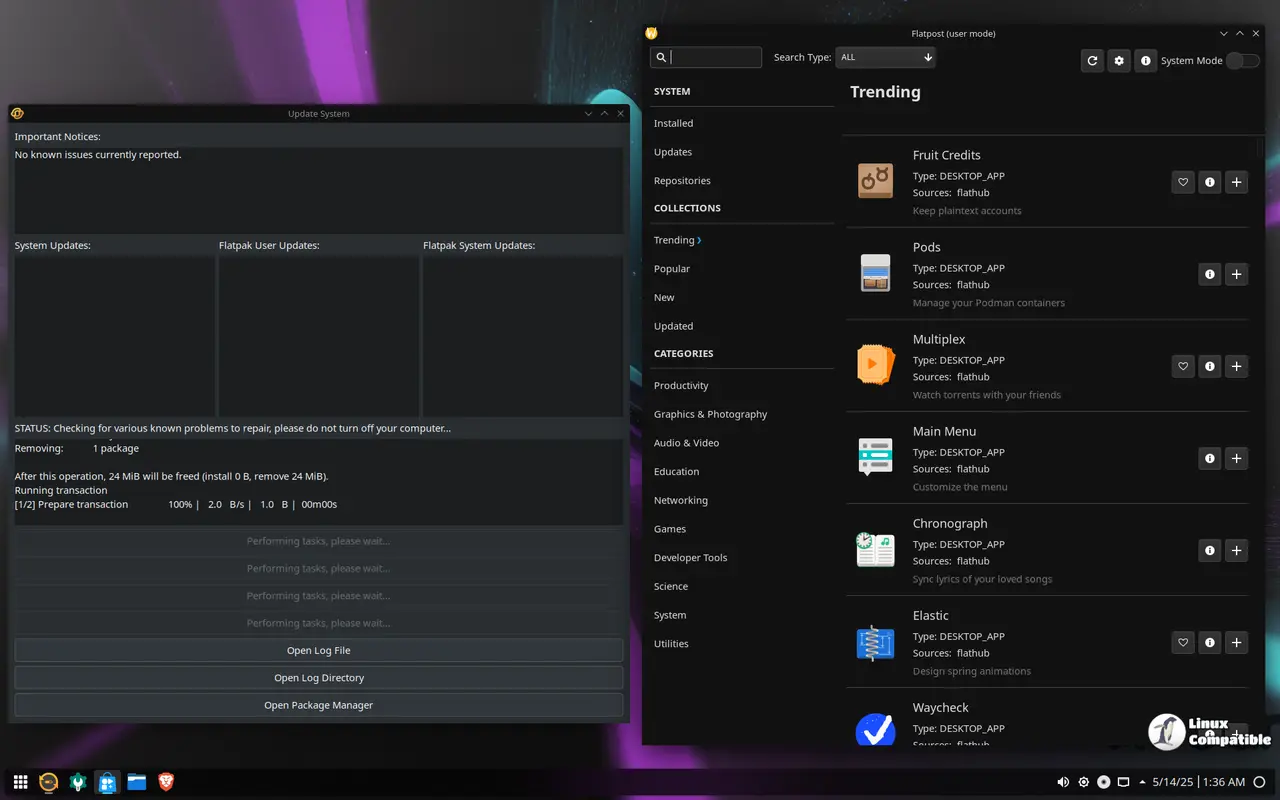
First boot will stall for roughly one to two minutes while DKMS builds the necessary kernel modules for your specific graphics card. That pause is normal and actually saves users from chasing down missing firmware or fighting package conflicts later. The ISOs come preconfigured with RPMFusion repositories, which means multimedia codecs and proprietary software install without manual repository tweaking.
Picking the Right ISO for Your Setup
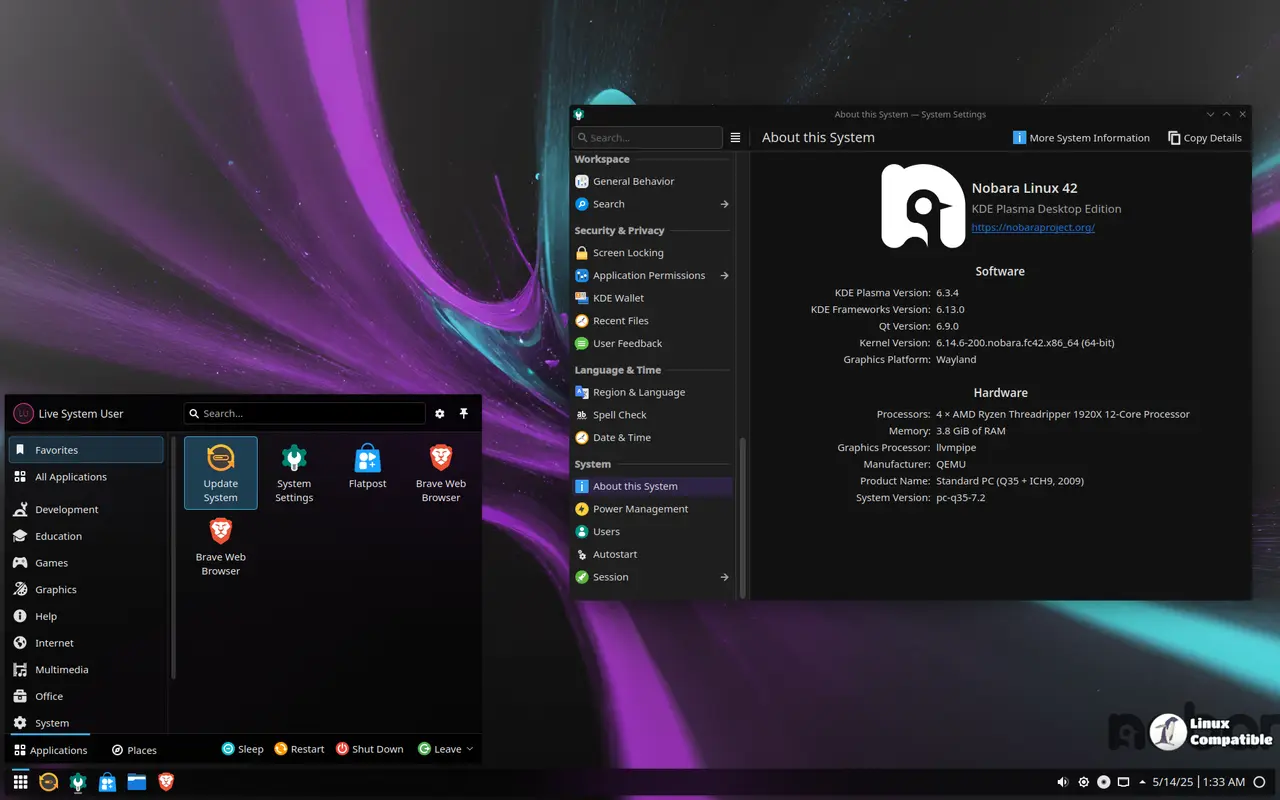
Four distinct images cover different workflow styles, though they all share the same underlying graphics stack. The Official build pairs a custom KDE layout with tuned performance profiles for gaming and creative applications. Users who prefer a cleaner desktop environment can grab the GNOME variant, which strips back visual clutter and prioritizes content workflows on laptops. Power users who want granular control over every system setting should stick to the classic KDE image. Living room PCs get their own Steam HTPC edition that mimics console navigation for big screen televisions. All four images require Turing architecture or newer graphics hardware, so verifying compatibility against Nvidia official driver support pages before downloading saves hours of failed installation attempts.
Grab the ISO that matches your display preference, verify your GPU model, and let DKMS do its thing on first boot. The stack runs smoother when you stop fighting with legacy drivers and start using hardware that actually supports modern compositing.


