Ungoogled Chromium 149.0.7827.114 Released
Ungoogled Chromium 149.0.7827.114 just dropped, bringing a straightforward approach to stripping Google web service dependencies from the daily browsing routine. The project maintains the default Chromium interface while quietly patching out background telemetry and remote service calls. Users looking for a familiar browser experience without the corporate phone home behavior will find this release worth testing.
Understanding What Actually Changes in This Release
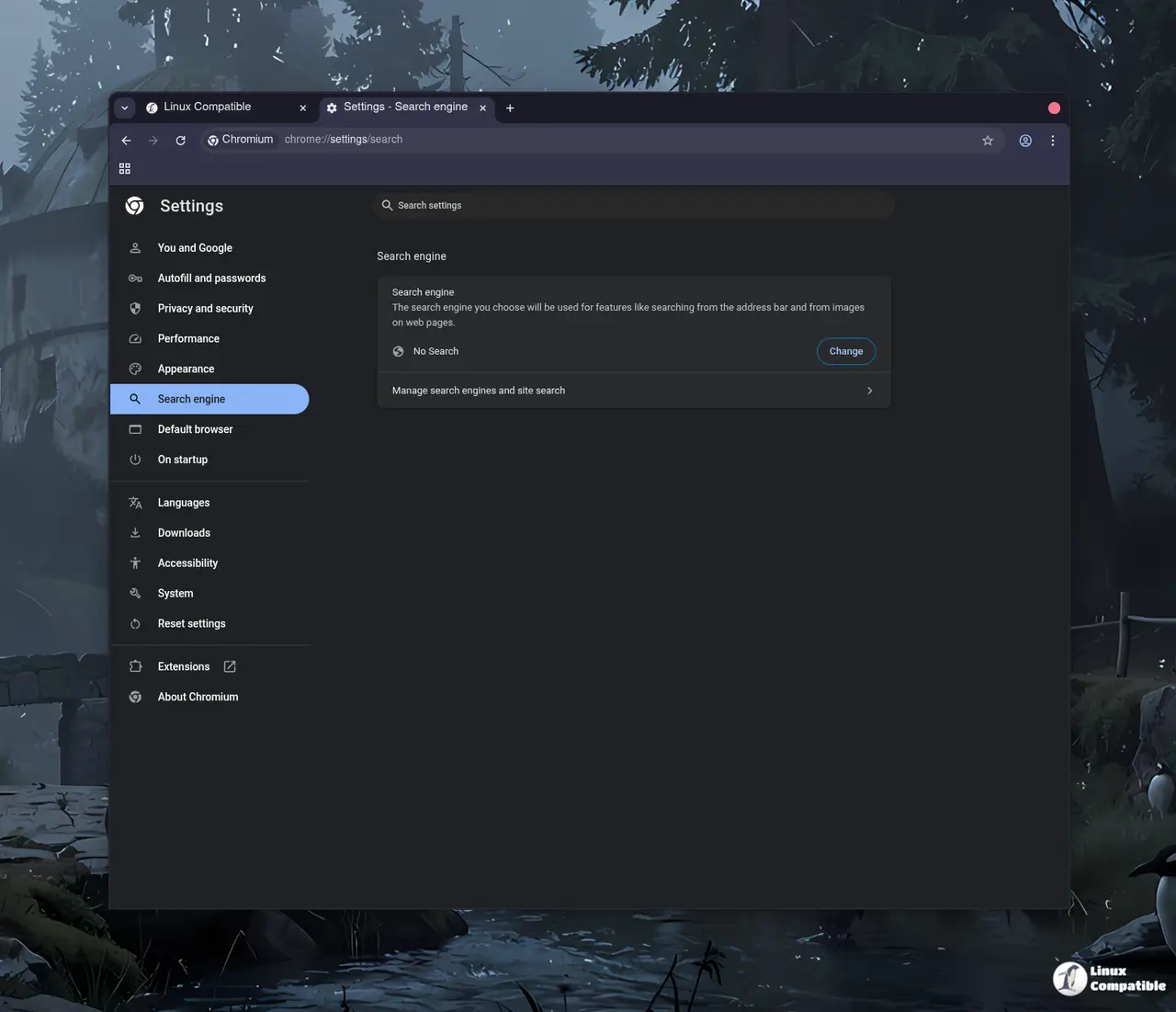
The latest update keeps the core Chromium architecture intact while applying targeted patches to sever connections to Google's backend infrastructure. Unlike modified browsers that add custom themes, rearrange toolbars, or inject their own update mechanisms, this project sticks to a drop-in replacement philosophy. The privacy enhancements remain largely manual by design, which means users must actively toggle specific flags to block background updates or disable remote certificate checks. This approach prevents bloat but requires a bit of technical comfort. The project documentation clearly ranks removing Google web service dependency as the top priority, followed closely by preserving the standard Chromium workflow. Anything that compromises the default experience gets pushed down the list, so the browser never tries to reinvent itself as a privacy-focused niche product. It just strips the phone home behavior and leaves the rest untouched.
How to Install and Verify the Patched Build
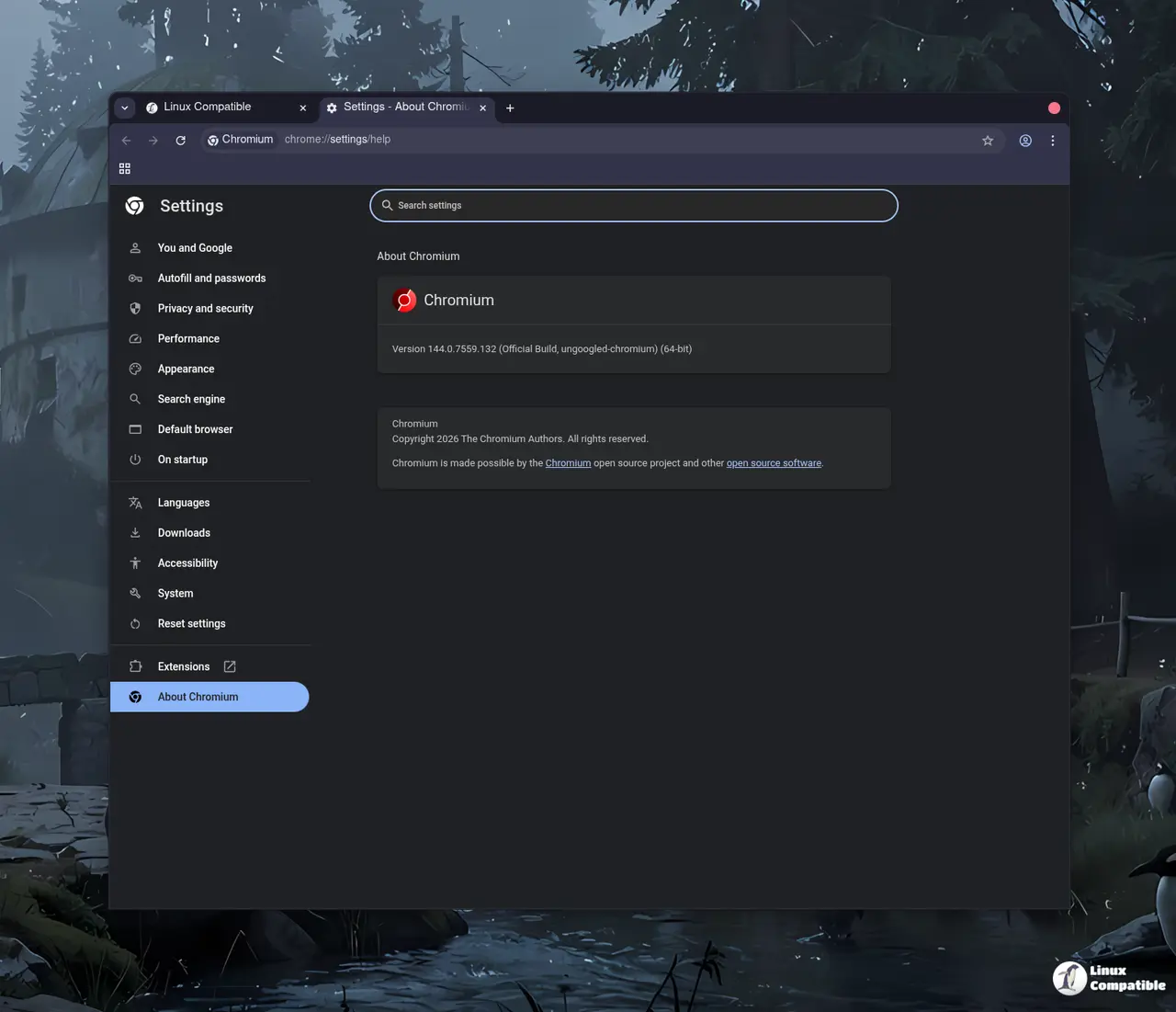
Installing the new version follows the standard procedure for existing users. The official repository provides compiled binaries for Windows, macOS, and Linux, though third-party package maintainers often handle the distribution side. Users should verify the signature or checksum before running the installer since the project relies on community distribution channels. Once installed, the browser functions identically to stock Chromium until privacy settings are adjusted. The manual activation requirement for privacy controls actually serves a purpose here. It keeps the base installation lightweight and prevents automatic background processes from running without explicit permission. Checking the about page confirms the ungoogled chromium identifier and verifies the patch level matches the 149.0.7827.114 release. The verification step matters because unsigned builds from random mirrors often carry outdated patches or broken certificate chains that break TLS validation.
What Needs Attention Before Switching
The browser drops Google services by default, which breaks features like Chrome Sync, password manager backup, and automatic extension updates. Users relying on cloud synchronization will need to configure alternative solutions or enable the built-in password export tools before making the switch. The manual privacy flags also mean some users might not notice any difference until they actively hunt down the relevant settings. A common issue after switching to this build involves cached profiles carrying over old Google service tokens. Clearing the user data directory or creating a fresh profile usually resolves the silent sync failures. The project maintains a straightforward contribution guide for those who want to report build failures or request patches for specific websites. The browser works best for people who already manage their own extensions and do not care about automatic updates. Anyone expecting a polished out of the box experience will likely spend more time troubleshooting than browsing.
Release Ungoogled Chromium 149.0.7827.114-1
Google Chromium, sans integration with Google. Contribute to ungoogled-software/ungoogled-chromium development by creating an account on GitHub.
Release 149.0.7827.114-1 · ungoogled-software/ungoogled-chromium