KDE neon 20260611 has launched as a rolling release for KDE software built on the Ubuntu LTS base, specifically targeting tech enthusiasts who want cutting-edge Plasma desktop updates without waiting months. The distribution focuses strictly on unpatched KDE frameworks while leaving non-KDE system components lagging behind by up to two years, making it unsuitable for users requiring strict mission-critical stability. Users relying on proprietary Nvidia graphics drivers will find themselves entirely unsupported during troubleshooting, as the team only backs open-source Nouveau out of the box. Instead of attempting risky hybrid upgrades from existing Kubuntu installations, developers recommend clean ISO installs and utilizing sandboxed Snap or Flatpak alternatives through KDE Plasma Discover for modern applications.
KDE Neon 20260611 Brings Bleeding-Edge Plasma to Ubuntu LTS
KDE neon 20260611 has just launched, delivering unpatched KDE software and the latest Plasma desktop straight from upstream developers onto an Ubuntu LTS base. This release doubles down on giving enthusiasts immediate access to new Qt frameworks and app updates, while dropping the experimental testing editions in favor of a more polished User Edition. If you are tired of waiting months for your distribution package manager to catch up with KDE rapid development cycles, this might be your ticket but there are some serious caveats about stability and support that could trip up even experienced users.
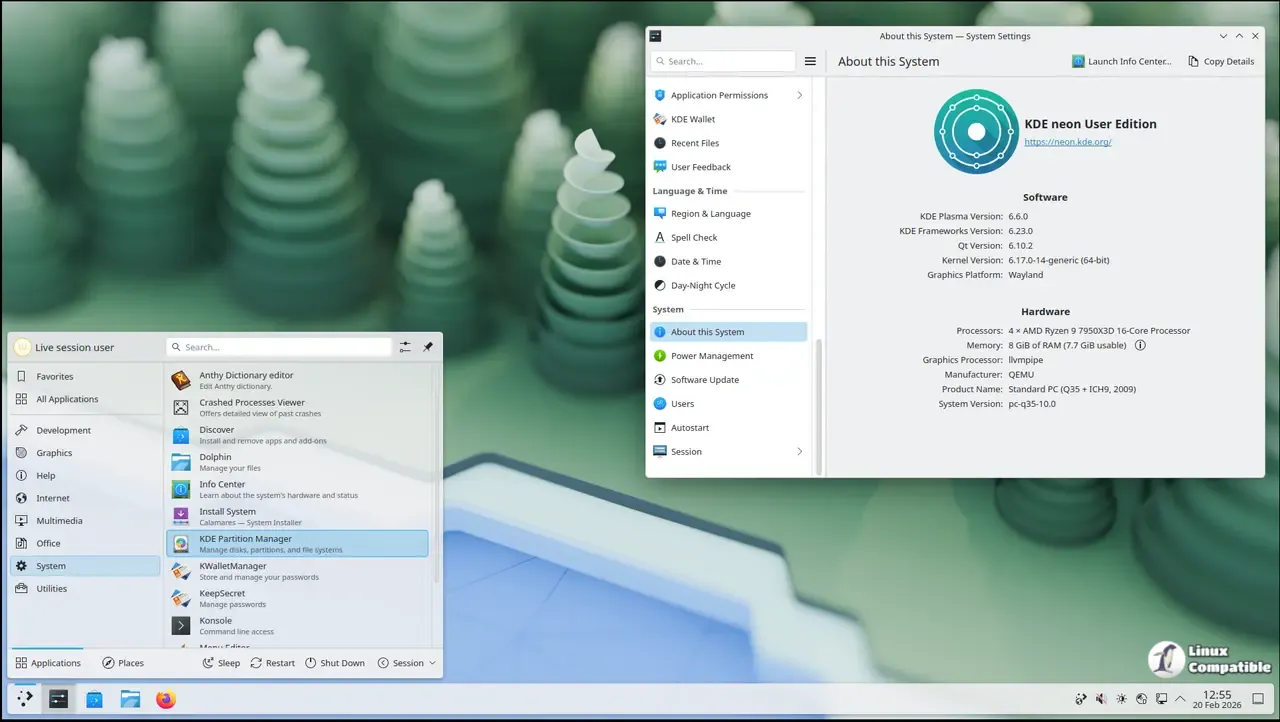
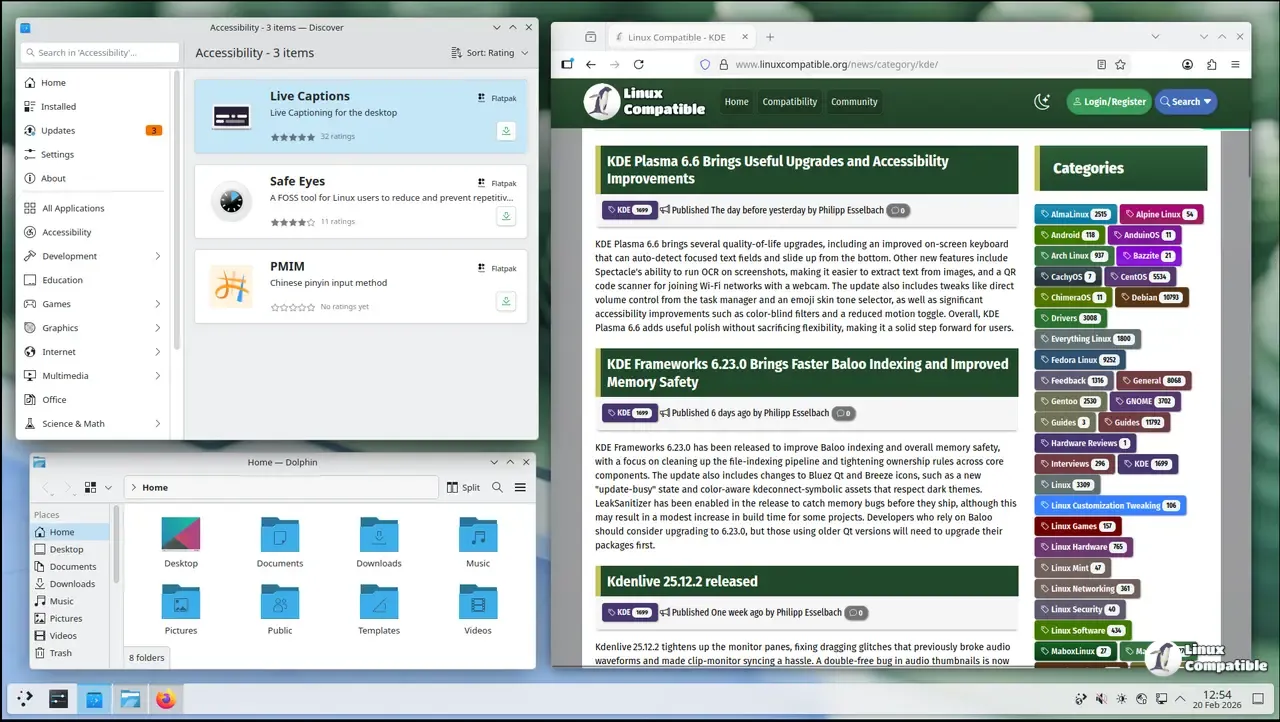
What Actually Changed in This Release
The new build focuses on streamlining the User Edition experience while quietly removing the older testing branches that never really gained traction among average users. I have noticed several power users attempt hybrid setups between Kubuntu base files and neon repositories only to end up with broken updates and unsupported configurations after a major Plasma overhaul. The team has tightened release management to avoid those exact scenarios, meaning you can expect fewer half-upgraded systems but also less flexibility for custom tweaks before the next stable push.
Who Should (And Shouldn't) Jump on This Release
KDE neon remains aimed at tinkerers who want unpatched KDE software without waiting months for their distribution standard updates to catch up, and this release is no exception. If you run a mission-critical machine that must remain unchanged for years while chasing the latest features, you will likely find yourself frustrated by the constant churn of new dependencies and minor UI glitches that accompany each update. I have watched several power users attempt hybrid setups between Kubuntu base files and neon repositories only to end up with broken updates and unsupported configurations after a major Plasma overhaul. The team has tightened release management to avoid those exact scenarios, meaning you can expect fewer half-upgraded systems but also less flexibility for custom tweaks before the next stable push.
The Proprietary Driver Quirk That Could Cost You
The new build continues supporting the open-source Nouveau driver out of the box while leaving proprietary Nvidia options entirely untested and unsupported by the core team. I have seen users struggle with black screens after an update that breaks X11 right before an important meeting, only to be told they should have stuck with a different distribution altogether. If you cannot handle your own graphics issues or need professional support for driver problems, it is honestly better to pick another distro that offers robust proprietary stack maintenance rather than gambling on upstream compatibility alone.
Why Stick With Ubuntu LTS Instead of a Rolling Release
The design choice keeps your core system stable while letting the KDE layer update at lightning speed, which means you will get Linux and graphics stack updates without dealing with constant base library churn across rolling distributions that often destabilize essential components. Certain packages are updated as needed to support newer Qt versions but app repositories remain up to two years old by default, so adopting sandboxed alternatives through Discover is strongly recommended over chasing repository apps that may break your workflow entirely. Trust me, skipping the full-upgrade step during routine maintenance will leave your system in a messy state quickly as dependencies shift around under your feet on these fast-moving platforms.
You can download the new release from here. Happy experimenting with the new build and feel free to drop a comment if you hit any snags along the way.


