The Arch User Repository just suffered a major breach with over four hundred community packages quietly infected by a malicious npm dependency. The attack hides inside build scripts and automatically runs rogue code that steals browser profiles, Electron app data, and sensitive login tokens. Users relying on official Arch repositories remain completely safe, while those on derivative distributions face the highest risk if they recently installed unverified tools. Running the official scanning script and auditing every PKGBUILD file before execution remains the only reliable way to keep compromised credentials out of attacker hands.
Arch Linux AUR Compromised: What You Need to Know Now
The Arch User Repository just took a hit, with over four hundred packages quietly infected by a malicious npm dependency. This AUR compromised situation means anyone grabbing unverified community scripts could end up running code that steals browser profiles and login tokens. The following breakdown covers exactly how the infection works, who faces the highest risk, and what steps to take before installing anything from the community repository.
Update: 1,936 packages are affected so far. A full list of the packages is available here.
What the AUR actually does
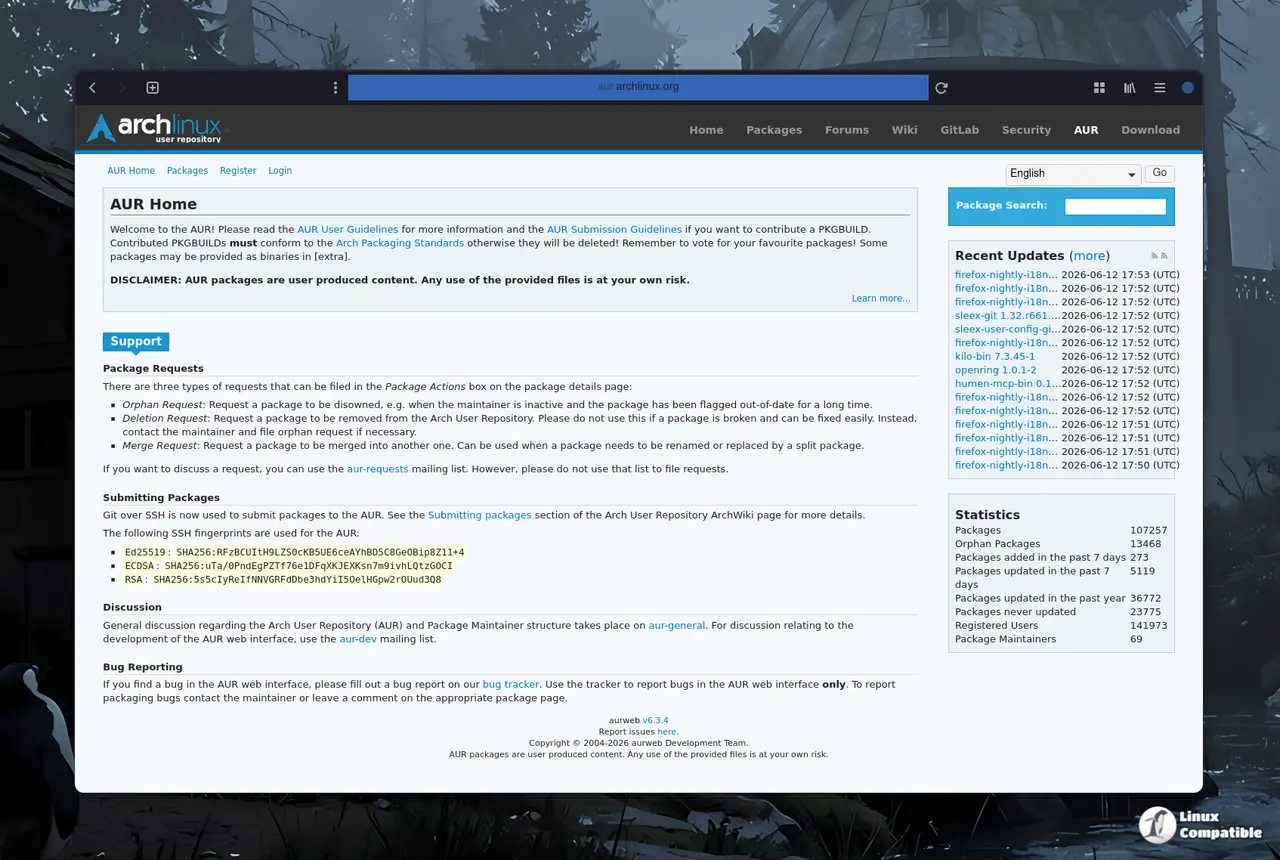
The Arch User Repository functions as a massive community-driven index of build scripts rather than a traditional software store. Users rely on these scripts to compile and install software that never makes it into the official pacman repositories. The convenience is obvious, but the trust model is entirely manual. Every time someone clicks through a graphical installer on a derivative distribution, they are blindly trusting a text file written by a stranger on the internet.
How the attack spreads
The infection chain starts when a modified PKGBUILD file forces the build process to pull a rogue npm package called atomic-lockfile. The malicious script runs automatically during the npm install phase, which happens before the actual software even finishes compiling. Once the build finishes, the hidden code wakes up and begins scanning Chromium browser profiles, Electron-based apps like Discord and Slack, and even GitHub credentials. The attackers did not touch the official repositories, so standard pacman updates remain completely safe.
AUR compromised packages and who actually needs to worry
Users who stick to the official Arch Linux repositories never encounter the AUR, so they walk away untouched. The real exposure falls on Arch derivatives like CachyOS and Manjaro, where graphical installers make clicking through community packages feel as easy as downloading a browser extension. A user recently installed a custom system monitor from the community repository and assumed the build process was safe until the hidden npm step quietly exfiltrated their Chromium profiles. Anyone who recently grabbed a utility, theme, or obscure tool from the community repository needs to treat that system as potentially compromised.
How to check your system
The CachyOS team released a scanning script that checks for the exact npm packages tied to this attack. Running that tool matters because it scans your local package cache and installed files for the malicious build artifacts that standard antivirus software will never see. The script looks for the specific npm hooks that the attackers injected into the PKGBUILD files. Users on other distributions can manually check their pacman cache or installed AUR packages by opening the build files and looking for any npm install commands that reference unfamiliar repositories. The analysis on ioctl.fail confirms the exact npm hooks and provides a clean list of affected package names to cross-reference.
Why you should still read before you click
The AUR will never become a verified software store, and that is by design. Arch developers intentionally keep the repository uncurated to preserve freedom and avoid legal liability. The community expects every user to audit build scripts before running them as root. Checking a PKGBUILD file takes less than a minute and usually involves scanning for wget curl or npm install lines that point to unknown domains. Skipping that step turns your system into a free hosting platform for credential harvesters. The developers are already purging the infected packages and banning the responsible accounts, but the damage to compromised systems is already done.
Keep your build scripts visible, keep your passwords in a proper vault, and treat every community package like a stranger handing you a USB drive. The repository will bounce back, and the next wave of tools will still be waiting for you to install them.


