System76 ships COSMIC Epoch 1.9.0 as a pre-release, adding an on-screen keyboard and a new image viewer
The incremental COSMIC update brings cosmic-osk and cosmic-viewer to Pop!_OS. It ships as a pre-release, and the GitHub notes still say "pending."
System76 has published COSMIC Epoch 1.9.0, the newest point release for the Rust-native desktop that now ships as the default shell in Pop!_OS. Founder Jeremy "jackpot51" Soller tagged it on 23 September, and GitHub flags the release as a pre-release.
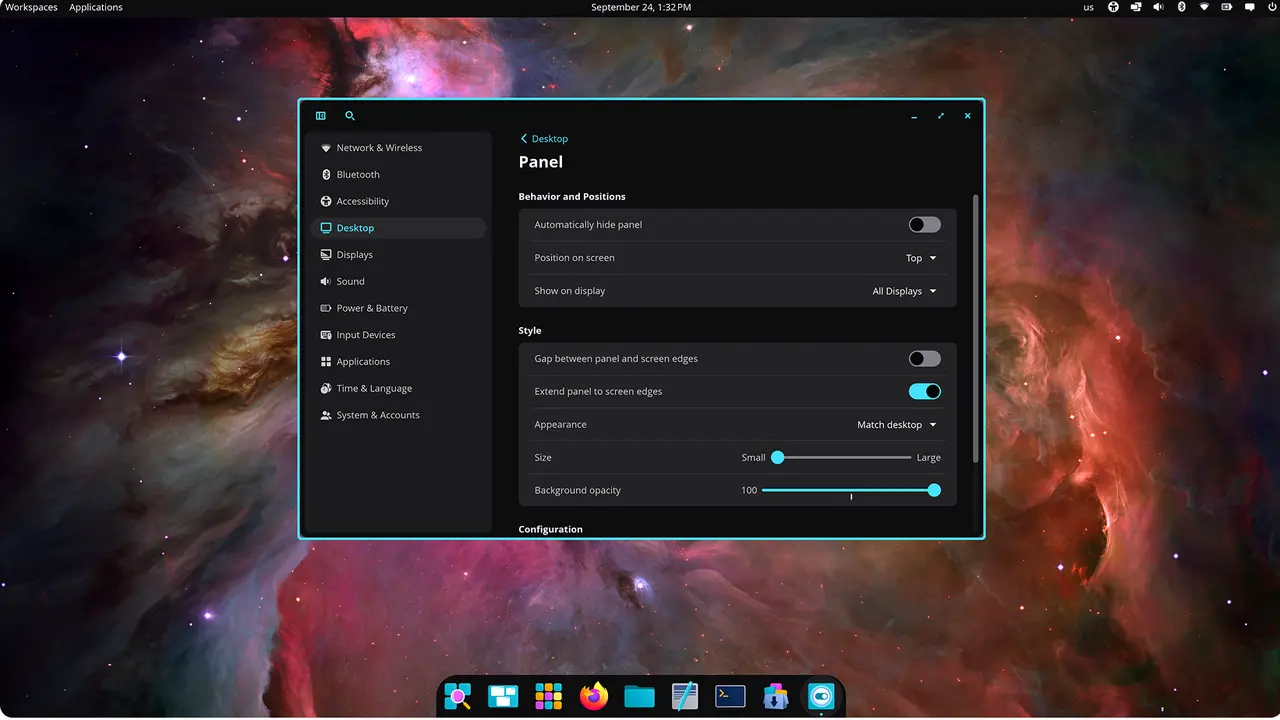
The headline isn't a sweeping overhaul. It's two additions: a dedicated on-screen keyboard and a native image viewer that doubles as a markup tool. There's also a new build dependency and a refresh of dozens of the underlying components.
Here's the thing worth knowing up front. The release notes on GitHub still read "Release notes pending," so this isn't the usual polished drop where System76 spells out every change bit by bit. The repo has been moving fast lately, which is both exciting and a little exhausting to track.
What actually changed
Epoch 1.9.0 mostly bundles two new first-class apps into an already-mature stack. Everything else is submodule bumps, which is just the normal rhythm of an epoch release.
The first is cosmic-osk, the COSMIC on-screen keyboard. It landed as its own submodule and was authored by Michael "mmstick" Murphy, one of System76's engineers and a Pop!_OS maintainer. If you've been watching COSMIC's front-end work, you'll recognize the name.
The keyboard has been around for a few months already. openSUSE Tumbleweed shipped RPM builds earlier this year, and an AUR snapshot showed up in September. What 1.9.0 does is pull it in as a bundled piece of the desktop instead of an optional add-on you hunt down yourself. That's a real accessibility win for touchscreens and virtual-keyboard setups.
The second addition is cosmic-viewer, a Rust-built image viewer and markup tool. It came through pull request #3890 and was merged by Levi Portenier, with development credited to Ashley Wulber and Soller.
It does more than open pictures. You get a thumbnail sidebar, folder browsing, zoom and pan, and EXIF data. The markup side is where it gets a bit more interesting: freehand pen, highlighter, shapes, text, a color picker. It's non-destructive, meaning crop and rotate can be undone or reverted rather than baked into the file permanently.
The format list is broad enough to cover most of what a regular user will throw at it. JPEG, PNG, GIF, WebP, BMP, TIFF, HEIC, AVIF, JPEG XL, SVG, and a pile of HDR and niche formats. Under the hood it's split into crates like viewer-core, viewer-canvas, and viewer-toolbar, which is the kind of modular choice you'd expect from a project built entirely in Rust.
There's also a smaller but sensible packaging change this cycle. cosmic-edit uses git-lfs for its PNG assets, so the team added git-lfs as a required dependency rather than hoping the build toolchain would happen to have it. Reasonable.
How COSMIC releases work
Pop!_OS 24.04 LTS launched on 11 December 2025 with COSMIC Epoch 1.0.0 as its default. That was the first stable deployment of the desktop, and the road to get here was long and public. System76 started with an alpha wave in August 2024, shipped a beta in September 2025, and has since been shipping point releases on a pretty aggressive clip.
On 24.04 LTS, COSMIC updates roll out as they pass QA review. Other distros track the tagged releases on GitHub and the various community repos instead. The release just before 1.9.0, Epoch 1.8.0, dropped on 10 September. So 1.9.0 landed roughly three weeks later.
COSMIC itself was System76's answer to its growing dependence on GNOME. Announced in 2021, it started as a heavily modified GNOME before the company rebuilt it from scratch using Iced, a cross-platform Rust GUI toolkit. The stated reasons included frustration with GNOME extensions and disagreements over direction. The result is a fully independent desktop, written in Rust on Wayland, licensed under GPL-3.0, with stacking and tiling, plus a quirk where every window can act as a tab.
Head here to the release page.


