OBS Studio 32.1.2 Fixes Scene List Lag and Menu Glitches You Actually Notice
The latest OBS Studio 32.1.2 release drops a quick hotfix that targets the exact UI hiccups slowing down streamers since version 32.1.0 hit. This update clears up the scene list selection lag, cleans up nested menu rendering, and silences those annoying theme property warnings. Anyone running the recent builds will want to grab this patch before it drags out recording sessions or breaks custom interface tweaks.
Why the Scene List Regression Breaks Workflow Rhythm
The lag introduced in 32.1.0 and carried through 32.1.1 was never just a minor annoyance. Clicking through a long scene list should feel instant, but the delay forced users to wait for UI threads to catch up while trying to switch sources mid recording. Streamers often notice this spike right when swapping between camera feeds and gameplay captures during live broadcasts. That pause breaks workflow rhythm and can cause missed cues or awkward dead air. The 32.1.2 patch restores snappy navigation by fixing the underlying selection handler without touching core encoding logic. Hotfixes like this prove that interface polish matters just as much as bitrate stability when you are actually pushing pixels to a stream.
How OBS Studio 32.1.2 Handles Nested Menu Appearance and Theme Warnings
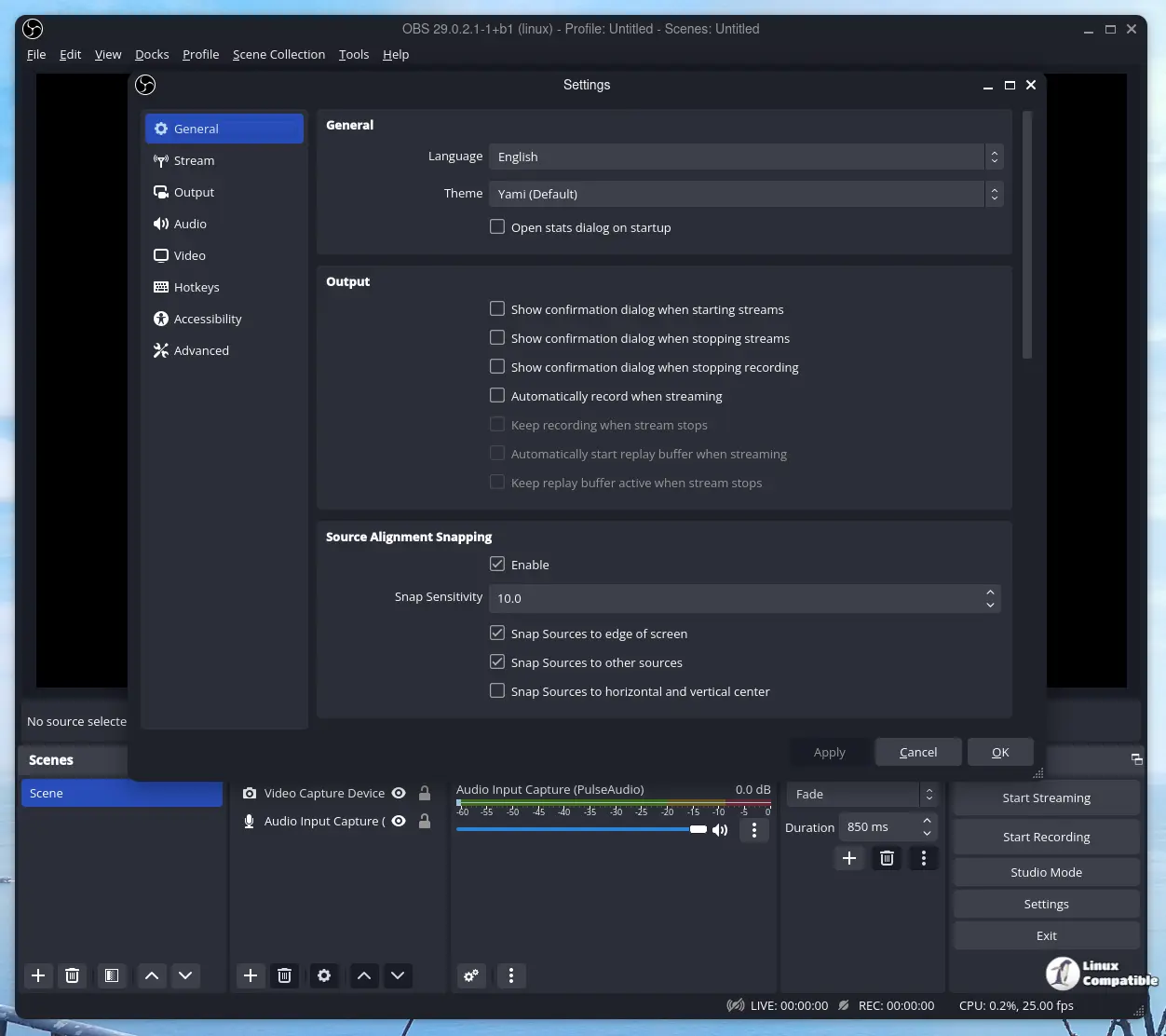
Custom themes have always been a double edged sword in OBS, offering deep personalization while occasionally breaking internal property checks. The recent builds started throwing warnings about non existent properties, which clutter the debug console and sometimes hide real errors that actually matter. This hotfix aligns theme parsing with current API expectations so those false alarms stop spamming logs. The nested menu rendering also gets a visual refresh that matches modern Windows styling without forcing heavy UI framework updates. Users who spend hours tweaking interface layouts will appreciate the cleaner dropdown behavior, even if they never touch the advanced settings panel.
Applying the Patch Without Disrupting Active Projects
Updating through the built in updater is straightforward, but keeping custom plugins and theme files intact requires a quick check before installation. Users should verify that their active scene collections do not rely on deprecated filter chains, since hotfixes sometimes shift how properties are validated behind the scenes. Running the installer over an existing setup preserves all settings, though backing up the config folder remains a sensible habit after any patch day. The process takes less than two minutes and leaves recording capabilities fully intact. Skipping this update just means carrying around unnecessary UI friction until the next maintenance release drops anyway.
Release OBS Studio 32.1.2
32.1.2 Hotfix Changes Fixed scene list selection lag regression present in 32.1.0 and 32.1.1 [Warchamp7] Fixed nested menu appearance [Warchamp7]
Grab the update when you have a few spare minutes between renders. The stream will thank you for the smoother interface, and your debug console will finally get some quiet time.


