Mageia 10 is out, celebrating sixteen years since the Mandriva fork, and delivers a sweeping desktop refresh with Plasma 6.5.5 and GNOME 49 both defaulting to Wayland. The software stack ships with Firefox 140 ESR, LibreOffice 26.2.3, GCC 15.2, and Python 3.13, while Chromium is dropped for Flatpak and MP3 encoding is unshackled from patent restrictions. Upgraders can pick between X11 and Wayland sessions at login, though NVIDIA users may still need X11 until the proprietary drivers improve, and the release adds liquidshell as a lightweight alternative to plasmashell.
Mageia 10 releases with a full desktop refresh and a firm shift to Wayland
The long-running Mandriva fork has officially shipped a new generation of desktop environments. Mageia 10 is out, bringing Plasma 6.5.5, GNOME 49, and a new Wayland default across the board. If you're upgrading from Mageia 9, you'll get both X11 and Wayland sessions available at the login screen, so you can pick your poison. It's a fairly heavy refresh for a volunteer-run project, and the stack migration is going to change how you actually run the machine.
Mageia traces its roots back to September 2010, when former Mandriva employees decided not to let a corporate liquidation kill the distro. They folded it into Mageia.Org, a nonprofit based in Paris, and have stuck to a rough annual release cycle ever since. Sixteen years in, and they're still publishing ISOs. That's not bad accounting for a project funded entirely by donations and governed by an elected board.
The desktops have changed
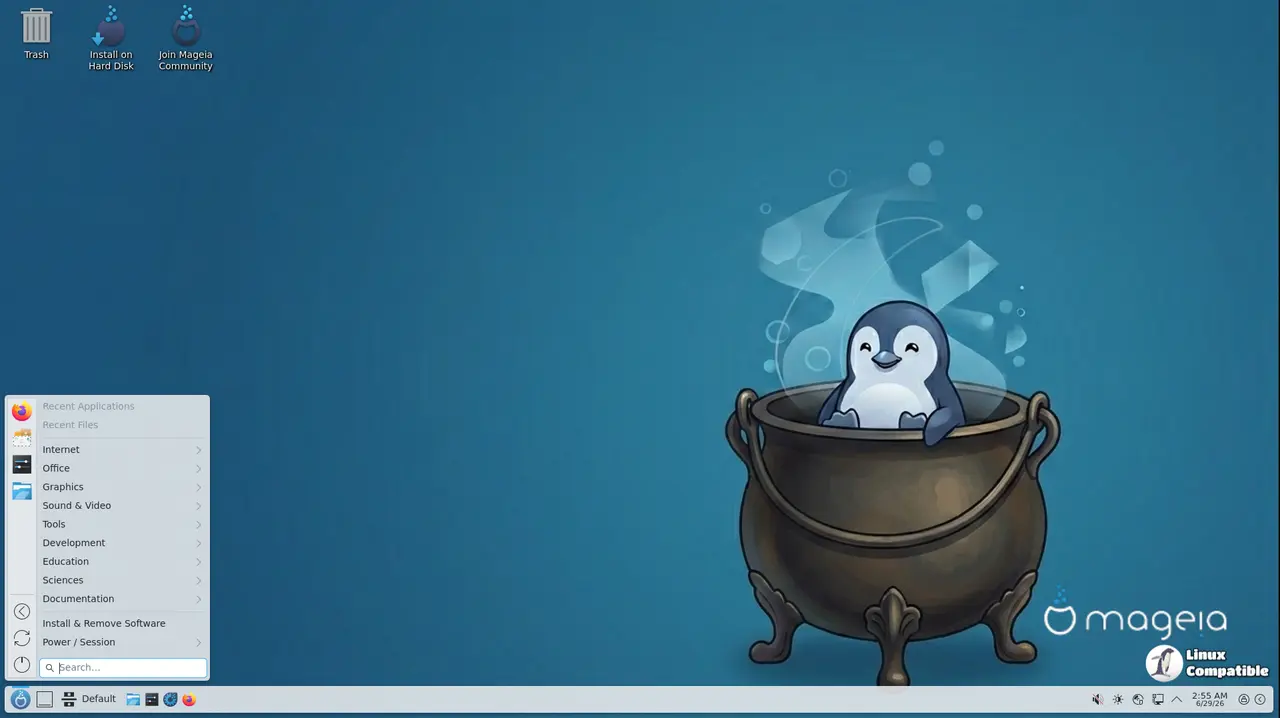
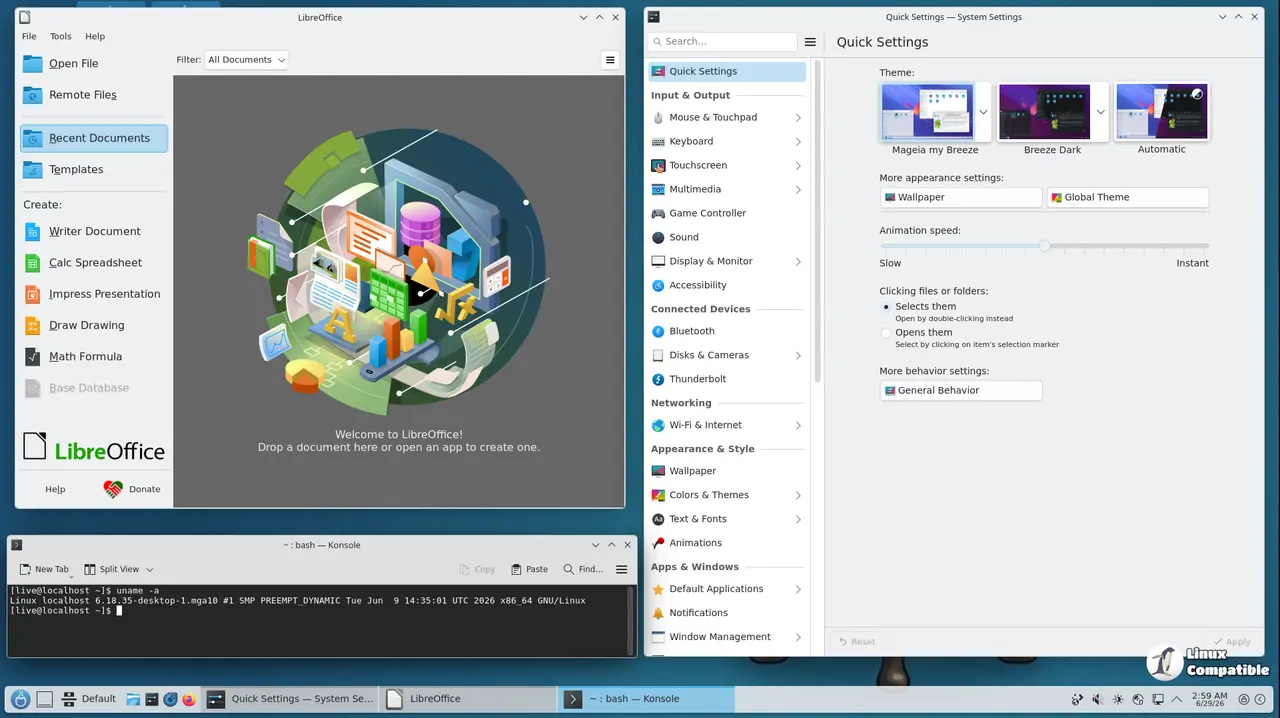
Plasma 6.5.5 is the headline here. It runs on Qt 6.10.0 and KDE Frameworks 6.22.0, and Wayland is now the default session. You can still grab X11 by installing task-plasma-x11 or task-plasma-x11-minimal, which should appear in your display manager's login menu. SDDM is the new default display manager, and they've swapped in plasma-systemmonitor for ksysguard.
GNOME follows the same script. GNOME 49 defaults to Wayland, though NVIDIA's nonfree drivers will still force an X11 session until the proprietary stack catches up. If you miss the GNOME 2 workflow, the classic and flashback sessions are still there, with Flashback sticking to GTK+ 3.
The lightweight crew gets a refresh too. Xfce sits at 4.20, MATE at 1.28, Cinnamon at 6.6, and LXQt at 2.3. LXQt actually got a proper Wayland task now, letting you pick between kwin_wayland, labwc, niri, or hyprland for the compositor. Not everything works yet, so keep an eye on the errata page. LXDE is still hanging on, though it's locked to PulseAudio for sound. You can also install liquidshell if you want a lighter alternative to plasmashell that doesn't need hardware graphics acceleration.
The new default SDDM theme, sddm-theme-coffee-ng, shrunk the frame, rounded the borders, and centered the clock. It's a subtle tweak, but it shows up across Plasma and LXQt.
Software stack and dev tools
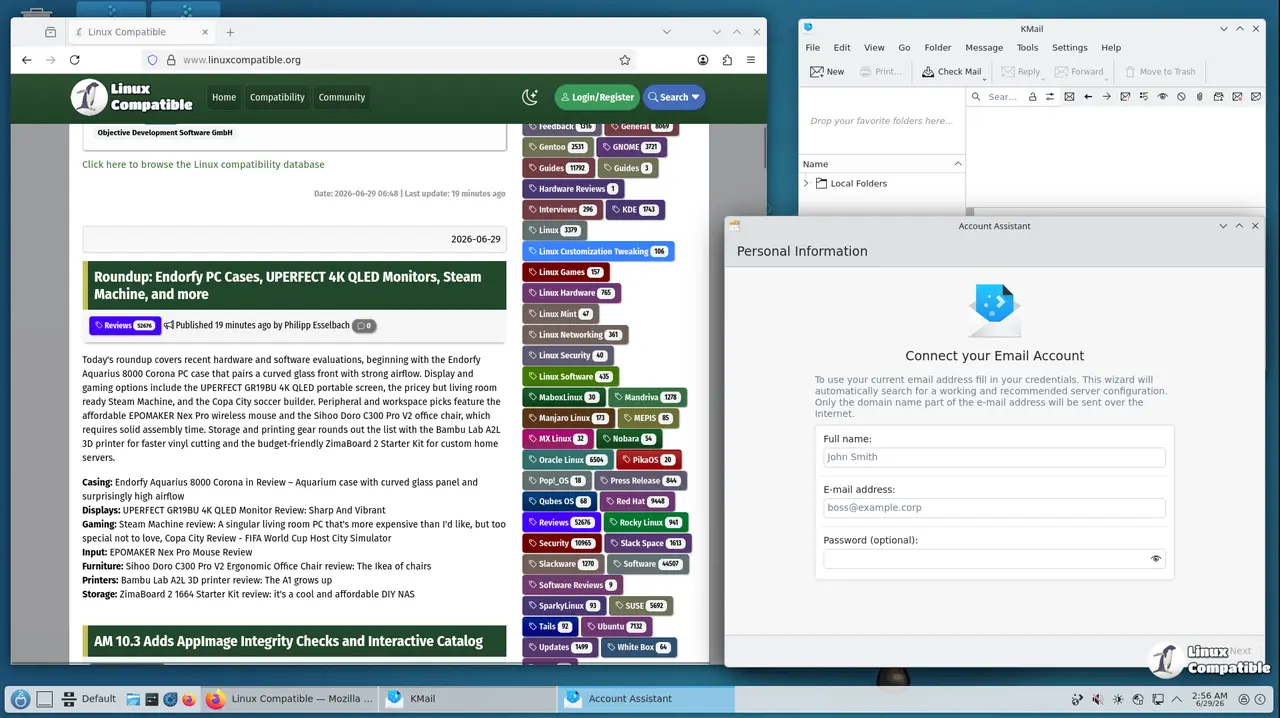
Chromium has been dropped. The project cited maintenance overhead, so if you want it, you'll need to grab the Flatpak or install the Chrome RPM directly from Google. Firefox 140 ESR is the new standard browser. Gemini protocol users aren't left out, either, with Lagrange, Kristall, and Offpunk added to the repos.
LibreOffice landed at 26.2.3, and the audio stack got unshackled. Since the last relevant patent expired back in April 2017, MP3 encoding is now available in the core media tools without touching the tainted repositories. Tainted media still covers H.264, HEVC, and AAC, though.
For developers, GCC 15.2, GDB 16.3, Glibc 2.42, and LLVM 20.1 form the new toolchain. Python 3.13 is the default, with Python 2 finally being retired. Java 17 is standard, but Java 8 and 11 are still available if your legacy stack demands it. The kernel sits at 6.18.26, with post-release updates pushing it toward 6.18.30.
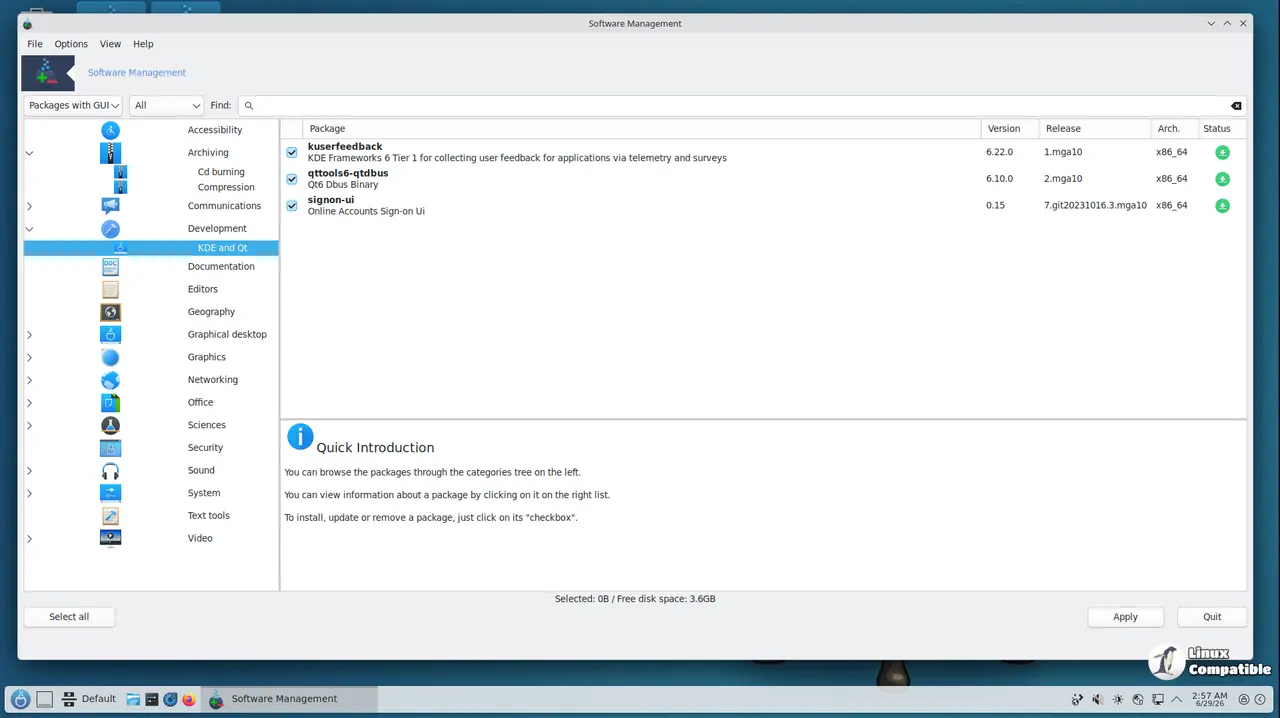
Games got a solid push too. Wine updated to 11, and the community packaged a bunch of new titles. You can browse the Mageia App DB to see what's available, and if you're into casual play, the new game environments should cover most bases.
The long view
It's a rather aggressive refresh for a project the size of Mageia, though the volunteer team has earned that kind of ambition. The Drakxtools suite and Mageia Control Center keep the Mandriva DNA intact, so system administration still feels cohesive rather than patched together. The project also had to fight off AI bots this past June, slapping a custom JavaScript anti-bot wall on its own servers. It drew some backlash from users who wanted simpler access, but it's the kind of resource crunch you get when a few dozen volunteers are running mirrors and build infrastructure for free.
Mageia 10 doesn't promise to dethrone Fedora or nix the competition, but it does prove that a nonprofit run entirely by volunteers can still ship a modern, multi-desktop distro on a yearly cadence. If you've got older hardware that still needs a working X11 stack, or you just want an RPM-based system that isn't tied to corporate release cycles, this is worth a look.
Keep in mind that Wayland compatibility varies by desktop, and NVIDIA users will likely need to stick with X11 for the near term. Head here to the official download page to grab the Plasma, GNOME, Xfce, and LXQt LiveDVDs, or pull the Classical ISO if you prefer the traditional installer. The full package changelog and the Wayland compatibility caveats live on the Mageia website, so check the errata before you commit to a fresh install.


