GNOME 49.7 Release Brings Quiet Bugfixes to Your Desktop Environment
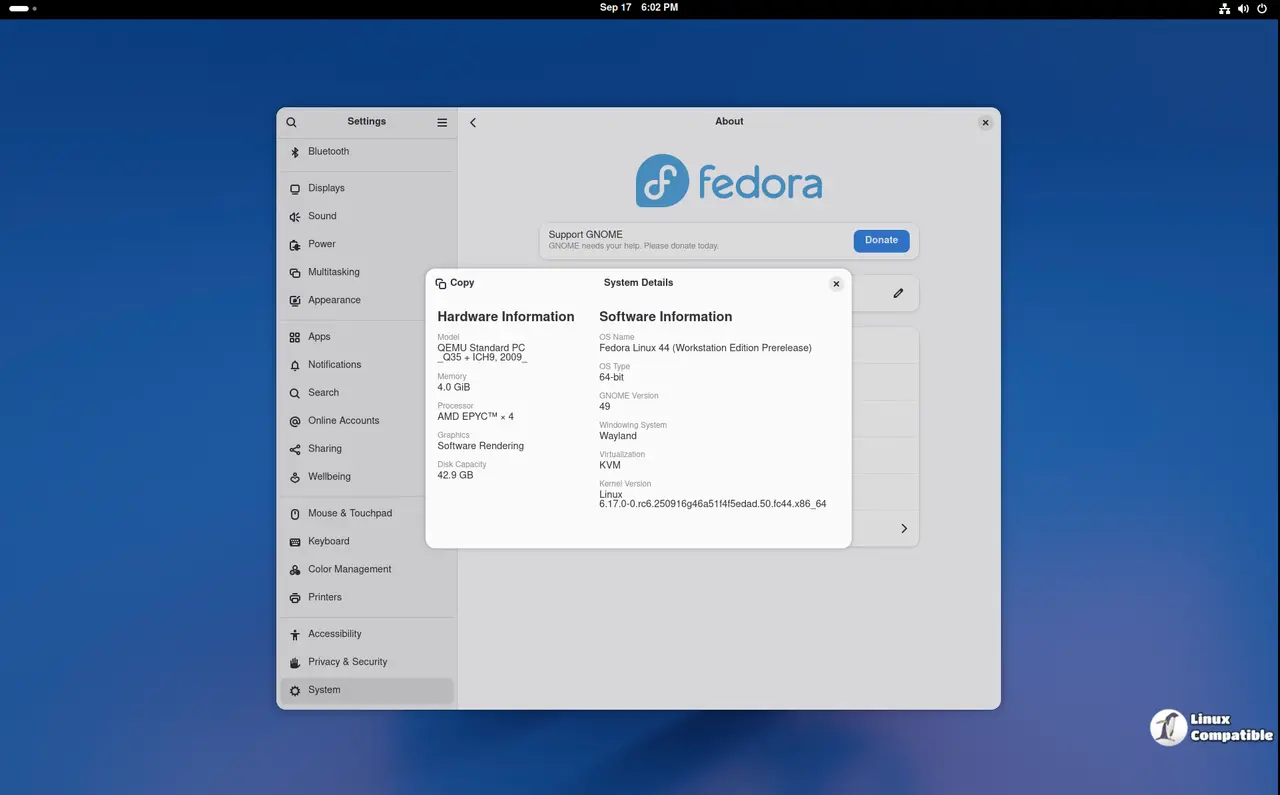
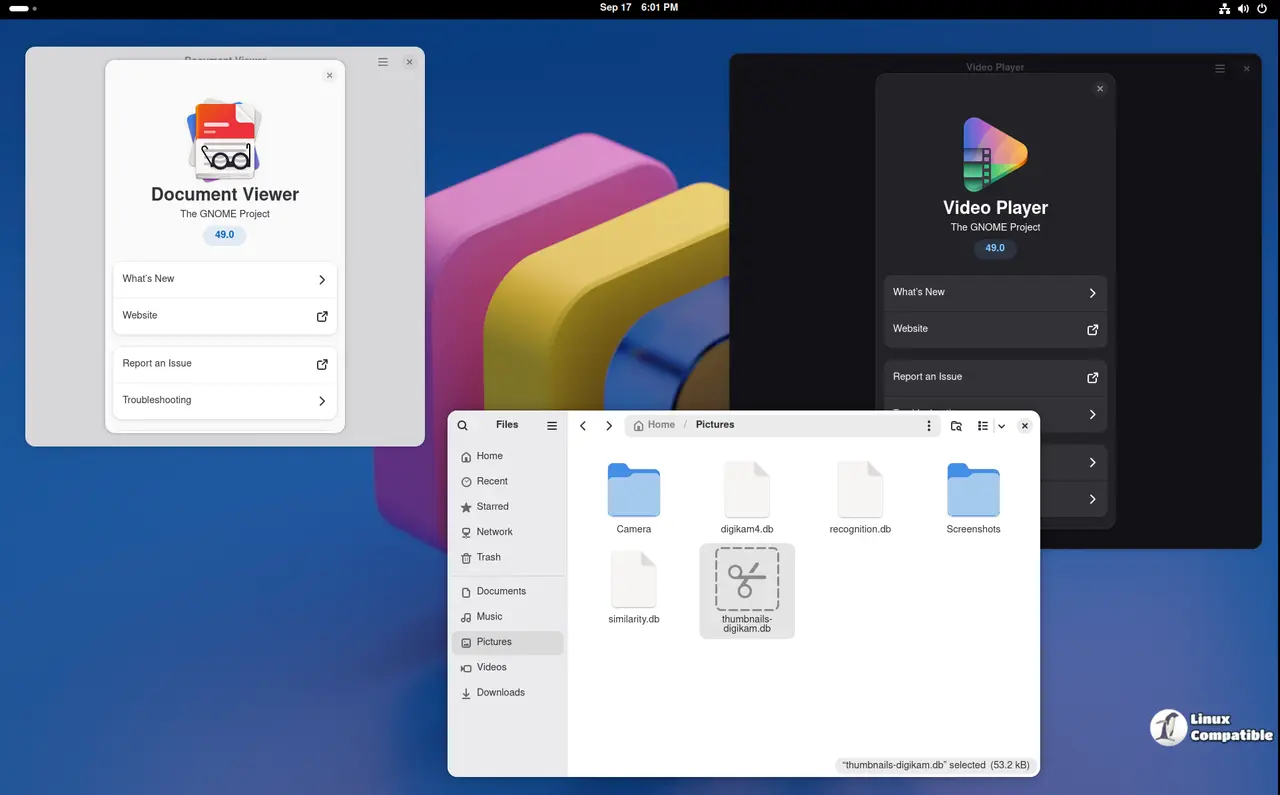
GNOME 49.7 arrives as a straightforward maintenance update for the desktop environment, focusing on stability rather than flashy new features. The release patches several crashes in core utilities like Evince and At-Spi2 Core while fixing annoying interface glitches that have bothered users since version 49.5 rolled out. Distributions shipping GNOME 49 should push this update to keep their systems running smoothly without introducing risky changes, because nobody wants to debug a broken session manager on a Tuesday morning.
GNOME Shell Fixes That Actually Matter
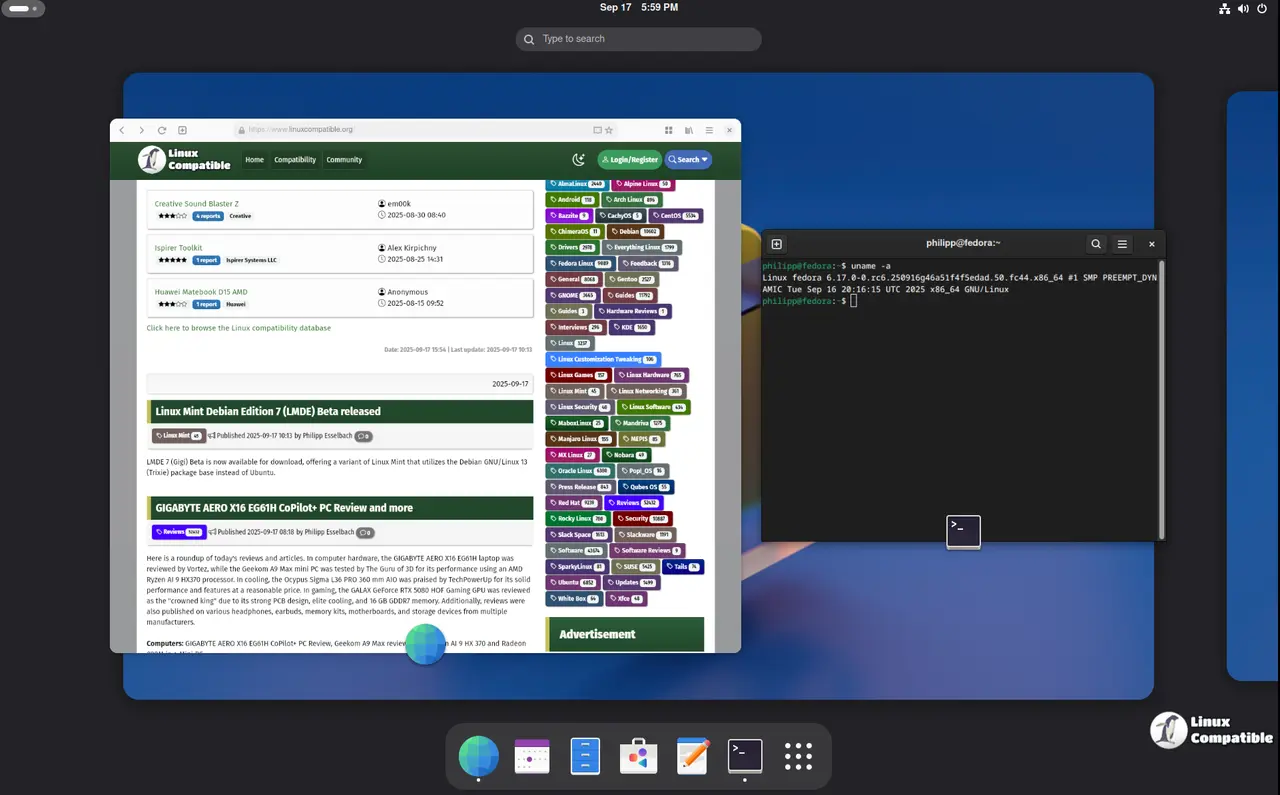
The most noticeable improvements land in the window manager and shell layer. Screenshot area selection now properly extends to monitor edges instead of stopping short, which saves time when capturing multi monitor setups that previously required awkward workarounds. The autorun notification for connected USB drives works as expected after previous versions kept ignoring removable media entirely. Search overview spinners also stop resetting with every keystroke, making text input feel noticeably less janky during quick lookups. These tweaks address minor friction points that accumulate over weeks of daily use and quietly drive users toward alternative desktop environments.
Core Applications and Library Updates
Several bundled tools receive targeted patches to prevent crashes and improve reliability across the stack. Evince gets a fix for accessible code crashes when page cache text goes missing, while At-Spi2 Core resolves deregistering application specific event listeners that previously caused accessibility tool failures. Libadwaita sees crash fixes in alert dialogs and improved swipe direction handling in navigation views, which keeps modern GTK applications from freezing during routine interactions. Epiphany reverts recent adblock changes to restore history deletion functionality after users reported broken URL removal. The update also bumps Gssdp and Gupnp versions to block corresponding TCP socket allocation issues that could disrupt network discovery protocols on busy home networks.
Security Patches and File Handling Improvements
Yelp receives a critical fix for an issue that previously allowed remote access to local files, which warrants immediate installation on systems with exposed documentation services or shared workspaces. Libgsf handles OLE files larger than four gigabytes without choking, fixing long standing limits in document property extraction that caused silent failures during large archive reviews. Gnome Software rounds out the release by patching an occasional interface crash during package updates, keeping the software center from throwing cryptic errors when checking for new versions. The update deliberately avoids touching Mutter, Nautilus, and GTK to maintain a stable foundation for downstream distributors who prefer predictable release cycles over experimental changes.
How to Apply GNOME 49.7 Safely
Distributions should push this update through their standard package managers since it contains only proven patches rather than risky architectural shifts. Users running custom builds can pull the official BuildStream project snapshot to compile the release without pulling in untested modules that might break existing workflows. The upgrade path remains straightforward because no major dependencies shift between versions 49.5 and 49.7, which means systems will restart their desktop sessions normally after applying the patch. Manual configuration changes are completely unnecessary since the update only touches already stable code paths.
Keep your systems updated and enjoy a slightly less frustrating desktop experience.


