Liquorix kernel 7.0-14 brings scheduler tweaks and PSI support for low latency workloads
The Liquorix kernel 7.0-14 update lands with a focus on squeezing out predictable frame times and tightening up the scheduler for interactive systems. Readers will get a clear breakdown of what changed in the new release, why those scheduler adjustments actually matter for audio production and gaming, and how to roll out the update without breaking existing setups.
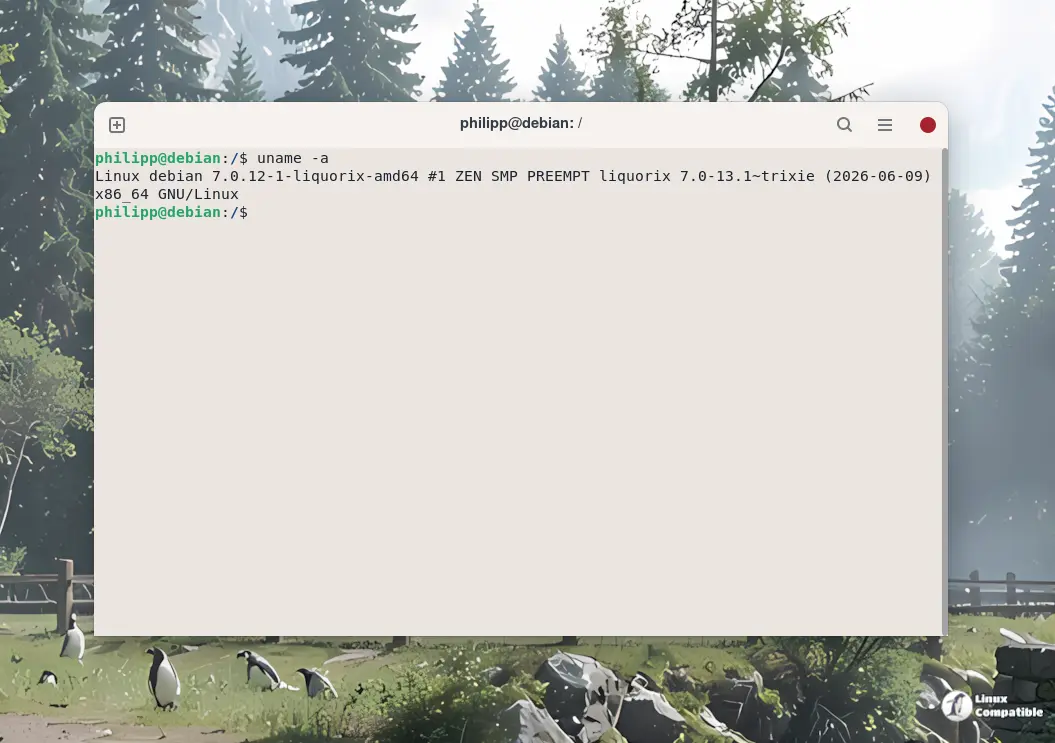
Liquorix kernel 7.0-14 scheduler changes explained
The change log point to a heavy dose of sched/alt adjustments, which means the custom scheduler gets the attention it usually demands. The team reintroduced PSI support for Project-C and spent time cleaning up the wakelist queue code path. Those changes target CPU masking, idle selection logic, and how the kernel handles forced migrations between cores. A lot of kernel updates just shuffle code around to make changelogs look busy, but Liquorix tends to actually touch the parts that control how long a thread waits before it gets CPU time. The team also added assertions to catch rq lock issues during task wakeups and bound the topology level walks in CPU masking routines. Those are the kind of fixes that prevent weird stuttering when switching between background tasks and foreground applications.
Real world impact for audio and gaming setups
Anyone who has tried to run a DAW or stream while a system update runs in the background knows how badly a misbehaving scheduler can wreck a session. The kernel update specifically excludes per-CPU stoppers from the wakelist and skips cores with pending wakelist tasks during idle selection. That logic prevents the scheduler from waking up a sleeping core just to run a low priority housekeeping task right when the audio buffer needs a fresh thread. The re enabled ttwu queue path also helps keep wakeups from bouncing around unnecessarily. Lower frame time deviations in games usually come down to how tightly the kernel clamps context switches, and these tweaks aim to keep that clamp steady.
How to roll out the new kernel safely
The official installation path relies on a single curl command that handles package repository configuration and dependency resolution automatically. Running the script pulls the correct Debian or Ubuntu or Arch packages and signs them properly before triggering the system update. The process replaces the current kernel, regenerates the boot entries, and leaves the old version intact so the system falls back if something goes wrong during the first boot. Users should verify the active kernel version after a restart and check dmesg for any missing firmware or driver conflicts before pushing heavy workloads. The script handles the heavy lifting, but keeping a live USB handy never hurts when swapping out core system components.
curl -s 'https://liquorix.net/install-liquorix.sh' | sudo bash
The update lands quietly but touches the exact scheduler paths that matter for responsive desktops. Grab it, test the frame times, and keep an eye on the boot logs if the audio interface acts up.


