KDE neon 20260618 expands its download menu with dedicated images for desktops, mobile devices, and bigscreen setups across three distinct release tracks. The project pairs a stable Ubuntu LTS foundation with rolling upstream Plasma updates, keeping the desktop fresh without demanding a full system rebuild every week. Keeping it current requires running specific upgrade commands or using Discover since standard package managers often choke on rapid dependency changes. Hardware support stays strictly limited to open source drivers, so anyone relying on proprietary Nvidia stacks or needing bulletproof daily reliability should probably stick to a different distribution.
KDE neon 20260618 Brings Fresh ISO Variations for Desktop, Mobile, and Bigscreen Users
The latest drop of KDE neon 20260618 expands the download menu with dedicated images for desktops, mobile devices, and big screen setups. This release keeps the familiar Ubuntu LTS foundation while pushing unpatched Plasma updates straight to users who want upstream software without waiting for distro maintainers to test it. Anyone planning to install this version should know exactly how the three main editions differ before wiping a drive or formatting a phone.
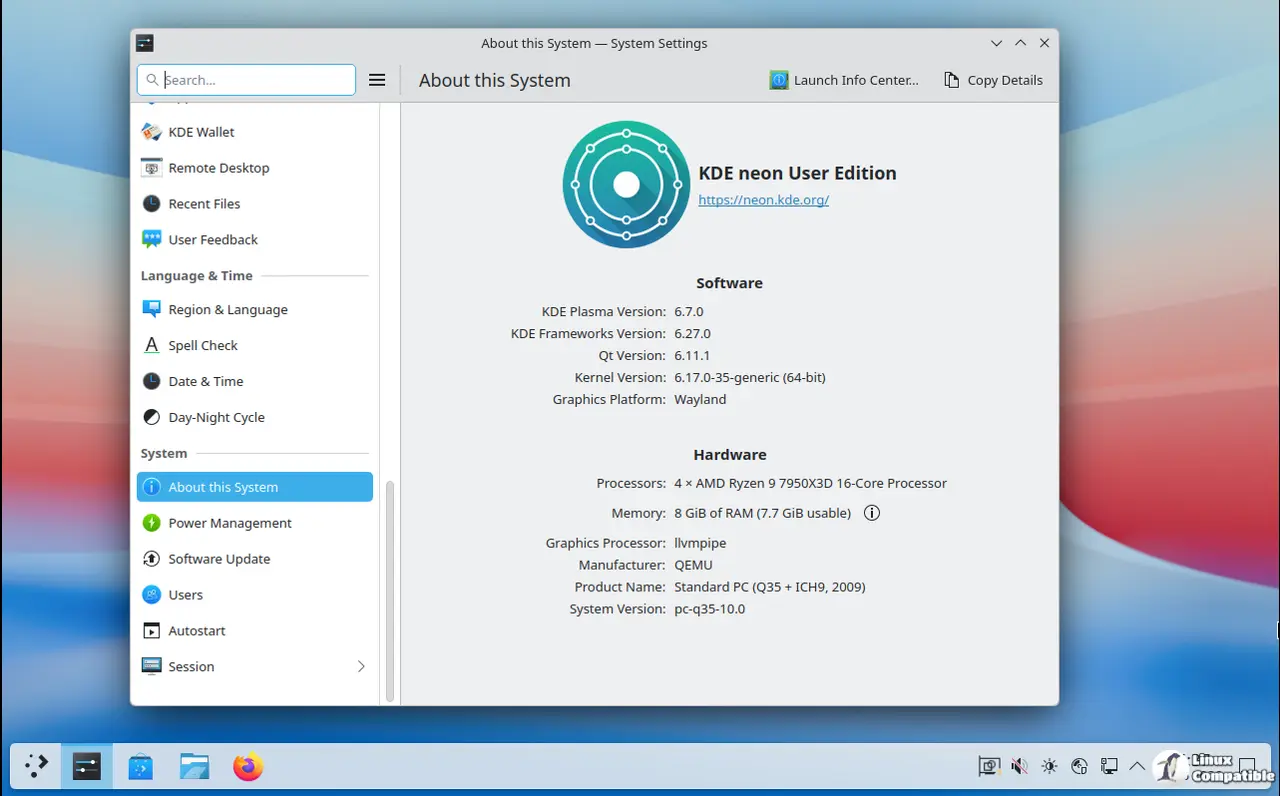
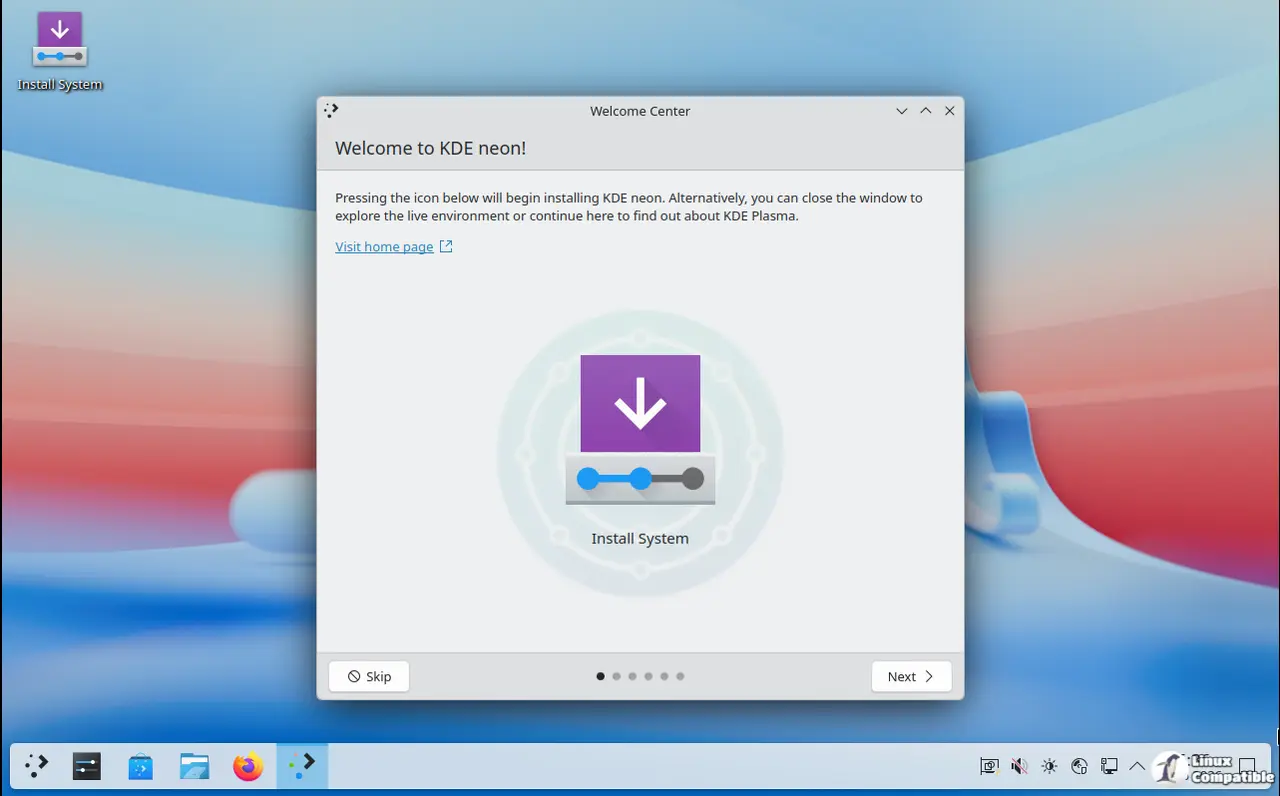
Understanding the User, Testing, and Unstable Editions
The project splits its releases into three distinct tracks that serve different tolerance levels for broken software. The User Edition sticks to officially released KDE packages running on a stable Ubuntu base, which means daily driving it feels polished but still carries the occasional rough edge from bleeding edge code. Testers get access to pre-release builds compiled straight from bugfix branches, offering a middle ground where some quality assurance actually happens before promotion to the main track. Unstable images pull directly from new feature branches with zero testing guarantees, so users should expect crashes and missing features when trying out tomorrow software today. The Developer Edition adds system libraries needed for compiling KDE applications, which saves hours of dependency hunting but absolutely does not belong on a production machine that needs to stay online during work hours.
Why the Ubuntu Base Matters for Daily Use
Neon keeps the underlying operating system locked to an LTS release while rolling out fresh Qt and Plasma updates independently. This hybrid approach prevents the entire system from breaking when a new KDE framework changes how it handles memory or graphics. The team explicitly warns against relying on default repository applications since those packages can lag behind by two years. Discover comes preconfigured to hide those stale options and push users toward Snaps or Flatpaks instead, which keeps the desktop environment consistent with upstream expectations. Anyone who has watched a system degrade after mixing old Ubuntu libraries with new KDE apps will appreciate this strict separation of concerns.
Updating Without Breaking the System
Keeping KDE neon 20260618 current requires running specific commands that handle package dependencies correctly during rapid software cycles. The standard apt upgrade command gets blocked by default because it often leaves behind essential framework updates or creates broken dependency trees on fast moving release tracks. Users must run sudo apt full-upgrade instead, which forces the package manager to install new packages and remove obsolete ones when necessary. Discover also provides a graphical updater that handles these transitions automatically for those who prefer clicking over typing. Running the command line version ensures that background services restart cleanly after major Plasma updates, preventing weird widget glitches or missing icons from lingering across reboots.
Hardware Support and Real World Expectations
Graphics card compatibility follows a strict hands off policy since neon focuses exclusively on the KDE software stack rather than driver ecosystems. The open source Nouveau driver handles basic desktop acceleration without requiring extra configuration, while third party Nvidia binaries remain completely unsupported by the project team. Anyone installing closed source drivers should expect to troubleshoot boot failures or screen tearing independently if things go sideways. The release also drops 32 bit support entirely since modern hardware rarely needs it anymore, and download mirrors still rely on plain HTTP despite GPG signatures verifying image integrity. Users who need guaranteed driver stability for workstations or gaming rigs might find a different distribution more reliable than chasing upstream KDE releases.
Grab the ISO that matches your tolerance level, verify the signature, and enjoy Plasma exactly as the developers intended it. Post in the comments which edition ends up on your main machine after the dust settles.


