KDE Plasma 6.7 Update Fixes Virtual Desktops and Brings Per-Screen Workspaces
The latest release of the desktop environment finally delivers per-screen virtual desktops after years of waiting, while quietly fixing several background app tracking bugs that have frustrated power users for a long time. This update also introduces a new CSS-based theming system called Union and tightens up performance for integrated graphics chips. Readers will get a clear breakdown of what actually changes in the daily workflow and how to test the new features without breaking existing setups.
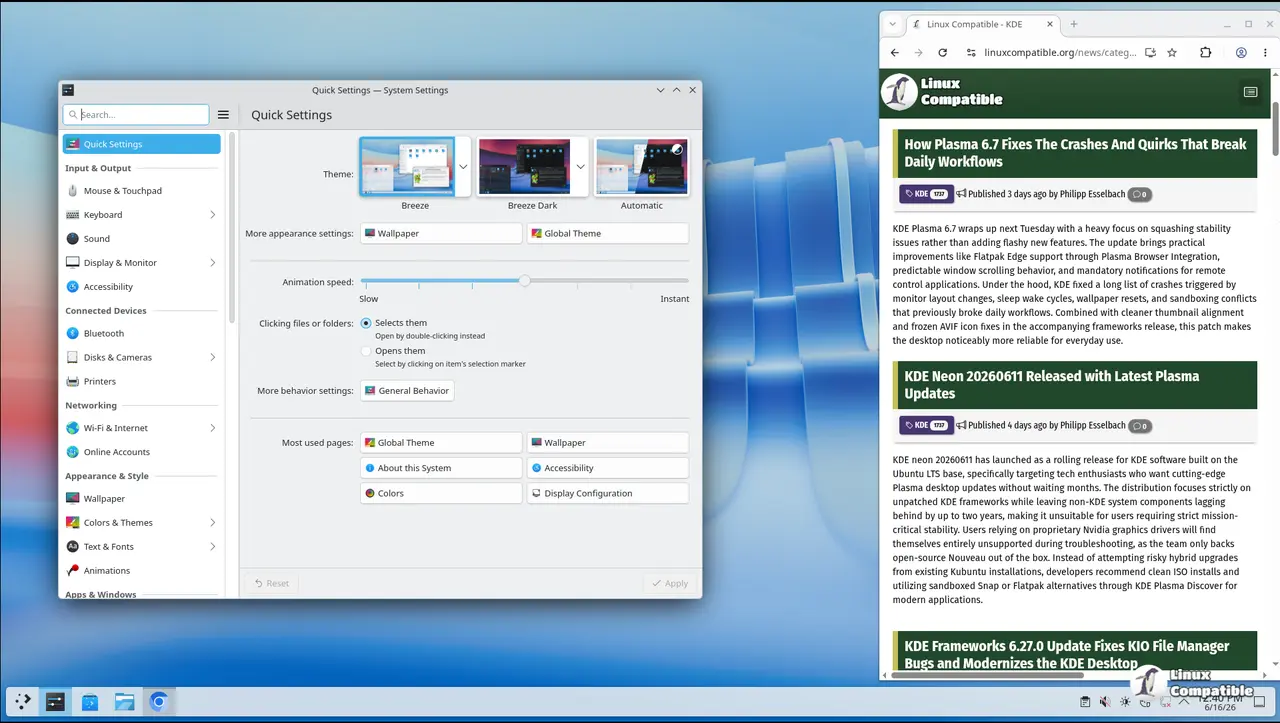
KDE Plasma 6.7 brings per-screen virtual desktops after two decades
The biggest headline in this release is the long-awaited ability to assign different virtual desktop layouts to each monitor. For years, users had to juggle the same set of desktops across every screen, which made multi-monitor setups feel unnecessarily cramped and forced constant window shuffling. Plasma 6.7 breaks that restriction by letting each display run its own independent workspace configuration. The change matters because it aligns how the compositor handles window placement with modern hardware expectations instead of forcing legacy single-desktop logic onto complex rigs. Users who frequently switch between coding on one monitor and browsing documentation on another will notice a smoother transition when dragging windows across displays. The underlying KWin changes also clean up how fractional scaling interacts with desktop boundaries, which reduces the occasional pixel-snapping glitches that showed up in earlier builds.
Smarter system tray and background app management
System tray behavior gets a practical overhaul by properly recognizing apps that register through the newer Background Apps portal. Flatpak applications have historically been invisible to traditional tray monitoring, which left users guessing why certain processes kept running in the background without any visible indicator. Plasma 6.7 bridges that gap by pulling status updates directly from the freedesktop specification instead of relying on outdated X11 tricks. The microphone volume test feature also joins the panel, giving a quick way to verify input levels before jumping into calls or recordings. This matters because audio misconfiguration usually wastes more time than actual troubleshooting. The digital clock widget now shows hour offsets for other time zones without forcing users to open a separate settings dialog, which saves clicks during international coordination.
Theming gets a CSS overhaul with Union preview
Customizing the desktop appearance has always been powerful but notoriously fragmented across QtQuick and QtWidgets applications. Plasma 6.7 introduces Union as an experimental theming engine that uses standard Cascading Style Sheets to style both framework types simultaneously. The team kept it off by default because the implementation still needs heavy testing, but users who want to experiment can enable it through System Settings after installing the union package. Restarting affected applications is required for the changes to take effect, and the visual output should match Breeze closely during this preview phase. Oxygen also returns with full light, dark, and twilight variants, bringing back classic KDE 4 aesthetics without sacrificing modern accessibility standards. The notifications animation now slides in from the nearest screen edge instead of popping up randomly, which makes alerts easier to track on ultrawide setups.
Performance tweaks for Intel and AMD hardware
Graphics rendering gets several targeted optimizations that directly impact power draw and frame consistency on integrated chips. The compositor now handles HDR content alongside ICC color profiles without forcing users to choose between accurate colors or high dynamic range output. AMD laptop owners can adjust how aggressively the display shifts toward warmer tones at low brightness levels, which reduces eye strain during extended sessions. Intel GPU workloads see improved CPU rendering efficiency, meaning desktop animations stay fluid even when background tasks spike processor usage. The system monitor applet also respects user preferences for storage units, so readers who prefer gibibytes over gigabytes will no longer see confusing conversion warnings in the resource graphs.
Give the update a spin on a test partition if you run sensitive workloads, and report any Union styling quirks to the developer tracker before it ships officially. The desktop feels noticeably more responsive once the background app tracking settles into place. Happy tweaking.


