Goverlay 1.8.3 Brings Faster Mods and Built-in Benchmarks to Linux Gaming
The latest update for Goverlay 1.8.3 finally addresses the configuration headaches that have plagued Linux gamers since the early days of shell script overlays. This release swaps out the aging FGMOD system for a native Pascal binary called BGMOD, integrates a Vulkan benchmarking tool directly into the interface, and adds setup videos for Steam and Heroic Games Launcher. Users looking to streamline their gaming rig without wrestling with broken config files will find this update worth the install.
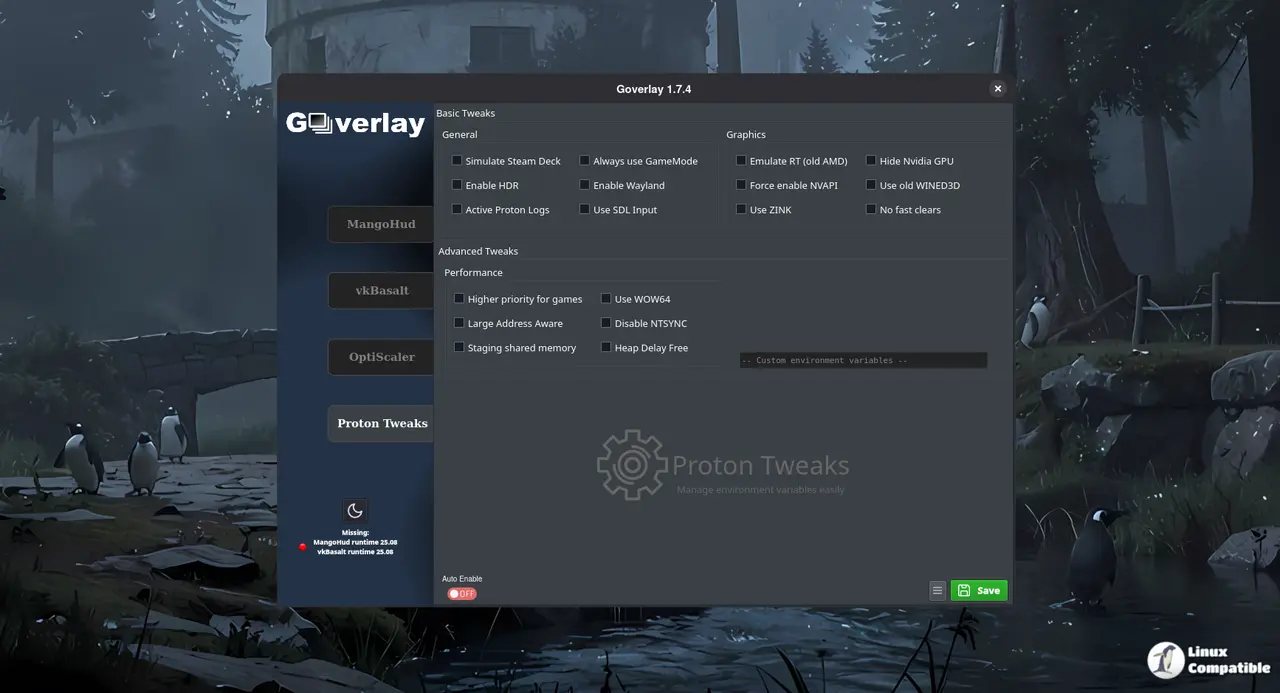
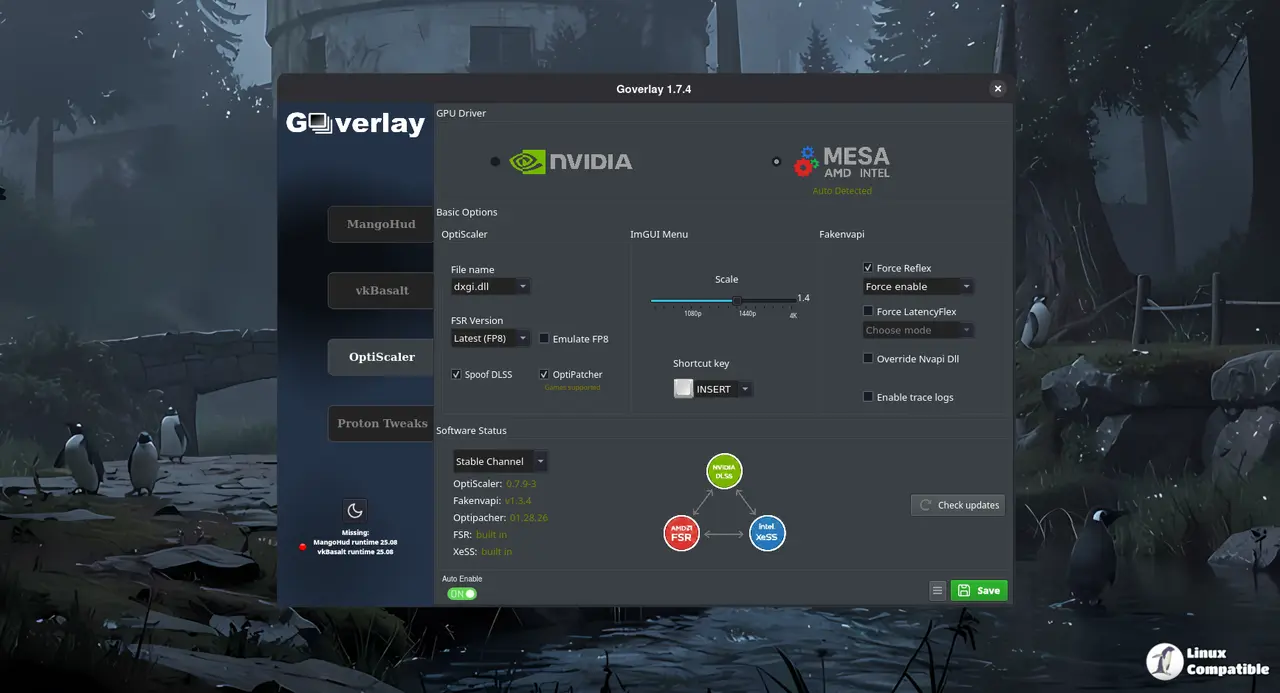
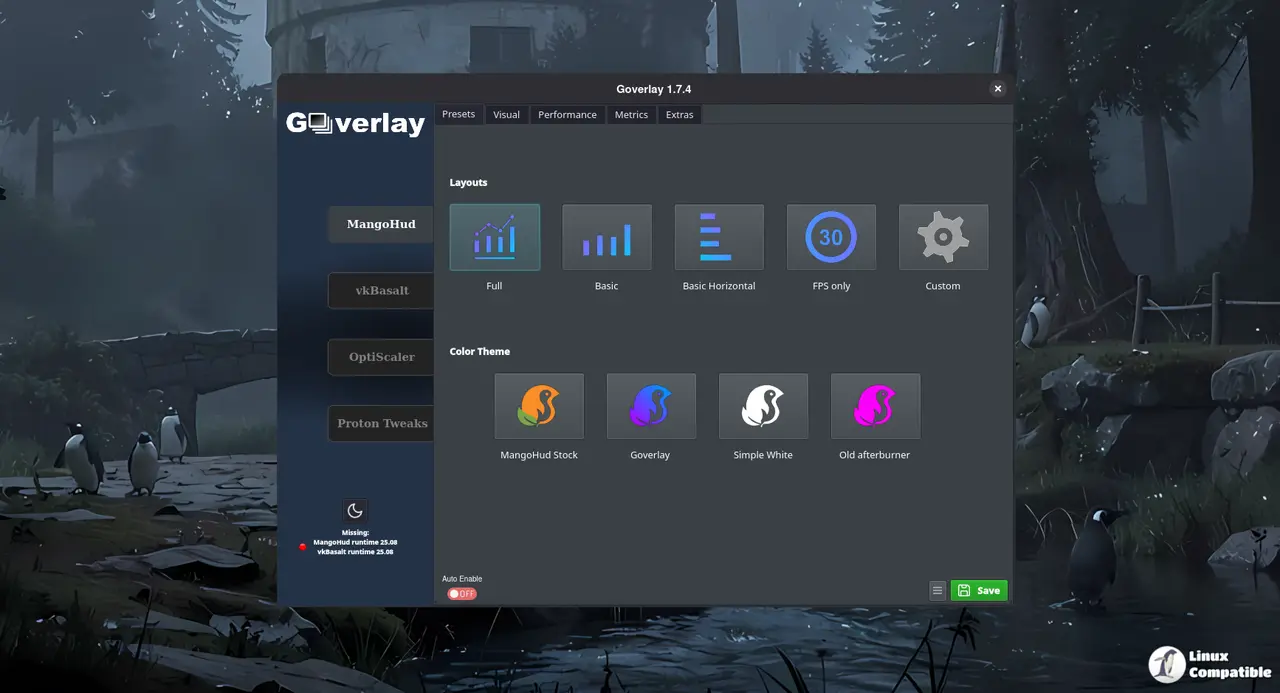
Why BGMOD actually fixes the configuration mess
The old FGMOD wrapper worked fine until it did not, and then every update forced users to wipe their personal settings because variables were hardcoded into a shell script. Goverlay 1.8.3 replaces that fragile setup with BGMOD, a native Pascal binary that reads from an external bgmod.conf file instead of baking settings into the executable itself. This means updating the overlay no longer requires manually copying config snippets or starting over after every patch. The shift to a compiled binary also cuts down on startup lag, which matters when trying to catch performance dips during a demanding game session. System crashes often pop up after a messy package manager upgrade, and watching users manually copy config snippets between shell script versions is exactly why the external configuration approach matters.
Pascube benchmarking lands inside Goverlay 1.8.3
What used to live as a separate codebase now runs directly alongside the overlay, giving users a quick way to test Vulkan post-processing effects and run hardware benchmarks without leaving the desktop. The new Pascube Benchmark generates a performance score that compares against a growing public database, which sounds useful until most of those early results come from enthusiast rigs running custom Linux builds. Still, having a built-in tool to verify whether MangoHud or vkBasalt tweaks actually improve frame pacing beats guessing based on screen tearing alone. The developers are starting with a limited dataset, so early scores should be treated as rough baselines rather than absolute hardware rankings.
Flatpak stability and the Ubuntu AppImage warning
This release spends time tightening up Flatpak compatibility and cleaning up the uninstallation script, which removes leftover files that usually clutter system directories after a forced removal. The global configuration methods also got refactored to prevent random overlay crashes when switching between desktop environments. Users on Ubuntu who prefer the AppImage route should hold off on running Pascube Benchmark until the developers patch a known distribution-specific bug. The Flatpak version handles those environment variables correctly, so sticking with that package manager avoids unnecessary troubleshooting. Video tutorials for Steam and Heroic Games Launcher round out the update by showing exactly where to point the overlay without guessing through terminal commands.
Release Goverlay 1.8.3
Hello Linux Gamers. Another release with a bunch of new features and fixes. New features
Farewell FGMOD, Hello BGMOD! FGMOD did a fantastic job, but over time, its limitations became clear.
Grab the update when ready, stick to Flatpak on Ubuntu if benchmarking is needed right away, and let the external config file do its job instead of fighting shell scripts.


