The Fedora Respins SIG has released updated F44-20260901-Live ISOs that bundle Linux kernel 7.1.12 and months of accumulated repository packages directly into the bootable Fedora Linux 44 installation disk. Pre-integrating GNOME 50.x, KDE Plasma 6.x, and extensive security patches across seven desktop variants, the images let users skip lengthy post-install upgrade cycles entirely. While the community group explicitly notes these are not official Fedora releases, they serve as highly efficient rescue media, lab deployments, and installfest staples.
Fedora Respins SIG Drops F44 Live ISOs with Kernel 7.1.12
The Fedora Respins SIG just published updated live ISOs for Fedora Linux 44, and if you've been waiting to grab a fresh install without spending an hour wrestling with dnf upgrade, these might save you some time. Identified as F44-20260901-Live, the new images bake Linux kernel 7.1.12 and months of accumulated repository packages straight into the bootable disk. Not that you should expect these to show up on getfedora.org. They're community respins, and the SIG is upfront about that distinction.
Respin images take the base Fedora release media and rebuild it with whatever packages are sitting in the official repositories as of a specific date. The 20260901 in the filename is just the build timestamp. They boot cleanly, they're meant to be written straight to a USB stick, and they exist to cut the friction between a fresh install and a fully patched system.
What Actually Goes Into a Respin?
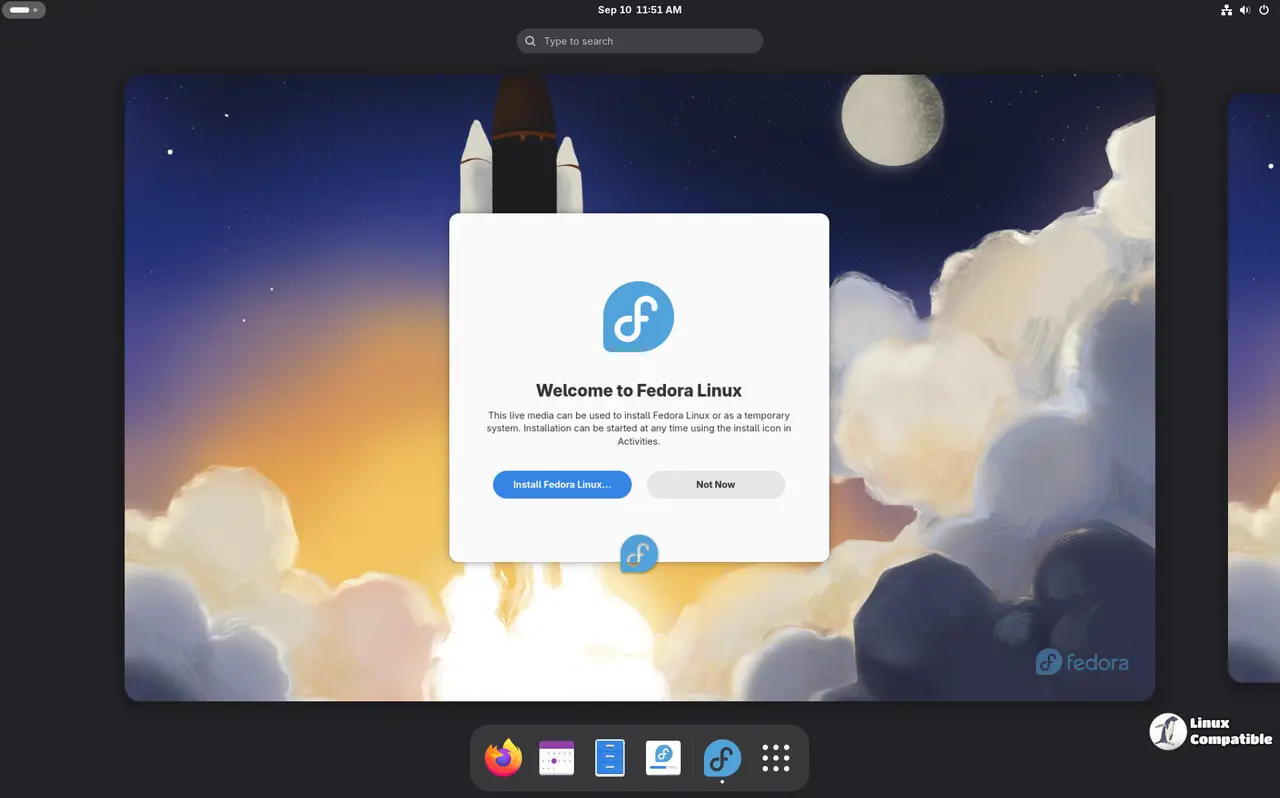
Linux Kernel 7.1.12 at the core. GNOME 50.x and KDE Plasma 6.x fully updated before you even hit the login screen. The SIG also includes Budgie, MATE, Xfce, LXQt, and i3 variants in this release, along with months of CVE fixes and security updates. Common user-space packages are baked in, too.
Six months after Fedora 44 shipped, the package repository has quietly accumulated quite a bit of driver updates and safety patches. A fresh install from the original release image would have left you staring at a progress bar long enough to question your life choices. This respin skips that entirely. You boot, you install, and you're looking at a system that's already caught up to the repository as of September 1st.
The whole setup reminds me of the early Arch User Repository days, where community maintainers kept patching images long after upstream went stale. Fedora's respin effort is basically the same idea, just built on top of a release model with a tighter feature freeze.
Who's This For?
The SIG's documented use cases line up pretty cleanly with three groups: fresh installers, IT departments, and community event organizers. If you're running an installfest or a college CS lab, having a ready-made demo image means attendees aren't waiting on progress bars while they're supposed to be learning. For sysadmins deploying across a fleet of machines, it cuts local network bandwidth and keeps baseline package sets consistent across every node.
The effort traces back to a practical problem. The Respin SIG was originally built to give ambassadors and conference organizers a reliable rescue medium and a pre-patched demo image. Event requests are still handled through the #respins:fedoraproject.org Matrix room, and custom one-off builds are available on request.
How It Works (And Why It's Not Official)
The build process is surprisingly mechanical. The SIG boots from the original F44 live ISO, runs dnf upgrade --releasever=44 to pull the latest package snapshot, and hands the whole thing off to livemedia-creator to rebuild the disk image. Checksums and metadata get published alongside the ISOs so you can verify everything before trusting it with your machine.
Keep in mind that these respins live in a separate directory from official Fedora media. You won't find them on the torrent mirrors or the main downloads page. They fill a gap between official release cadence and repo freshness, though they aren't a substitute for tracking official Fedora updates once your system is actually installed.
If you want to grab one of these images, head here to the respin directory and match your preferred desktop environment to the F44-20260901-Live build.


