Fedora 44 Release Candidate 1.6 Drops for Testing, Here Is What You Need to Know
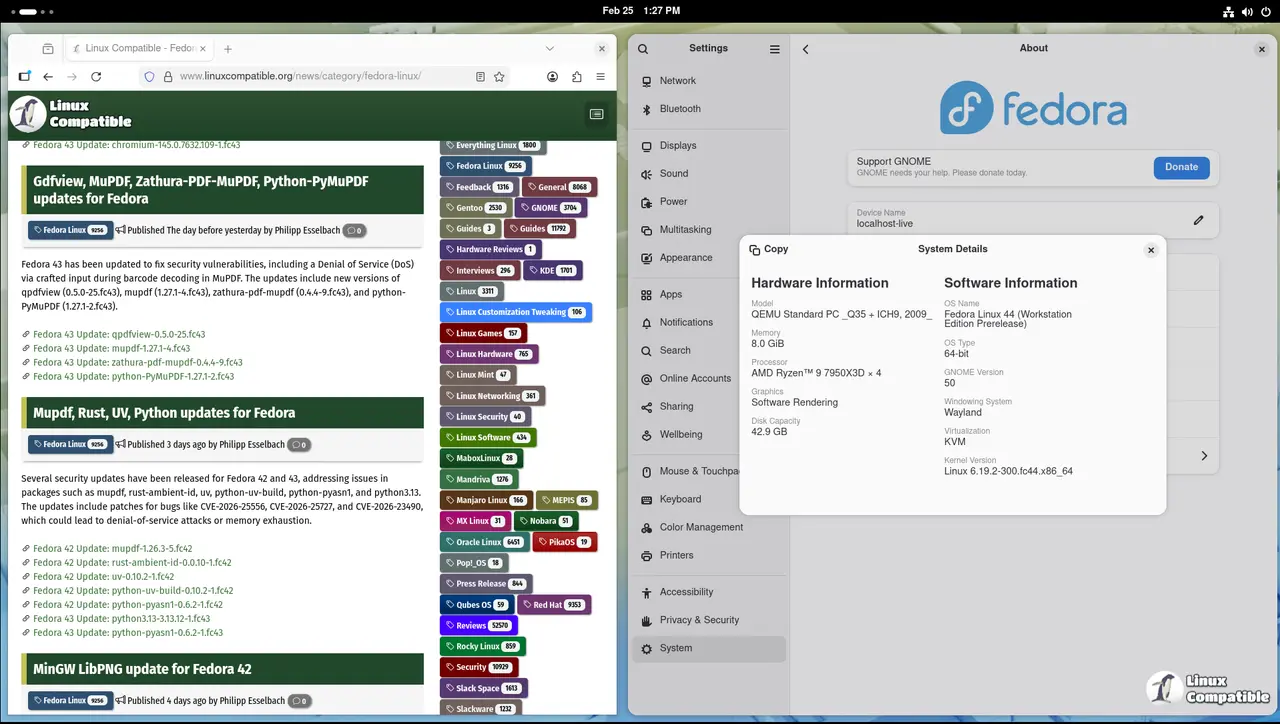
Fedora 44 release candidate 1.6 is now available for validation testing, and the quality team needs real hardware to catch bugs before the final build locks down. This update brings fresh kernel tweaks, updated desktop environments, and a few package swaps that could break existing workflows if not checked properly. Getting hands on this build early saves everyone from chasing regressions later in the cycle.
Why This Fedora 44 Release Candidate Build Matters Right Now
The Fedora quality team uses release candidates to stress test the installer, base system, server roles, cloud images, and desktop workflows before locking down the final code. RC 1.6 specifically targets blocker bugs that slipped past earlier validation rounds. Testing this version means checking whether the new package sets actually install cleanly on real hardware instead of just passing automated checks in a virtual machine. A lot of regressions hide in driver stacks and filesystem handlers, so running through the official test plan on actual machines catches issues that CI pipelines miss completely. The quality dashboard tracks every pass and fail across installation, base, server, cloud, desktop, and security lab categories, which means missing a single critical test blocks the entire build from advancing to the next stage.
How To Run Through The Validation Tests Properly
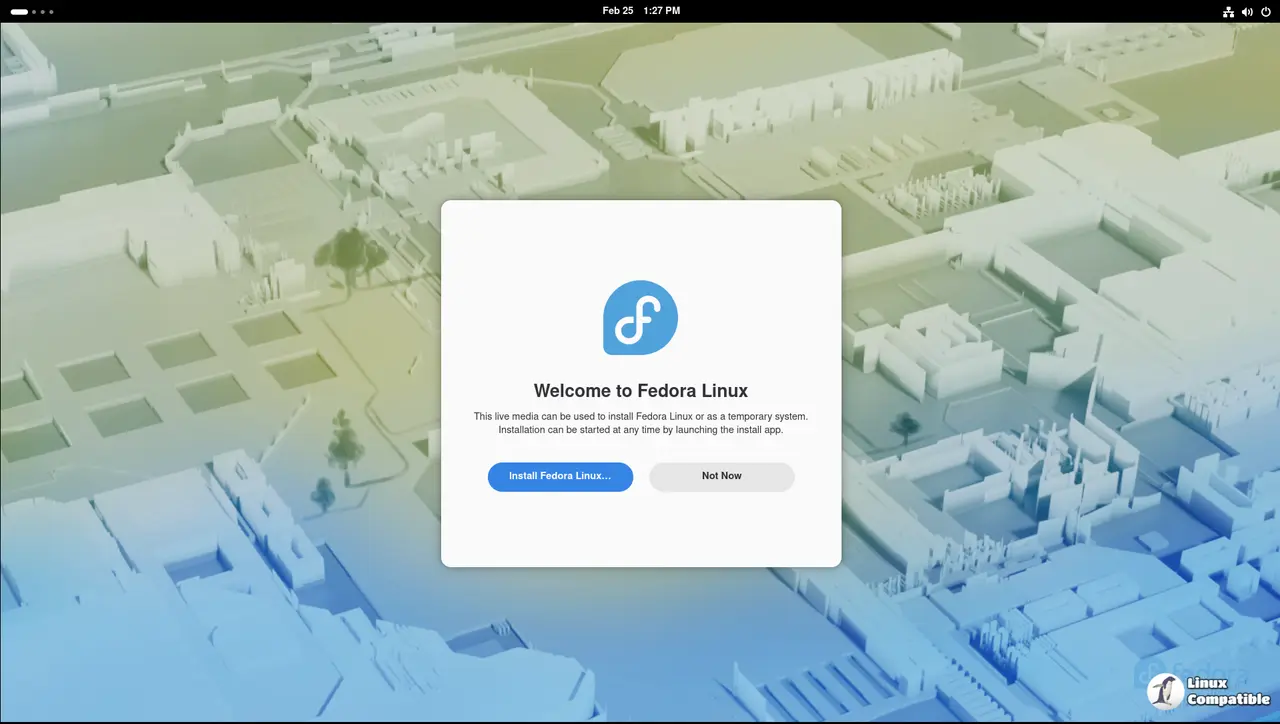
Downloading the ISO is only the first step since the real work happens during installation and post boot checks. Users should grab the desktop or server image depending on their target environment and verify the checksum before flashing it to a drive. Booting into live mode reveals immediate hardware compatibility problems like broken Wi-Fi stacks or missing firmware blobs that would otherwise break the installer mid stream. Running through the base system tests after installation verifies package dependencies, service states, and default configurations without relying on third party tweaks. Reporting results back to the Fedora QA wiki keeps the tracking dashboard accurate and helps developers prioritize fixes before the freeze window closes. Skipping checksum verification or rushing past live mode checks usually means missing exactly the kind of hardware quirk that causes blue screens or kernel panics later in production.
Where To Find Results And Report Issues Quickly
The official test results page tracks every pass and fail across all supported environments, and each category requires all RC priority cases to pass before the release criteria get met. Developers monitor the blocker bug tracker daily to see which issues are actively breaking validation runs. Jumping into the Fedora quality chat or Discourse forums speeds up troubleshooting when a test fails unexpectedly since maintainers often drop in with workarounds or known limitations. Uploading raw logs and hardware specs alongside failure reports gives engineers exactly what they need to reproduce the problem without guessing about environment variables. The summary page also links directly to individual test result pages for installation, base, server, cloud, desktop, and security lab categories, which makes it easy to track progress across different system roles without digging through scattered documentation.
Grab an old laptop, flash the drive, and break things before the final release does it for you. The QA team appreciates anyone willing to run through the checklist on real hardware instead of just trusting virtual machines.


