Zen Browser 1.21.16b Lands With Session Store Tweaks and Firefox 154 Security Patches
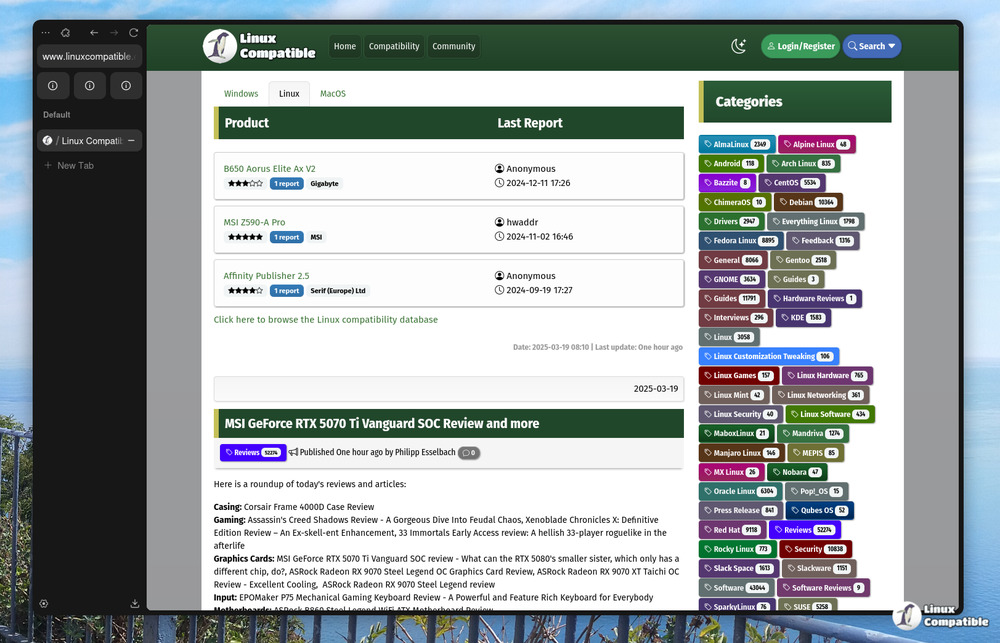
The latest stable build of Zen Browser is out, and if you've noticed your CPU fan spinning up every time you close the app, this one's for you. Released on August 28 and 29, Zen 1.21.16b slides in on top of Firefox 154.0.1, bringing a bundle of performance improvements and hardening patches to the open-source Firefox fork.
This round doesn't chase flashy new features. Instead, it tackles the session store. Closing your tabs or restarting Zen used to cause noticeable CPU spikes and heavy disk writes. The new build smooths those out. The optimization work was first flagged in the previous release and carried over, but 1.21.16b finalizes the cleanup. Pure polish.
On top of that, the update carries Mozilla's MFSA-2026-74 advisory. That patch cleared out over 50 vulnerabilities, including sandbox escapes in the Remote Settings Client and privilege escalation paths through DOM Networking. You don't have to worry about tracking each CVE individually. Zen tracks Mozilla's upstream releases, so you get the full security envelope with every build.
The bug fix list reads like a typical maintenance cycle. Duplicate separators in the tab context menu are gone. Picture-in-Picture windows now properly collapse into the sidebar when minimized. A password storage regression that kept triggering unexpected primary password prompts has finally been squashed, and address autofill is working as expected on the sites that were giving it trouble.
One Developer, Ten Releases in Six Weeks
Mauro Baladès, the sole maintainer behind Zen, keeps the project moving at a pace that would exhaust most corporate release trains. He goes by @mr-cheffy online, and if you're keeping score, that's the tenth stable build in the 1.21.x series since mid-July. Roughly every few days, another update lands. Quick maintenance cycle.
The project now sits at roughly 44,200 GitHub stars. Not bad for a browser built by one person without a marketing team or a venture capital runway. The CODEOWNERS file still lists only him. Community contributions flow through GitHub issues and discussions, while the actual code changes pass through a single reviewer. It's a lean operation that somehow scales to rival proprietary forks in terms of community traction.
Zen draws its design philosophy from Arc, The Browser Company's sidebar-first workspace browser. The comparison is hard to avoid. Both tools treat the sidebar as the primary navigation layer and organize tabs into isolated workspaces. Arc is proprietary and chasing AI-driven features. Zen stays firmly in the open-source camp, running under the Mozilla Public License v2.0. Mauro has been pretty direct about that divide in past posts. "Customization is not a replacement for good design," he wrote. "Defaults matter more than features. Most people never change settings."
Known Friction Points
The GitHub issue tracker still shows a handful of lingering bugs, though. Full-page translation is broken on some Mac configurations, and the Bitwarden extension fails to log in with a network error that doesn't reproduce in stock Firefox. The bookmarks bar also gets obscured by the sidebar on certain window sizes across platforms. For what it's worth, these are the kind of friction points you'd expect from a project moving this fast with a single maintainer juggling multiple open-source tools on the side.
Where to Get It
You can grab the update directly from zen-browser.app, or compile from source if you prefer rolling your own. The repository supports Windows, macOS, and Linux, with ARM64 builds available for Intel, Apple Silicon, and most modern Linux distros. If you want to dig into the exact issue numbers, the release notes live at the GitHub tag page. Mozilla's security advisory for those tracking upstream fixes is also worth a read.


