Zen Browser 1.21.11b Ships With Firefox 153, Compact Mode Tweaks, and Drag-to-Move
The latest stable build lands with a significant engine jump, developer-focused features, and a sidebar workflow that actually makes sense.
Zen Browser has released version 1.21.11b, bringing Firefox 153.0.3 to its engine, plus a set of UX refinements that feel like they came straight from user feedback. The build dropped on August 6, 2026, signed with a verified GPG key and tagged as a "Zen Stable Release."
If you've been tracking Zen, the pace is relentless. This marks the tenth stable release in the 1.21.x series over roughly seven weeks. That kind of velocity suggests a team that isn't just patching upstream changes but actively iterating on polish. The project now sits at roughly 43.8k stars on GitHub, and the commit log reads like a daily driver getting the attention it deserves.
Engine and core updates
The headline change is the jump to Firefox 153.0.3. Previous builds were sitting on 153.0.1, so this keeps Zen right in lockstep with Mozilla's stability track. You get the newer web standards and security patches without having to wait for a separate Gecko update.
On top of that, Zen claims improved startup performance. It's one of those metrics that's hard to measure in a press release, but if your machine warms up a fraction faster before the first paint, that's a win.
For developers, there's a feature that targets your actual workflow: the ability to filter draft pull requests in live folders. If you spend half your day organizing GitHub tabs around active projects, this cuts the noise significantly. It's a small signal that Zen is positioning itself as a workspace tool, not just a browser.
UX and workflow changes
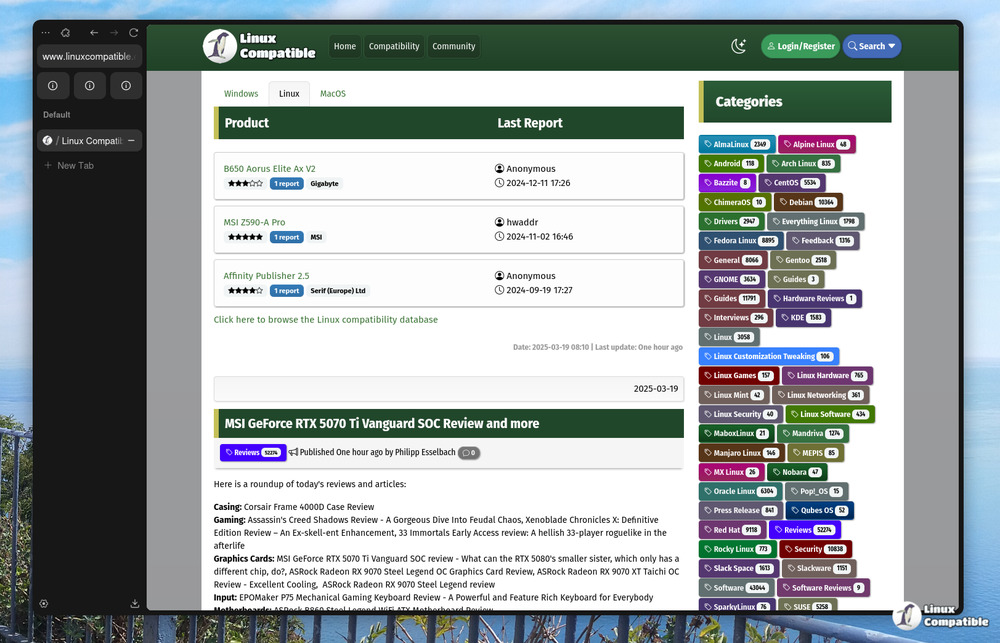
The compact mode refinement is the kind of micro-interaction Zen tends to nail. The sidebar now stays open while your cursor lingers near the window edge, only tucking away once you move further out. It works on Windows and macOS. Linux remains unchanged for now, though.
Next is drag-to-move window support. You can now grab the window by clicking empty space on the webpage itself, with native snapping and tiling support. Interactive elements like links and buttons still register clicks, so you won't be accidentally dragging when you meant to click. That's after years of people hating that you had to hunt for the titlebar.
Media controls also got a bump. You can now control multiple sources simultaneously from the sidebar. If you've ever had ten tabs playing audio and needed to mute just one without hunting through the tabs, this saves clicks.
Zen also cleared out some persistent bugs. The Shift + digit keybinding conflict is fixed, and split-tab closing in one window no longer shifts focus in other windows. Those are the headaches that pile up over time.
It's a solid update, though you should keep in mind that Zen is still a fork. You're trusting the Zen team to apply security patches on top of Firefox's base in a timely manner. The rapid release cadence helps here, but it also means you're updating more often than you might with stock Firefox. For what it's worth, the community engagement suggests people are happy with the pace.
You can grab the new build from the Zen website or the GitHub releases page. It supports Linux, macOS, and Windows, with AppImage and installer options covering both x86 and ARM architectures.
Head here to download Zen 1.21.11b.


