Zed Editor 1.5.3 Brings Faster Mermaid Diagrams and Better Agent Controls to Developer Workflows
The latest update for the Zed editor 1.5.3 lands with a mix of practical quality-of-life tweaks and targeted fixes that actually matter to people who spend all day writing code. Users will notice noticeably faster Mermaid diagram rendering, clickable links straight from language servers, and the ability to rename agent threads without digging through nested menus. This release also quietly removes deprecated features while smoothing out rough edges in Git handling and Helix mode emulation.
Zed Editor 1.5.3 Agent Panel and AI Workflow Improvements
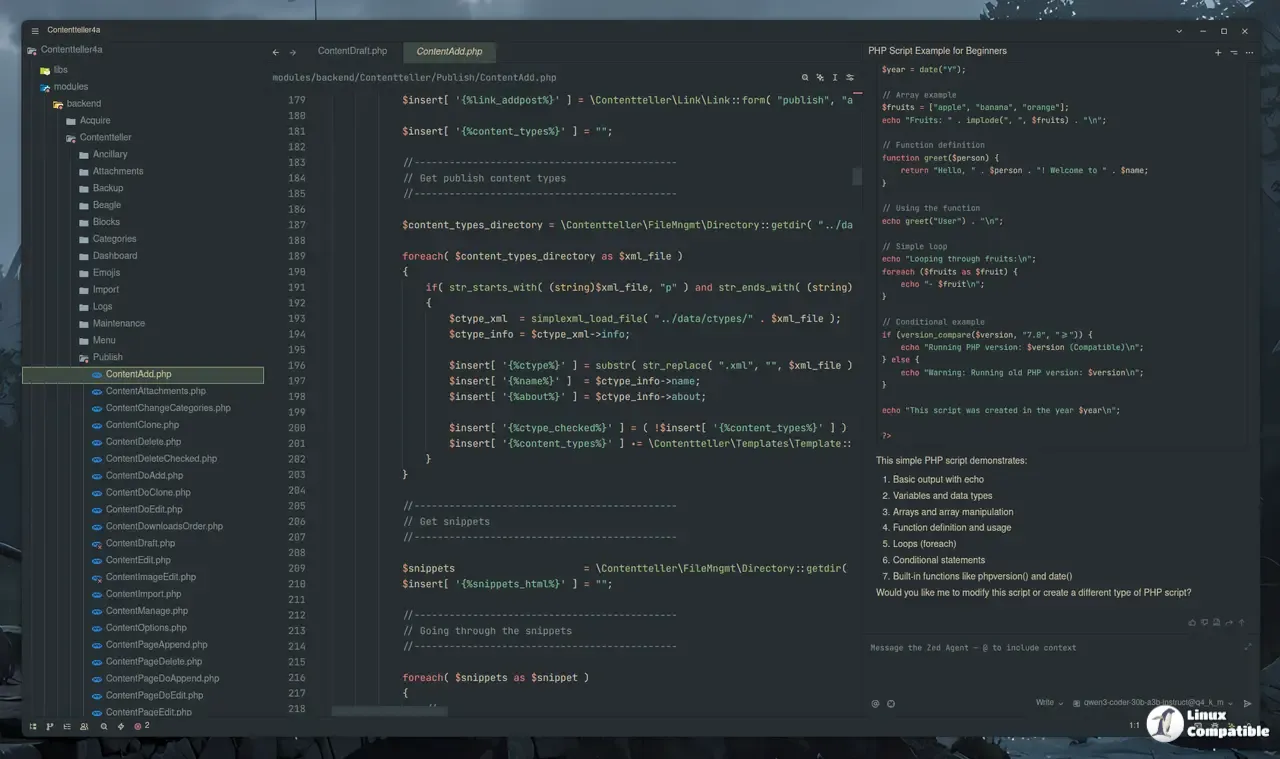
The agent panel has seen heavy iteration lately, and this update addresses the friction points that made long conversations feel clunky. Thread renaming now lives directly in the sidebar, which saves time when tracking down specific debugging sessions or feature requests without scrolling through chat history. File paths wrapped in backticks are clickable again, opening the exact line referenced by the model instead of forcing a manual search through the project tree. The read_file tool output received a proper line-number gutter and smoother scrolling, so large file previews do not make the interface stutter during heavy use. Fast Mode support for OpenAI models through both the ChatGPT subscription provider and direct API calls means priority routing kicks in when rate limits get tight. Project headers now show notification indicators when threads finish, keeping track of background work without constantly checking the panel.
Git Handling and Remote Development Tweaks
Git integration has always been a weak spot for some editors, but Zed keeps chipping away at it with sensible defaults and better error recovery. Worktree creation now fetches the latest origin/main before spinning up the new environment, which prevents stale references from breaking local branches during active development. The commit message editor supports zoomable text and a dedicated buffer font size setting, making it easier to read long descriptions without squinting or relying on external tools. Remote development gets proper support for local features inside dev containers, so developers working in isolated environments do not lose basic functionality when switching contexts. Bitbucket, Codeberg, Forgejo, Gitea, and GitLab remote providers now show their own icons instead of generic placeholders, which helps when switching between multiple hosting platforms without misreading repository metadata.
Helix Mode Fixes and Language Server Links
People who prefer modal editing or want Vim compatibility get a cleaner experience with the latest adjustments to keybindings and navigation logic. The q and Q keys in Helix mode now record and replay macros exactly as Helix expects, stopping those annoying binding leaks that break muscle memory during repetitive tasks. Navigation shortcuts like g i and g w behave correctly again, targeting the right words and implementation files without jumping to random locations or triggering unexpected Vim commands. Language servers can now push clickable document links directly into the editor, which means definitions and references open instantly instead of requiring manual path construction. This feature ships enabled by default but stays toggleable for teams that prefer traditional hover-based navigation over direct file jumps.
Breaking Changes and What Gets Removed
Every update carries some baggage, and this one quietly phases out a few older systems to keep the codebase lean and predictable. ACP extensions are completely removed from the supported list, with installed versions automatically migrating to registry-provided servers before being deleted from local storage. The retired GPT-5.2 and GPT-5.3 Codex models disappear from the ChatGPT subscription provider, so users relying on those specific endpoints will need to adjust their configuration files or switch to active model tiers. These removals clear out deprecated paths that were causing confusion during model selection and extension management. The editor keeps getting faster and more predictable with each release, which is exactly what power users want when trying to stay in the flow. Grab the update when ready and report any lingering quirks back to the maintainers before the next cycle rolls around.
Release Zed v1.5.3
This week's release includes a new Mermaid renderer with faster and more accurate diagrams, clickable document links provided by language servers, and the ability to rename threads directly in the ...