Zed Editor v1.19.2 lands with call hierarchy, Git multi-select, and a divisive search default
The patch release drops four days after the previous stable build, adding major LSP navigation features and a bulk of stability fixes across Linux, Windows, and macOS.
Zed Editor has pushed v1.19.2 to the stable channel. If you're running Zed, the update is available now.
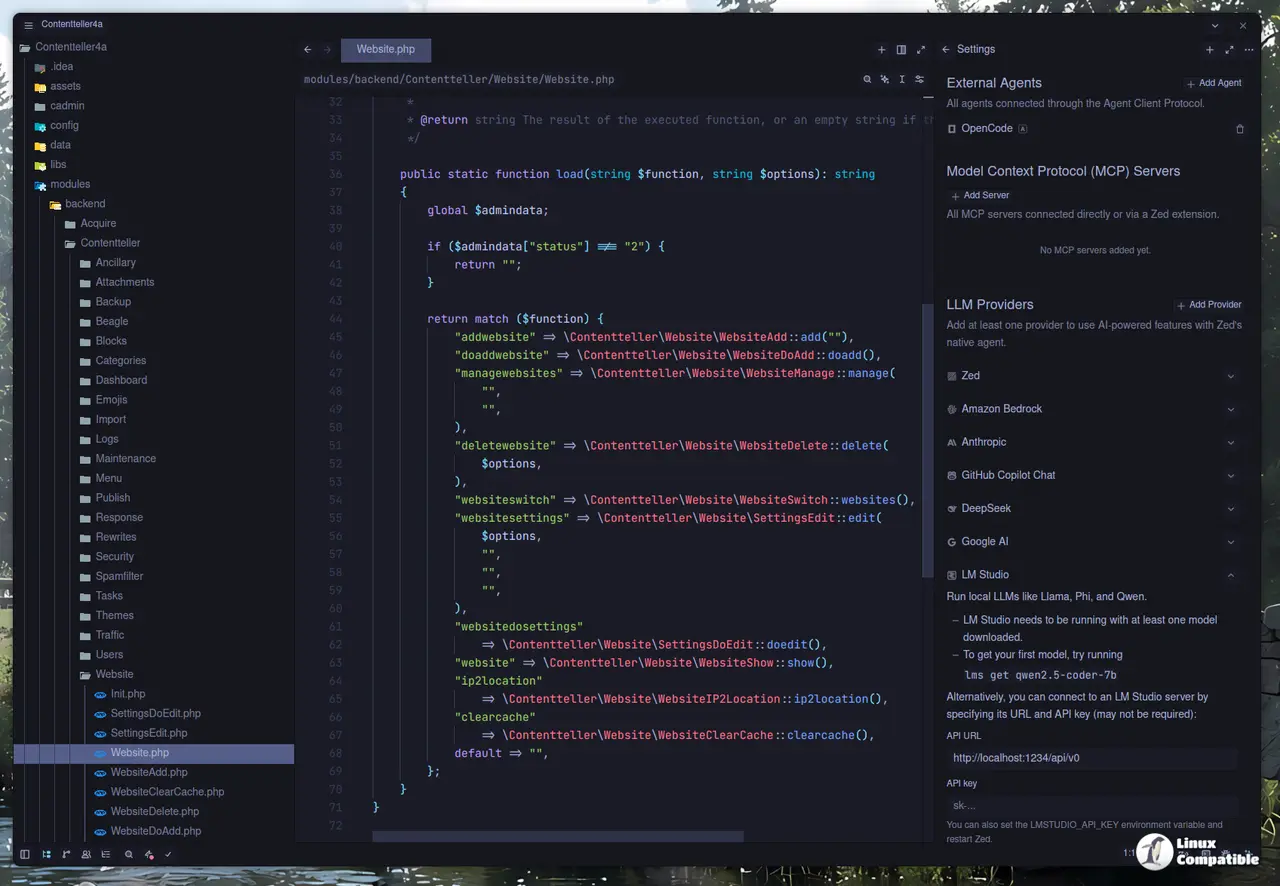
It ships four days after v1.18.1. That's a blistering cadence for what's technically a patch build, but Zed isn't treating it as one. Call hierarchy support, multi-select in the Git panel, and automatic language detection for untitled buffers round out the headline changes.
"This week's release includes call hierarchy support, multi-select in the Git Panel, automatic language detection for untitled buffers, and project search on type by default," the changelog reads.
Call hierarchy and Git improvements
Call hierarchy has been one of the most requested features for a while. swiftcoder landed the implementation, bringing incoming and outgoing function call navigation via LSP. You can trigger it with cmd-k cmd-h on Mac or ctrl-k ctrl-h elsewhere.
This puts Zed squarely in IDE parity with tools like VS Code on one of the more fundamental navigation tasks. Keep in mind that you'll need a language server that supports the feature for it to work.
The Git panel finally gets multi-select. justinschmitz97 closed the loop on a long-pending request, letting you stage and unstage multiple changes in one go. An earlier attempt by jacobbinnie referenced in #52935 didn't make the cut, but this build ships the full experience.
If you're jumping between local and remote environments, Open File on Remote and Copy Remote File URL are also live. JacobNWolf contributed the changes that make it easy to grab remote paths straight from the file tabs and project panel.
Search on type: the breaking change
Here's the part that's going to split the room. Project search now runs incrementally as you type. search_on_type defaults to true.
If you preferred the old behavior where you had to hit Enter or Escape to trigger a full search, you'll need to add this to your settings:
{
  "search": {
    "search_on_type": false
  }
}
It mirrors the ripgrep --watch pattern and feels similar to VS Code's fuzzy search-on-type. Some of you will love the instant feedback. Others will find the constant re-queries jarring. Zed's aware of the friction, which is why the opt-out sits right in the config.
On top of that, the command palette now ranks frequently used commands above unused ones when you filter. Recency-based ordering makes the palette feel a bit more responsive to how you actually work.
AI integration keeps deepening
The AI layer gets a handful of refinements. OpenRouter users can now control effort-based reasoning budgets directly through Zed's provider interface. This lets you cap token usage or dial up reasoning effort without leaving the editor.
Streaming improvements target OpenAI-compatible providers. If you've been proxying through third-party APIs, the fix should smooth out latency and parsing quirks that cropped up in recent builds.
The GPT Luna trial details are updated: $5 gives you 14 days, plus unlimited edit predictions from the moment the trial starts. That's a generous window if you're evaluating the editor for daily use.
A few provider bugs also got squashed. Ollama users will see all available models in the dropdown now, not just the one you configured. Gemini no longer rejects requests with tool schemas that don't fit Zed's restricted dialect. And Anthropic's "prompt is too long" errors are finally recognized as context-window overflows instead of generic HTTP 400s.
Helix mode, tabular data, and terminal updates
Helix users get closest-pair text objects: m i m and m a m. GoldStrikeArch handled that PR, which also fixed regressions in surround commands that were messing with selection preservation.
Tabular data preview lands for CSV, TSV, SSV, and PSV files. Hit cmd-shift-v to open a built-in viewer that's handy for inspecting logs or data dumps without firing up a spreadsheet.
Terminal vi mode gains visual line selection with V. If you're running long pipelines inside the integrated terminal, that parity with system emulators is a nice quality-of-life bump.
Shell script detection now recognizes .bash_login files. Small change, but it saves you from debugging syntax highlighting issues on obscure dotfiles.
Stability fixes
The bug list is substantial, and it's clear Zed is playing catch-up on stability after the feature-heavy v1.19.0 release.
Windows users were seeing processes linger after background thread panics. macOS had a GPUI Web crash tied to synchronous executor blocking. Linux flagged Wayland connection errors when stderr wasn't available for crash reporting.
Other fixes include a crash converting malformed ${ shell variable references on Windows, stale Git commit templates being restored as drafts, and bookmarks tabs failing to update when you added or removed markers.
The multibuffer crash that happened when highlights referenced positions from replaced content is gone. Breakpoints now show up in single files correctly. And the settings migration prompt that popped up even when there were no deprecations is finally quiet.
Downloads and contributors
Zed ships 17 download assets. You've got macOS DMGs for both x86_64 and aarch64, Windows installers for x86_64 and ARM64, and Linux bundles for x86_64 and ARM64. Remote server binaries cover all six combinations if you're running the server elsewhere.
A total of 27 external contributors touched this release. The "Zed Guild" community program highlighted several of the PRs, and the roster includes amtoaer, aviatesk, albertbogusz, justinschmitz97, JacobNWolf, GoldStrikeArch, swiftcoder, and a dozen others.
Head here to download v1.19.2 for your platform.


