How to Handle the VSCodium Update to Version 1.116 Without Breaking Your Workflow
The latest VSCodium update brings Electron 39, fixes packaging headaches on older Linux architectures, and quietly removes that annoying first-run onboarding screen. Users who rely on custom build scripts or PowerPC hardware will want to check the new compatibility notes before rolling it out across their machines. This guide covers what actually changed in version 1.116, how to apply the update safely, and which settings need tweaking to keep your environment stable.
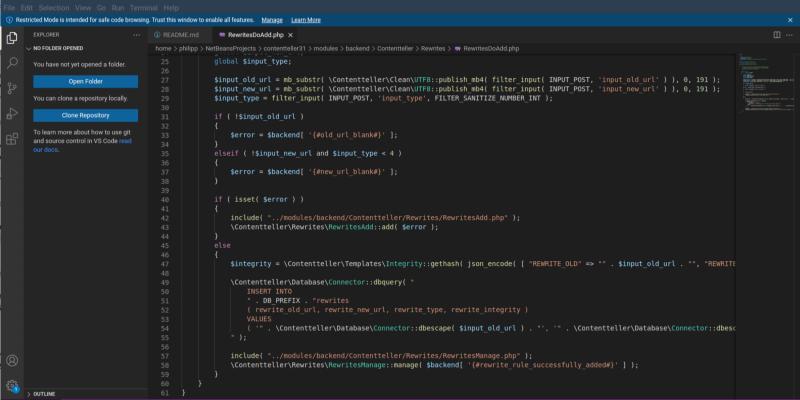
What Actually Changed in the VSCodium Update
The most noticeable shift in this release is the jump to Electron version 39.8.4. That upgrade usually means better performance for extensions and smoother rendering of web-based UI elements, but it also breaks compatibility with older native modules that have not been updated yet. Developers who compile custom extensions or rely on legacy language servers should test their toolchain before pushing this update to production machines. The release team also fixed a long-standing packaging bug that broke DEB and RPM installs for PowerPC64 Little Endian systems. If you run enterprise hardware or older IBM architectures, the new sysroot prefix and corrected checksums will finally let those packages install without throwing dependency errors. Another quiet but welcome change is the removal of the onboarding screen. That forced tutorial never added value anyway, so skipping it saves a few seconds every time the application launches. The update mechanism now includes a cooldown setting that prevents the client from checking for newer versions too frequently. This helps reduce background network chatter and keeps system resources focused on actual development work.
How to Apply the VSCodium Update Without Disrupting Extensions
Rolling out this version requires a straightforward replacement of the application files or a package manager refresh depending on the operating system. Windows users should download the latest installer from the official repository and run it over the existing installation. The setup routine will preserve user settings, extensions, and keybindings while replacing the core binaries. Linux distributions that rely on DEB or RPM repositories can trigger an update through their standard package managers, but those managing custom builds must pull the new sysroot configuration to avoid linking failures during compilation. macOS users should replace the application bundle in the Applications folder after verifying the digital signature matches the current release tag. Running a quick extension compatibility check before restarting the editor prevents sudden crashes when loading native modules that have not yet been compiled for Electron 39. The update cooldown feature can be adjusted through the settings interface if background network checks still cause noticeable latency during large file operations.
Tweaking Settings After the VSCodium Update
Several configuration adjustments will smooth out the transition after installation. The terminal integration now accepts space separated arguments for the external Linux executable setting. This change allows users to pass custom flags or wrapper scripts without breaking command parsing, which proves useful when routing output through logging utilities or containerized shells. Windows administrators should review the newly added troubleshooting documentation that covers group policy restrictions and Defender exclusions. Those policies often block legitimate update checks or context menu registrations, so aligning them with the new build structure prevents silent failures during automated deployments. The update cooldown parameter lives under the standard settings menu and accepts a numeric value in milliseconds. Setting it to zero disables the delay entirely for users who prefer immediate notifications, while higher values reduce background polling that can interfere with low bandwidth connections. Verifying these adjustments before opening large workspaces ensures the editor behaves predictably across different hardware configurations.
Release VSCodium 1.116.02821
x86 64bits
ARM 64bits
ARM 32bits
PPC 64bits
RISC-V 64bits
Linux .tar.gz VSCodium-linux-riscv64-1.116.02821.tar.gz Remote Host vscodium-reh-linux-riscv64-1.116.02821.tar.gz Web Host vscodium-reh-web-linux-riscv64-1.116.02821.tar.gz Loong 64bits
Linux .tar.gz VSCodium-linux-loong64-1.116.02821.tar.gz Remote Host vscodium-reh-linux-loong64-1.116.02821.tar.gz Web Host vscodium-reh-web-linux-loong64-1.116.02821.tar.gz s390x
Linux Remote Host vscodium-reh-linux-s390x-1.116.02821.tar.gz Web Host vscodium-reh-web-linux-s390x-1.116.02821.tar.gz
Keep an eye on extension compatibility reports if you run a heavily customized setup. The core editor runs cleaner now, and skipping that first-run tour is a small win that adds up over time. Happy coding.


