SparkyLinux ships its first Arch Linux-based SparkyOS onUSB
SparkyLinux's team has released SparkyOS onUSB 2026.10, the project's first-ever Arch-based image, and it does the usual trick: runs a full, updatable Linux desktop entirely off a USB flash drive without touching a single partition on the host machine.
The announcement landed today from project lead pavroo (Paweł Pijanowski). It's the first release of the calendar year for the line, though the "no installation" concept itself has been around a while. What's genuinely new is the foundation.
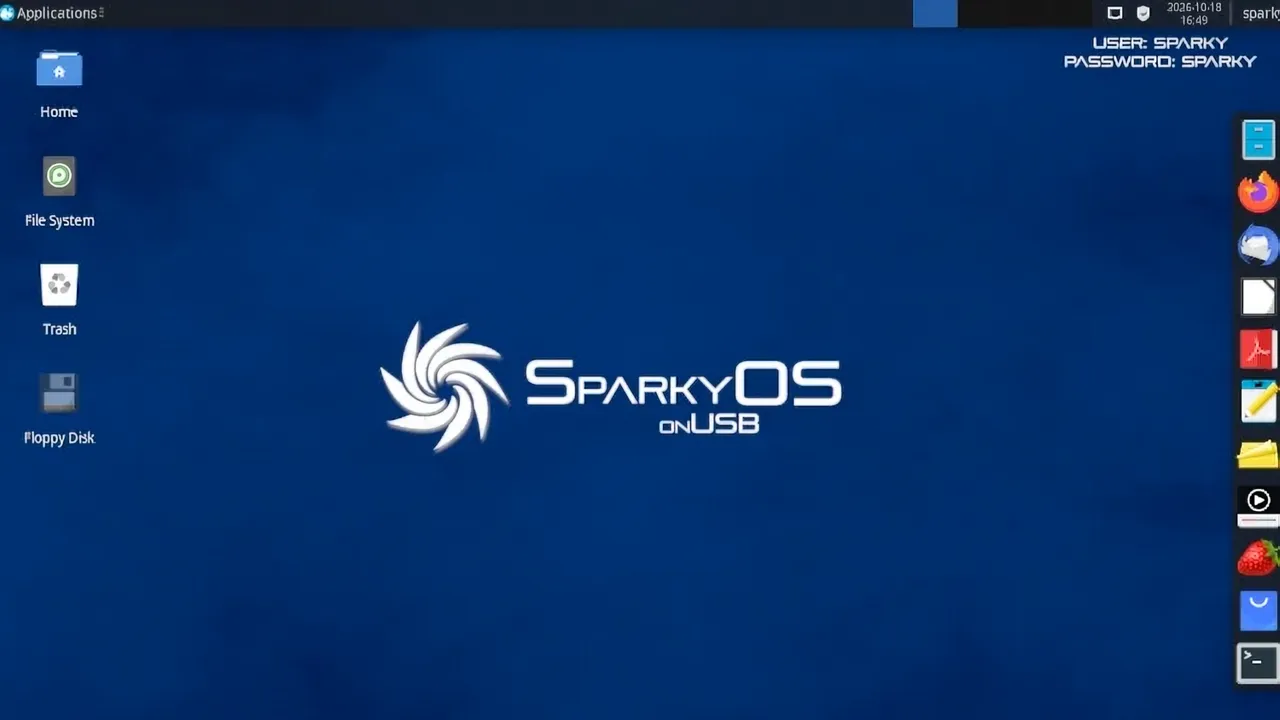
Most portable Linux images are ISOs you boot into a live session, changes wiped on reboot unless you bother configuring persistence. SparkyOS instead writes a pre-configured .img straight to a stick and then behaves like a properly installed system. Copy the contents, boot, log in. Everything stays intact and keeps updating, kernel included.
An Arch base, first time around
Previous SparkyOS images took the Debian route. This one breaks from that pattern, shipping vanilla Arch in its rolling state with the AUR pre-configured and Yay bundled in. It's a meaningful shift for a project that's essentially split into two families.
The Arch edition pairs Xfce with the Arch User Repository and its helper. The Debian edition keeps the same lightweight Xfce desktop but runs SparkyLinux's own repositories. Both currently rest on Xfce. "Other editions possible," the project notes, which reads like a hint that more bases are coming.
Under the hood
Here's the spec sheet. Base: Arch Linux, rolling. Desktop: Xfce. Kernel: Linux 7.2.11. Default user and password are both sparky, with root via sudo. The file is sparkyos-2026.10-1-x86_64-efi-arch.img.zip at 3.08 GB compressed. On disk you get a 10 GB system partition by default, expandable with growpart and resize2fs.
Minimum USB size is 16 GB. Larger is better, honestly. It's UEFI only, so a BIOS-only machine is out of luck. USB 3.0 is recommended. USB 2.0 works, but expect it to drag.
The credentials are worth a raised eyebrow. sparky as both the username and password is the kind of default that makes security folks wince, though auto-login is on out of the box and the how-to guides spell out how to change it.
The kernel is the more interesting detail. Linux 7.2 debuted in official Arch ISOs in early September, so SparkyOS is tracking Arch's rolling stream rather than sitting at a fixed point. That's the appeal of rolling: freshness. The tradeoff is you're on the edge with no frozen base to catch you if something breaks.
Why it's here
For a moment on the bigger picture. SparkyOS is a sibling of the Debian-based SparkyLinux flagship, the two sharing pavroo and the same lightweight ethos. Where SparkyLinux installs through Calamares to an actual drive, SparkyOS is built to never need to. It lives on the stick and goes wherever you go.
The appeal is real. A complete persistent desktop that leaves zero trace on whatever box you plug into is genuinely rare these days. Travelers, IT folks, privacy-minded users, anyone spinning between machines. And it only asks for an x86_64 UEFI machine and a stick. Low waste, low cost.
It's not flawless, though. This is the first Arch cut, so treat it as a first pass rather than a finished product. Expect follow-up images and refinements down the line. The accompanying how-to library, all authored by pavroo through October, is clearly there to smooth the rough edges. You can even run it in QEMU first if you'd rather not commit a good drive to the task.
Head here to grab the image, where there's also a torrent, a package-list.txt, and a GPG signature for anyone who still checks those things.


