How to Master PixiEditor Custom Brushes in the 2.1 Update
The latest version of PixiEditor finally brings a proper brush engine that actually lets you build custom brushes without fighting the interface. This update shifts focus toward node based creation, sub pixel painting precision, and a smarter layer system that should save hours of repetitive work. Anyone who has wrestled with rigid drawing tools will notice the difference right away.
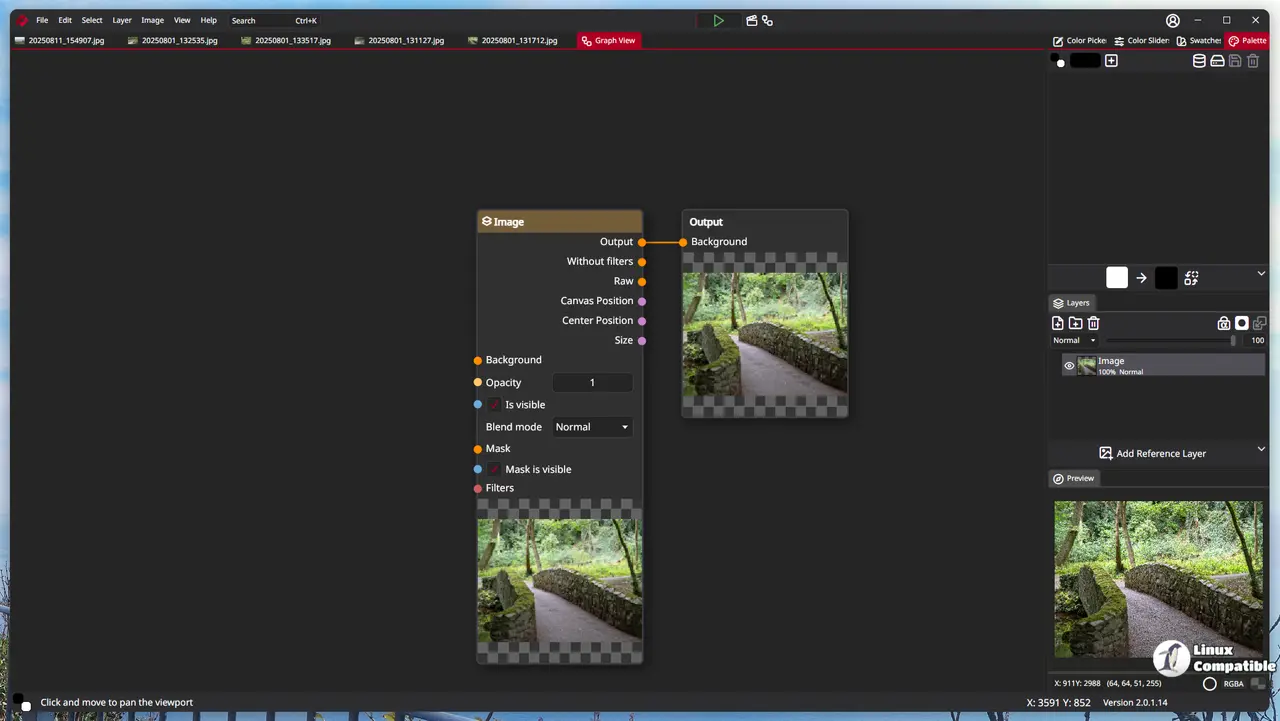
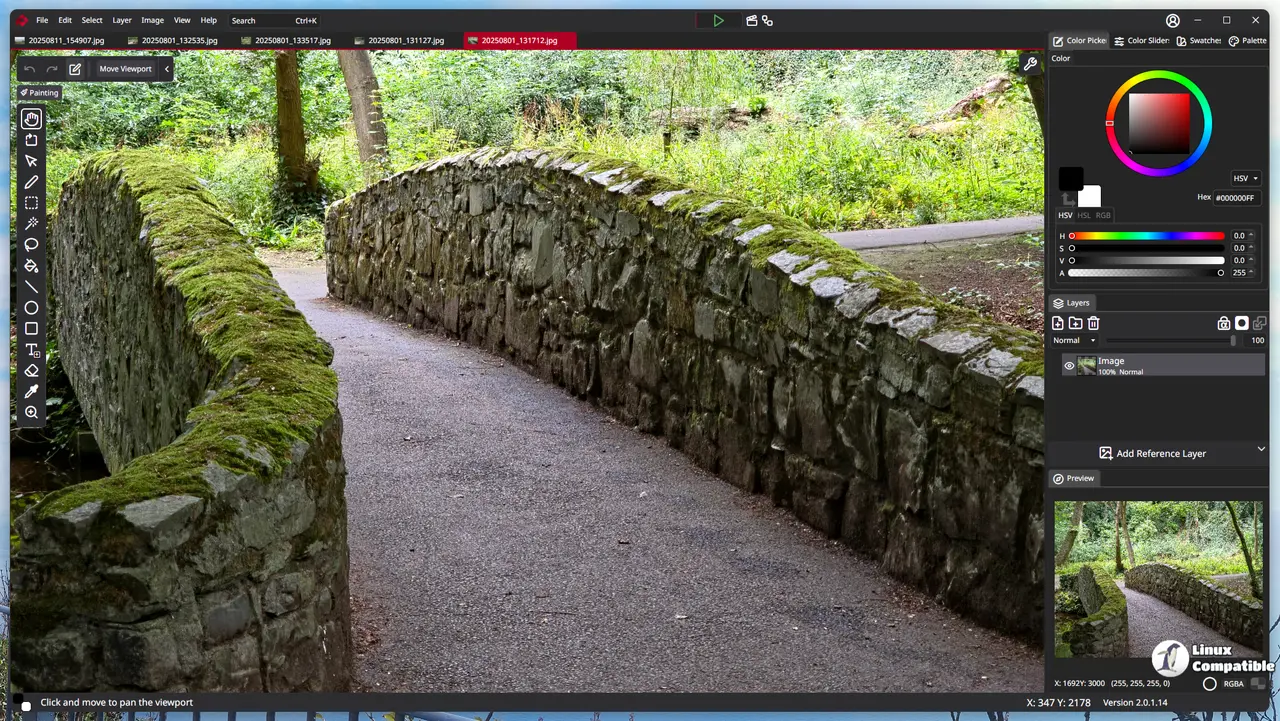
Building PixiEditor Custom Brushes Through the Node Graph
Constructing brushes via the node graph used to feel like a distant promise, but version 2.1 makes it the actual workflow. The new brush picker sits directly inside the pen tool so you can duplicate, tweak, or swap presets without digging through nested menus. Windows users get full support for both Ink and WinTab APIs, which means pressure sensitivity and tilt tracking should behave consistently across different drawing tablets. Graphics drivers tend to break pressure curves after a major system update, but PixiEditor ties the brush behavior directly to the node setup instead of relying on system level overrides that usually fail. Painting in pixel art mode still snaps to grid while painting mode keeps everything fluid, so you can switch contexts without breaking your workflow or losing line integrity.
Sub Pixel Precision and Stabilizer Tweaks
The paint engine now handles sub pixel precision by default, which stops brush stamps from rounding off into blocky pixels every time you drag the cursor. Snapping remains available per brush if you prefer that old school grid feel for clean architectural sketches. Two stabilizers landed alongside this change, a distance based option that waits for your pointer to move a set number of pixels before following, and a time based version that calculates lag between movements. The distance method works like dragging a heavy object with a rope, where the line only tightens after you pull far enough away from the starting point. These settings live in the pen tool viewport so you can adjust them on the fly without interrupting your drawing session or losing momentum during long inking passes.
Smart Layers and Blackboard Inputs
Embedding other PixiEditor files or SVGs as smart layers removes the need to constantly copy paste assets between projects. The blackboard feature acts like a parameter system for nested documents, letting you expose values directly to the parent file. You can build a text animation template once, define a blackboard input for the actual text string, and then reuse that same file across multiple compositions without opening each one individually. This setup mirrors how functions work in programming, where inputs pass data into a reusable block instead of hardcoding everything inside the graph. Importing images now defaults to smart layers, which keeps your project structure clean from the moment you drag files onto the canvas and prevents accidental layer merging later on.
Timeline Overhaul and New Node Options
The animation timeline received a complete rewrite based on community feedback, fixing the sluggish playback that used to plague longer sequences. A new renderer handles those animations with better responsiveness, so scrubbing through frames no longer feels like watching a slideshow load one frame at a time. Several new nodes round out the graph system, including gradient creation, pattern strokes from images, array handling, and pointer tracking for pressure or position data. The colorful sockets mean you can plug almost any data type into compatible inputs without forcing manual conversions that usually break node connections. Custom toolsets now let you package brush configurations into reusable tool groups, which saves time when switching between sketching and inking workflows without reloading presets from scratch.
Extension Browser and Minor Fixes
The extension browser beta feels like a placeholder at this stage since Phase one only includes official Pixi Labs additions while they prepare for community submissions. It works as a funding mechanism rather than an actual marketplace right now, so expect limited functionality until the developers secure enough backing to open the gates. The string editor got syntax highlighting for shaders along with search replace functionality, which helps when debugging node parameters or tweaking visual effects without manually scanning through hundreds of lines of code. Clipboard operations finally stopped dropping copied nodes after a window switch, and OpenGL rendering stability improved across the board. A lightweight advisor named Mushy now pops up in various sections to explain features without forcing you to hunt through documentation pages that usually contradict each other anyway.
Release PixiEditor 2.1.0.20
Brush Engine Likely, the most awaited of features, you can now create your own Brushes with PixiEditor's Node Graph!
Grab the update if your current setup feels too rigid or if you keep losing time rearranging layers. The node graph workflow pays off quickly once you stop fighting the default brushes and start building exactly what you need for your specific art style.


