OpenShot 4.0.1 Ships, Cleaning Up the Qt6 Rewrite That Defined 4.0
The new maintenance release arrives just four weeks after the big Qt6 migration, fixing the regressions it left behind while quietly adding official Linux Snap support.
OpenShot published v4.0.1 yesterday, and it's mostly about fixing the problems the last big release created. The new build shows up September 27, four weeks after v4.0.0 shipped. It repairs preview glitches, recording breakage, snapping quirks, and logging issues that trailed the project's full migration to Qt6. There's a genuinely new feature tucked in too: official Linux Snap support with automatic updates.
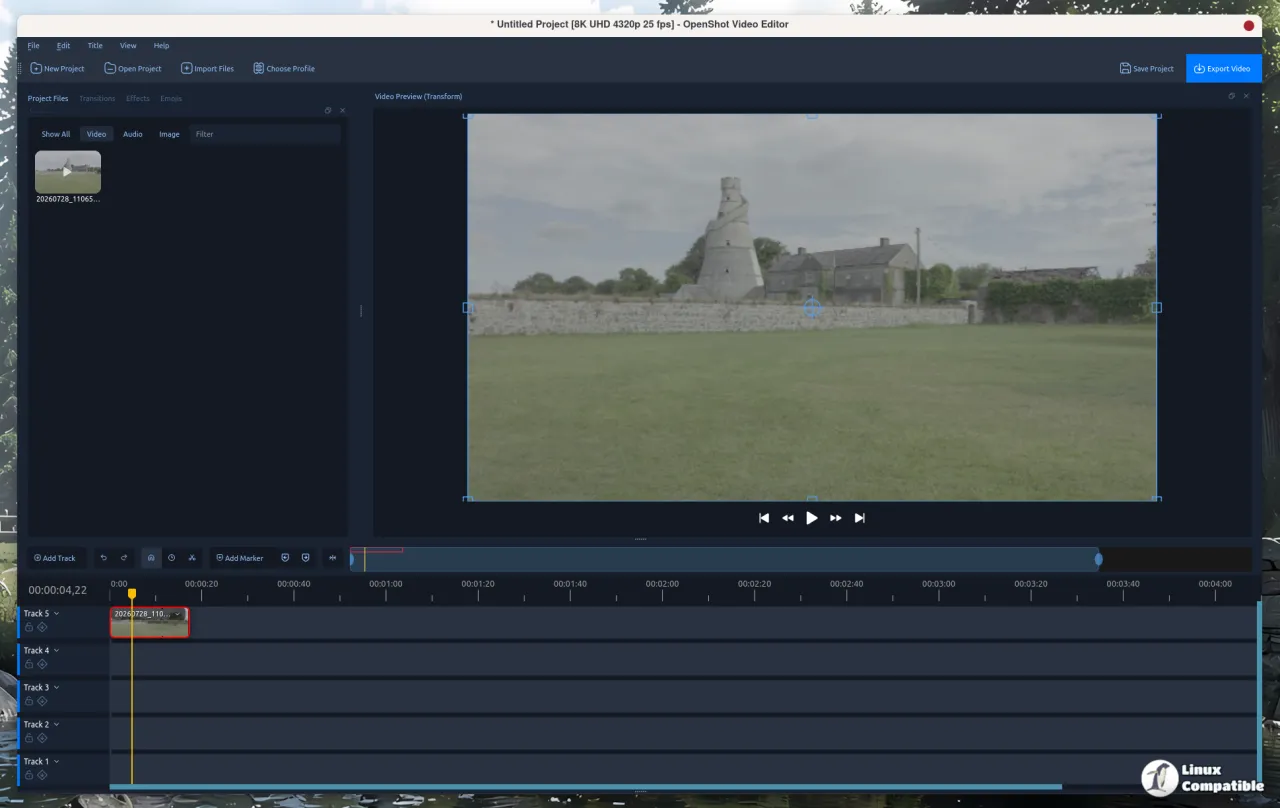
For the uninitiated, OpenShot is the free and open-source non-linear video editor that's been a reliable fallback for people who want to edit without a subscription or a sign-up. It runs on Linux, macOS, Windows, and ChromeOS. The release itself is titled "Fix 4.0.1 preview, recording, snapping, and logging regressions," which tells you exactly where its head's at.
The previous version, v4.0.0, was a landmark. It landed August 30 or 31 and moved OpenShot from Qt5 to Qt6, and that single change is what earned the jump from the 3.5.x line to 4.0. Any rewrite that sweeping tends to break a few things, and it did here. v4.0.1 is the team paying down that debt.
The pace here is worth pausing on. OpenShot's first commit landed in August 2008, and the project spent most of its early life as a Linux-only curiosity. It didn't gain Windows and macOS support until 2016 and ChromeOS came along in 2021. To go from a 2008 side project to a full Qt6 rewrite with a patched follow-up a month later is a quick turnaround. A few of those early commits predate a lot of the people currently filing bug reports against it.
What's actually new
The razor tool got a redesign. It now shows source-frame previews, snaps to matching clip edges, shades the area a cut will land in, and does ripple cuts that close the gap automatically rather than leaving a blank stretch. Color and keyframe editing is faster, trim previews respond quicker, and persistent clip titles and effect controls stay on screen while you scroll.
The platform fixes are really the point of this release. There's a critical fix for macOS startup failures caused by missing library dependencies on systems without Homebrew, a regression that left some Mac users unable to launch the app at all. Native file dialogs are back, and Linux webcam discovery now uses native camera detection instead of falling back to FFmpeg.
The announcement banners are the quiet win. Dismissed update notices now stay hidden until the next release, so you stop getting nagged on every launch. Snap support with automatic updates and desktop menu integration is the meaningful new addition, and it's been on Ubuntu users' wish lists for a while.
It reads like a modest list on paper, but that's kind of the whole point. When you've just rewritten your entire UI toolkit, most of the next release is triage. The Snap support is the one genuinely new feature, and honestly it's the one people asked for.
Head here to the GitHub release page.


