Noctalia 5.1.0 Ships with Screenshot Editor, Cellular Support, and Enterprise Wi-Fi
The first incremental update to the v5 Wayland shell brings significant capture and networking upgrades.
Noctalia v5.1.0 landed on September 10, 2026, and it is exactly the kind of refinement release you want to see six days after a major stable rollout. Committers tagged c7b9197 and verified the build with a GPG key that has been sticking around since last decade. If you were watching the v5 beta cycle closely, you will notice the project has now crossed 130 releases since its initial commit in July 2025. The pace is relentless, and this build continues that trend.
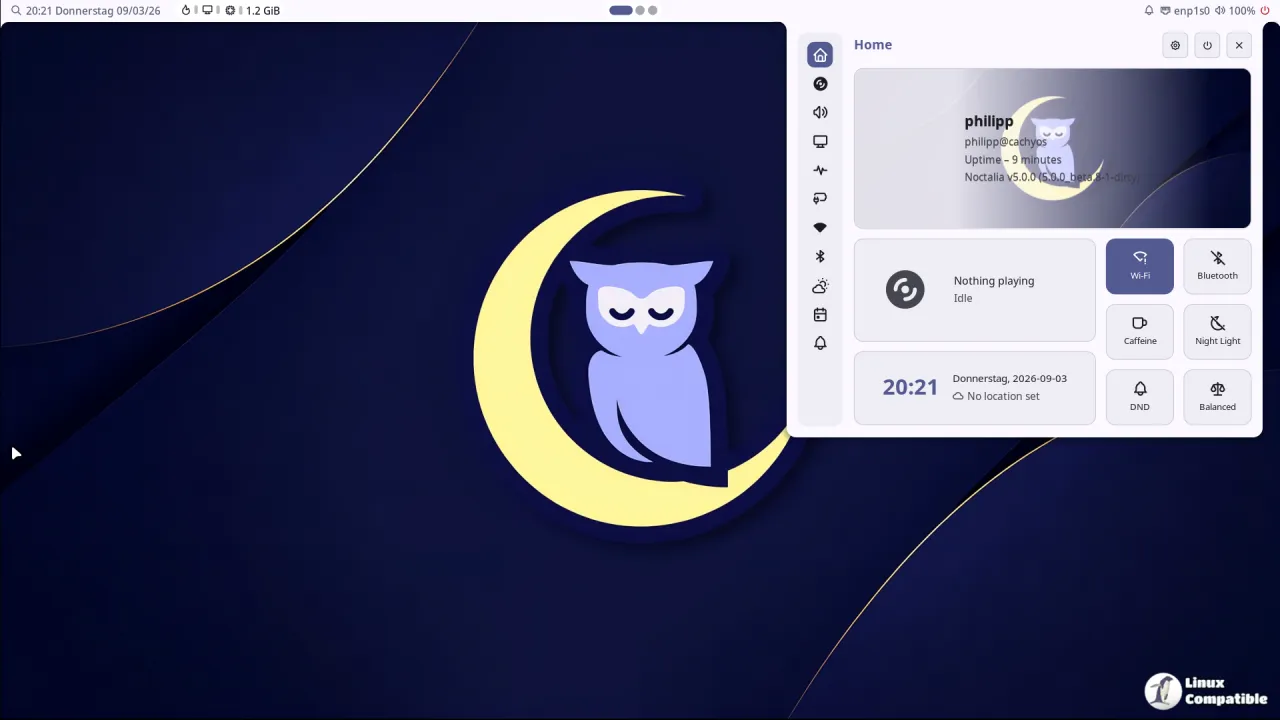
Noctalia remains a native Wayland shell that ditches the traditional Linux desktop patchwork. You get a single cohesive layer handling bars, launchers, notifications, and lock screens without Qt or GTK dependency chains. The v5 rewrite in C++ cut memory usage from roughly 300 MB per monitor down to about a sixth of that. It runs on Niri, Hyprland, Sway, and a handful of other compositors. If you need a login screen, there is the companion Umbriel compositor and the dedicated Noctalia Greeter.
Screenshot workflow gets a proper editor
The headline addition is a region-based screenshot tool with a drawing annotation layer. You can mark up captures with a brush, shapes, text, or blur directly in the shell. The toolbar for those annotations is movable, which is a small ergonomic win that actually matters when you are trying to mark something on a cramped 1080p preview.
You can also configure it to close the editor right after copying to clipboard. That workflow tweak alone is worth the upgrade for anyone who does a lot of bug reporting or community support. There is a dedicated settings section for it, so it does not clutter the control center.
Networking finally catches up to modern setups
The cellular support uses ModemManager to expose mobile data toggles and signal strength right in the control center. It is not the first time a Linux desktop shell has tried this, but the integration here feels tighter than the usual third-party daemon workarounds.
Enterprise Wi-Fi rounds out the connectivity upgrades. WPA2 and WPA3 Enterprise (802.1X) now have an integrated credential form. If you are working in a corporate or education environment, you will appreciate that you no longer have to drop to a terminal or run a separate NetworkManager profile editor.
Other tweaks and the fixes that actually matter
The control center now supports a manual DDC/DisplayPort monitor rescan. It is only useful if you are running ddcutil on a multi-monitor rig where auto-detection keeps playing hide and seek.
Notifications get a keep_dismissed_in_history config toggle. If you have ever lost track of a dismissed toast and needed it back, this is your fix. The calendar widget finally expands vdir account paths before validation, and the power settings now handle MacBook charge limit quirks.
The lock screen hang on PAM authentication is gone. The commit swaps a raw fork child for a re-exec'd helper process. It is a security-conscious choice, and it stops the desktop from freezing mid-unlock.
Head here to download the release form GitHub. Documentation remains at docs.noctalia.dev if you run into installation hiccups on your preferred compositor.


