MX Linux 25.2 drops today with a practical mix of kernel patches, updated graphics drivers, and a text based installer mode that actually works without Xorg running first. The base releases stick to the tested 6.12.90 Debian kernel while AHS editions jump to a newer Liquorix build paired with mesa 26.0.1 for folks who need fresh hardware support. Live system persistence finally gets cleaned up by moving boot routines out of rc.local, and users can now manually pick which kernel loads during startup instead of guessing after every update. Current systems pull these changes through the normal upgrade path without forcing a reinstall, so grabbing the iso or running apt upgrade is all it takes to stay current.
MX Linux 25.2 Brings Kernel Patches, Text Mode Installer, and Better Live Persistence
The latest MX Linux 25.2 update drops today with a fresh round of kernel fixes, a text based installer mode, and some long overdue changes to live system persistence. Users who want a stable desktop without chasing bleeding edge drivers will find this release focused on practical stability rather than flashy new features. The update path is straightforward for current systems, but the real value lies in how it handles kernel switching and offline installation scenarios.
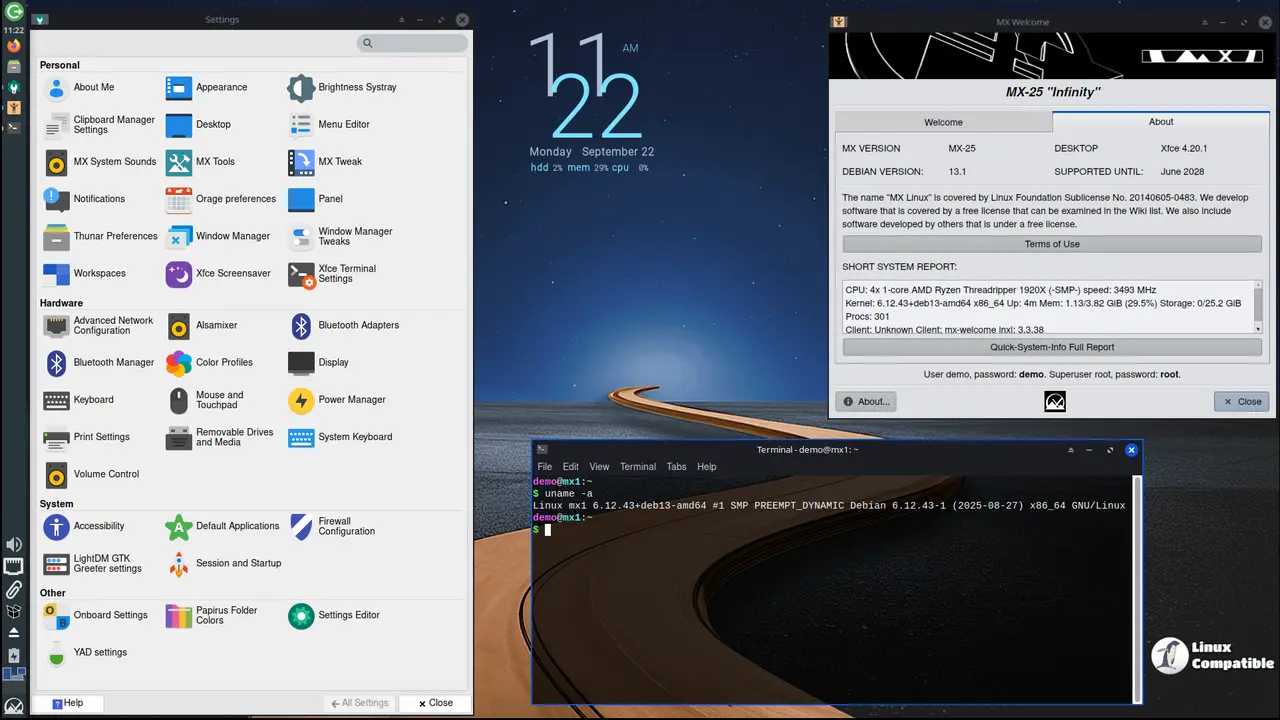
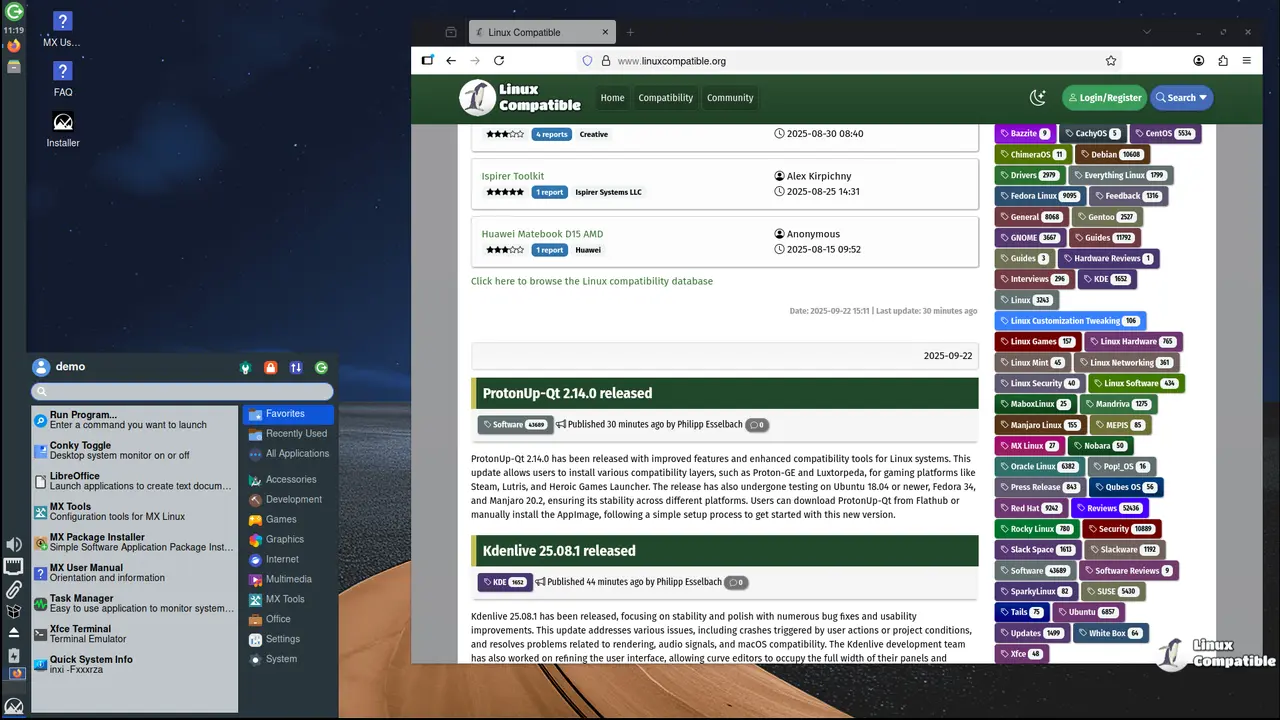
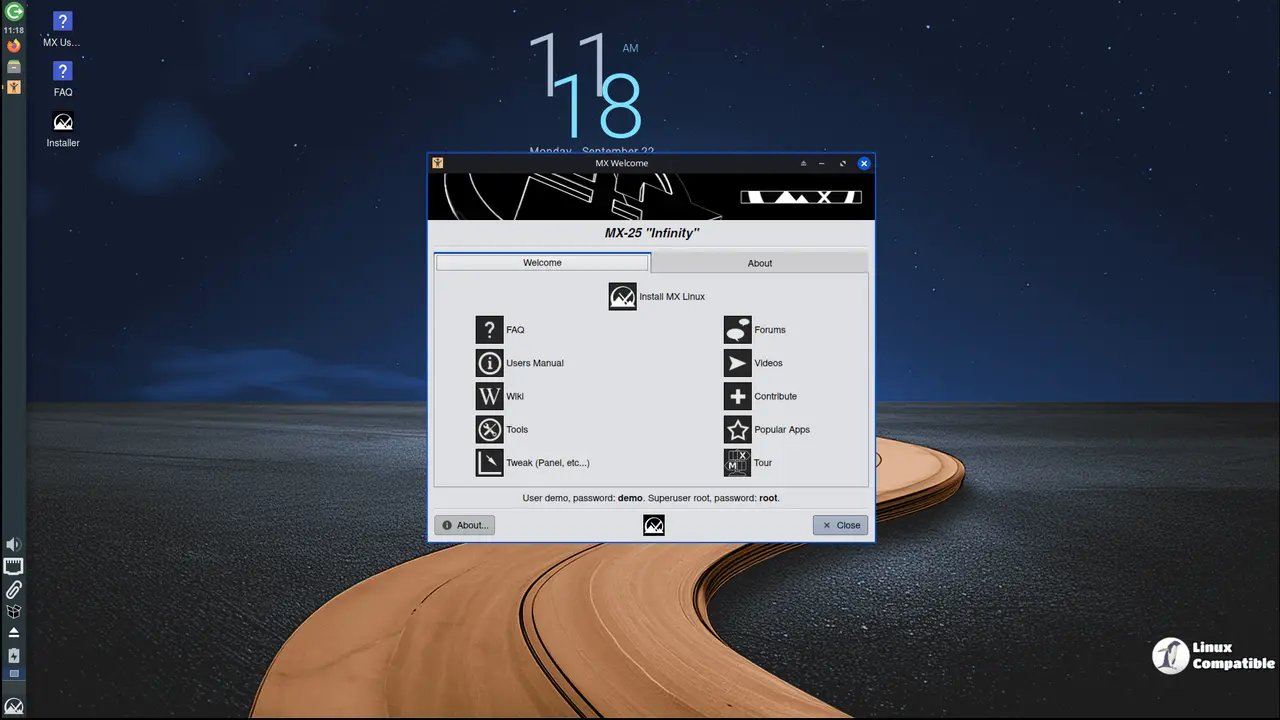
MX Linux 25.2 Kernel Updates and Mesa Drivers Take Center Stage
The base releases ship with the 6.12.90 Debian kernel, while the AHS editions jump straight to a 7.0.9 Liquorix build paired with mesa 26.0.1. This split keeps everyday users on a tested foundation while giving hardware tinkerers access to newer graphics stacks without breaking their daily drivers. The team also patched what they call meme bugs in the kernel, which usually means fixing those weird edge cases that only show up after a specific driver update or during heavy disk writes. Existing systems pull these changes through the standard update channel, so no fresh install is required unless someone wants to try a different desktop environment.
Live System Persistence and Kernel Switching Get Reworked
The antiX live builds finally moved initial setup routines out of rc.local, which was causing boot delays on older hardware that still relies on sysVinit. Persistence saving now returns to a semi automatic mode for those legacy boots, while systemd based live systems keep falling back to full automatic saves when needed. Users who frequently swap between different kernel versions will appreciate the updated live kernel updater tool. It now handles multiple installed kernels and lets users pick exactly which one loads from grub during boot. This matters because broken graphics stacks or missing hardware support usually only show up after a fresh reboot, and having manual control prevents people from getting locked out of their systems.
Text Mode Installer and Background Tool Updates
The gazelle installer received a quiet but important overhaul that adds a full text based interface for non graphical environments. Running minstall launcher in a terminal or using sudo minstall --tui gives access to every feature of the graphical setup without needing Xorg running first. This proves useful when installing on headless machines, recovering from failed GUI installs, or working over slow remote connections. The team also added native systemd units for oobe and oem modes, which streamlines automated deployments on Raspberry Pi hardware. Background utilities like mx ease themes and the package manager got routine maintenance, along with a few new wallpapers that are purely cosmetic. Those theme tweaks do not replace the actual stability work happening under the hood, but they give desktop users something pleasant to look at while waiting for updates to finish.
Download Options and How to Report Problems
Direct iso downloads cover Xfce, KDE plasma, fluxbox, and the AHS variants, with torrents available for those who prefer seeding over direct links. The Raspberry Pi respin returns as a zip file containing the image plus signature verification files. When something breaks after installation, the team expects users to post logs rather than vague error descriptions. Running quick system info gathers the necessary diagnostic data automatically, but specific issues require targeted log files like ddm log for nvidia driver problems or minstall log for partitioning failures. Keeping these paths in mind saves hours of back and forth when filing bug reports on the official forums.
Xfce
- MX-25.2_Xfce_x64.iso ( sha256 checksum | Signature)
- MX-25.2_Xfce_ahs_x64.iso ( sha256 checksum | Signature)
KDE Plasma
Fluxbox
The update lands quietly without fanfare, which is exactly how desktop Linux should behave. Grab the iso that matches the hardware, run the standard upgrade if already running MX, and let the background tools handle the heavy lifting.


