KDE neon 20260709 has officially landed, delivering unmodified Plasma 6.7.0 and KDE Gear 26.04.2 to desktop users. The rolling distribution anchors its bleeding-edge software to a fresh Ubuntu 24.04 LTS base for maximum stability. You can choose from multiple installation tracks depending on your risk tolerance, ranging from fully tested daily builds to unfiltered pre-release versions. Grab the official ISOs directly from the KDE mirrors and verify the checksums before diving into your upgrade.
KDE neon 20260709 drops Plasma 6.7.2 on Ubuntu 24.04 base
The rolling desktop project delivers unmodified KDE software to everyday users and brave testers alike.
KDE neon 20260709 is officially live. If you've been tracking the project's steady trickle of updates, this one lands with some solid upgrades. The rolling desktop release ships Plasma 6.7.2 alongside KDE Gear 26.04.2, all anchored to a fresh Ubuntu 24.04 LTS base. You can grab the 3.1 GB ISO right now from the official mirrors.
What makes neon interesting to Linux desktop users has always been its straightforward philosophy. It strips away the long packaging queues and opinionated UX tweaks that typically bloat standard distros. Instead, you get KDE software exactly as the developers intended. The project has stayed anchored to Ubuntu LTS releases for years now, giving the rolling desktop a stable foundation. The team officially rebased from 22.04 to 24.04 back in October 2024, mostly because older PipeWire stacks started causing headaches and Krita needed newer library versions. The project still ignores non-LTS Ubuntu releases. That's a practical choice. You want bleeding-edge Plasma, you get it. You want a base system that won't break when you reboot, Ubuntu LTS handles that.
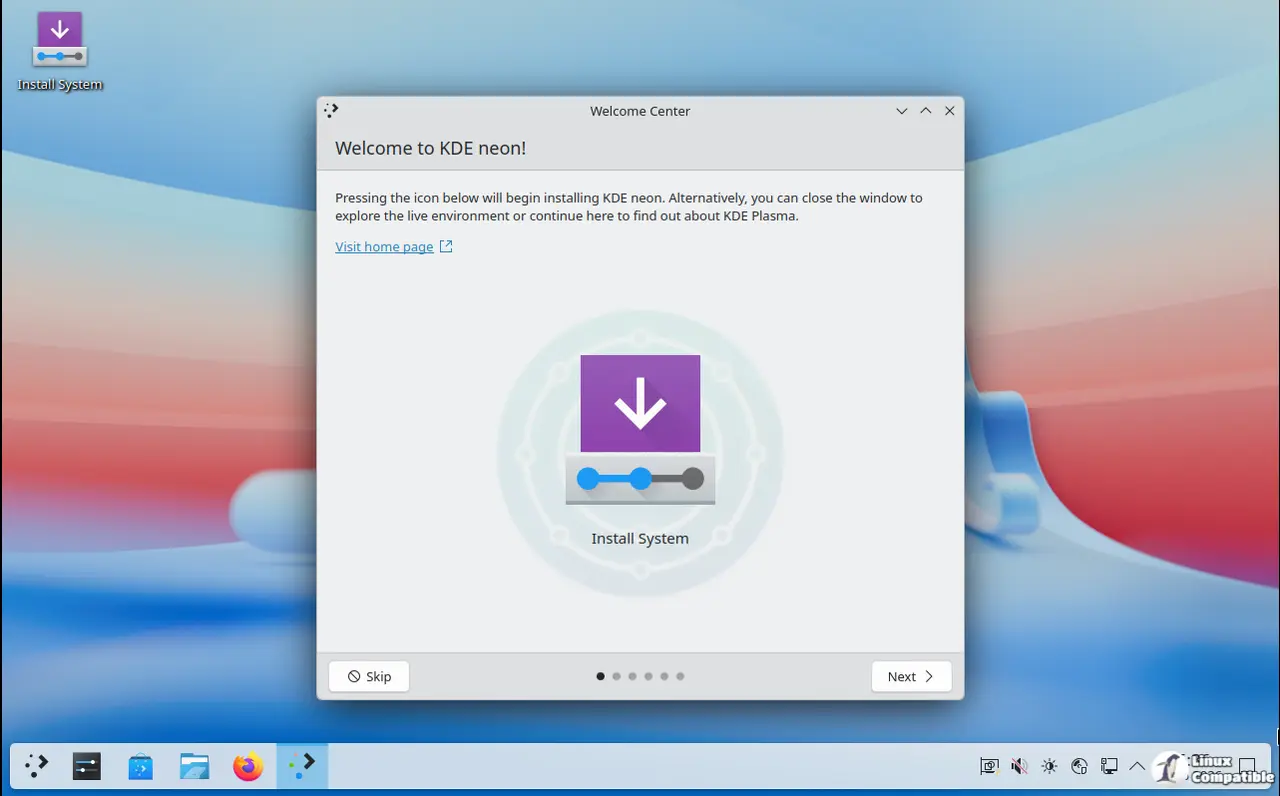
What's Actually Running Under the Hood
Plasma 6.7.2 is the headline here. It covers everything from Kwin on both Wayland and X11 to the Breeze theme and display integration tools. You'll notice the version numbers align tightly across the stack because that's exactly how the build system operates.
If you pull the packages, you'll see no packaging patches and zero gatekeeping. The team routes everything through automated testing before it touches the public archive. You get unmodified software.
The Linux desktop finally feels like it stopped trying to reinvent the window manager every other quarter. After years of fragmentation, projects like neon proved that sticking to a rolling KDE layer over a proven base just works better than maintaining parallel packaging queues. It's a boring approach if you're looking for spectacle, but boring keeps your desktop responsive after a six-month uptime. Which is exactly why the neon team refuses to chase every new Ubuntu interim release.
Which Edition Should You Actually Install?
The 20260709 release splits into four main tracks. The User Edition is your straightforward daily driver. It's tagged as stable and gets full testing. Keep in mind that the Testing Edition still ships pre-release builds straight from bugfix branches, so expect the occasional rough edge. The Unstable Edition pulls directly from new feature branches with zero quality assurance. It's built for contributors who need to test code before it breaks something else. There's also a Developer Edition packed with KDE libraries, plus special builds for Korean locales and Pinebook ARM devices.
The User Edition ISO sits at 3.1 GB for the desktop variant, though the mobile and Bigscreen TV builds have slightly different release dates and sizes. If you're just looking to replace an existing desktop environment without wading into the dev archives, stick to the standard user track.
Head here to the official neon.kde.org download page if you want the full manifest and checksums. The mirror at files.kde.org hosts the PGP signatures and torrent files for those who verify their downloads.


