LXQt 2.4.0 Brings Smarter Panel Controls and Cleaner Wayland Support to Lightweight Desktops
The latest update to the lightweight desktop environment focuses on polishing daily workflows rather than adding flashy new features. Users upgrading to LXQt 2.4.0 will notice tighter integration with modern display servers, better power management controls, and a few long-overdue quality of life tweaks in the file manager and terminal. This release keeps compatibility intact while quietly fixing the kind of annoyances that pile up over time.
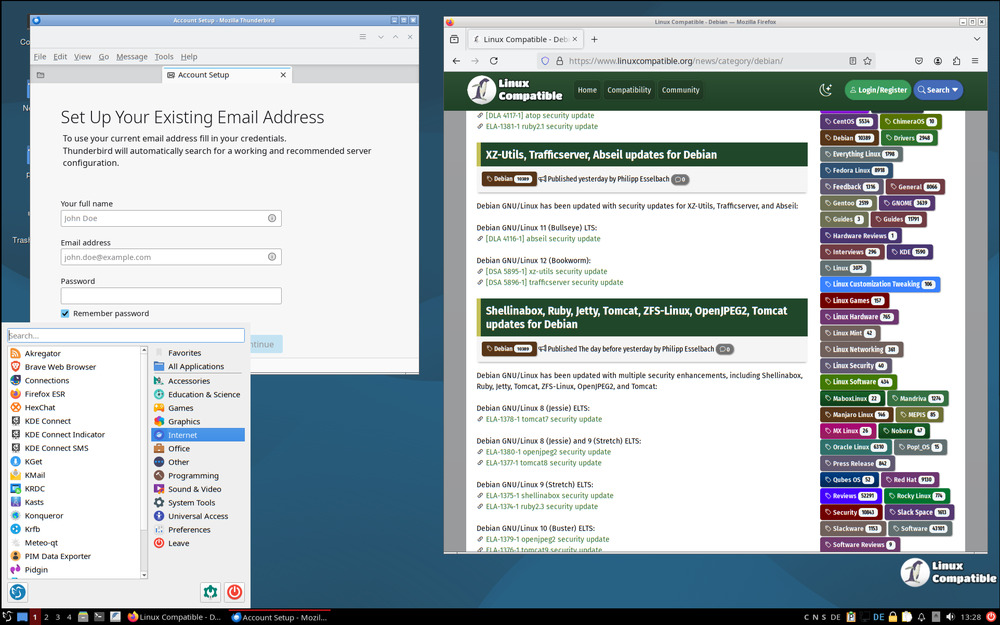
LXQt 2.4.0 Panel and Power Management Tweaks
The volume plugin in the panel finally got a horizontal layout that actually makes sense for modern screens. Users can now scroll with a mouse wheel or touchpad to adjust the default sink volume directly from the icon without opening a separate window. Anyone who has tried to tweak audio levels on a narrow taskbar knows how frustrating it is when sliders force you into a separate dialog box. Power management also received a practical update by separating monitor blanking timeouts for AC and battery modes. This means laptops sitting on a desk will keep their displays awake while portable setups conserve power exactly when needed. The developers trimmed out useless options from the combo boxes too, which cleans up the interface without removing actual functionality. Some desktop environments insist on packing panels with pointless toggles that nobody touches after setup. LXQt keeps the volume plugin lean and actually useful instead of padding it with screen space that just gets ignored.
File Manager and Terminal Improvements
PCManFM-Qt handles file saving more intuitively now by automatically highlighting the base filename in the save dialog. That small change lets users start typing a new name immediately instead of manually selecting text first. The terminal component picked up several fixes that matter for daily use. A Nord theme landed alongside improved tab naming behavior and a dedicated shortcut for keeping tabs open during dropdown mode. Search highlighting now catches every match in the buffer, and the URL pattern fix finally stops browsers from breaking when links contain closing brackets. Bookmark creation also works properly with new profiles instead of silently failing. The menu filter prioritizes starting strings now too, so typing "fir" will always push Firefox to the top of the results instead of burying it under random matches.
Wayland Session Handling and Notifications
X11 and Wayland session settings are now completely separated in the configuration panel. The Wayland options only appear when the lxqt-wayland-session package is installed, which keeps the interface from showing irrelevant choices on older setups. Transient notifications like song titles or quick system alerts no longer get saved to history when Do Not Disturb mode is active. This stops notification clutter from building up during meetings or focused work sessions. The release also adds support for $XDG_STATE_HOME and fixes how desktop files handle the NotShowIn=LXQt flag, which prevents broken menu entries on mixed-environment systems. Desktop item visibility on multi-screen setups now stays consistent across monitors instead of applying conflicting hide settings to each display.
Upgrading is straightforward since the required Qt versions remain unchanged. Systems running Debian Trixie or its derivatives will compile and run without needing a full environment overhaul. The LXQt team kept the focus on stability and cleanup, which means most users will just see fewer bugs and slightly faster response times across the board. Grab the update when you have a moment, and enjoy a desktop that actually respects your time instead of fighting it.
For more information, check out the release announcement.


