Nobara Linux 43 2026-04-19 drops a Fedora base preloaded with gaming tweaks, WINE dependencies, and OBS so you can skip the terminal wrestling. The release splits into five desktop editions tailored for everything from living-room consoles to Steam Deck-style handhelds. NVIDIA images ship with drivers baked in, while low-latency kernels and third-party repos handle the usual codec headaches before you even log in. Just remember this independent hobby project demands disabled Secure Boot and works best on personal rigs rather than mission-critical workstations.
Nobara 43 2026-04-19 Released: Fedora-Based Gaming Distro Ready for Steam and Handhelds
Nobara Linux 43 2026-04-19 has landed, bringing a Fedora base that skips the manual driver hunting and codec wrestling usually required for gaming setups. This release introduces five distinct desktop editions tailored for everything from living-room consoles to Steam Deck-style handhelds. The goal remains simple: get WINE dependencies, OBS Studio, and low-latency kernels ready before you even log in.

Five Editions for Every Setup Style
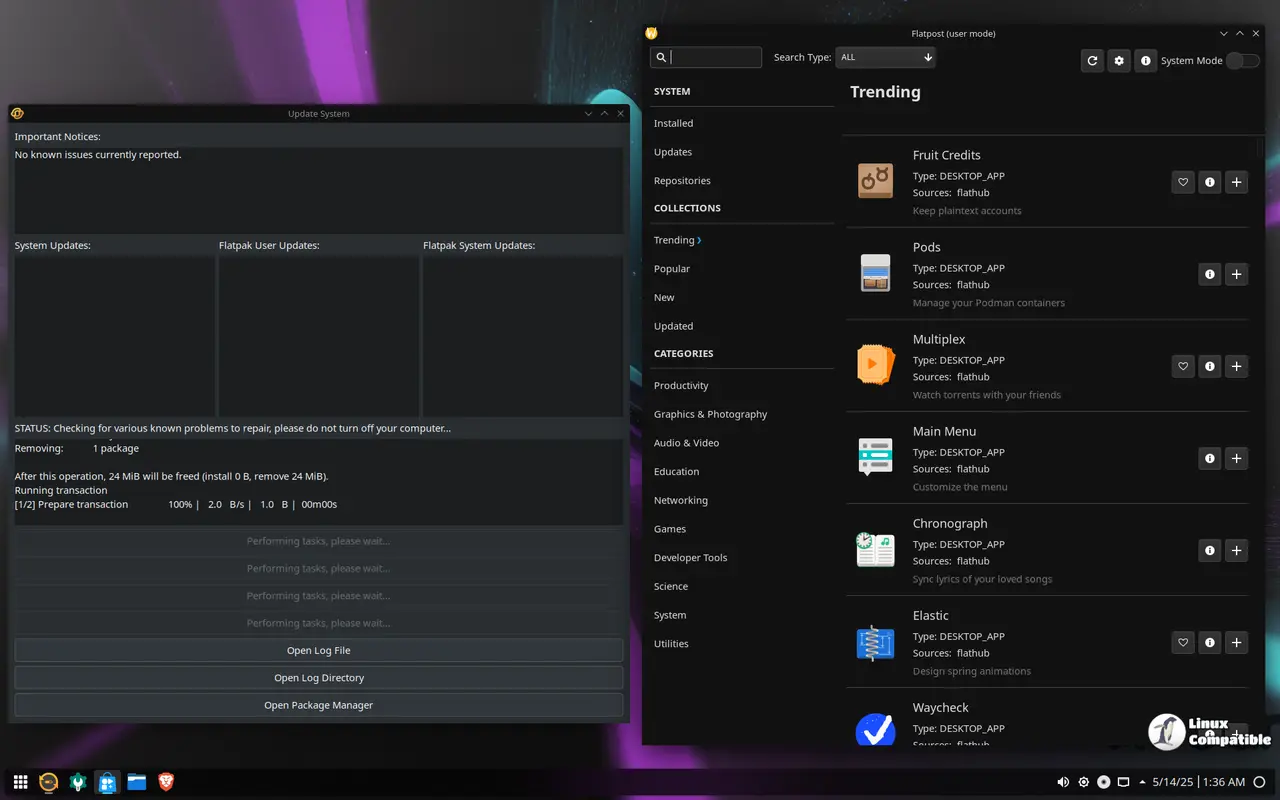
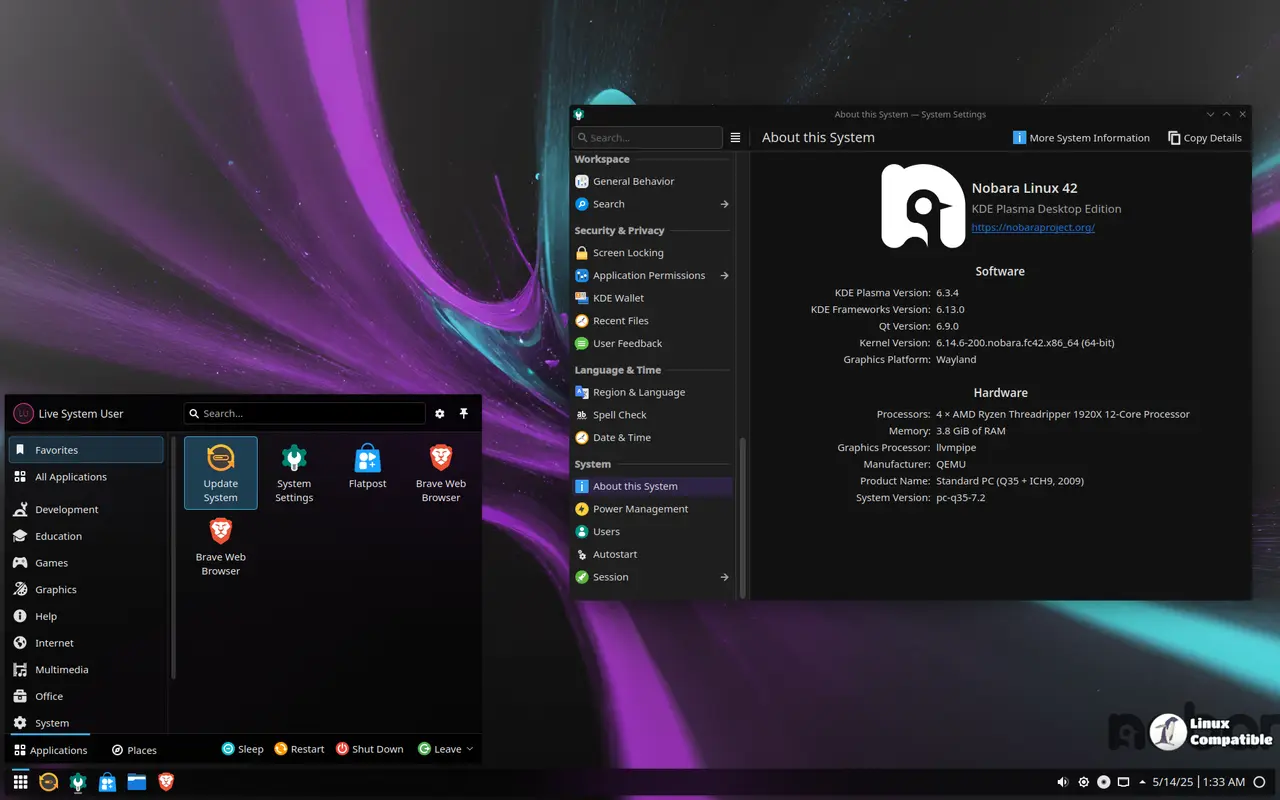
The release splits into five flavors, which helps target specific hardware without forcing a one-size-fits-all interface. The Official edition ships with a custom KDE look that balances gaming tools and creative apps. It feels like the reference point for most users who want a polished desktop without digging through settings menus. For those who prefer traditional control, the standard KDE build offers deep customization for panel layouts and widgets. GNOME gets a clean treatment here, stripping away distractions while keeping Nobara's underlying tweaks intact. This works well on laptops or touch devices where simplicity matters more than flashy effects.
The Steam editions stand out as the real differentiators in this lineup. The Steam-HTPC edition boots straight into a console-like experience optimized for gamepads and big-screen TVs. It is built for couch setups where navigating with a mouse feels like a chore. Meanwhile, the Steam-Handheld edition scales layouts for smaller portable displays. This mirrors the workflow found on Valve's hardware but runs on standard PC components or third-party handhelds. Each edition includes desktop presets designed to handle multitasking and creative workflows right out of the box.
Gaming Tweaks and Preconfigured Tools
Nobara keeps its promise of reducing terminal time by preconfiguring the heavy lifting. Third-party repositories like RPMFusion and the dedicated Nobara repo are enabled out of the box. This means multimedia codecs and proprietary drivers do not require manual intervention after installation. WINE dependencies come bundled, which helps with compatibility layers for Windows games without needing extra setup scripts. OBS Studio is included for streamers who need capture tools ready immediately. The kernel receives tuning for low-latency performance, which can make a noticeable difference in responsive input during fast-paced titles.
NVIDIA users get images with drivers pre-installed. This saves the frustration of black screens or fallback to open-source drivers on first boot. AMD setups also receive tuned graphics profiles, though the proprietary NVIDIA builds are often the ones drawing attention from gamers chasing maximum frame rates. A common pitfall when switching to Fedora-based gaming builds involves audio latency or controller mapping. Nobara addresses this by bundling capture tools and WINE tweaks that handle these edge cases automatically. Users who have spent hours debugging PipeWire configurations or fighting Proton-GE compatibility layers will appreciate the pre-integrated updates. The guided installer also offers first-run suggestions, which helps new Linux users navigate desktop presets without guessing which configuration fits their workflow.
You can download the images from here.
Installation Warnings and Project Reality
Getting Nobara onto hardware requires a few precautions to avoid boot failures. The project recommends disabling Secure Boot and using UEFI mode. Attempting to enable Secure Boot often leads to signature verification issues with third-party kernels or drivers. For USB creation, Ventoy supports multi-ISO workflows, while Rufus works best in DD mode for GPT partitions. Fedora Media Writer remains a viable alternative for those who prefer a guided flash process.
It is important to remember that Nobara operates as an independent hobby project. The team maintains no official affiliation with Fedora or Red Hat. While the base relies on stable Fedora packages, the customizations and additional repositories introduce variables that may not suit critical production environments. This distro shines for personal gaming rigs and creative workstations where downtime is acceptable. Flash the drive, disable Secure Boot, and see if the custom KDE or Steam editions fit the rig. Nobara 43 keeps the Fedora stability while removing enough friction to make gaming on Linux feel less like a side project.


