Liquorix Kernel 7.2-8 Lands With Steam Deck-Era VRAM Patches and a Scheduler Freeze Fix
The enthusiast-focused kernel hits Linux v7.2.4 with two major updates, capping a seven-package sprint that started just days earlier.
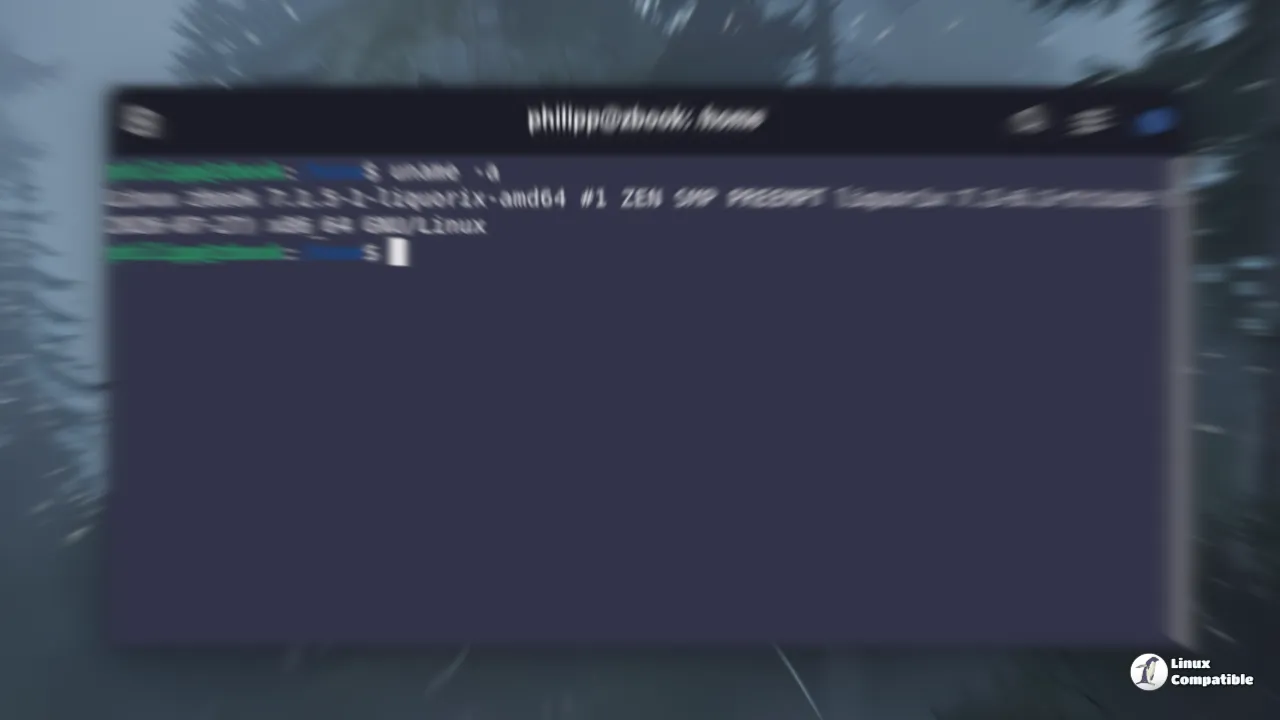
Steven Barrett has tagged Liquorix package 7.2-8, sitting on top of upstream Linux Kernel 7.2.4. The internal version bumps to 7.2.4-2, and the changelog lists two headline changes. First, a v8 iteration of the cgroup/dmem plus drm/ttm patchset now handles VRAM coordination under cgroup pressure. Second, SMT idle optimizations for the PDS/BMQ scheduler are back online, this time with a specific freeze-prevention patch attached.
The VRAM work originally came out of Valve for the Steam Deck. It keeps memory from spilling over between system RAM and GPU VRAM when cgroup limits get tight. If you're running an APU or a low-VRAM discrete card, that's a real gap in mainline handling. Barrett pulled an experimental "vramstuff" branch this week and dropped the v8 iteration in its place, meaning upstream reviewer feedback has already been folded in.
Then there's the scheduler side. The maintainer reapplied an older set of SMT/idle optimizations, but this time with sched/alt: Fix freezes when choosing an idle CPU attached. Early versions were tripping hangs during idle-CPU selection, so the freeze fix came first. The performance tweaks went back on top after the underlying path was corrected.
How to Get It
The package builds for Debian Stable, Testing, Unstable, Ubuntu, and Arch Linux AUR. AMD64 only. If you want to jump straight to it, the official one-liner still works:
curl -s 'https://liquorix.net/install-liquorix.sh' | sudo bash
Head here for the GitHub announcement.


