Liquorix Linux Kernel 7.0-8 Brings Low Latency Tweaks to Debian, Ubuntu, and Arch
The Liquorix Linux Kernel 7.0-8 update just dropped, building on the stable 7.0.8 base with a focus on squeezing out every drop of responsiveness for desktop workloads. This release targets audio video production workflows and gaming frame pacing without requiring manual kernel parameter tweaking. Users running Debian, Ubuntu, or Arch can grab it through an official installation script that handles the heavy lifting automatically.
What Actually Changes in This Release
The Liquorix team keeps its patch set narrow by design, which means this build does not try to fix every hardware quirk under the sun. Instead, it applies scheduler adjustments and real time patches that tighten interrupt handling and reduce context switching overhead. Those changes matter most when running digital audio workstations or playing games that stutter due to frame time spikes. The underlying 7.0.8 base brings standard stability improvements, but the Liquorix layer is what separates this from a stock kernel build.
Real World Performance Expectations
Running a low latency kernel on a daily driver machine usually means trading some aggressive power management features for tighter timing control. The developers behind Liquorix know this balance well and keep the default configuration practical enough for general desktop use. Desktop users frequently notice audio dropouts during live streaming sessions when the default scheduler drops interrupts under heavy disk load, and this update directly addresses that bottleneck. It does not magically fix poorly optimized games or broken graphics drivers, but it removes one common timing issue that causes frame pacing problems on Linux. Some kernel tweak scripts promise "universal performance gains" and deliver nothing but broken suspend states. Liquorix avoids that trap by keeping its patch set focused and well tested.
Installing the Liquorix Linux Kernel
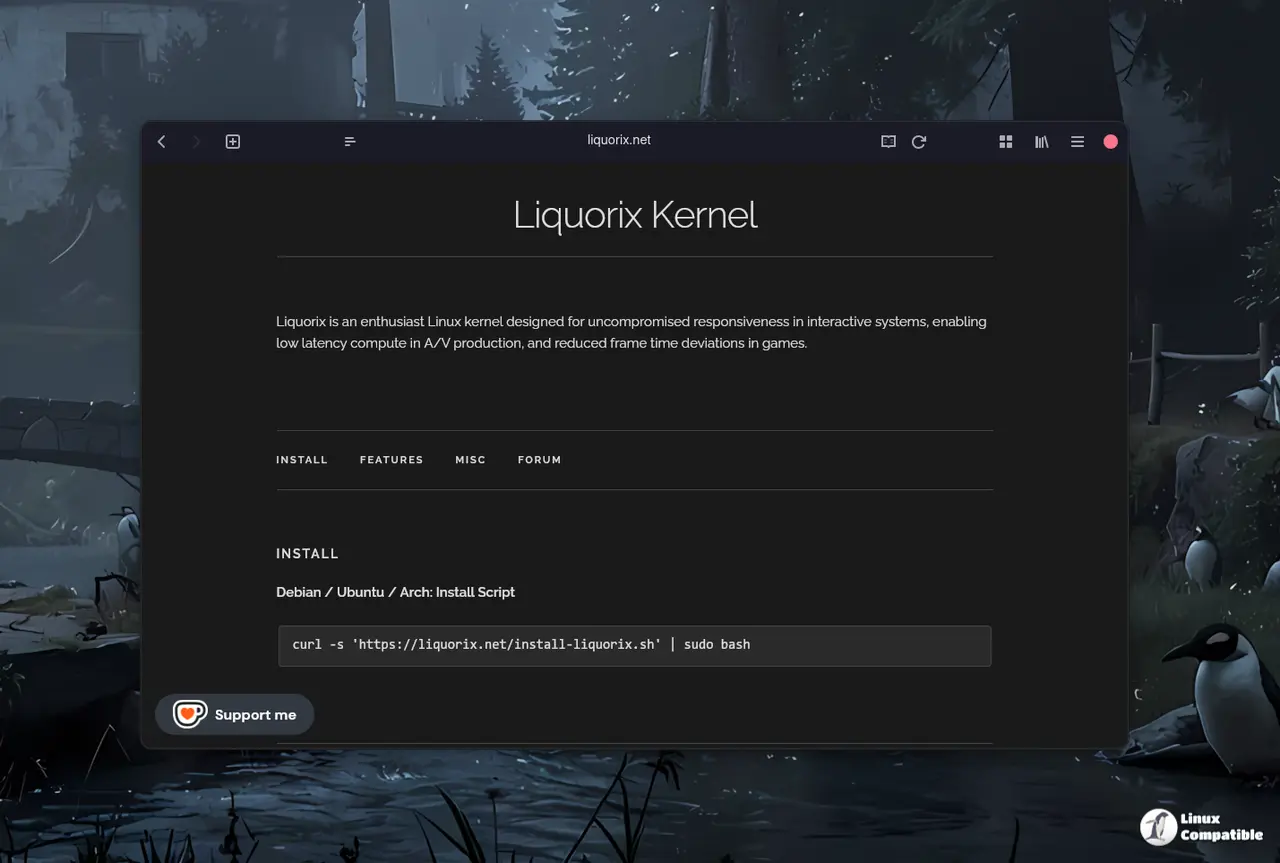
Getting the Liquorix Linux Kernel onto a supported system requires running a single curl command that fetches and executes an official setup script. The process downloads precompiled packages tailored to the current distribution release and handles dependency resolution automatically. Users should verify their package manager is up to date before executing the command, since missing dependencies will cause the installation to fail mid stream. The script also sets up automatic kernel updates through the normal system update cycle, which keeps maintenance straightforward after the initial switch.
curl -s 'https://liquorix.net/install-liquorix.sh' | sudo bash
Arch users get a slightly different experience because the distribution already ships with rolling kernel updates and custom build options. The official Liquorix install script still works on Arch, but many users prefer compiling from source or using community maintained packages to match their specific hardware profile.
The Liquorix Linux Kernel 7.0-8 update lands exactly where it needs to for users who care about timing precision over raw benchmark scores. Grab the script, run a quick system backup just in case, and see how the desktop feels under normal workloads. Let me know which hardware setup you test this on next time around.


