Heroic Games Launcher 2.22 Finally Lets You Fix Your Messy Game Library
Heroic Games Launcher 2.22 arrives with long requested library management tools and tighter console mode controls. Users can now rename entries, swap cover art, and manage sideloaded titles without digging through config files or third party utilities. This release also patches up some stubborn Ubisoft integration issues that have plagued Epic Games imports for months.
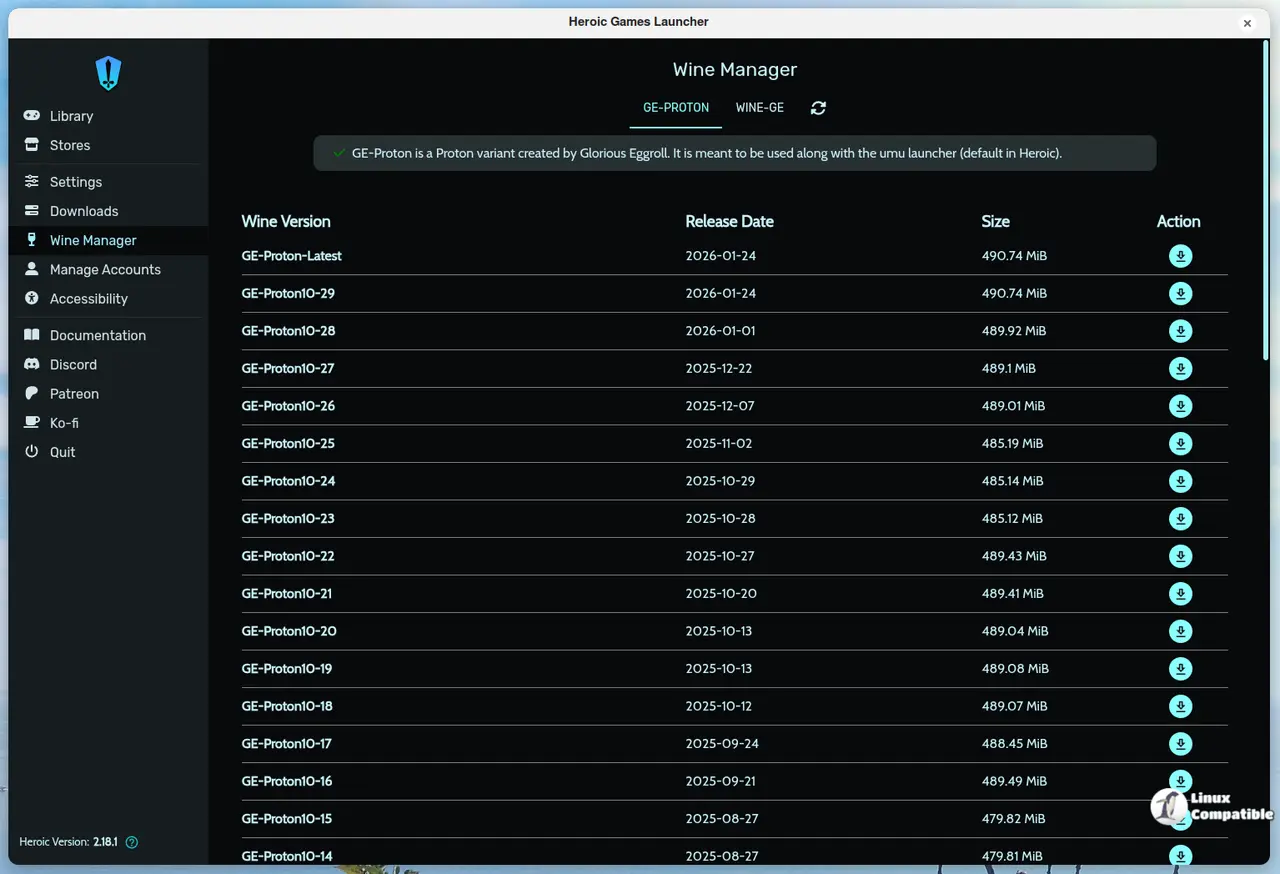
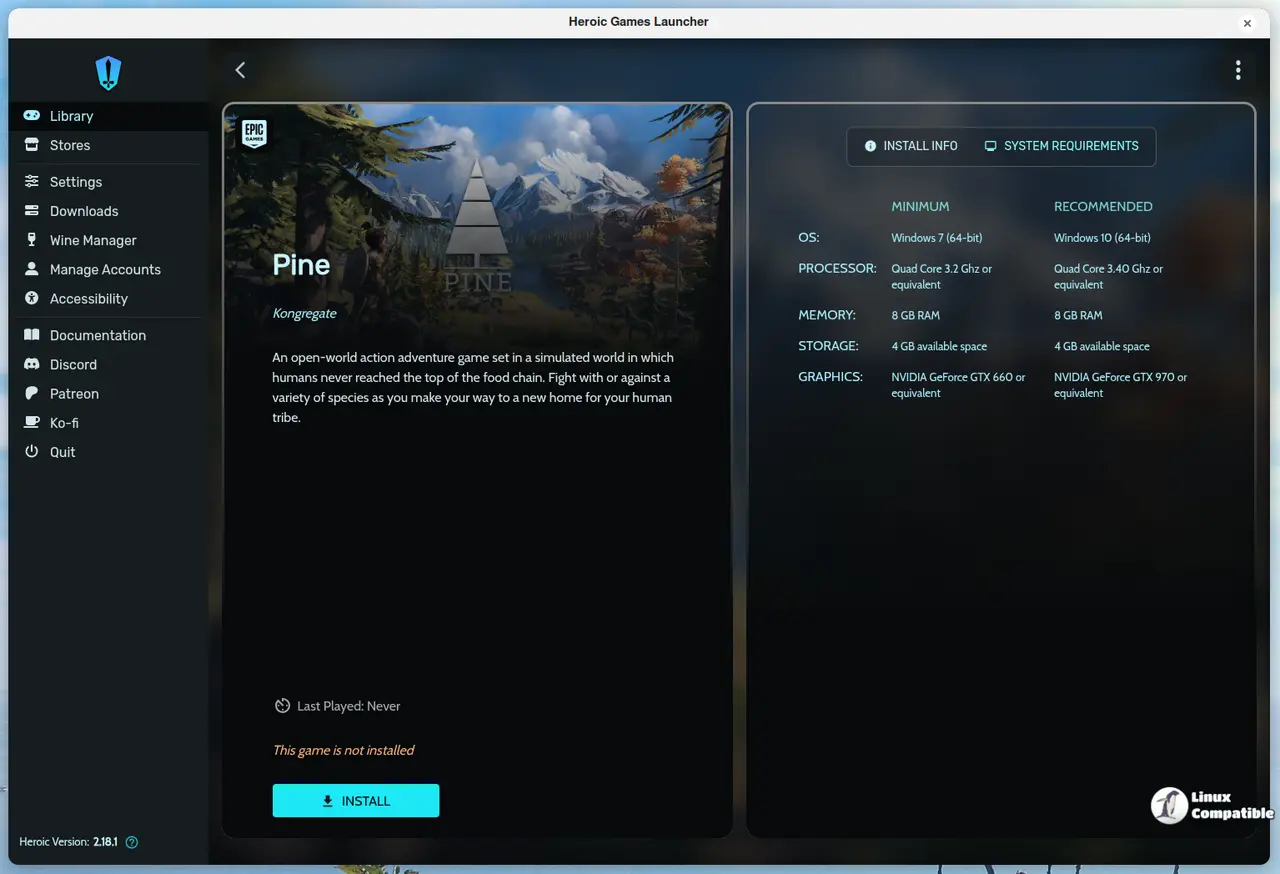
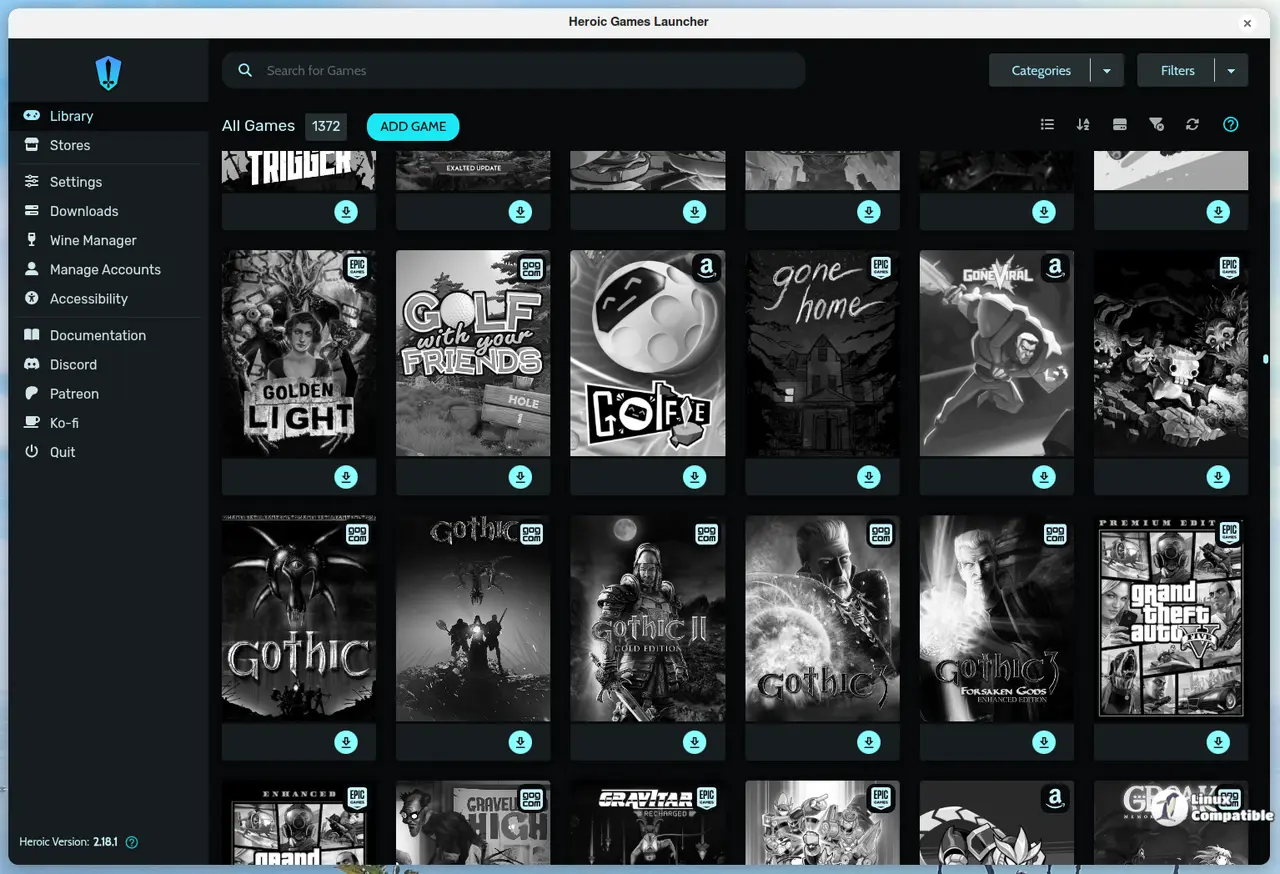
Heroic Games Launcher 2.22 Library Editing & Cover Art
The ability to edit game names and swap cover images directly inside the launcher removes a major headache for anyone who has ever imported a messy batch of games or renamed something just to keep things organized. Sideloaded titles finally get proper cover image support, which means those manually added executables will actually look like part of your collection instead of blank placeholders. This matters because visual consistency keeps the interface from turning into a digital junk drawer after years of adding and removing games.
Console Mode & Update Controls
Console mode gets tighter control over game installations, including the ability to install updates or deliberately skip them when a patch breaks something. The developers added tray icon toggling and window hiding options for background launches, which cuts down on desktop clutter when running games through Steam Deck or Big Picture setups. These changes matter because forced updates often break compatibility layers that take hours to troubleshoot, so manual control over patches is actually necessary.
Deals Screen & Ubisoft Fixes
The deals section now filters out games you already own and highlights wishlisted titles, which stops the launcher from constantly pushing duplicate purchases. A dedicated fix for Ubisoft Connect managed titles from Epic Games should resolve authentication loops that previously left players stuck on loading screens. These improvements matter because deal aggregators are useless when they keep showing you games you already have or refuse to launch properly due to backend conflicts.
Changelog & Minor Tweaks
The changelog modal now supports embedded videos, which makes tracking updates significantly easier than scrolling through dry commit messages. Controller tweaks for console mode and a fixed clipboard button on the system info page round out the release with small quality of life adjustments. These changes matter because technical documentation should actually be readable without requiring a separate browser tab to decode developer notes.
Release Heroic v2.22 "Hajrudin"
Hi! This new release of Heroic comes again with pretty exciting features like the ability to edit basically any game in your library, you can edit the game name, the Card and Cover images.
Release Heroic v2.22 "Hajrudin" · Heroic-Games-Launcher/HeroicGamesLauncher
The launcher keeps getting more polished with each release, so keeping it updated will save you from manual workarounds down the line. Download the update when ready and stop fighting your own game collection.


