Valve shipped two coordinated beta updates today: SteamOS 0.5.9 for the Steam Frame headset and SteamVR 2.19.3 for all PC VR users. The Frame's headline feature is chroma-key Room View, which lets games draw a transparent key color so your real room shows through parts of streamed content. The paired SteamVR build repairs a wave of Linux streaming regressions introduced by the 2.19.1 beta, fixing a right-eye flicker, Vive/Index dashboard distortion, and high-resolution corruption. Both builds are opt-in betas, and Valve has not dated when either reaches the stable channel.
Steam Frame gets chroma-key Room View and foveated sharpening in a new SteamOS beta
Valve shipped coordinated Steam Frame and SteamVR betas today, adding a green-screen transparency trick to its VR headset alongside a batch of fixes most useful for Linux users.
Valve pushed two beta builds out the same day. One is SteamOS 0.5.9 for the Steam Frame, its streaming-first VR headset. The other is SteamVR 2.19.3 for anyone with a PC headset. The two are deliberately tangled together: the Frame runs this same SteamVR runtime, so Frame owners pick up the broader driver fixes for free while picking up a few headset-only tricks on top.
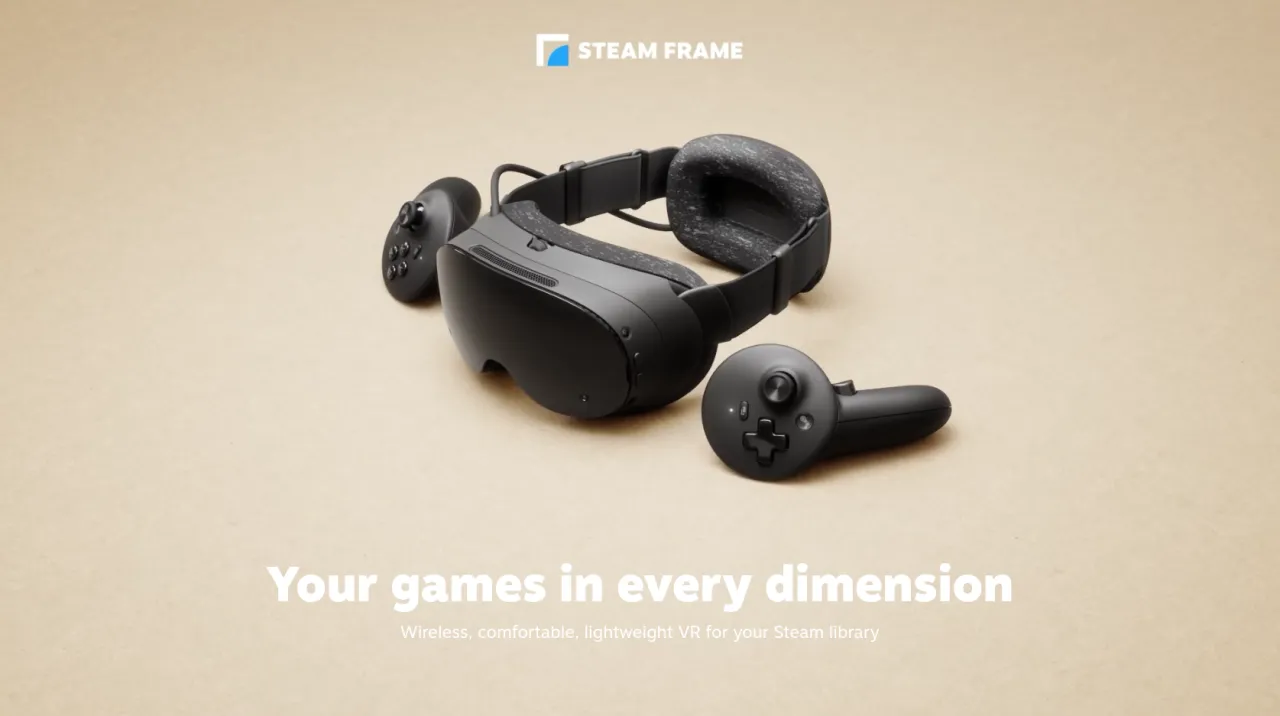
The headline addition is chroma-key support for "Room View." You know the drill with passthrough headsets. The cameras show your real room so you can stroll around without yanking the thing off your face. Room View, introduced last week in SteamOS 0.5.8, let that feed sit alongside streamed games and desktops. The 0.5.9 update lets you punch real holes in that content, revealing your room through specific parts of the image.
It works the way you'd expect from any green screen setup. A game draws a designated key color, and wherever that color shows up, the real world comes through. Valve's Steam Link side offers two profiles. "Protect Content" keeps the streamed image fully opaque, shifting colors away from the key so gameplay never accidentally vanishes mid-match. "Key Content" lets a title claim that color for its own use.
The controls live on your PC, in the Camera section of the Steam Link settings. These map to options named Key Mode, Key Color, and Key Threshold. You still have to pick a suitable Room View style in the headset's own Camera settings first, and you need the beta branch of SteamVR on your PC too. Bumping only the headset gets you nothing.
It's a cheap, engine-agnostic approach. Rather than asking each studio to code its own alpha-blend logic, any game can make itself see-through by simply drawing the key color. X-Plane 12 remains Valve's named example. As The Daily Game News put it, letting a game punch a transparent hole in its own rendering to reveal the room behind you is a cheap way to blend VR and passthrough, and putting the controls on the PC side keeps the headset build simple.
For what it's worth, the same idea has been bouncing around Meta's Quest passthrough tools for a while now, so this isn't entirely novel. It's just Valve's particular twist on an established trick.
The SteamVR fixes matter more for most people
Here's the thing. Frame owners get two shiny new features. But the paired SteamVR 2.19.3 build carries a batch of fixes that matter to anyone streaming from Linux, which is a big chunk of the VR crowd Valve has maybe neglected a touch.
The Linux fixes are the biggest group. They repair damage from SteamVR 2.19.1, the previous quality beta that dropped around November 2nd and lifted the recommended render scale to roughly 1.5. That change sharpened text and color across headsets, but it also introduced streaming regressions. 2.19.2 began undoing them on November 7th. 2.19.3 continues the work.
Among the fixes you'll find a right-eye flicker, scene distortion on the HTC Vive and Valve Index when the dashboard pops up, brightness and corruption issues at high resolution, and improved performance on Nvidia GPUs with wired headsets. Steam Link mirror windows now render at full resolution, and a bug where manually set stream sizes stuck as defaults is gone.
Beyond the Linux work, the build adds foveated sharpening during streaming, complementing the eye-tracking-driven foveated streaming that already concentrates bandwidth wherever you're looking. It also brings Prism Correction for diplopia to the Valve Index, mirroring a setting already on the Frame. On the Index a simple SteamVR restart does the trick. On the Frame you need a full headset reboot. Subtle difference, but worth knowing if you're adjusting it.
Head here to the release announcement


