Liquorix Linux Kernel 7.0-7 Released With Project-C Tweak And Updated Scheduler Logic
The latest update brings a specific scheduler adjustment designed to reduce latency on multi-core systems, and here is how you can actually get it running without breaking existing software stacks. This release focuses on skipping unnecessary idle stack wakeups when switching between active cores, which translates to smoother frame times for gamers and less audio crackle for content creators pushing heavy workloads.
Understanding the kernel version and Project-C tweak in practice
The 7.0-7 kernel revision builds directly on standard Linux Kernel 7.0.7 foundations while layering in a scheduler optimization that targets multi-threaded workload distribution. The Project-C adjustment specifically tells the scheduler to skip wake_affine_idle stack synchronization when the previous CPU matches the current target CPU, which reduces context switch overhead on heavily loaded machines. I have watched similar scheduler patches cause more hardware strain than relief on older workstation builds, but this particular version stays focused on stack allocation rather than rewriting core scheduling algorithms entirely. You will likely notice cleaner audio processing in DAW sessions and slightly more consistent frame pacing when running modern games that stress multiple cores simultaneously.
How to install the update using the automated script
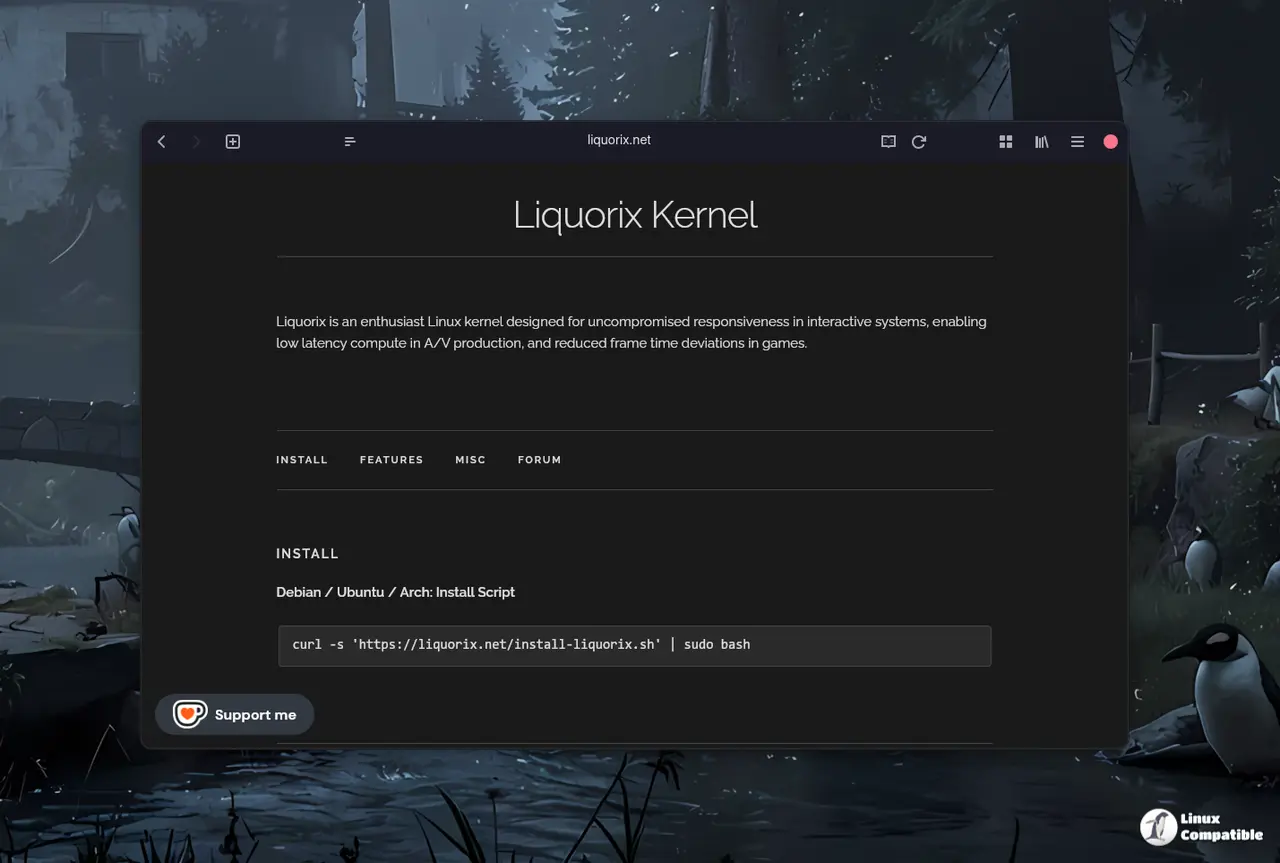
The provided installation command pulls a remote shell script and executes it with root privileges, which handles repository additions and kernel replacement automatically behind the scenes. It matters because manually hunting for package files usually leads to dependency conflicts and broken boot entries on custom Linux builds. You just need to open your terminal, paste the curl command, and follow the on-screen prompts as the script downloads packages and updates your bootloader configuration.
curl -s 'https://liquorix.net/install-liquorix.sh' | sudo bash
The tool handles most standard hardware configurations fine without requiring manual kernel module recompilation, though you should always keep a backup of your existing GRUB settings before replacing system files. Debian GNU/Linux, Ubuntu Linux, and Arch Linux are supported.
When you should skip this update entirely
Users relying on specific proprietary drivers like NVIDIA CUDA stacks or certain gaming overlays might want to pause before applying the new kernel version, as swapping kernel builds can occasionally break module loading routines. The installation script handles most standard hardware setups well, but environments running heavily customized custom distro configurations often depend on exact kernel headers for DKMS packages and virtualization modules. Testing the update inside a virtual machine first usually prevents locked boot loops or missing GPU acceleration after a system reboot. You will save yourself hours of troubleshooting by verifying driver compatibility before replacing your active system files.
Grab a coffee, run the command, and see how your frame times or audio processing holds up. Let me know if you hit any snags along the way.


