How to Navigate the Zed editor 1.2.4 Update Properly
The Zed editor 1.2.4 update lands with a mix of polished agent reliability, better git history navigation, and several platform stability patches that actually matter for daily development work. Readers will get a clear breakdown of what changed, which features deserve attention, and how to avoid common setup pitfalls when integrating the new tools into existing workflows.
What Changed in the Agent System
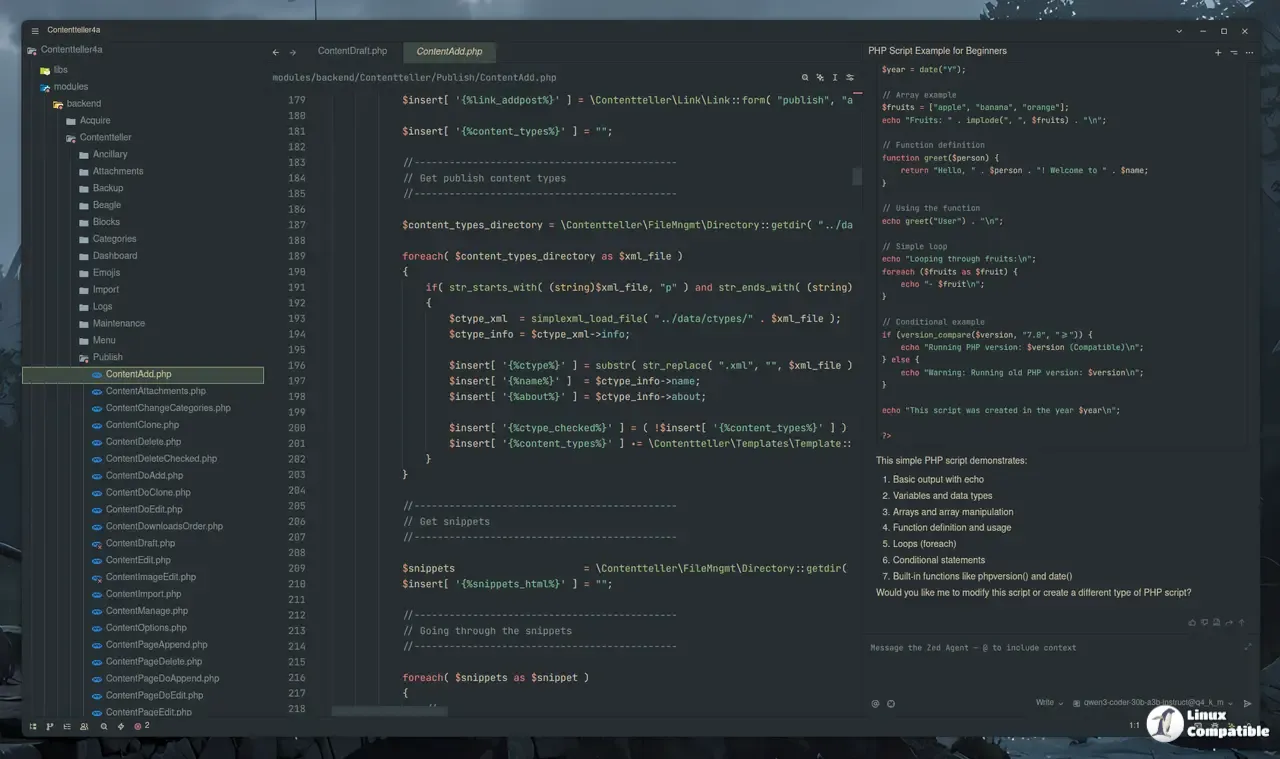
The update brings more reliable agent edits that properly respect file state changes on disk. When the target text still matches, the editor can now push through modifications without throwing a fit about stale buffers. This matters because developers constantly switch branches or pull remote updates mid session, and having the AI tooling adapt to those changes prevents broken patches from silently corrupting code. Token usage got trimmed as well, which speeds up responses on lower end machines without sacrificing accuracy. The external agent version display in settings helps track compatibility when juggling multiple local models or cloud endpoints, reducing guesswork during environment configuration.
Git History Navigation Gets a Proper Facelift
Navigating commit history now feels less like digging through a terminal log. The git panel supports remote graph viewing, and context menus on graph rows let users jump straight into diffs without hunting through directory trees manually. Adding View History to folder and project root context menus streamlines debugging when tracking down exactly which change broke a build after a fresh pull. A new action that fills the commit editor vertically saves time during complex merges or squash operations, keeping focus on message composition instead of fighting with window resizing. The updated toggle command makes it easier to prioritize writing proper commit messages over navigating interface elements.
Terminal and Platform Stability Patches
Platform stability receives a serious overhaul here. Wayland graphical corruption, inotify queue overflows on Linux, and Windows GPU recovery crashes all get patched out, which keeps the editor from freezing during long compilation runs or when switching display modes. Path pasting in the terminal reduces clipboard friction for users who frequently paste build paths or environment variables into command prompts. The debugger now properly reports invalid Cargo.toml content instead of failing silently, saving hours of confusion when debugging Rust projects without proper error logs. Shell environment loading also handles non zero exit codes from login shells more gracefully, preventing broken variable propagation across sessions that often leaves developers wondering why their PATH looks corrupted after a system restart.
Settings and Workflow Tweaks Worth Noting
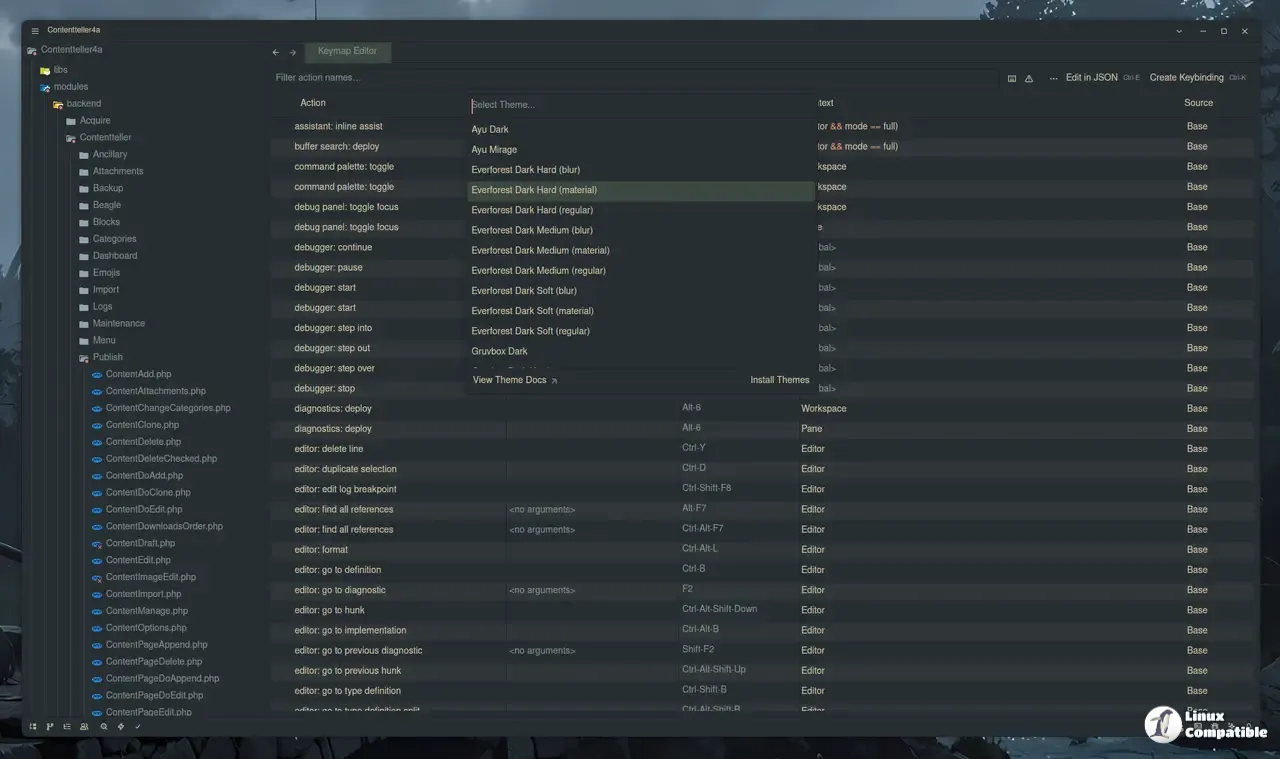
Configuration management receives several quality of life upgrades. Root navbar entries in the settings window expand or collapse on double click, making it easier to locate specific configuration blocks without scrolling through endless menus manually. The line endings button now appears directly in the UI, removing the need to hunt for toggle commands when switching between Windows and Unix file formats. A new scroll strategy keeps the cursor at the same vertical position when navigating definitions, which maintains context during deep code exploration across large repositories. Moving open projects to new windows through the recent projects modal speeds up multi monitor workflows without forcing users to close and reopen directories manually, keeping desktop space organized during heavy compilation tasks.
Release Zed v1.2.4
Added ChatGPT subscription provider, allowing users to use their ChatGPT Plus/Pro subscription with the Zed agent. (#56811)
The update lands solidly, fixing enough friction points to keep daily coding sessions smooth rather than introducing unnecessary complexity. Keep the environment updated and test agent configurations after major model swaps to catch any edge cases before they impact production builds.


