Liquorix Linux Kernel 7.0-6 Brings Zen Tuning and Hard Preemption to Desktops
The Liquorix Linux Kernel 7.0-6 release targets users who refuse to compromise on system responsiveness. This enthusiast build swaps standard power-saving defaults for aggressive scheduling tweaks that keep desktop interactions snappy during gaming or audio production. Anyone running Debian, Ubuntu, or Arch can grab the update without rewriting their entire setup.
Why Liquorix Actually Matters for Daily Drivers
Standard desktop kernels treat your mouse cursor like an afterthought until the system finally decides to process it. Liquorix flips that script by tuning the scheduler to favor interactive tasks over background throughput. Systems often stutter after a routine driver update when background processes hog the CPU, but this build keeps foreground applications in the driver seat. The Zen Interactive Tuning profile deliberately sacrifices power efficiency and raw benchmark scores to guarantee lower latency during mixed workloads. Gamers will notice reduced frame time deviations while audio engineers get tighter timing windows for real-time processing.
What Changed in Liquorix Linux Kernel
This release tightens several subsystems that directly impact desktop feel without requiring manual configuration files. The block layer scheduler now defaults to kyber or bfq depending on hardware, which handles disk queues more predictably under heavy load. Virtual memory management gets a boost from enabled background hugepage reclaim and disabled unevictable compaction, keeping RAM allocation smoother during sudden memory spikes. CPU frequency scaling shifts toward faster response with lowered up thresholds and increased sampling factors, so the processor ramps clocks quicker when an application demands it. The PDS process scheduler shrinks its timeslice to two milliseconds, making multitasking feel more fluid. Split lock detection and mitigation turn off by default since those features usually throttle performance without offering meaningful security benefits on modern hardware. TCP BBR2 congestion control stays active to keep network throughput higher than standard cubic implementations.
How to Install Without Breaking the System
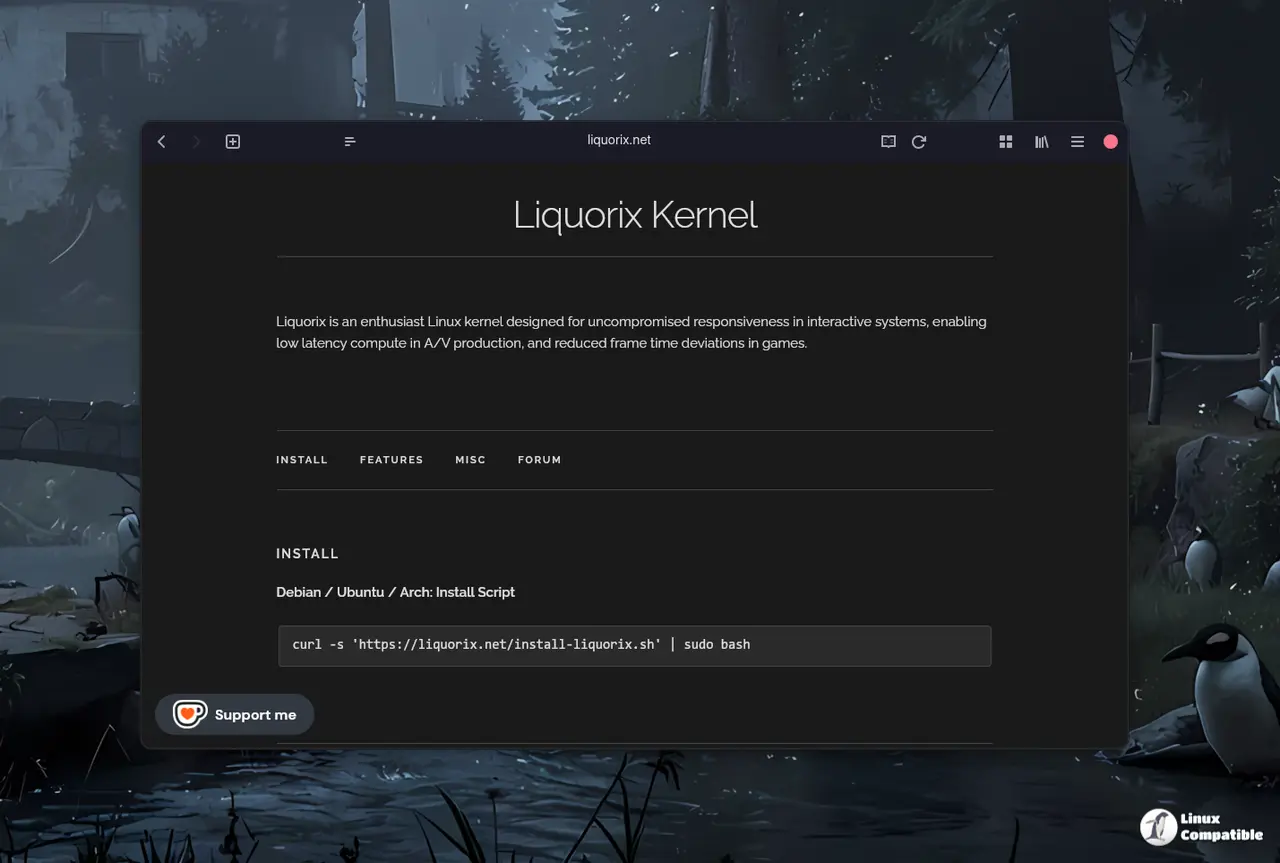
Grabbing the new kernel requires running a single curl command that fetches and executes an installation script from the official Liquorix servers. The process pulls precompiled binaries tailored for Debian stable, testing, unstable, or Ubuntu releases, then drops them directly into the package manager queue. Users should verify available disk space before executing the script since kernel packages consume several hundred megabytes each. Secure boot setups might need additional configuration steps to sign the new modules properly. The build acts as a distribution drop-in replacement with paravirtualization options enabled, so virtual machines and cloud instances benefit from reduced overhead without extra tweaking. Rolling back remains straightforward through standard package management tools if the new tuning causes instability on specific hardware.
curl -s 'https://liquorix.net/install-liquorix.sh' | sudo bash


