New Liquorix Kernel 6.19-9 Release Targets Low VRAM Systems and Gaming Responsiveness
The Liquorix Kernel 6.19-9 update arrives with specific improvements for systems struggling with video memory constraints and interactive lag. This release merges Linux Kernel 6.19.12 while introducing a dmemcg v6 patch set designed to help low VRAM setups run smoother. Users looking for reduced frame time deviations in games or better latency during media production will find the changes relevant.
Why the Liquorix Kernel 6.19-9 Update Matters for Interactive Workloads
The core philosophy behind this distribution kernel focuses on responsiveness at the cost of throughput and power usage. A common scenario involves a laptop running out of video memory during a game session, causing stutter that standard kernels handle poorly. This specific update addresses that by adjusting how background reclaim hugepages work to improve virtual memory subsystems. The change from yes to no for compact unevictable pages suggests a shift in how the system manages locked memory regions under pressure. It basically trades battery life for responsiveness, something many gamers accept as a fair deal since the goal is low latency compute rather than efficiency.
Installation and Configuration Considerations
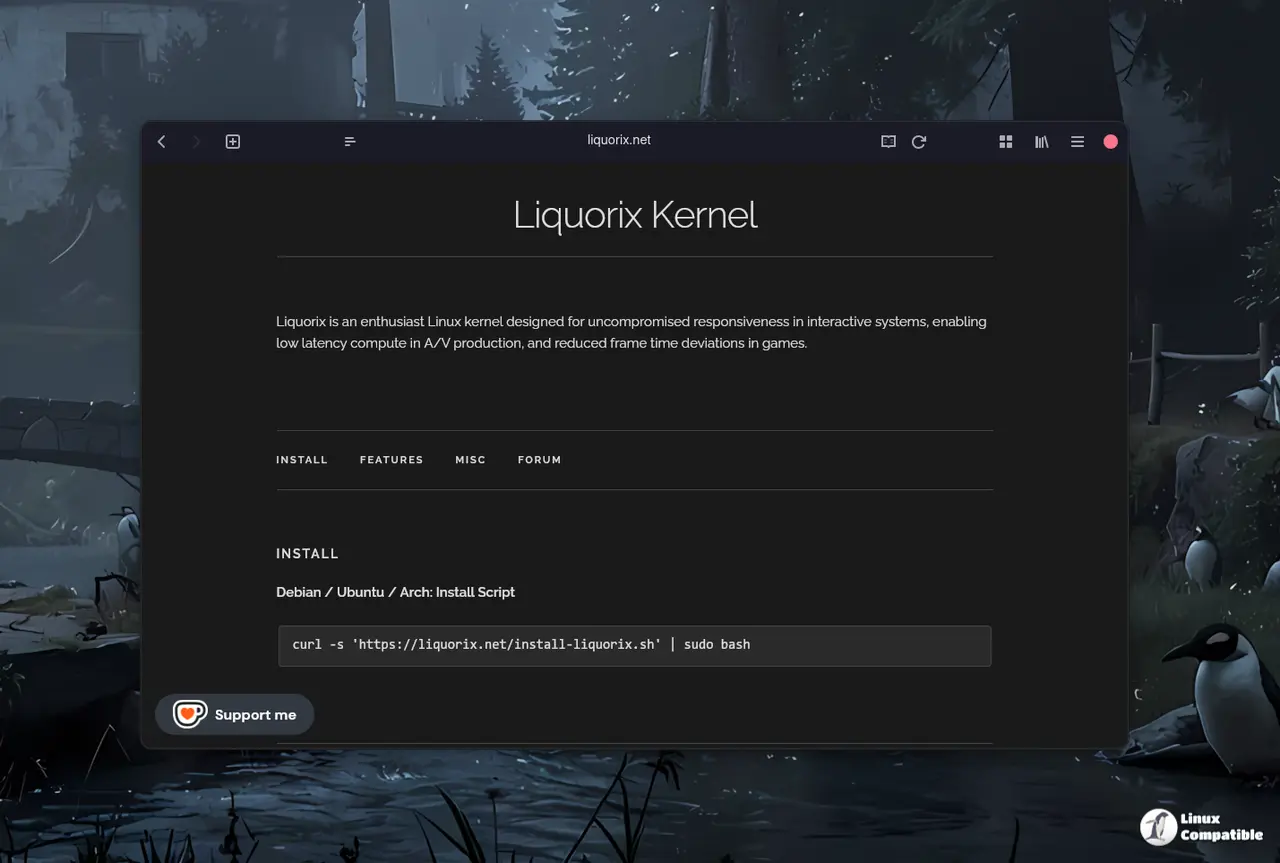
Getting the new kernel onto a system requires running a provided script that handles binary builds for Debian Stable, Testing, or Unstable releases. Ubuntu users can access the PPA on the same day as Debian uploads go live through the Liquorix repository. The command involves piping curl output to sudo bash which triggers an automated installation process. It is important to remember that switching kernels changes how the system handles tasks like TCP BBR2 congestion control and split lock detection. Some hardware might benefit from having split lock detection turned off entirely for performance reasons, though this reduces safety checks against certain bugs.
System administrators can update their systems by running the provided install script with root privileges using curl and sudo bash commands.
curl -s 'https://liquorix.net/install-liquorix.sh' | sudo bash
The command fetches configuration files from the public server and updates the local package sources automatically without requiring manual file editing in system directories. A reboot is necessary for the new kernel options to take effect across all system processes including drivers and background services that run at boot time. Users should expect slightly higher power consumption as a result of the aggressive tuning designed to minimize input lag during gaming or audio production tasks on battery power.
Performance Trade-offs to Expect After Updating
The scheduler changes reduce the timeslice from 4 ms to 2 ms so the system feels snappier even if it burns a bit more power. On-demand sampling factors change significantly with the default up threshold dropping to 55 percent compared to previous versions. This means the CPU will ramp up frequency faster when load spikes occur, reducing latency for interactive tasks. Power users should note that hard kernel preemption is enabled which guarantees responsiveness under high intensity mixed workload scenarios. Virtualization overhead can also be reduced through paravirtualization options if running inside a VM environment.


