Krita AI Diffusion 1.53.0 Adds Region-Aware Segmentation Control, EU AI Act Compliance, and int4 Quantization
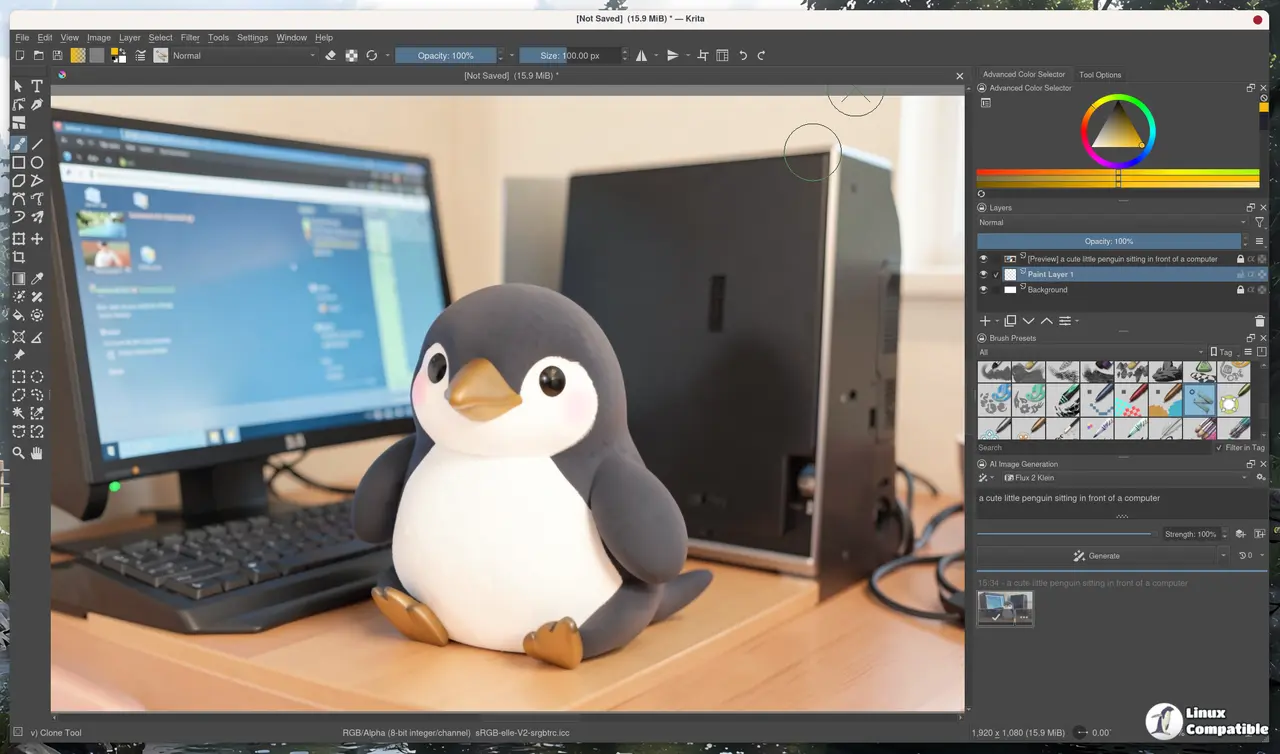
The long-awaited Krita AI Diffusion 1.53.0 release dropped today, and it brings one of the most practical generative AI workflow upgrades in years. The open-source ComfyUI wrapper now supports semantic segmentation control layers, handles heavily quantized models down to int4, and implements the first visible EU AI Act compliance measures for a community-driven creative tool.
If you've been following the ComfyUI wrapper space since late 2024, you know the pattern. Plugins that try to abstract too much tend to break the moment a new checkpoint drops. Acly's project keeps the abstraction thin enough that the actual generation pipeline stays yours to tweak. At 10,500 GitHub stars, it has quietly become the most stable way to run diffusion models inside a native painting application.
The Segmentation Control Layer
The headline feature is support for the Anima LLLite Regional Controlnet segmentation model. Community member @Sen-sou contributed the integration, and it changes how you talk to the model on a canvas. You switch a control layer into Segmentation mode, optionally generate a map straight from your existing Krita layers, and tell the AI exactly what belongs in each region.
Different parts of the image can now follow different text prompts at the same time. Instead of hoping the diffusion model figures out where your character ends and the background begins, you literally draw the boundaries first. It extends Krita's existing ControlNet ecosystem with a semantic signal, which is a meaningful step past scribbles and depth maps.
Backend Modernization and Quantization
Under the hood, the managed server is running PyTorch 2.13, CUDA 13, and the latest ComfyUI build. Those upgrades mostly matter for memory management and broader model compatibility, but the real story is the new quantization support. int8 and int4 models now run through the managed server, alongside the newer ConvRot architecture.
Head here to the official docs for the full quantization migration guide.
Artists staring down a 6 or 8 gigabyte GPU can finally run models like Flux without waiting three minutes per generation. The int4 option trades some fidelity for speed, which works fine for concepting and roughing out compositions. It's a meaningful democratization of high-end models.
What Got Cut
Not cheap to lose features you already depend on. Nunchaku support is gone, and insightface got stripped from the managed server install. If you were using those for face swap workflows or specific Flux variants, you'll need to redownload alternative checkpoints or run a custom ComfyUI setup. The project is clearly consolidating around broader quantization approaches rather than maintaining niche backends.
EU AI Act Compliance
Interstice.cloud, the official cloud generation service, is now tagging AI-generated images with metadata and embedding an invisible watermark for EU users. The release notes are quick to point out that this does not affect local use. If you run the plugin on your own hardware, you're entirely outside the compliance scope.
The EU AI Act rollout has been slow to show up in actual creative tools, making this one of the first visible examples of regulatory compliance in the open-source generative AI space. It's a necessary step for cloud availability, though it does set an interesting precedent for how free software handles regional regulations.
The Quiet Polish
Image history timestamps finally match your local timezone instead of sitting stubbornly in UTC. Prompt imports from PNG metadata now preserve multi-line formatting, which improves compatibility with community workflow sharing. Duplicate parameters in custom workflows will warn you instead of silently overwriting themselves. Two of the three contributors on this release are community members. That's how sustainable open-source software actually works.
The Verdict
It's a fairly balanced update for the ecosystem, though trading Nunchaku and face-swap for int4 quantization is a specific philosophical shift. The quantization support makes this arguably the most accessible release yet for artists on modest hardware. The EU watermarking is a necessary step for cloud availability, even if it forces a slightly heavier compliance footprint for European users. For local runners, it's all upside.
Head here to grab the zip directly from the GitHub release page. The plugin requires Krita 5.2 or newer and runs across Windows, Linux, and macOS with NVIDIA, AMD, Intel, or Apple Silicon GPUs. Installation drops straight through Tools => Scripts => Import Python Plugin from File, and the docker loads once Krita restarts.


