Krita AI Diffusion 1.52.1 rolls out to fix server connection bug
The latest patch addresses a stuck "Starting Server" loop that hit users upgrading from 1.52.0.
Krita AI Diffusion 1.52.1 is now live. The update drops right after 1.52.0, and its primary job is clearing up a connection bug that left the fixed plugin unable to handshake with the managed ComfyUI server after startup.
If you upgraded to 1.52.0 recently and found yourself staring at a perpetual "Starting Server" spinner, you weren't alone. The dev log quotes a user stuck in that exact loop: "After the manual upgrade to Version 1.52.0 I'm stuck at 'Starting Server'. GUI from the logs opens (The workflow is entirely empty though) so the server seemingly started." That's exactly what 1.52.1 cleans up. Next time you launch it, the backend should register without hanging.
The price of local AI art tools has been one of the biggest friction points since Stable Diffusion first dropped. Most solutions still ask for a Discord subscription or a monthly Firefly credit plan. Krita's ecosystem sidesteps that entirely, though it does trade financial cost for a learning curve that roughly matches setting up a complex game mod. You get the models, you keep the workflow, and nothing leaves your drive unless you point it at a cloud endpoint.
What You're Actually Getting
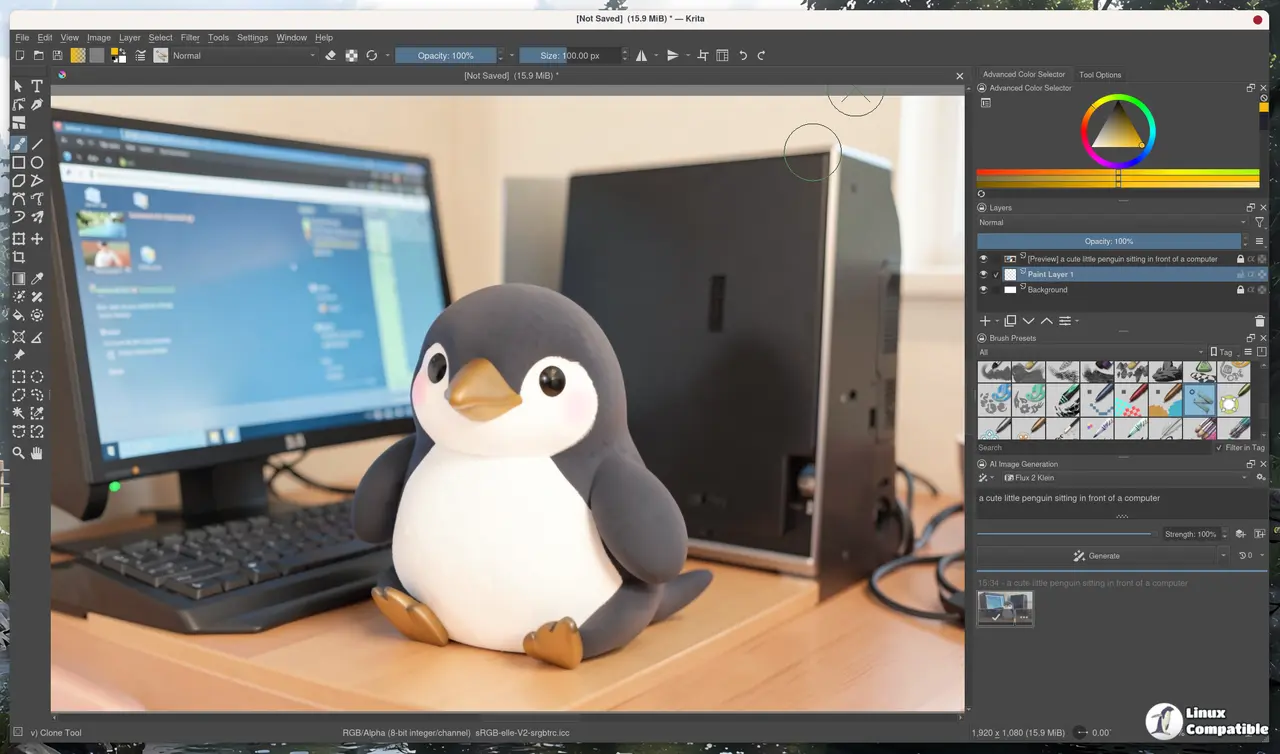
The architecture hasn't shifted, and that's intentional. Krita 5.2+ acts as the canvas. The Python-based AI Diffusion plugin routes your selections and prompts. ComfyUI runs the diffusion models locally. You can even split that pipeline across machines, running Krita on a thin client while a beefy GPU server handles the sampling.
Model support spans Stable Diffusion 1.5, SDXL, Flux 2 Klein, Z-Image, and Illustrious. Hardware-wise, you'll want at least 6GB of VRAM on an NVIDIA or AMD card for practical speeds. Apple Silicon works through MPS, though it trades raw speed for convenience. CPU-only setups technically boot, but generating anything usable will take a long time. Head here to check the full compatibility matrix if your card sits on the edge.
The plugin also supports ControlNet, IP-Adapter, live brush interpretation, and a background job queue. You can park generations while you keep painting, then pull the results back as fresh layers. It's a feature set that normally requires wrestling with node graphs or paying monthly subscriptions elsewhere.
It's a rather ambitious plugin for what it is, though the initial setup still demands a bit of patience. Driver conflicts, Windows Firewall blocks, and Python environment paths will eat up your first hour if you're not familiar with ComfyUI's internals. Not cheap. That's after 1.52.0 already pushed out Flux Klein 9B edit mode for outpainting, region prompt support for Anima models, and a corrected auto-update path.
Grab 1.52.1 from the official GitHub repository if you're stuck at the login screen. You'll find the plugin, documentation, and community Discord linked at kritaaidiffusion.com. The long wait for a stable local pipeline just got a little shorter.


