Goverlay 1.8.1 Update Fixes Missing Icons and Adds a Clear Configuration Button
The latest Goverlay 1.8.1 release finally patches some of the visual glitches that have been nagging users since the last major drop. This update focuses on cleaning up the interface, stabilizing performance overlays, and giving you better control over system settings without needing to dig through hidden directories. Here is what actually changed and why it matters for your daily gaming setup.
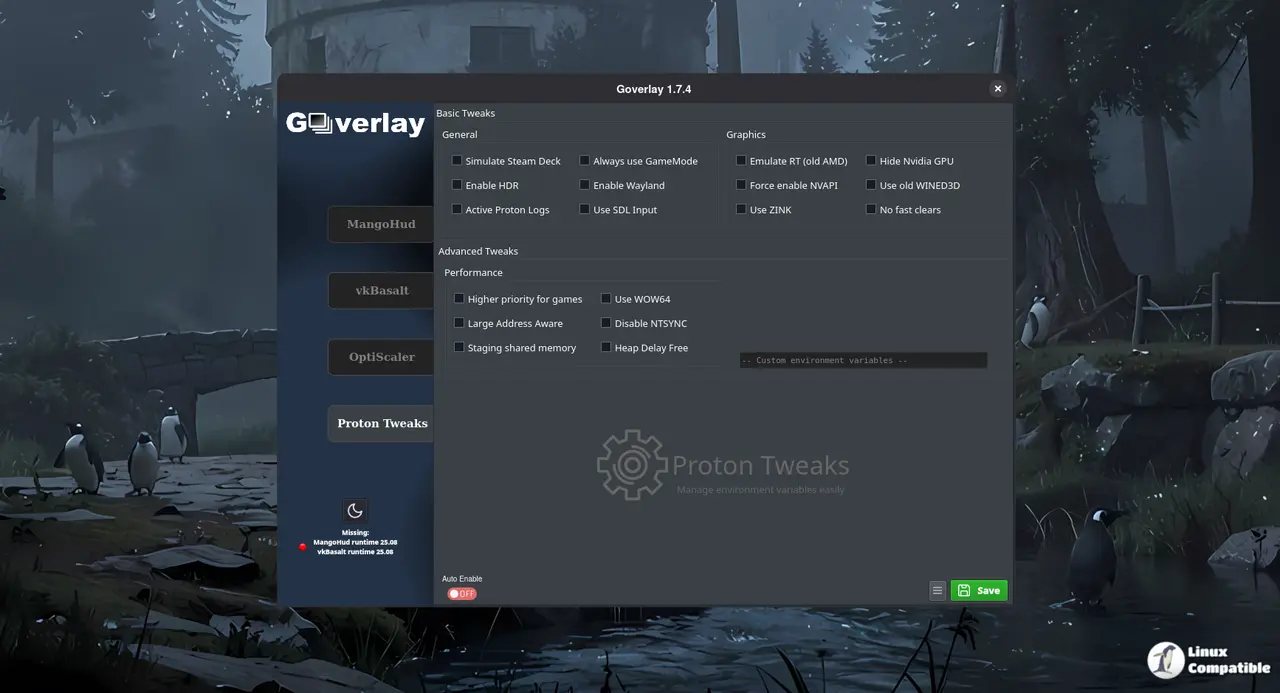
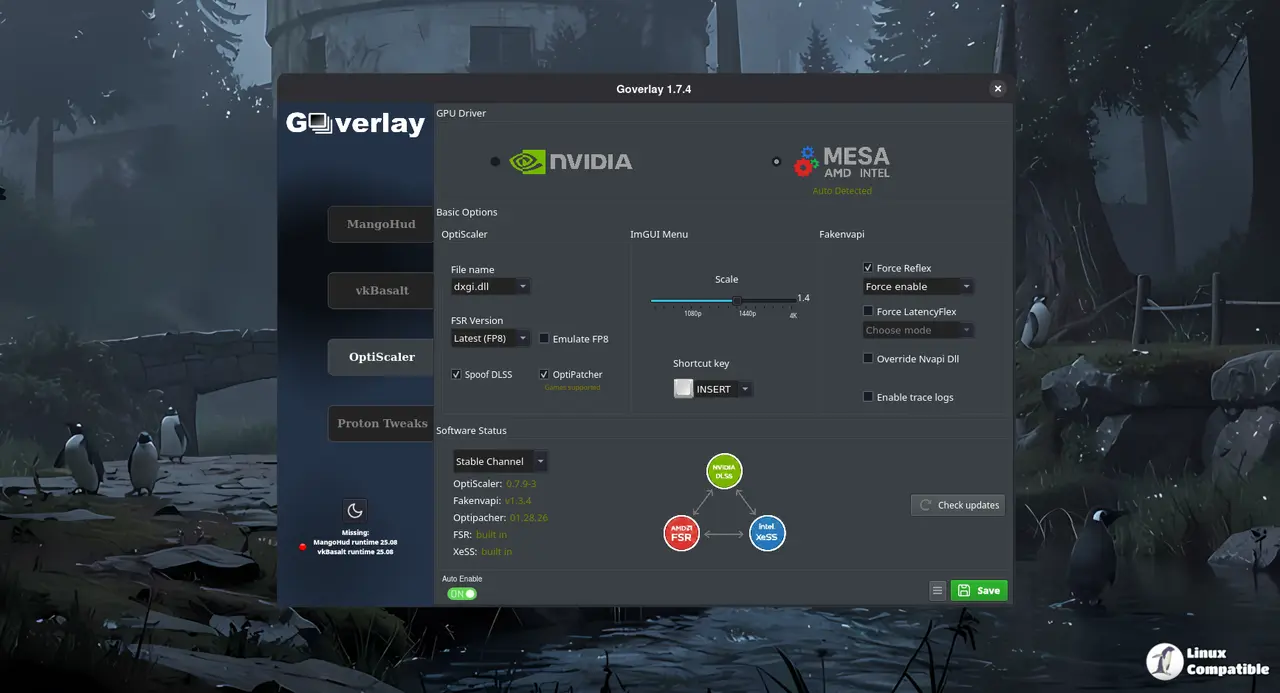
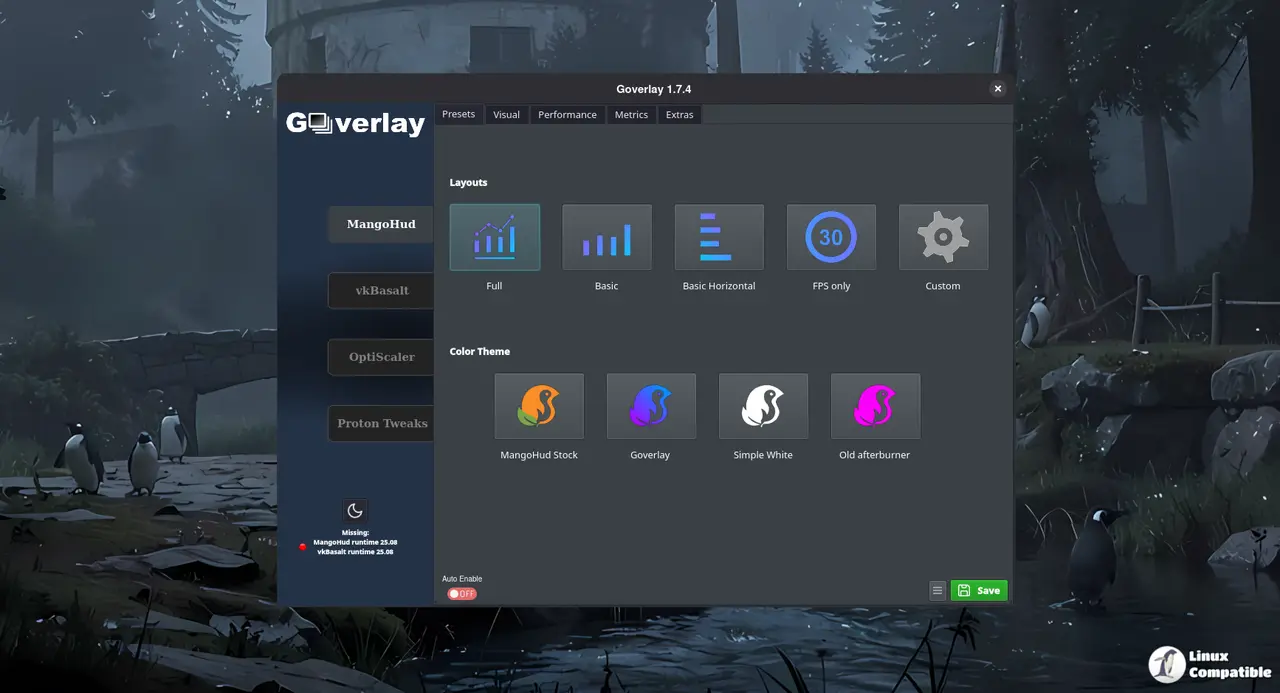
Goverlay 1.8.1 Interface Tweaks That Actually Matter
The left menu and status page finally show their proper icons instead of blank placeholders or broken image links. This usually happens when asset paths get misaligned during a theme migration, but the fix keeps the overlay looking clean without forcing users to manually edit resource folders or run custom scripts. The game card badge anchoring also got corrected, which means those little performance tags will stay locked in place even when window sizes change or multiple monitors are involved. Badges that drift off screen have been a common complaint for months, so this adjustment saves time during actual gameplay sessions.
vkBasalt and OptiScaler Improvements
Moving vkBasalt to Material Design 3 gives the post-processing layer a more consistent look across different desktop environments. More importantly, the OptiScaler fix resolves a persistent issue where the dlssversion setting would reset every time the overlay restarted. This matters because forcing specific DLSS versions through global fgmod has been a common workaround for games that mishandle upscaling, and losing that preference mid-session breaks the whole setup. Users who rely on version pinning to avoid stutter or texture popping will notice an immediate difference in stability.
Clear Configuration Button and Maintenance Updates
A clear configuration button now sits directly in the System card on the home screen. This saves time when troubleshooting crashes or weird overlay behavior, since users can reset settings without hunting through hidden directories or running terminal commands. The Flatpak manifest received routine maintenance, and the unused kdeblur.pas file got removed to keep the package lean. AppImage and Flatpak builds will drop later today, so patience is required if you prefer sandboxed installations over manual scripts.
Release Goverlay 1.8.1
The Modernization Update - Fix
Grab the update when it hits your preferred format, test the overlay with a couple of demanding titles, and report any lingering quirks back to the developers. The tool keeps getting more stable with each patch, which means fewer headaches during actual gameplay sessions.


