Gear Lever 4.5.5 Lands: The AppImage Manager
Gear Lever 4.5.5 has arrived, and it's quietly becoming the standard way to keep AppImages from gathering dust in your Downloads folder. The open-source manager for Linux has grown from a personal side project into one of the most widely adopted tools in the Linux packaging ecosystem, proving there's a massive appetite for actually managing portable binaries instead of just dropping them and forgetting them.
AppImages were built to be the ultimate compromise for Linux packaging. Self-contained. Run anywhere. No root required. In practice, they're a logistical nightmare. A freshly downloaded AppImage refuses to show up in your application launcher. Updating it means hunting down a new file, trashing the old one, and hoping you remember which version you actually need.
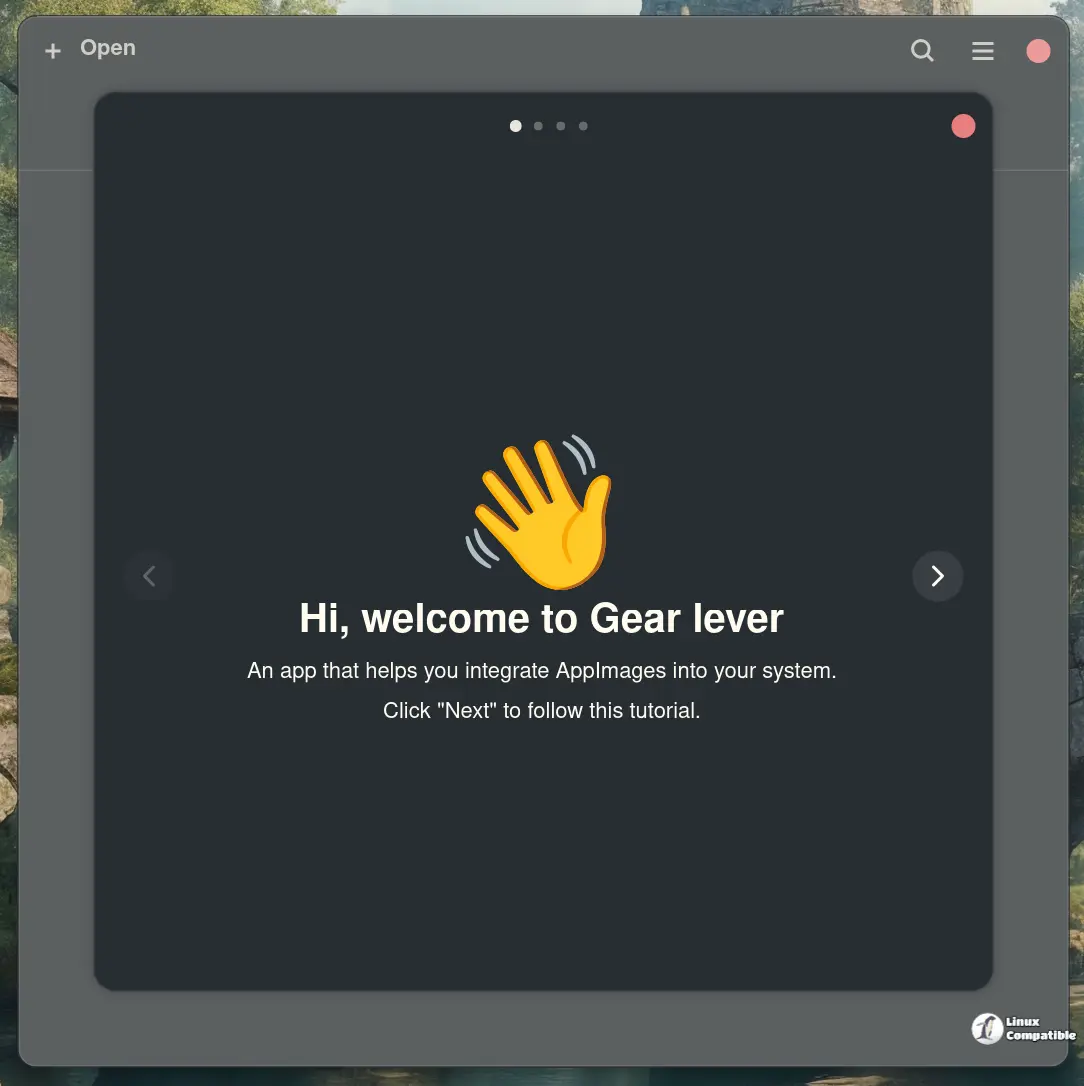
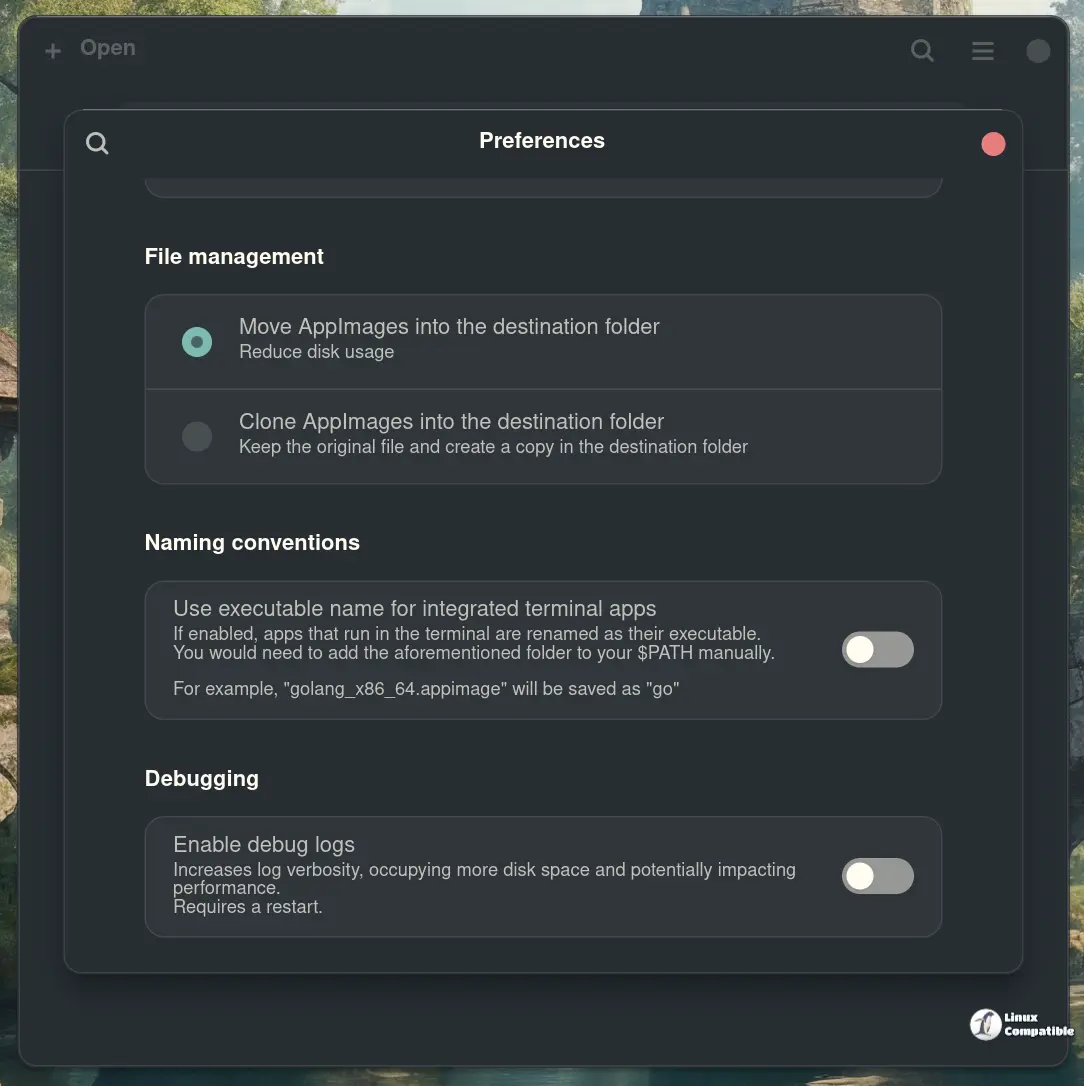
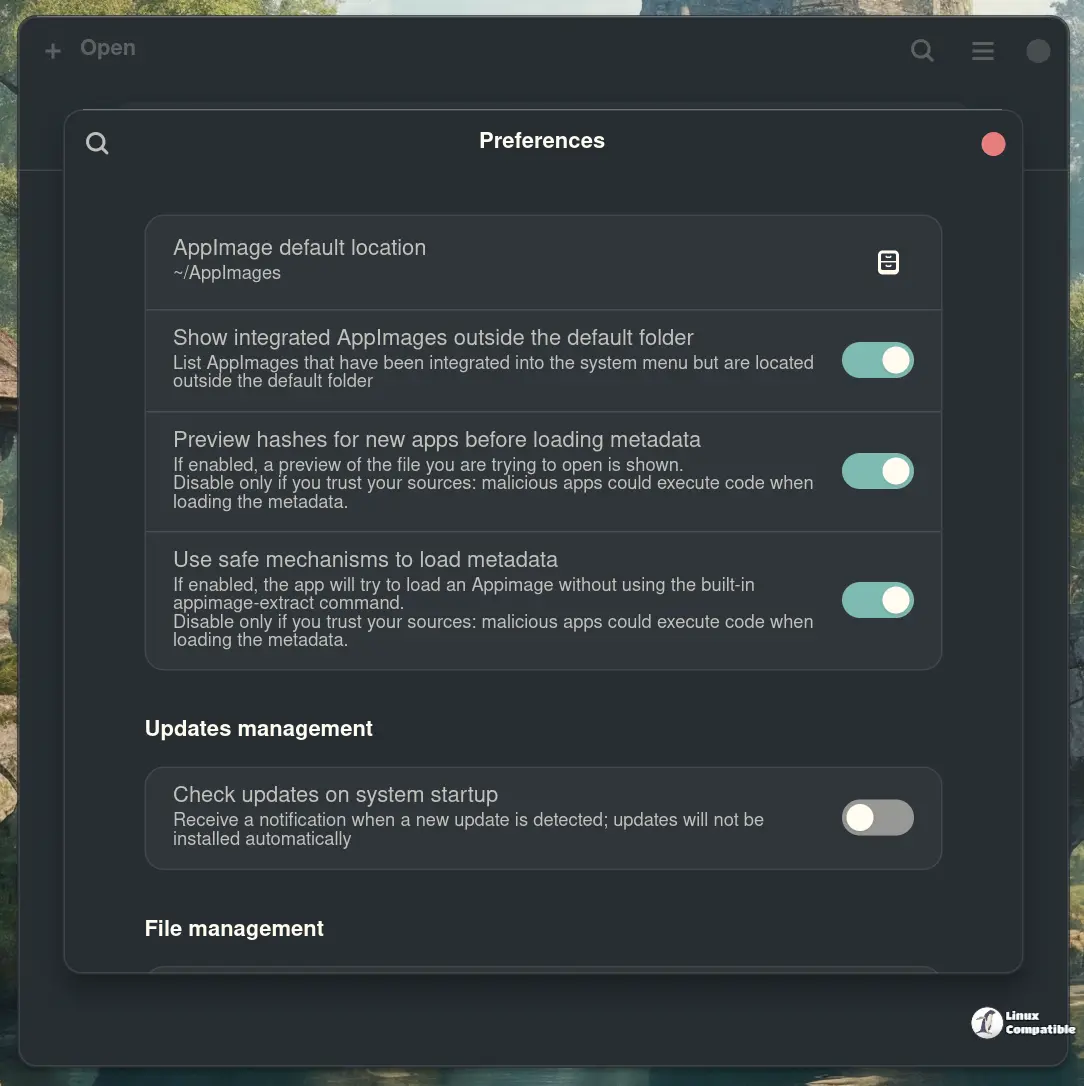
What It Does
Gear Lever turns that friction into a one-click workflow. Drag an AppImage into the window or launch it manually. The tool generates a proper .desktop file, installs an icon, and drops it into your menu system. Next time you search for it, it looks like any other native install.
Updates work the same way. Gear Lever tracks where each AppImage came from. GitHub releases, GitLab pipelines, Gitea, Forgejo, or a raw HTTP directory listing all get normalized into a single update feed. When a new version surfaces, you get a desktop notification. You can keep the old binary around for a quick rollback or replace it outright. The choice stays yours.
The whole thing runs on Python and GTK with Adwaita theming, packaged as a Flatpak using GNOME SDK 50. Paderi built it on top of uruntime, which means no FUSE required. That matters if you're already juggling AM, soar, or some other AppImage tool that refuses to coexist peacefully with Flatpak sandboxes. A built-in CLI handles batch installs, update checks, and source configuration if you'd rather skip the mouse.
Where to Get It
Head here to install it directly from Flathub:
Install Gear Lever on Linux | Flathub
Manage AppImages
or run:
flatpak install flathub it.mijorus.gearlever
At 4.5.5, the experience is polished and the update pipeline actually works. Keep an eye on GitHub if you rely on it for your daily driver.


