How to Upgrade to Fedora Linux 44 Without Breaking Your Setup
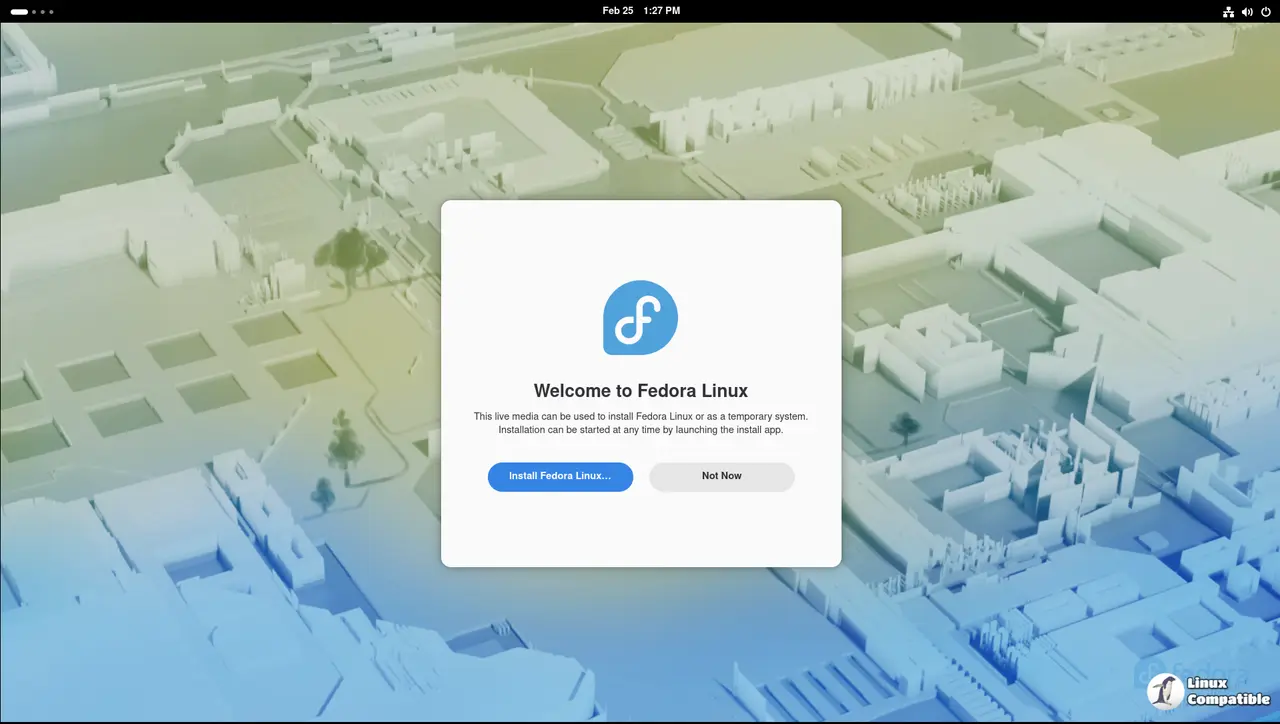
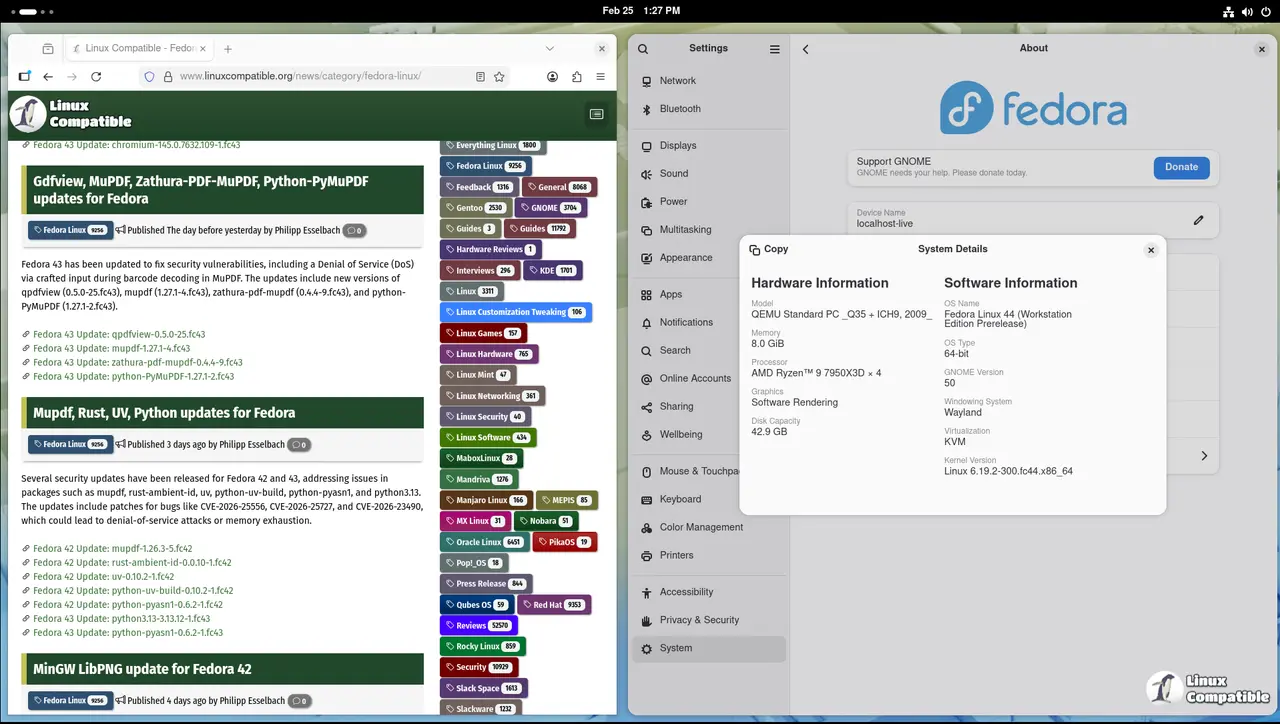
Fedora Linux 44 just hit the streets, bringing GNOME 50, KDE Plasma 6.6, and a handful of backend tweaks that actually matter for daily use. The official release notes read like a laundry list of package bumps, but only a few changes will touch your actual workflow. Good news if you grabbed the release candidate last week. This final build is identical to RC 1.7, so anyone who already downloaded that image can skip grabbing today's release entirely and jump straight into upgrading or installing. Here is what matters when you decide to move forward.
Anaconda Network Profiles Actually Make Sense Now
Fedora finally fixed how the installer handles network connections during setup. Previous versions would slap default profiles on every detected interface, which meant extra cleanup after installation if you run multiple networks or use a laptop that jumps between Wi-Fi and Ethernet. The new approach only creates profiles for devices you explicitly configure through boot parameters, kickstart files, or the graphical UI. This cuts down on post-installation network clutter and stops systemd-networkd from fighting with your router over DHCP leases. If you have ever spent twenty minutes untangling a broken NetworkManager setup after a fresh install because a second ethernet port grabbed an IP address it should not have touched, this change saves time.
Desktop Environments Get Polished Without the Bloat
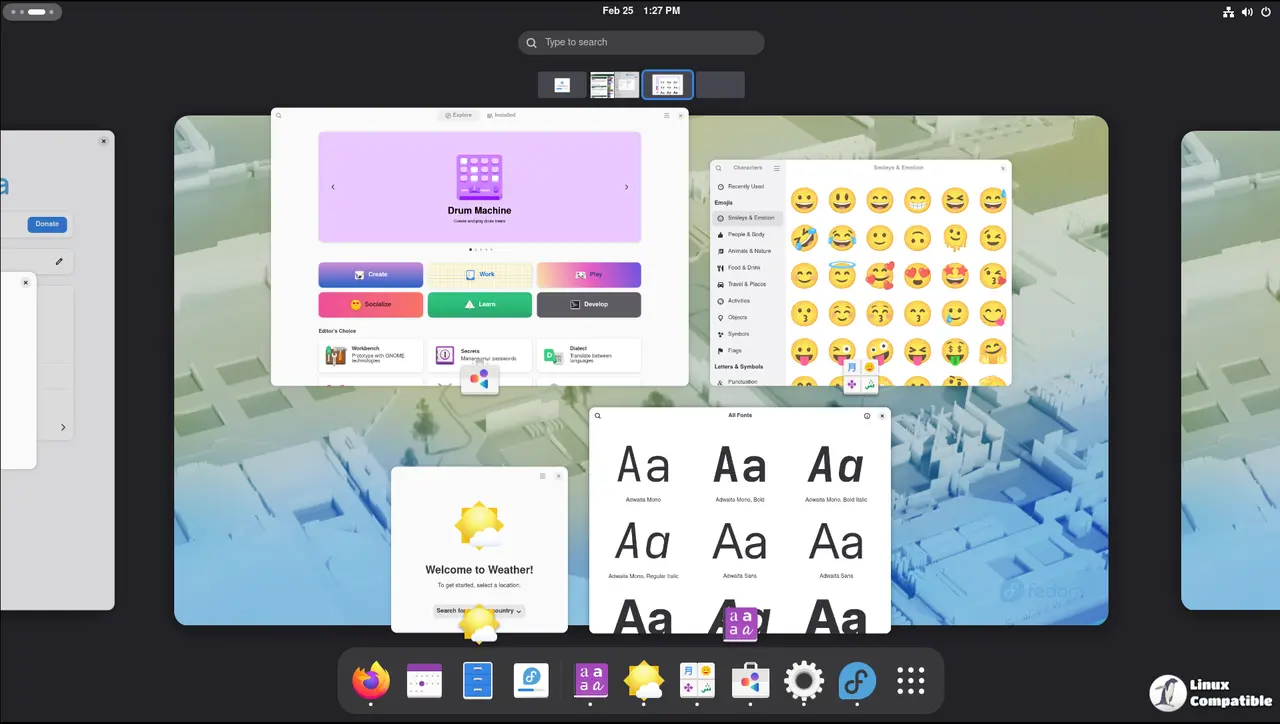
Workstation ships with GNOME 50, which brings refinements to accessibility, color management, and remote desktop functionality. The default apps like Document Viewer and Files got minor speed bumps that make everyday tasks feel snappier without adding unnecessary background services. KDE Plasma users get version 6.6 with a revamped login manager and setup wizard that actually guides you through first-boot configuration instead of dumping you into a blank desktop. Both environments stick to the upstream releases, which means you get features faster but also inherit whatever bugs come with bleeding-edge software. Fedora still handles the heavy lifting by patching critical issues before they hit stable repositories, so you do not have to manually backport fixes like you would on some other rolling distributions.
Fedora Linux 44 Backend Tweaks That Actually Improve Performance
The plumbing changes in this release target real pain points rather than chasing vanity metrics. OpenSSL now uses directory-hash support for ca-certificates, which cuts loading times and moves certificate bundles to a more logical filesystem layout. MariaDB defaults to version 11.8 while keeping the older 10.11 packages available for systems that need backward compatibility. Upgrading users will not notice any disruption since the unversioned package just points to the newer release. Wine and Steam now pull in the NTSYNC kernel module automatically through package recommendations, which fixes timing issues that used to break Windows games on Linux. Cloud images also switch the boot partition to a Btrfs subvolume, shrinking disk footprints and making space allocation more predictable for container workloads.
Upgrade Paths That Do Not Require Reinstalling
Moving from Fedora 43 or earlier to version 44 follows the standard dnf system upgrade workflow. The process takes longer than a routine update because it rebuilds package caches and handles dependency resolution across thousands of changed files. Running sudo dnf upgrade --refresh before starting guarantees that all current packages are synchronized with the repository metadata, which prevents partial upgrades from leaving your system in an inconsistent state. After that, the system will prompt for confirmation before replacing core libraries or switching desktop environments. Users should back up configuration files in home directories since some settings get reset when major version jumps occur. The upgrade usually finishes without requiring a full reinstall unless third-party repositories conflict with the new package versions. Grab a coffee while it runs, check your custom scripts after reboot, and enjoy the faster boot times. Let me know which desktop environment you stick with once the dust settles.


