Fedora Asahi Remix 44 Finally Brings Fedora Linux 44 to Apple Silicon Macs
Fedora Asahi Remix 44 just landed, bringing the full Fedora Linux 44 experience to Apple Silicon hardware. This release swaps out custom Mesa and virglrenderer builds for upstream versions, updates the desktop environments, and changes how new installations handle setup. Anyone running an older M-series Mac or planning a fresh install should know exactly what shifts under the hood before flashing anything.
Fedora Asahi Remix 44 Mesa and virglrenderer Switch Actually Helps
The project retired its vendored Mesa and virglrenderer packages in favor of what upstream Fedora ships. Graphics drivers and virtualization rendering now pull directly from the main repositories instead of a separate fork. Custom forks tend to fracture when kernel updates roll out, which is why switching to upstream packages keeps Wayland sessions stable across system bumps. Existing setups will transition automatically during the next package sync, saving users from manually hunting down deprecated packages or dealing with conflicting library versions that break hardware acceleration.
Desktop environment changes that matter for daily use
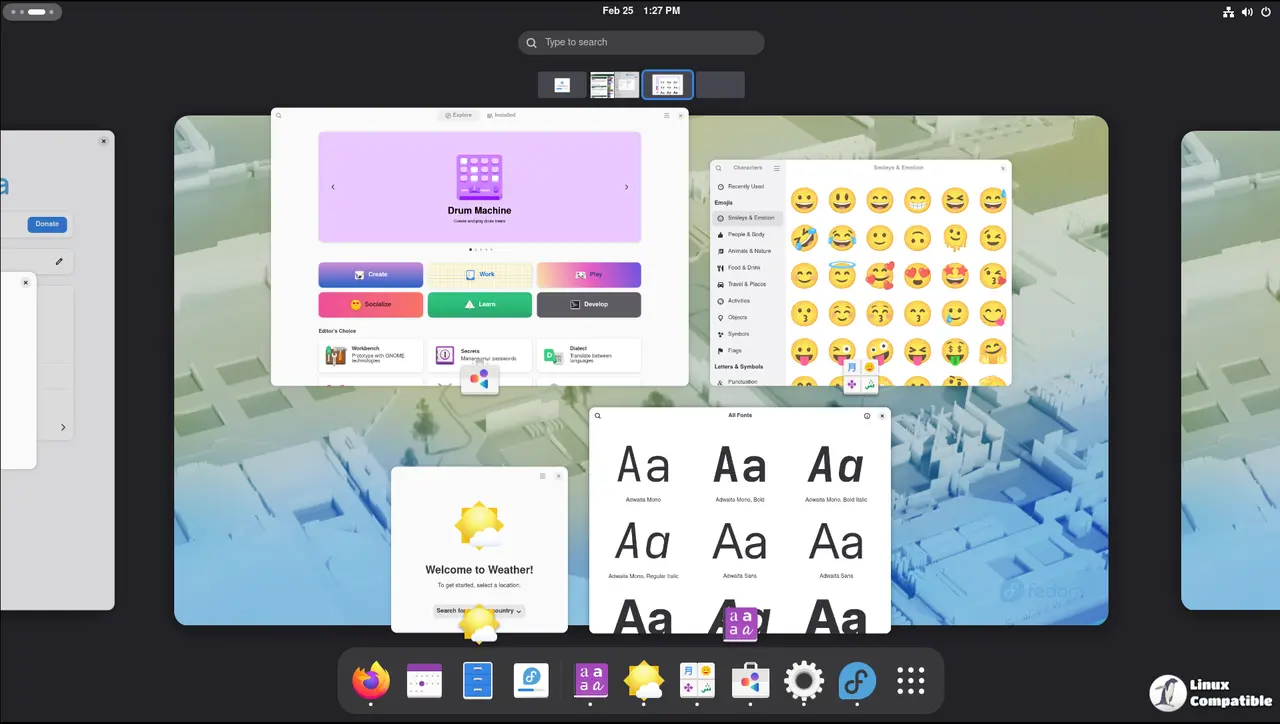
KDE Plasma 6.6 remains the flagship desktop, but the installation wizard now uses a Plasma-native setup tool instead of Calamares. New installations will also default to the Plasma Login Manager rather than SDDM for greeter and session management. The GNOME variant ships with GNOME 50 and tracks the main Fedora release exactly. Both desktops match what upstream Fedora offers, so users are not getting a watered down or heavily patched experience. A Minimal image is still available for those who prefer to build their own setup from scratch without extra packages cluttering the base system.
How to actually upgrade without breaking things
Upgrading from Fedora Asahi Remix 42 or 43 follows the standard Fedora process, but GNOME Software is completely useless for this specific upgrade path and should be ignored. Users need to use KDE Discover or run the DNF System Upgrade command through a terminal. The reason is straightforward. Package management tools sometimes skip dependencies when handling major desktop environment shifts, and relying on a GUI updater during a cross-version jump often leaves broken symlinks or missing libraries behind. Running the upgrade from a TTY or using the terminal ensures all repository metadata refreshes cleanly before packages swap out.
Where to report problems if something goes sideways
The project maintains a dedicated issue tracker for Remix specific bugs, and the community hangs out in their Discourse forum and Matrix room for support. If trackpad gestures stop responding or audio routing acts up after an update, those channels provide actual answers instead of generic troubleshooting scripts. Keeping an eye on release notes before flashing anything remains essential since Apple Silicon hardware still requires careful attention to firmware versions and kernel parameters.
Grab the installer if a spare M-series Mac has been sitting idle waiting for a proper Linux install, and test it in a VM or on actual hardware first. Feedback from real world testing always helps keep the project moving forward.


